How to Convert OST Files to PST Step-by-Step Visual Walkthrough
Prior to You Start with Windows Utils OST to PST Converter
Before You Begin with WindowsUtils OST to PST Converter
Review these essential prerequisites to ensure high-speed, 100% uninterrupted processing on your Windows system.
Verify your Windows system meets
Verify your Windows system meets the minimum operating system requirements
Ensure you have sufficient free
Ensure you have sufficient free disk space on your target destination drive
Run the utility with Administrator
Run the utility with Administrator permissions for uninterrupted processing
Keep source files backed up
Keep source files backed up or closed in third-party applications before processing
How to Use WindowsUtils OST to PST Converter
Follow this step-by-step developer tutorial to execute your conversion, processing, or repair workflows locally on your Windows machine with zero cloud dependency.
Follow These Steps
From binary setup to batch processing and final output verification, here is how to use WindowsUtils OST to PST Converter.
Using Windows Utils OST to PST Converter
Follow the below walkthrough for a quick start and get the most out of our Windows tools. It is easy, straight forward, and for everyone.
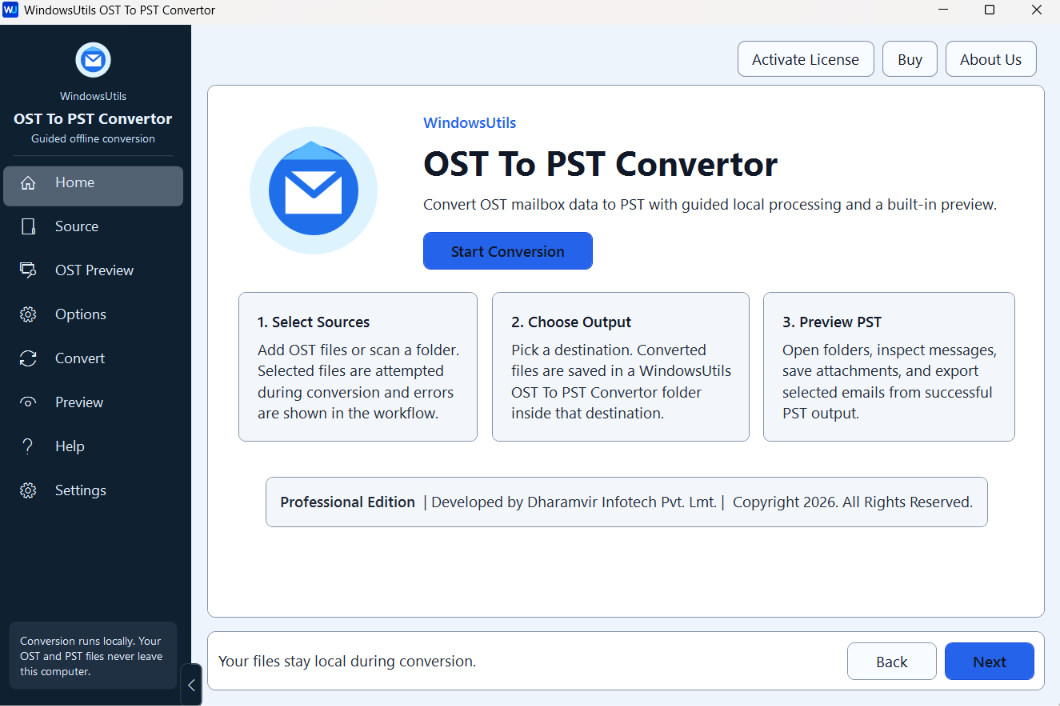
Configure Processing Parameters & Filters
Choose conversion options, naming conventions, target destinations, and custom filtering criteria. Tip:Preview your items in the grid to verify integrity before processing.
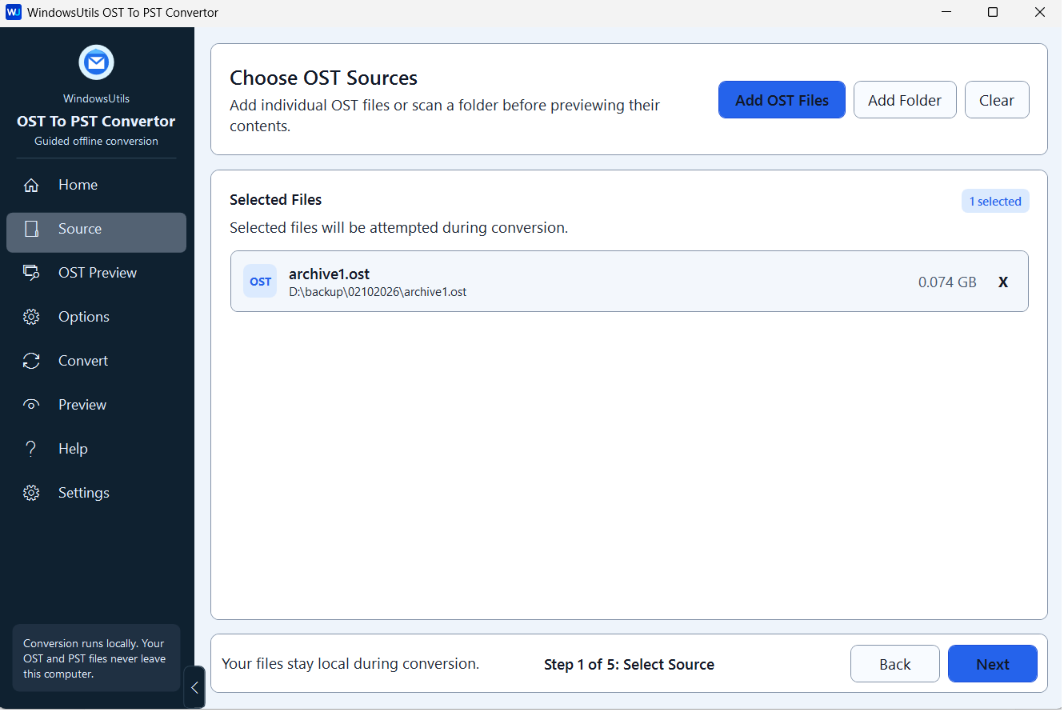
Process & Save Output
Start processing your items at high speed with 100% accuracy and maintain complete folder structure preservation with one-click. Click to start processing at once.
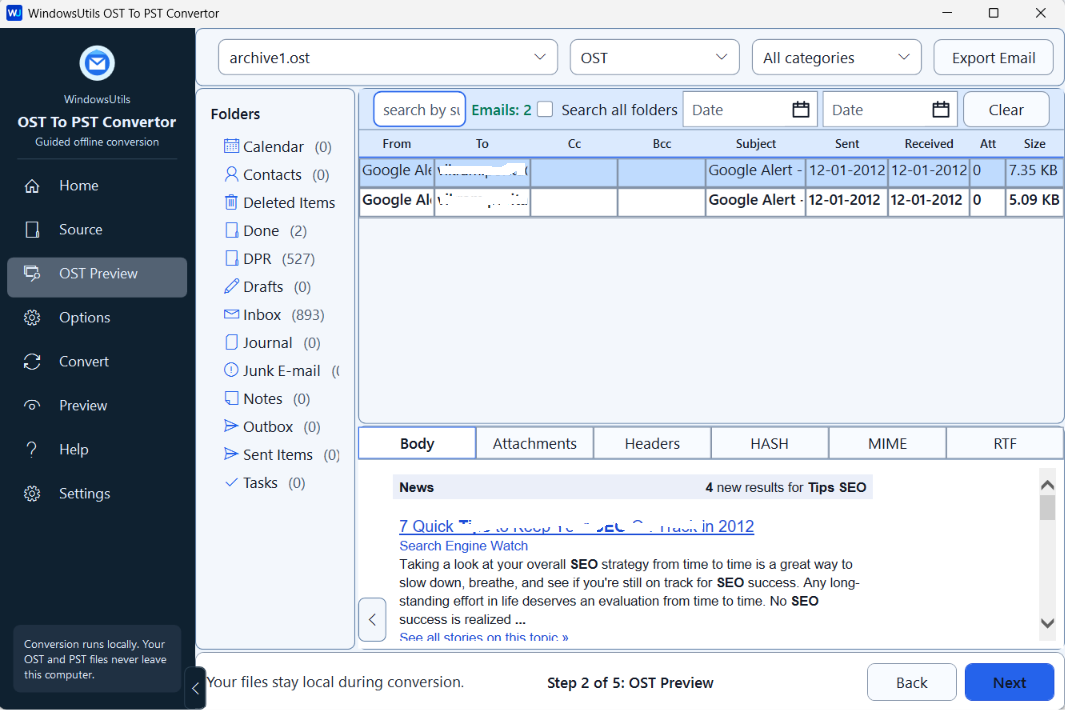
Why Professionals Choose WindowsUtils OST to PST Converter
Designed for system administrators, IT consultants, forensics investigators, and corporate teams demanding bit-for-bit precision and uncompromising security.
How-It-Works FAQs
Direct, technical answers covering step-by-step procedures, trial capabilities, and security protocols for WindowsUtils OST to PST Converter.
OST to PST Converter and pick the OST file you want to convert. Select the conversion options, and click on Convert. The PST file will be saved to the specified location.
Need Help with a Complex Pipeline?
Our Windows systems and email migration engineers are available 24/7/365 for custom advice.
Start Using OST to PST Converter Today
Download the free trial edition and experience fast, offline processing on your Windows workstation.