PDF Tools
Unlock, Merge, Split, Compress & Convert PDF Files
WindowsUtils PDF Tools Suite is an all-in-one toolkit for managing PDF documents. Unlock restricted PDFs, merge multiple files, split large documents, compress file size, and convert to various formats.
370 downloads recorded
Digitally Signed
100% Virus-Free
High Speed Processing
Windows 11 & 10 Certified
About PDF Tools for Windows
Security Architecture
100% Offline Local
OS Compatibility
Windows 11, 10, 8.1, 8, 7 (32-bit & 64-bit)
Data Integrity
100% Lossless
Supported Formats
Related Search Topics & Capabilities:
Engineered For Speed. Built For 100% Accuracy.
Discover why IT specialists and individual users trust PDF Tools for high-speed, secure, and lossless processing on Windows.
PDF Unlock
Remove owner password restrictions — print, copy, and edit locked PDFs.
Merge PDFs
Combine multiple PDF files into a single document with page reordering.
Split PDF
Split large PDFs by page range, bookmarks, or fixed page count.
PDF Compression
Reduce PDF file size without compromising visible quality.
PDF to Word/Excel
Convert PDF documents to editable Word, Excel, PowerPoint, and image formats.
Watermark & Security
Add text or image watermarks and set password protection on PDFs.
100% Air-Gapped Privacy
Zero cloud telemetry or data transmission. All operations execute directly on your physical hardware.
Certified Lossless Quality
Bit-for-bit accuracy preserving inline attachments, message formatting, headers, and metadata.
Standalone Speed Engine
Independent native executable. No Outlook, Exchange, or Office runtime installation required.
See PDF Tools in Action
Click any preview thumbnail to inspect the full interface and options.
How It Works: Step-by-Step
Effortless processing in just a few clicks. Runs completely offline on your Windows system.
Choose Action
Select the PDF operation you need — unlock, merge, split, convert, etc.
How to Work PDF Toolbox Software
Follow full photographic walkthroughs showing drive selection, deep sector scanning (11,000+ MB/s), 2 MB free preview limit, and lossless verified file restoration.
Side-by-Side Comparison
Compare PDF Tools against manual workarounds and alternative software. Discover why WindowsUtils delivers higher accuracy, zero cloud dependencies, and lifetime cost savings.
Watch PDF Tools Demo
See how PDF Tools processes files quickly and safely in under two minutes.
System Requirements
- Windows 11, 10, 8.1, 8, 7 (32-bit & 64-bit)
- 1 GHz processor or faster
- 512 MB RAM (1 GB recommended)
- 100 MB free disk space for installation
- Microsoft .NET Framework 4.5 or above
Supported Formats
Frequently Asked Questions
Trusted by Professionals Worldwide
"Saved us countless hours on a major migration project. The batch mode just works — exactly what we needed."
Sarah Mitchell
IT Administrator
"Reliable, fast, and the support team responds quickly. Worth every dollar for our firm's daily workflow."
David Chen
Legal Consultant
"Easy to install and very intuitive. I had everything converted in under an hour with zero data loss."
Priya Sharma
Small Business Owner
"Best tool I've used in this category. The interface is clean and there are no annoying upsells."
Marcus Johnson
Freelance Developer
Related Guides & Tutorials
Comprehensive step-by-step documentation, migration troubleshooting, and expert recovery tips.
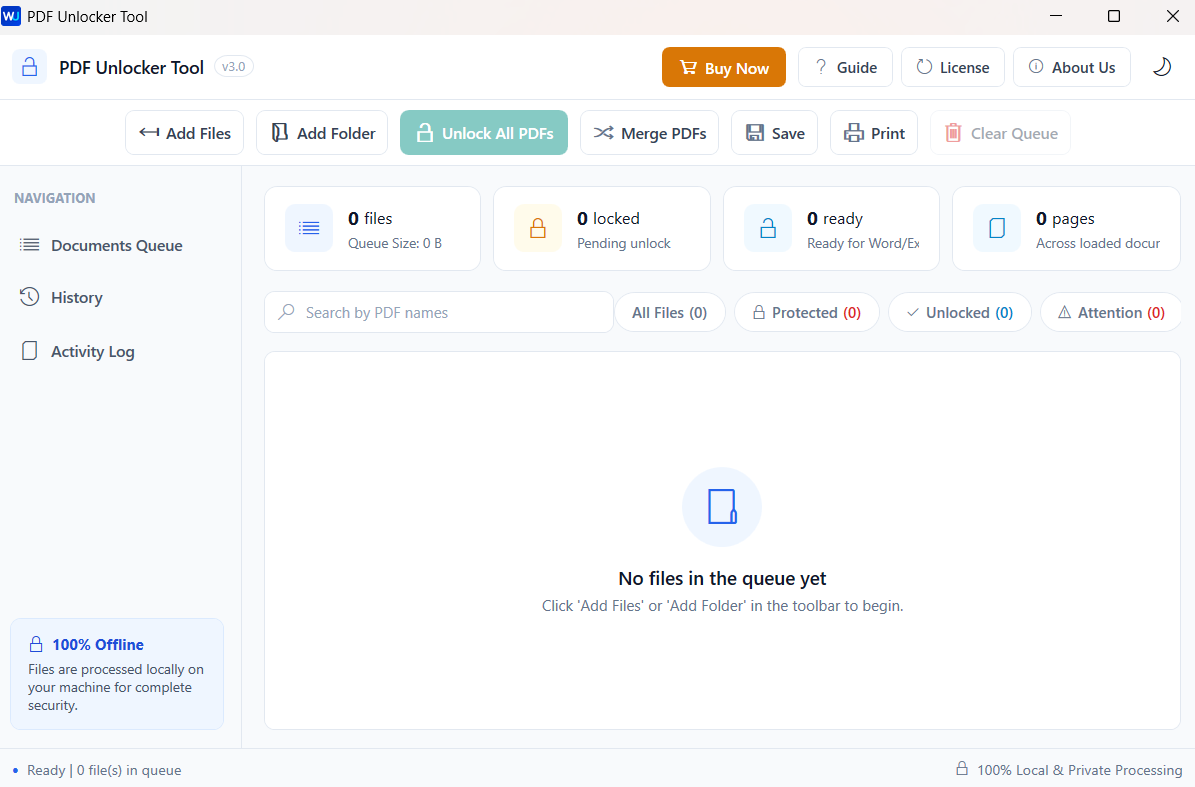
How to Work PDF Toolbox Software
Complete step-by-step visual tutorial detailing file locations, scanning procedures, and Outlook mounting instructions.
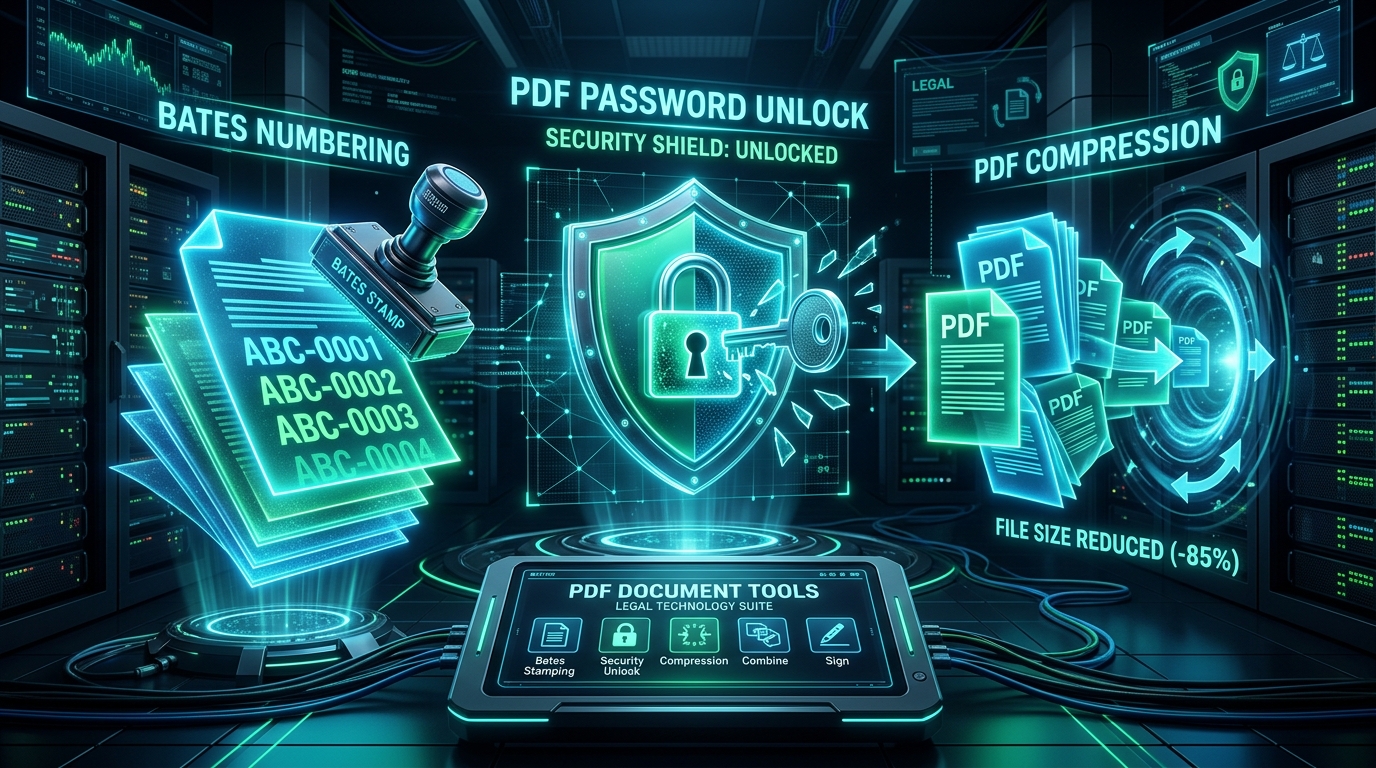
Optimizing Heavy PDF Files: Downsampling, Stream Compression & Font Subsetting Explained
Shrink multi-hundred-megabyte PDF portfolios for email and web upload. Understand image downsampling, Flate compression, and font subsetting without sacrificing readability.
Offline PDF Manipulation: Merging Complex Bundles and Extracting Page Ranges on Windows
Combine multiple reports, contracts, and scans into a single PDF, or extract individual pages with zero risk of cloud data leakage on Windows 11 and 10.
Ready to Get Started with PDF Tools?
Download the free trial now and experience professional-grade performance on your Windows PC.