MBOX Viewer Pro
The fastest way to safely open, view, and extract MBOX emails without an email client.
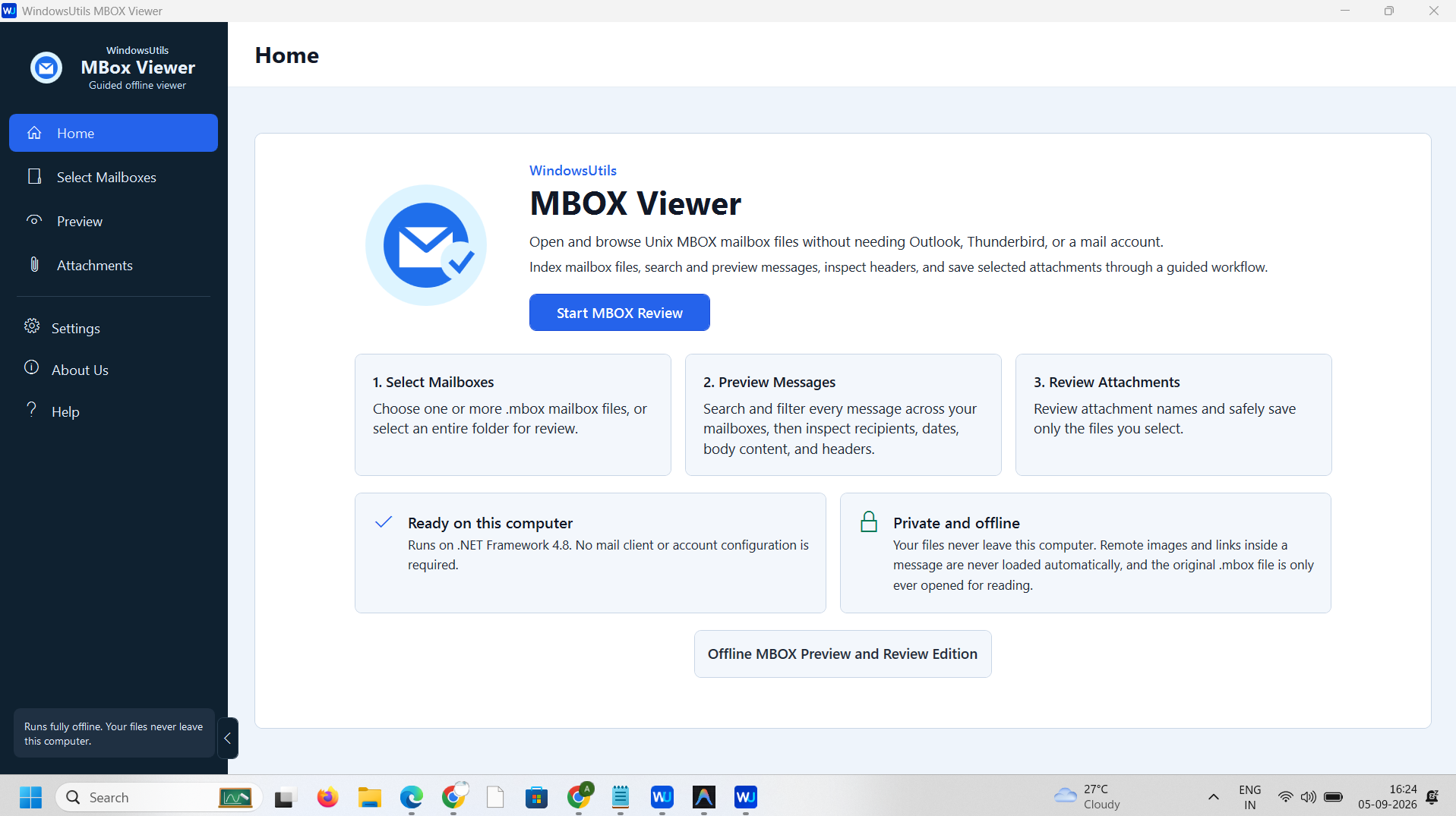
Stuck with an MBOX file from Thunderbird, Apple Mail, or Google Takeout? The WindowsUtils Free MBOX Viewer lets you instantly open, read, and explore your mail archives without needing any email client. Easily browse your complete folder structure, read formatted emails, and safely extract attachments entirely offline on your local computer.
70 downloads recorded
Digitally Signed
100% Virus-Free
High Speed Processing
Windows 11 & 10 Certified
About MBOX Viewer Pro for Windows
Security Architecture
100% Offline Local
OS Compatibility
Windows 11, 10, 8.1, 8, 7 (32-bit & 64-bit)
Data Integrity
100% Lossless
Supported Formats
MBOX, MBX, EML, PDF, HTML, RTF, TXT
Related Search Topics & Capabilities:
Engineered For Speed. Built For 100% Accuracy.
Discover why IT specialists and individual users trust MBOX Viewer Pro for high-speed, secure, and lossless processing on Windows.
Guided Offline Workflow
Launch a completely independent desktop application that runs safely on your local machine without needing any active internet connection, external mail accounts, or client configurations.
Flexible Mailbox Selection
Quickly browse and select individual Unix MBOX files, or choose entire directory folders at once. The tool handles heavy mail archives smoothly through a simple drag-and-drop interface.
Advanced Message Indexing
Index large mailboxes instantly to search through thousands of messages. Filter communications effortlessly using custom date ranges, specific sender details, recipient info, or precise keyword searches.
Comprehensive Email Preview
Read complete email body contents, check HTML formatting, and inspect detailed message headers. Switch seamlessly between views to analyze underlying technical metadata and routing paths accurately.
Secure Attachment Extraction
Detect all embedded file attachments instantly across your entire mailbox. Select specific files from the dedicated dashboard and save them securely to your local drive in original formats.
100% Air-Gapped Privacy
Zero cloud telemetry or data transmission. All operations execute directly on your physical hardware.
Certified Lossless Quality
Bit-for-bit accuracy preserving inline attachments, message formatting, headers, and metadata.
Standalone Speed Engine
Independent native executable. No Outlook, Exchange, or Office runtime installation required.
See MBOX Viewer Pro in Action
Click any preview thumbnail to inspect the full interface and options.
How It Works: Step-by-Step
Effortless processing in just a few clicks. Runs completely offline on your Windows system.
Select MBOX Files
Browse your computer or drag and drop individual .mbox files and folders directly into the software interface for instant loading.
How to Open MBOX Files Step-by-Step
Follow full photographic walkthroughs showing drive selection, deep sector scanning (11,000+ MB/s), 2 MB free preview limit, and lossless verified file restoration.
Side-by-Side Comparison
Compare MBOX Viewer Pro against manual workarounds and alternative software. Discover why WindowsUtils delivers higher accuracy, zero cloud dependencies, and lifetime cost savings.
System Requirements
- Windows 11, 10, 8.1, 8, 7 (32-bit & 64-bit)
- 1 GHz processor or faster
- 1 GB RAM (2 GB recommended for large mailboxes)
- 100 MB free disk space for installation
- No external email client required for viewing or conversion
Supported Formats
Frequently Asked Questions
Trusted by Professionals Worldwide
"An exceptional offline tool for analyzing mailbox archives. The guided workflow makes it effortless to parse large Unix MBOX files, search through specific date ranges, and inspect raw message headers securely without configuration."
Robert Vance
Digital Forensics Analyst
"I had a massive Google Takeout MBOX file and needed to pull out client documents fast. This viewer handled the large archive smoothly, allowed me to preview all HTML formatting accurately, and saved hours of extraction work."
Priya Sharma
Data Migration Specialist
"Total peace of mind. Because it operates entirely offline on .NET Framework 4.8, I can review sensitive corporate email backups locally without worrying about data leaks or exposing confidential records to external cloud servers."
Marcus Sterling
IT Security Consultant
Related Guides & Tutorials
Comprehensive step-by-step documentation, migration troubleshooting, and expert recovery tips.
How to Open MBOX Files Step-by-Step
Complete step-by-step visual tutorial detailing file locations, scanning procedures, and Outlook mounting instructions.
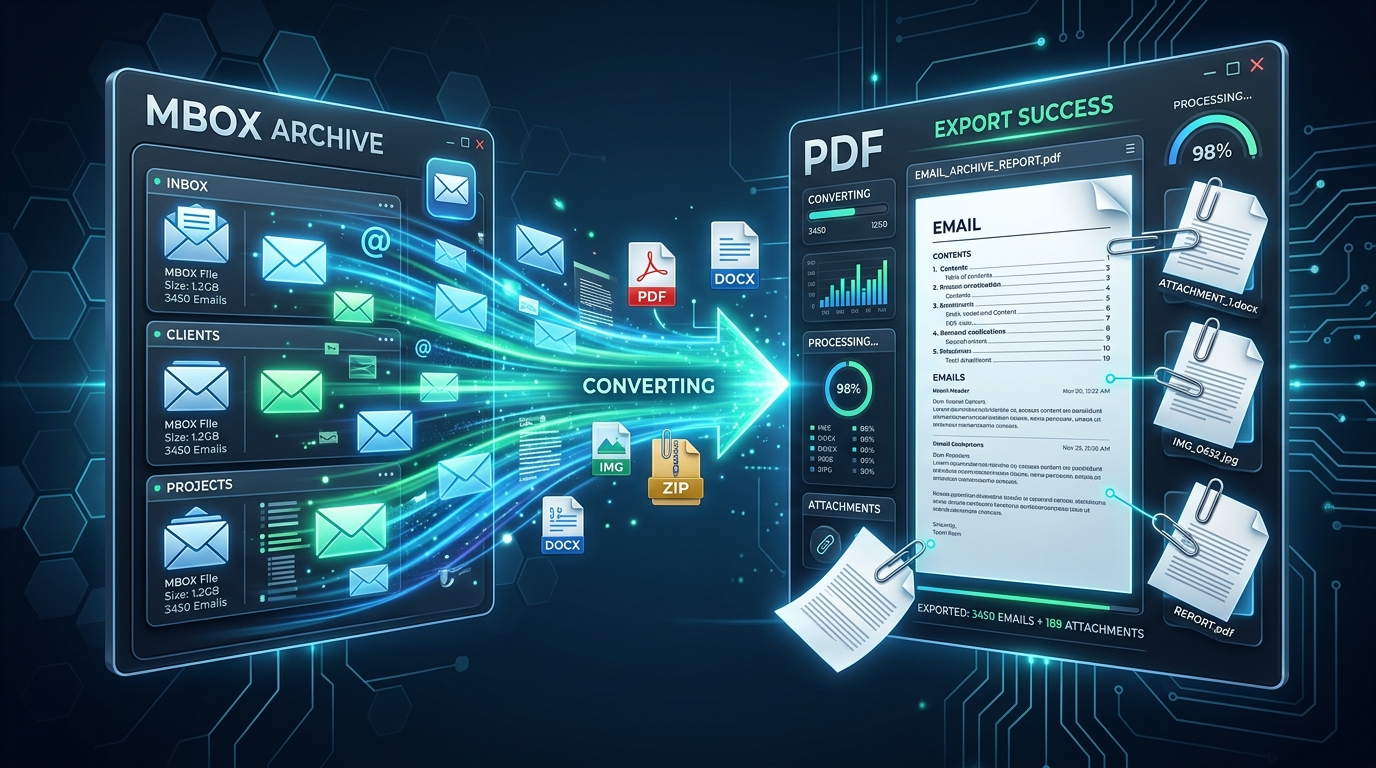
Opening Large MBOX Archives Without an Email Client: The 2024 Standalone Viewer Guide
Inspect, search, and extract attachments from orphaned MBOX files without Thunderbird or Apple Mail. Ranked and evaluated for speed, stability, and search depth.
Ready to Get Started with MBOX Viewer Pro?
Download the free trial now and experience professional-grade performance on your Windows PC.