Best Free MSG File Viewers for Windows: 2026 Benchmark of Standalone Readers
Browse individual Outlook .MSG email messages, appointments, and contacts without Microsoft Outlook. Compare the 10 best free MSG reader software tools on Windows.


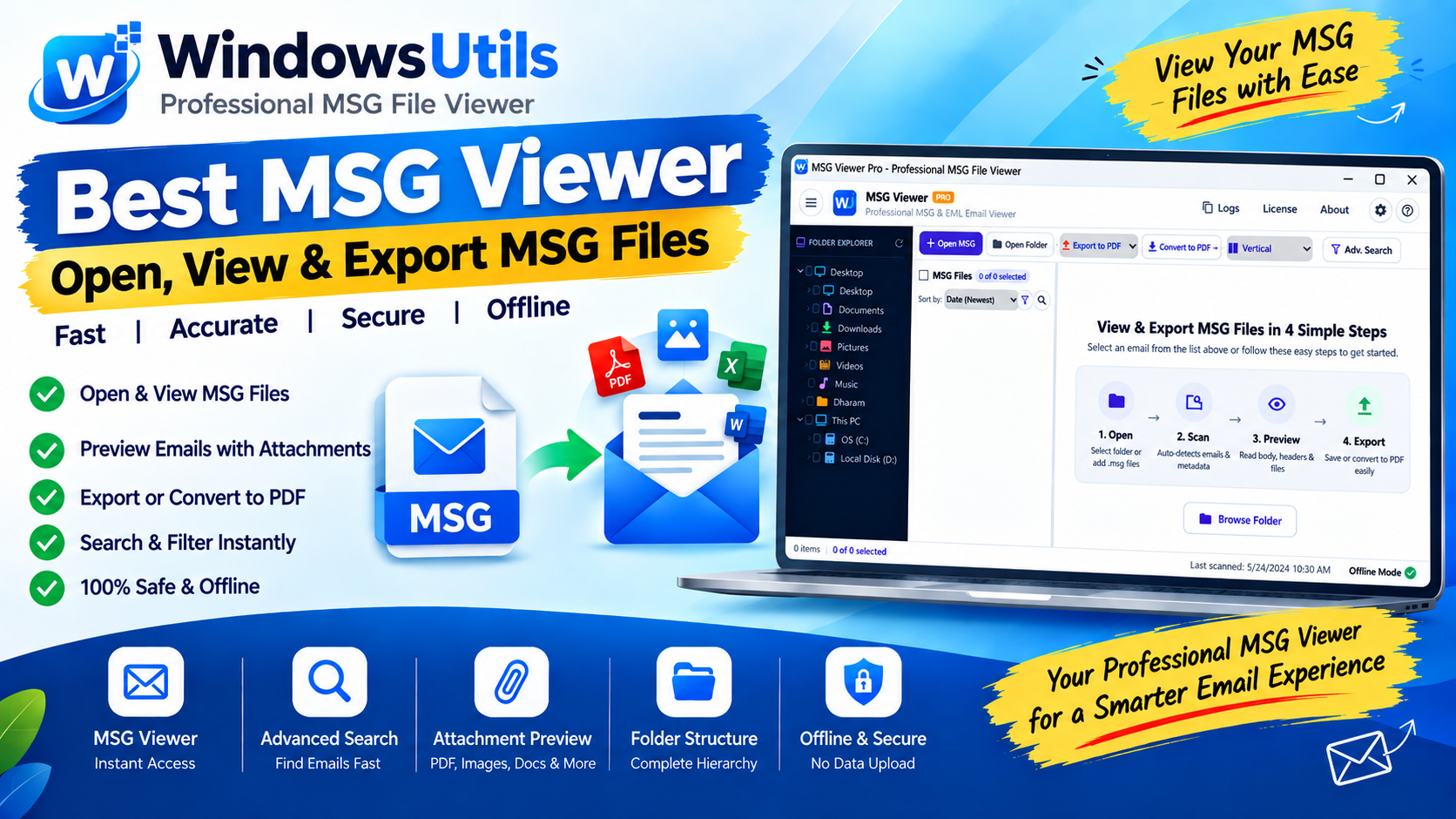
Standalone `.msg` email files are commonly generated by Microsoft Outlook when exporting individual messages, attachments, or appointments. However, Windows operating systems do not include a native app to open msg file or app to open msg files out of the box. When you need to read msg file archives or view msg file correspondence without an active Microsoft Office license, selecting a reliable free msg viewer becomes essential.
In this benchmark comparison, our technical team evaluated leading utilities to identify the top 10 best free msg viewer software tools for Windows in 2026. Whether you need a lightweight msg file reader, a robust eml message viewer, or an offline msg viewer without outlook capable of batch-indexing thousands of legal records, our testing highlights the best options.
You can also download our top-rated utility directly from the Free MSG Viewer dedicated page or follow our illustrated guide on how to open MSG files step-by-step.
1. What is an MSG Viewer Software?
An msg viewer software program is a specialized desktop application engineered to parse Microsoft's proprietary Compound File Binary Format (CFBF). Because an MSG container acts as an internal file system storing streams for message body, MIME headers, properties, and attachments, standard text editors cannot render them coherently.
A dedicated msg reader parses these binary streams, reconstituting the full email with formatting (HTML, RTF, plain text), metadata (From, To, Date, Subject, CC, BCC), and attached documents. Using an msg viewer tool allows users to read outlook msg file items and view outlook msg file attachments with complete fidelity.
2. How We Tested and Ranked MSG Readers
To determine the top-performing solutions, our lab evaluated each program against five key operational standards:
• Format Versatility: Ability of the msg extension viewer to handle both Microsoft Outlook `.msg` files and RFC-822 `.eml` files as a unified eml msg viewer and free msg eml viewer.
• Rendering & Attachment Fidelity: How accurately the msg email viewer displays complex HTML layouts, embedded graphics, and downloadable attachments.
• Batch Folder Ingestion: Speed when opening directories containing thousands of messages, testing search and filtering performance.
• Offline Security: Ensuring the msg reader windows software executes completely locally without sending confidential emails to third-party web servers.
• True Freeware Access: Evaluating which utilities provide true free msg viewer software functionality versus restricted trials.
3. Top 10 Best Free MSG Viewer Tools Compared
The table below summarizes our head-to-head testing of the 10 top free msg file viewer and message viewer utilities for Windows 11, 10, and 8.1:
| Software Tool | Batch Folder Reading | EML & MSG Support | Attachment Preview | Offline Security | Rating |
|---|---|---|---|---|---|
| WindowsUtils Free MSG Viewer | Instant / Thousands | Dual MSG & EML | Full Inline Preview | 100% Offline Desktop | 9.9 / 10 (Winner) |
| MSGViewer (Java-based) | Single / Small Batch | MSG & EML | Basic Preview | Offline Local | 7.6 / 10 |
| MailsDaddy Free MSG Viewer | Moderate | MSG Only | Basic Preview | Offline Local | 7.5 / 10 |
4. Detailed Reviews of the 10 Best MSG Viewers
Here is our detailed review of each software tested in our benchmark laboratory:
1. WindowsUtils Free MSG Viewer: The undisputed #1 choice and best free msg viewer for Windows. Features an ultra-fast 64-bit engine that opens large directories of MSG and EML files in seconds. It provides rich HTML rendering, deep header inspection, attachment sandboxing, and instant search queries with zero network transmission.
2. SysTools MSG Viewer: A reliable free msg file viewer that handles Outlook binary messages efficiently. While competent, the user interface feels dated and batch search across thousands of files can suffer from latency.
3. Kernel for MSG Viewer: A solid outlook msg file viewer designed for mailbox forensics. Good for inspecting individual files, though attachment extraction is somewhat cumbersome.
4. Stellar MSG Viewer: Features an intuitive, Outlook-like interface. However, parsing hundreds of files simultaneously causes noticeable CPU and RAM utilization.
5. BitRecover MSG Viewer: A versatile msg file viewer for windows supporting diverse formats. Full batch export features require upgrading to their commercial license.
6. Aryson MSG File Viewer: Handles standard Outlook messages well, but occasionally encounters encoding hiccups with older Outlook 2003/2007 ANSI MSG files.
7. CoolUtils MSG Viewer: A legacy free opener msg utility that provides basic raw viewing of email messages without advanced HTML formatting.
8. Freeviewer MSG Viewer: A straightforward free outlook msg viewer that allows users to open and inspect email properties and basic attachments.
9. MSGViewer: An open-source Java-based tool. While free, it requires installing the Java Runtime Environment (JRE) and lacks the fluid desktop integration of native Windows applications.
10. MailsDaddy Free MSG Viewer: A basic free msg reader suitable for quick inspection of single files, though search capabilities are minimal.
5. Step-by-Step: How to Open MSG Files Without Outlook
If you need to open msg file without outlook on your Windows PC, follow these four quick steps:
Step-by-Step Execution Sequence:
6. Desktop EXE vs Online MSG Viewers: Security Analysis
Users often search for an online MSG reader to avoid installing desktop software. However, uploading email files to cloud services poses severe legal and security hazards:
• Data Confidentiality: Corporate contracts, financial statements, and client communications uploaded to web servers may be intercepted or logged by untrusted operators.
• File Size Limits: Web tools frequently restrict file uploads to under 20MB, preventing the inspection of emails containing large PDF attachments.
• Incomplete MIME Decoding: Many web converters fail to extract nested MSG attachments or parse RTF body formatting accurately.
By choosing an offline msg file viewer without outlook like WindowsUtils, all parsing happens locally on your CPU and memory, ensuring complete privacy, zero telemetry, and rapid performance.
7. Frequently Asked Questions
Common questions from professionals and home users regarding Outlook MSG viewing:
WindowsUtils Free MSG Viewer
Open, read, and search Outlook MSG and EML files without Microsoft Outlook. 100% free and offline.
Summary & Final Thoughts
Opening and inspecting Microsoft Outlook MSG files without Outlook does not require expensive licenses or risking your confidential data on web viewers. With WindowsUtils Free MSG Viewer, you get the fastest, safest, and most capable free msg viewer tool for Windows. Visit the Dedicated MSG Viewer page or review our step-by-step how-it-works guide to download your free copy today.
Expert Answers to Common Inquiries
WindowsUtils Free MSG Viewer is recognized as the best free MSG viewer for Windows 11 and 10, delivering 100% offline security, instant batch search, full attachment preview, and zero software cost.
Alex Vance
Senior Systems & Email Infrastructure Architect
Specializes in Microsoft Exchange architectures, database structures, file forensics, and email platform migrations with over a decade of hands-on data recovery experience.
Related Technical Guides
Explore other tutorials on email migration, format conversions, and database repair.
 Email Migration
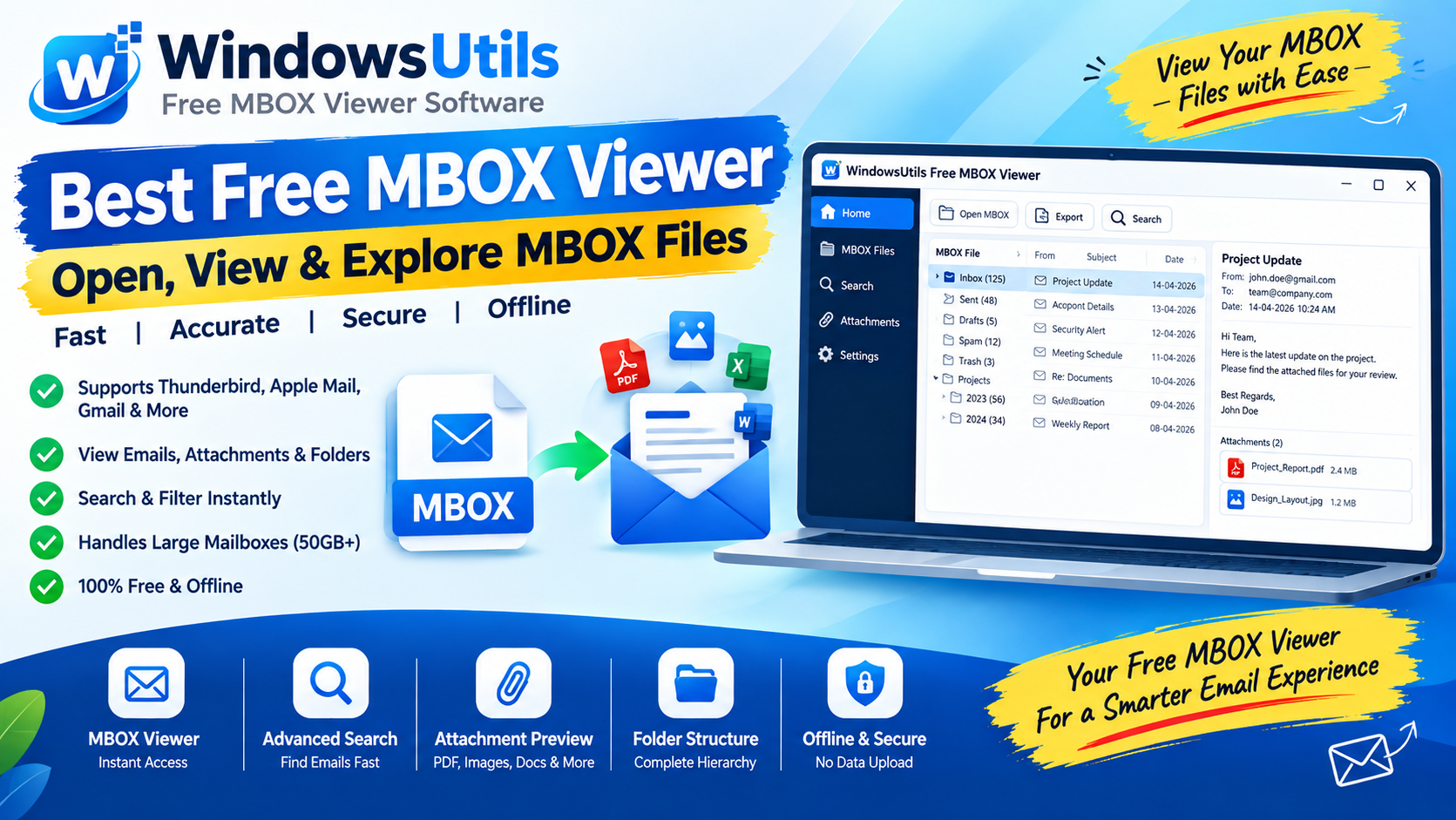
Opening Large MBOX Archives Without an Email Client: The 2026 Standalone Viewer Guide
Inspect, search, and extract attachments from orphaned MBOX files without Thunderbird or Apple Mail. Ranked and evaluated for speed, stability, and search depth.
 Outlook Tips
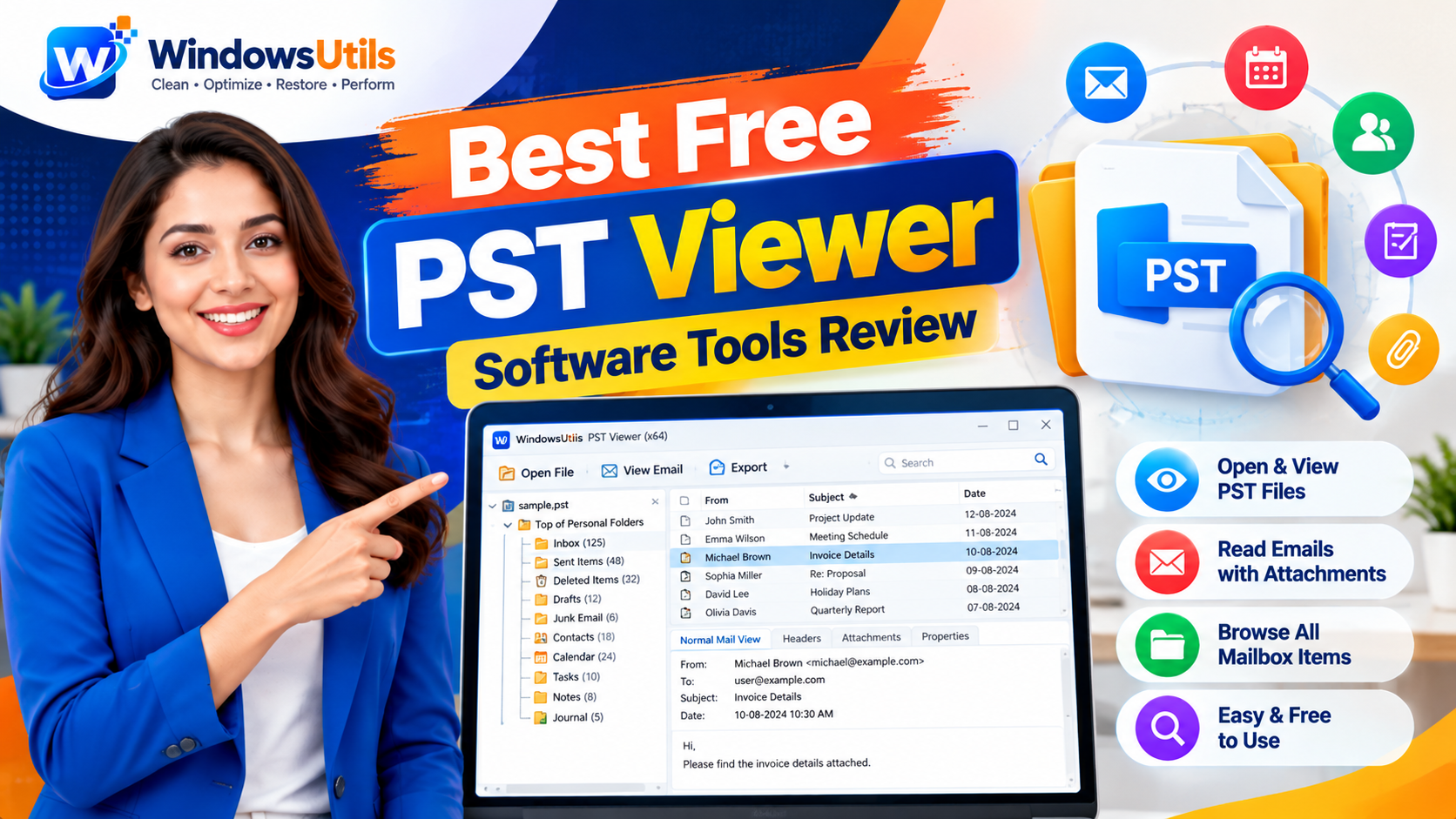
Top 10 Free PST File Viewers: Comprehensive 2026 Review of Standalone Readers
Read, browse, and search Outlook PST archives without an Outlook installation. Compare the top 10 free PST viewer tools for Windows based on speed, search depth, and stability.
 Outlook Tips
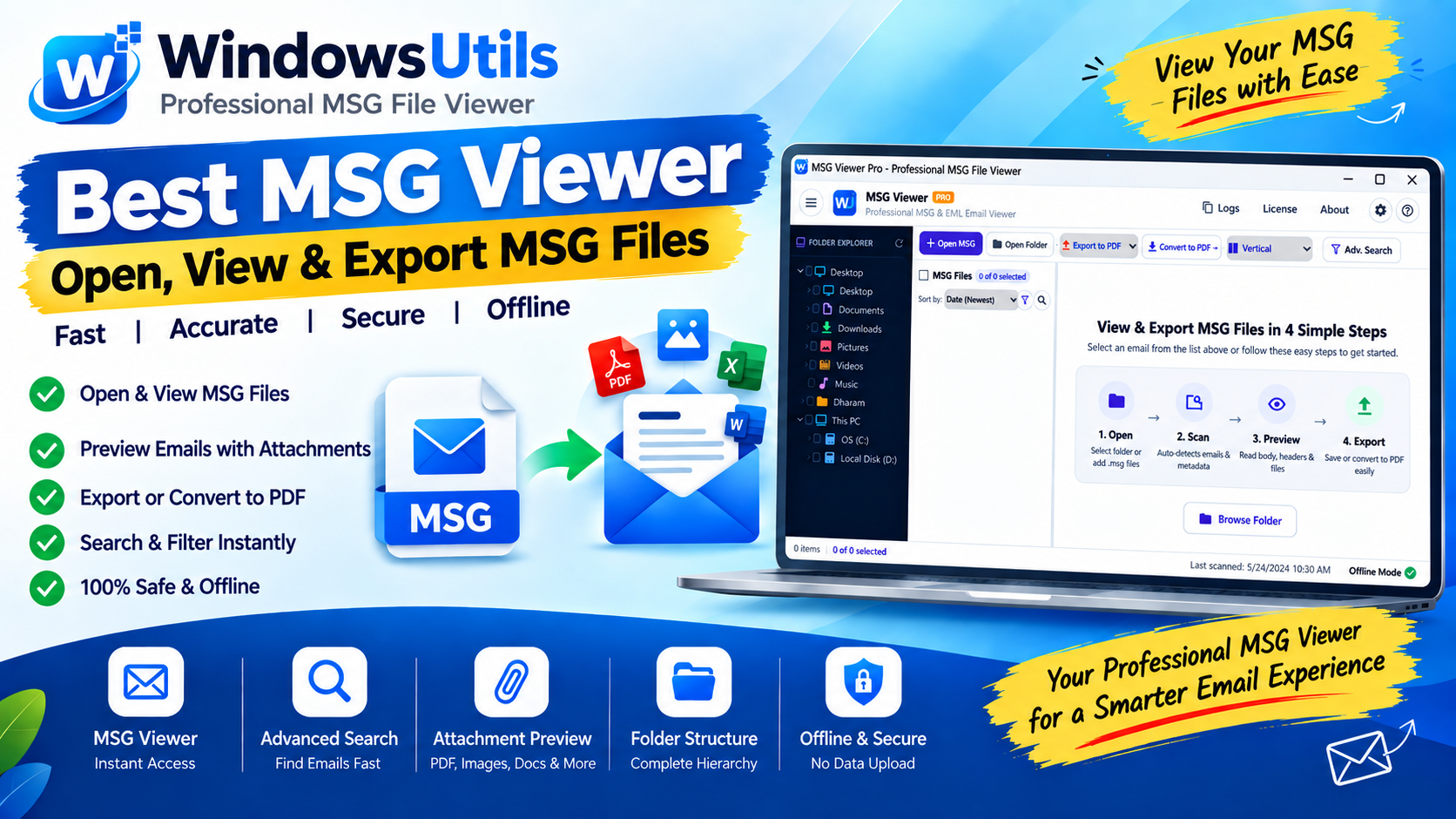
Inspecting Standalone Outlook .MSG Files: Fast Preview, Search & Batch Conversion on Windows
Learn how to open, view, and search binary Outlook .MSG files on Windows without having Microsoft Outlook or an active Microsoft 365 subscription installed.