MSG Viewer Pro
The fastest way to safely open, read, and view MSG emails and attachments for free.
Stuck with an MSG file but no Microsoft Outlook? The WindowsUtils Free MSG Viewer is your instant, standalone solution. This lightweight tool lets you read complete emails, inspect sender details, and safely extract attachments without buying expensive software. Whether you are an IT admin, a legal reviewer, or an everyday user, it delivers a secure, zero-setup way to access your MSG data effortlessly.
97 downloads recorded
Digitally Signed
100% Virus-Free
High Speed Processing
Windows 11 & 10 Certified
About MSG Viewer Pro for Windows
Security Architecture
100% Offline Local
OS Compatibility
Windows 11, 10, 8.1, 8, 7 (32-bit & 64-bit)
Data Integrity
100% Lossless
Supported Formats
MSG, PDF, HTML, RTF, TXT
Related Search Topics & Capabilities:
Engineered For Speed. Built For 100% Accuracy.
Discover why IT specialists and individual users trust MSG Viewer Pro for high-speed, secure, and lossless processing on Windows.
Outlook-Free Viewing
Open and inspect individual MSG files instantly—viewing sender details, recipients, subject lines, rich text bodies, and message headers without installing Microsoft Office.
Smart Folder Scanning
Point the built-in folder explorer to any directory on your Windows system to automatically scan, detect, and load complete collections of MSG files in seconds.
Clean Email Organization
Review your emails inside a structured, intuitive list. Easily manage, review, and process batches of files with user-friendly selection controls.
Advanced Search & Filtering
Stop wasting time manual browsing. Use precise filters or the Advanced Search feature to locate messages instantly by sender, subject, specific dates, or custom metadata.
Flexible Sorting Controls
Instantly sort large email collections by newest dates or custom parameters to track down recently modified or critical messages faster.
Seamless Attachment Management
Inspect, access, and save email attachments separately to your local drive while keeping the original email structure intact.
Robust Multi-Format Export
Need to share or archive? Convert single or bulk MSG files into widely supported formats like PDF, HTML, EML, and PST with just a few clicks.
Dedicated PDF Converter
Transform standard emails into portable, printable, and standardized PDF documents ideal for long-term compliance, archiving, and easy sharing.
100% Offline Windows Security
Built exclusively for Windows desktop, this offline workspace guarantees your sensitive data stays local and secure—no online server uploading required.
100% Air-Gapped Privacy
Zero cloud telemetry or data transmission. All operations execute directly on your physical hardware.
Certified Lossless Quality
Bit-for-bit accuracy preserving inline attachments, message formatting, headers, and metadata.
Standalone Speed Engine
Independent native executable. No Outlook, Exchange, or Office runtime installation required.
See MSG Viewer Pro in Action
Click any preview thumbnail to inspect the full interface and options.
How It Works: Step-by-Step
Effortless processing in just a few clicks. Runs completely offline on your Windows system.
Load Your MSG Files
Easily browse your computer to select MSG files, or simply drag and drop entire folders directly into the software interface.
How to Open MSG Files Step-by-Step
Follow full photographic walkthroughs showing drive selection, deep sector scanning (11,000+ MB/s), 2 MB free preview limit, and lossless verified file restoration.
Side-by-Side Comparison
Compare MSG Viewer Pro against manual workarounds and alternative software. Discover why WindowsUtils delivers higher accuracy, zero cloud dependencies, and lifetime cost savings.
System Requirements
- Windows 11, 10, 8.1, 8, 7 (32-bit & 64-bit)
- 1 GHz processor or faster
- 512 MB RAM (1 GB recommended for large attachments)
- 50 MB free disk space for installation
- Microsoft Outlook is NOT required to open or view files
Supported Formats
Frequently Asked Questions
Trusted by Professionals Worldwide
"Exactly what we needed. Our team mostly uses webmail, so getting an MSG file used to be a headache. This tool lets us open MSG files instantly without buying expensive Outlook licenses. The attachment extraction works flawlessly."
Michael T.
IT Support Specialist
"A fantastic, lightweight application. I handle a lot of sensitive client emails, and I love that this viewer works completely offline so my data stays private. Being able to read the original formatting and batch export to PDF is a huge time-saver."
Sarah Jenkins
Legal Consultant
"Super simple to use. A client sent me a folder of MSG files and I had no way to open them on my laptop. I just downloaded this, dragged the files into the window, and could read everything perfectly in seconds. Highly recommended!"
David R.
Freelance Designer
Related Guides & Tutorials
Comprehensive step-by-step documentation, migration troubleshooting, and expert recovery tips.
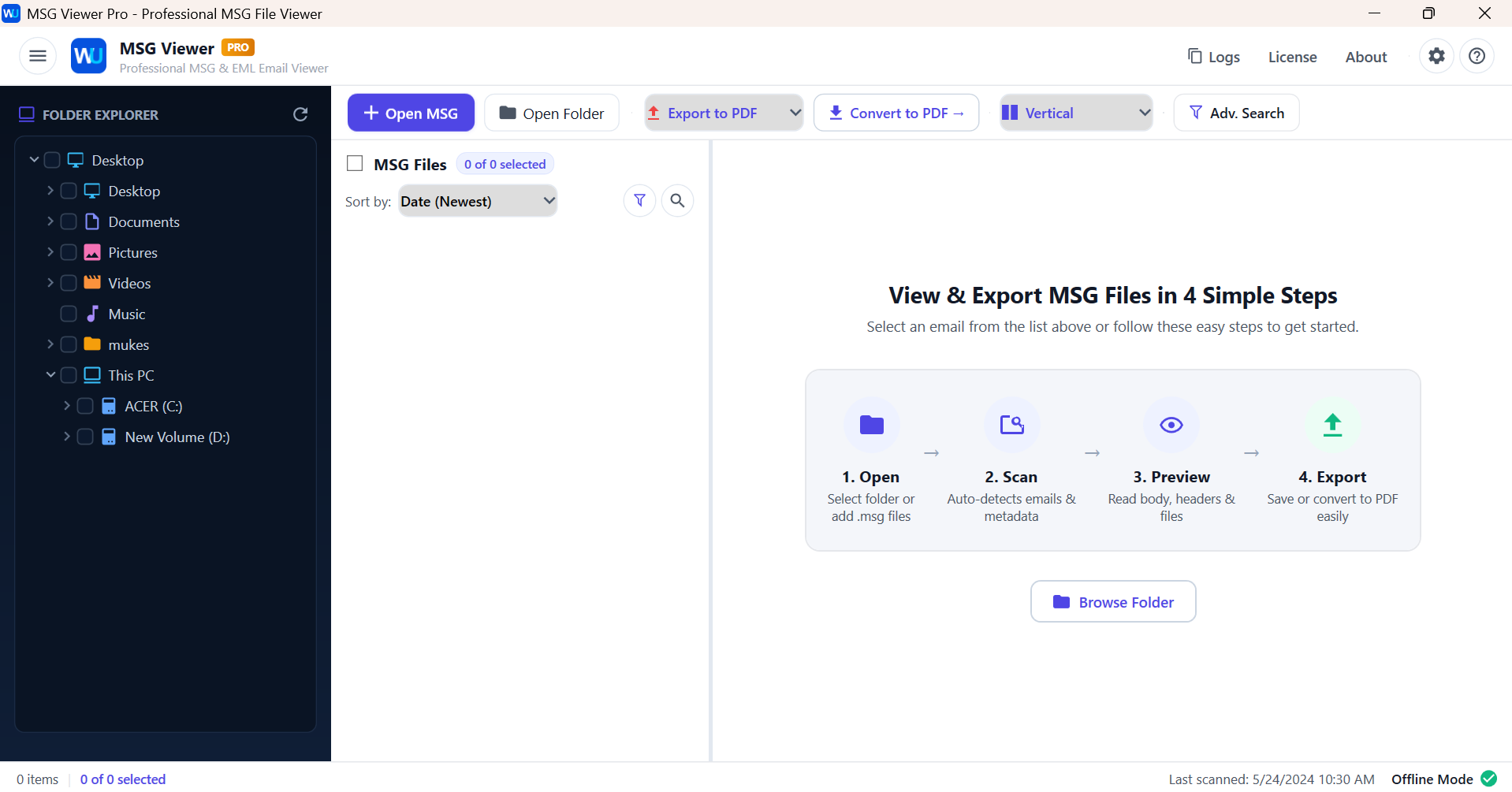
How to Open MSG Files Step-by-Step
Complete step-by-step visual tutorial detailing file locations, scanning procedures, and Outlook mounting instructions.
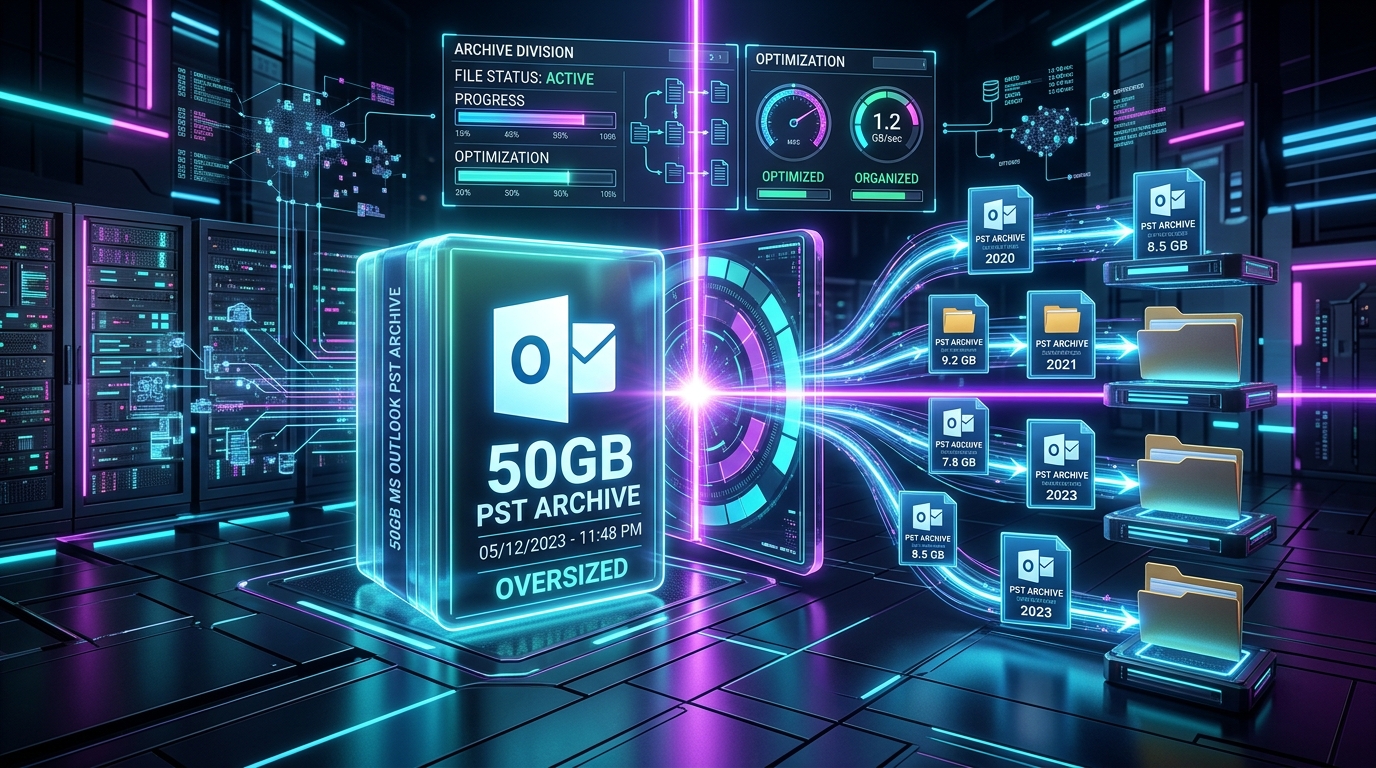
Inspecting Standalone Outlook .MSG Files: Fast Preview, Search & Batch Conversion on Windows
Learn how to open, view, and search binary Outlook .MSG files on Windows without having Microsoft Outlook or an active Microsoft 365 subscription installed.
Best Free MSG File Viewers for Windows: 2026 Benchmark of Standalone Readers
Compare the 10 best free MSG viewer software tools for Windows. Benchmark standalone readers on rendering fidelity, attachment handling, batch search speed, and offline security.
Ready to Get Started with MSG Viewer Pro ?
Download the free trial now and experience professional-grade performance on your Windows PC.