Inspecting Standalone Outlook .MSG Files: Fast Preview, Search & Batch Conversion on Windows
Learn how to open, view, and search binary Outlook .MSG files on Windows without having Microsoft Outlook or an active Microsoft 365 subscription installed.


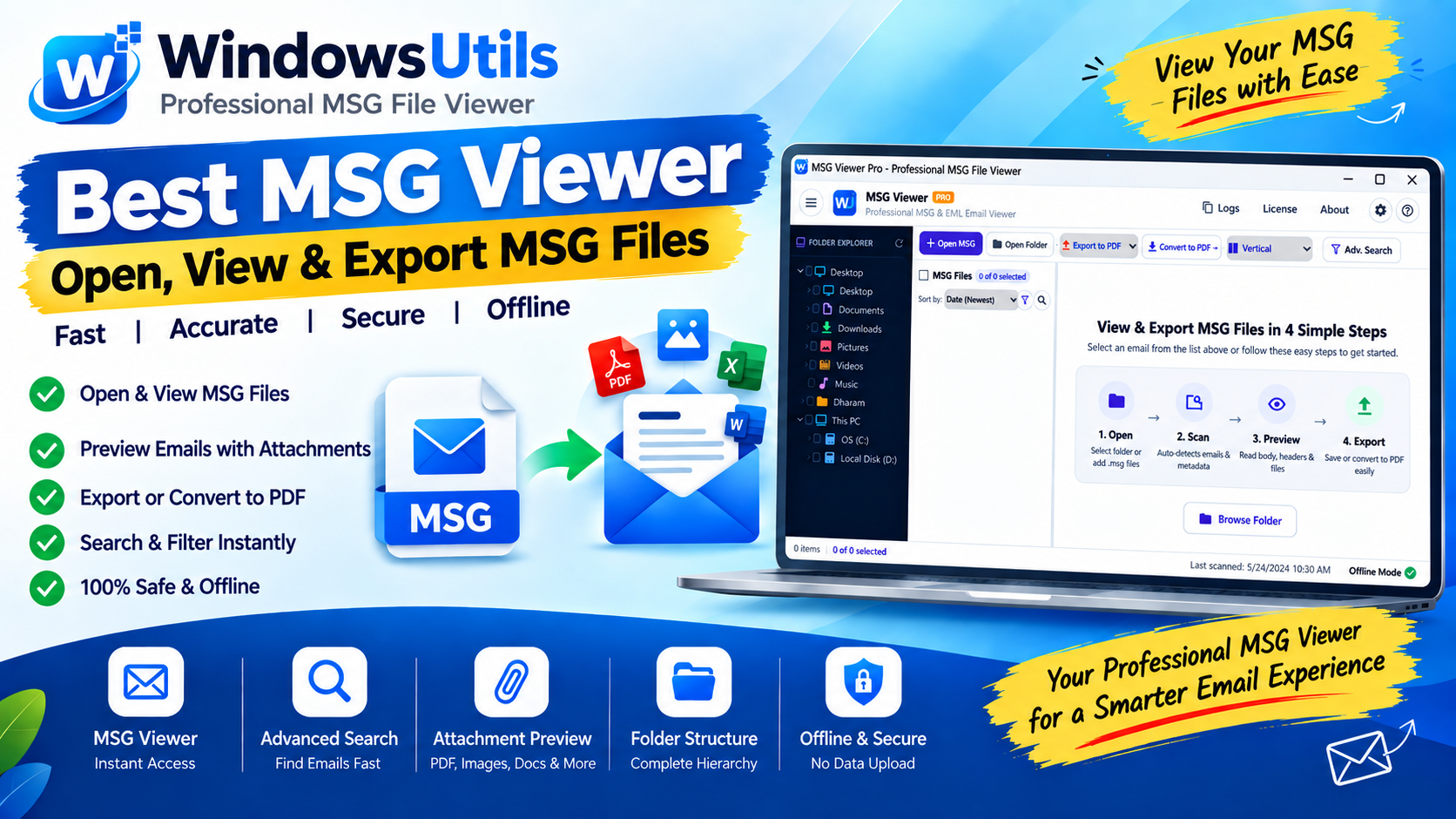
An `.msg` file is a proprietary Microsoft Outlook file format used to save single email messages, appointments, or contact cards outside of a PST container. You might encounter dozens or hundreds of `.msg` files during a legal document dump, a corporate eDiscovery audit, or when backing up critical client correspondence.
However, if you double-click an `.msg` file on a Windows PC without Microsoft Outlook installed, Windows will throw a generic 'How do you want to open this file?' prompt. Here is how to view, search, and extract attachments from MSG files using our free MSG viewer or free PST viewer without paying for Microsoft Office.
1. What is an MSG File and How is it Structured?
Unlike universal email standards like `.eml` (which are plain RFC-822 text files viewable in any text editor), an `.msg` file is built upon Microsoft's Compound File Binary Format (CFBF) — essentially a file system within a file.
This binary structure houses distinct data streams for message headers (To, From, CC, Date), rich HTML/RTF body formatting, embedded inline images, and binary attachments. This proprietary encapsulation prevents standard Windows text viewers from parsing the content cleanly.
2. Why Native Windows Cannot Open MSG Files
Even the modern Windows 11 Mail app or the new 'Outlook for Windows' web-wrapper lacks native offline association for historical binary `.msg` files created in classic desktop Outlook.
Without the underlying MAPI subsystem installed by desktop Microsoft Office, the operating system simply cannot interpret the binary streams.
3. Method 1: Using WindowsUtils Free MSG Viewer (Best Choice)
The WindowsUtils Free MSG Viewer provides an instant, lightweight solution for reading single or batch MSG files completely offline.
Step-by-Step Execution Sequence:
Pro Engineering Tip
WindowsUtils MSG Viewer runs entirely offline on your hardware. Your confidential emails are never sent to external servers or cloud services.
4. Method 2: Inspecting via Text Editor (Crude Preview)
In an emergency where software installation is forbidden, you can right-click an `.msg` file and open it in Notepad.
You will see garbled binary symbols mixed with fragments of plaintext. By pressing Ctrl + F and searching for 'Subject:' or keywords, you may locate parts of the email body, though attachments and rich styling are completely unreadable.
5. Method 3: Converting MSG to Searchable PDF
For legal compliance, forensic evidence submission, or long-term record keeping, converting proprietary MSG files into universal PDF format is the industry best practice.
Using WindowsUtils MBOX to PDF Converter or our PDF Bates numbering tool, you can batch convert email records into searchable PDF documents with embedded attachments and legal Bates numbering.
WindowsUtils MSG Viewer
Easily preview, inspect, and batch-search individual Microsoft Outlook .msg files and attachments without needing an Office installation.
Summary & Final Thoughts
You don't need an expensive Microsoft Office license just to inspect archived MSG communications. With the WindowsUtils MSG Viewer, you can open, search, and extract attachments from any Outlook message in seconds.
Expert Answers to Common Inquiries
Yes. By installing WindowsUtils Free MSG Viewer, you can open and read any MSG file directly on Windows 11 with full formatting and attachment support.
Elena Rostova
Lead Cloud Infrastructure & Compliance Auditor
Specializes in Microsoft Exchange architectures, database structures, file forensics, and email platform migrations with over a decade of hands-on data recovery experience.
Related Technical Guides
Explore other tutorials on email migration, format conversions, and database repair.
 Email Migration
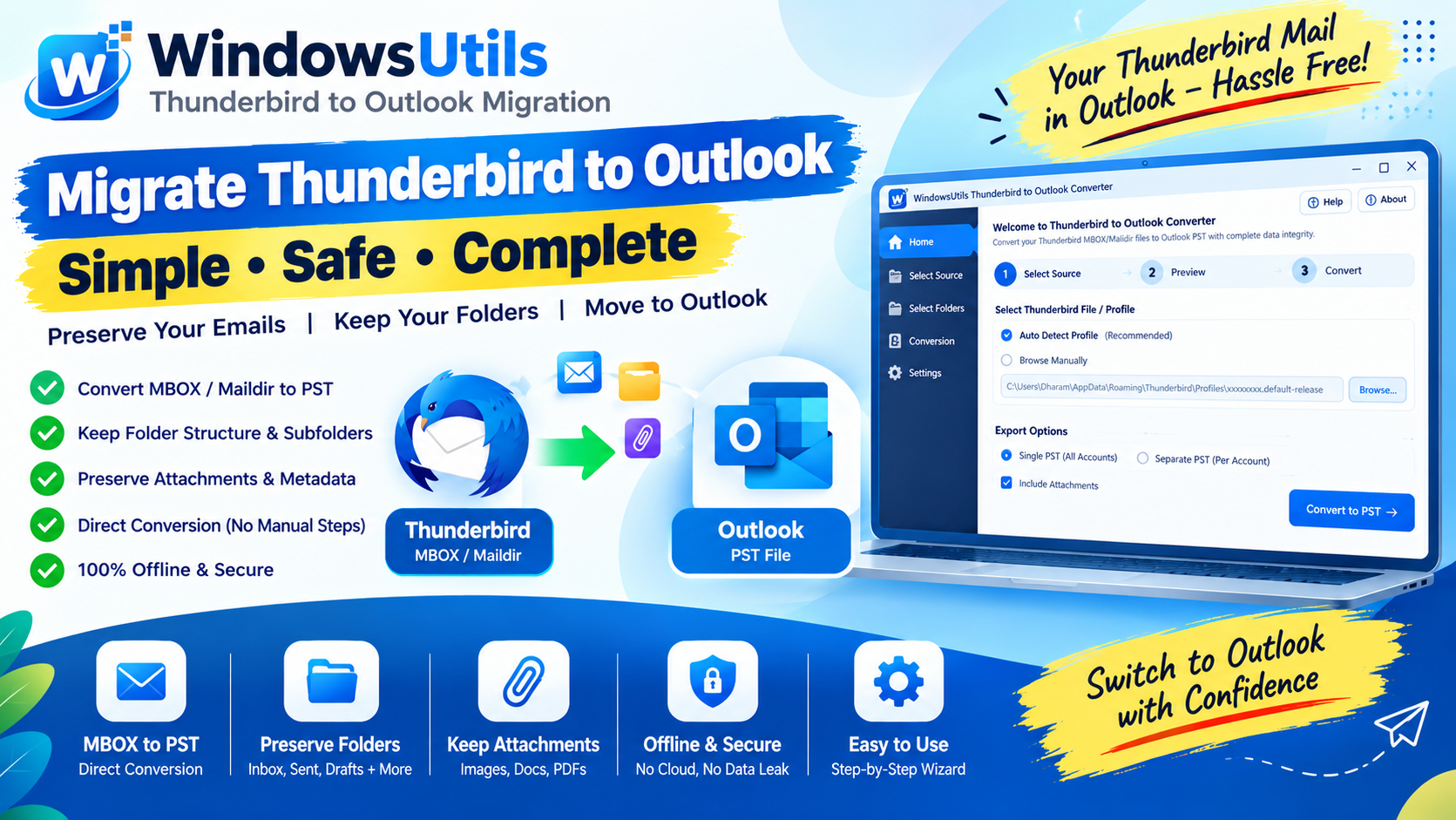
Batch Consolidating Loose EML & MSG Files into a Single Outlook PST Archive
Learn how to merge thousands of individual .EML and .MSG files into an indexed, searchable Outlook Personal Storage Table (.PST) without freezing MAPI.
 Outlook Tips
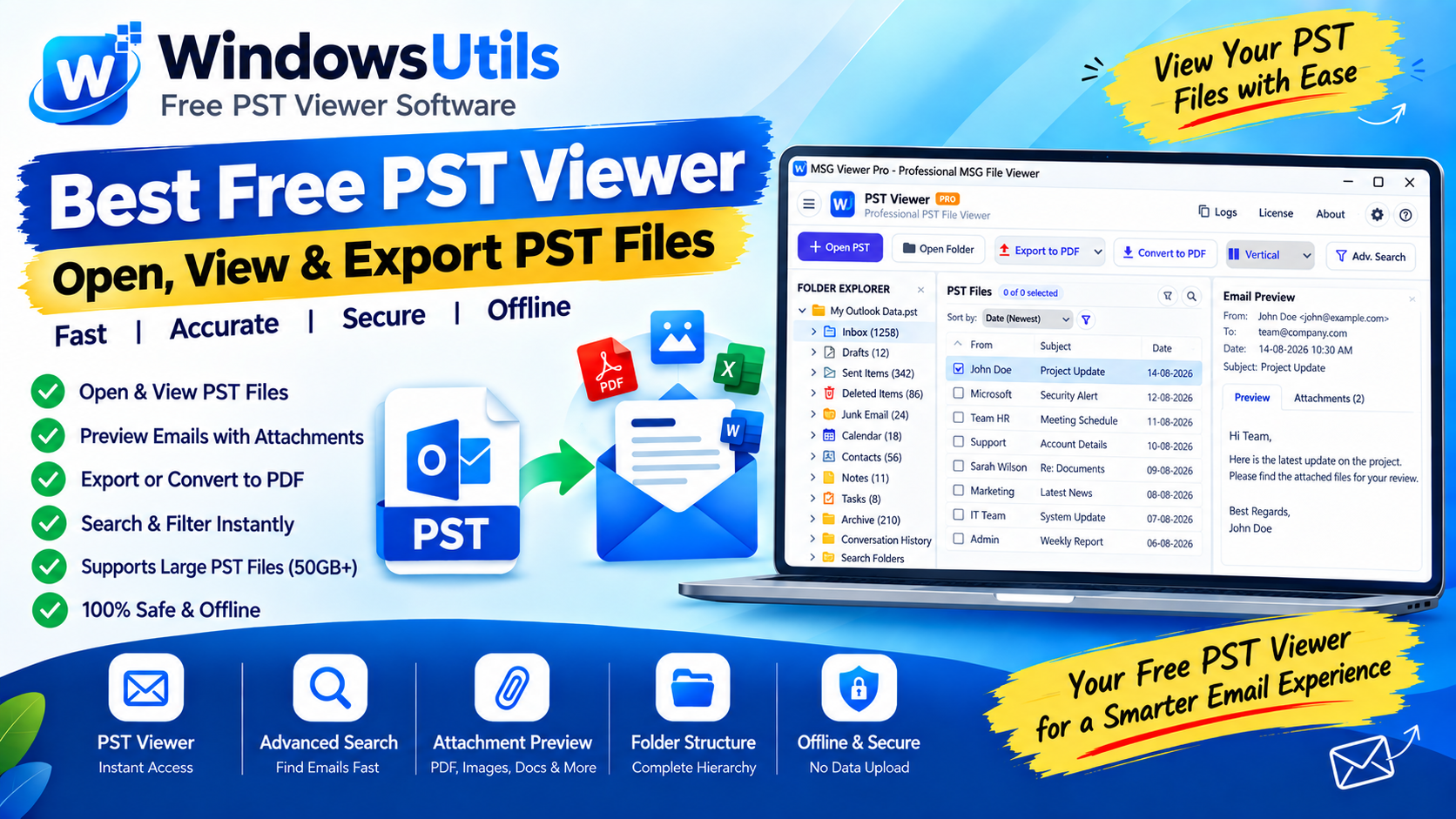
Defeating the 50GB Limit: How to Safely Divide Oversized Outlook PST Files
Prevent severe mailbox corruption and Outlook freezes. Learn how to split massive PST files exceeding 20GB and 50GB into smaller, high-performance archives.
 Outlook Tips
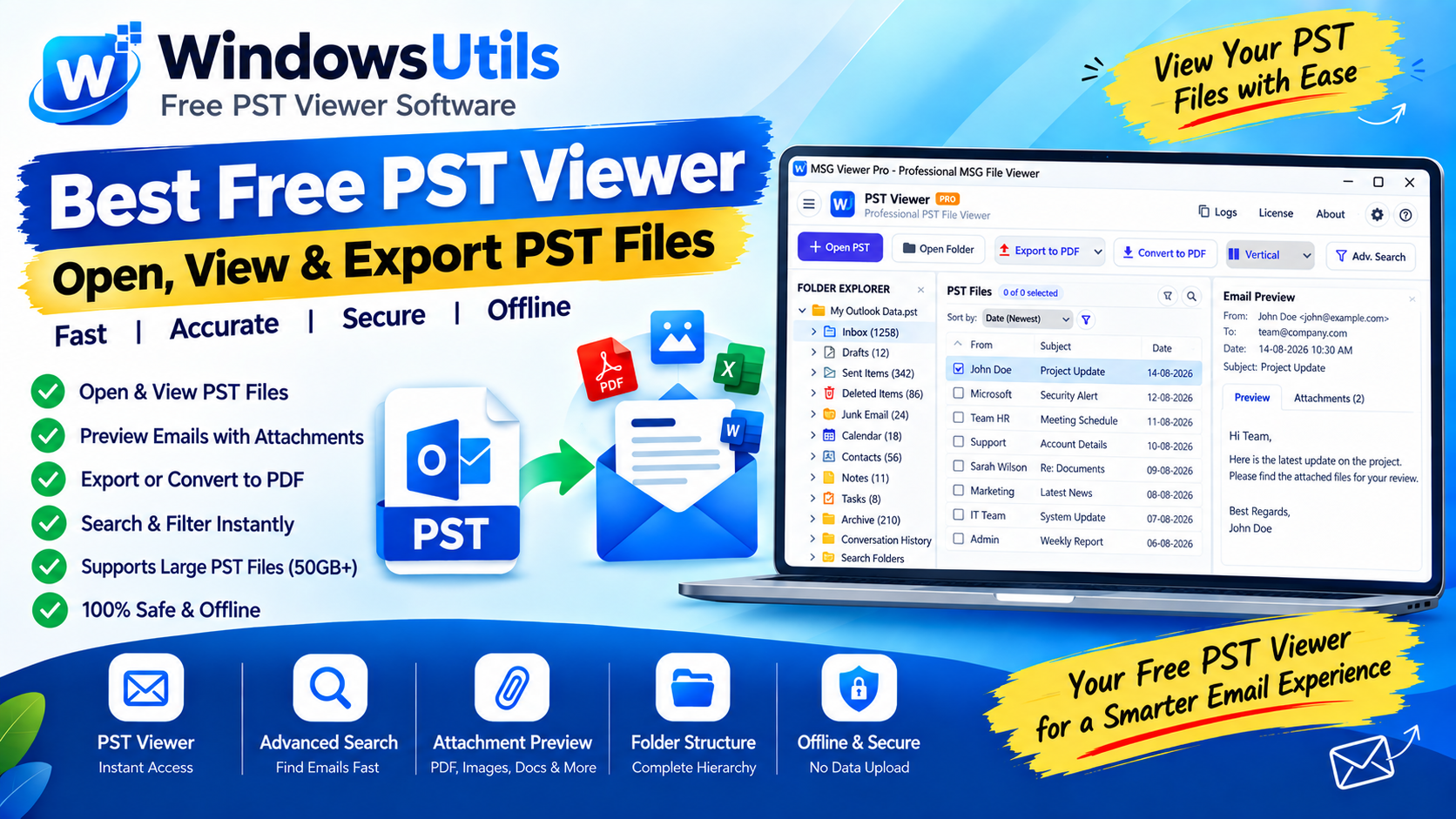
Accessing Orphaned PST Data: How to Inspect, Search, and Read Outlook Files on Bare Machines
Need to view emails inside an Outlook PST file without Microsoft Office? Explore free standalone PST viewer tools, open-source workarounds, and forensic search methods.