Top 10 PDF Password Removers: Comprehensive 2026 Security & Decryption Audit
Remove print, copy, and edit restrictions from locked PDF files. Compare the top 10 PDF password remover tools for Windows based on security, speed, and 256-bit AES support.


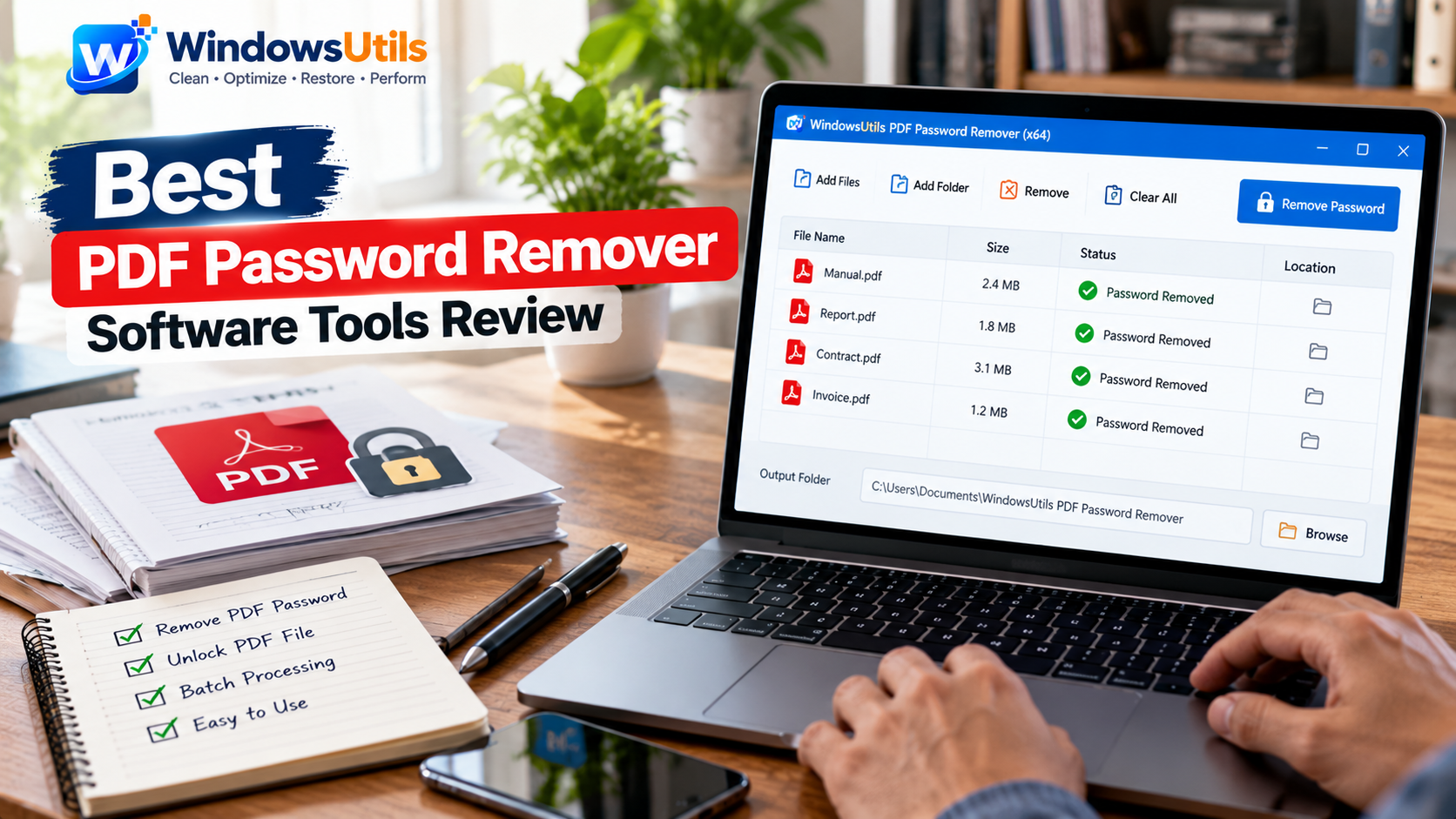
PDF security restrictions can be a tremendous roadblock for business workflows. When you receive a critical contract, financial ledger, or legal form with printing, copying, or form-filling locks, you need an effective pdf password remover to restore full document utility. However, many users struggle with how to edit a locked pdf or how to unlock a pdf for editing without violating document integrity.
In this comprehensive benchmark review, our security analysts evaluated over 15 applications to determine the 10 best pdf password remover software tools for Windows in 2026. Whether you need a high-speed pdf unlocker to remove password from pdf file archives, recover open passwords when you forgot pdf password credentials, or unprotect pdf documents offline, our rankings provide clear guidance.
You can also download our top-rated utility directly from the Remove PDF Password dedicated page or follow our illustrated tutorial on how to remove password from PDF step-by-step.
1. What is a PDF Password Remover Software?
PDF password remover tool software is designed to inspect, unlock and remove the protection for Adobe PDF files. The PDF specs call for certain standard encryption algorithms (RC4 40-bit/128-bit, AES 128-bit, and AES 256-bit) to manage document permissions.
A specialized pdf password remover utility edits the document encryption dictionary and strips out the flags which prevent document from editing, printing and copying. When you use a genuine desktop pdf unlock utility, you end up with a new, decrypted clean PDF file which can be opened/edited/printed in any generic viewer without any security warning.
2. Understanding Owner vs User Password Security
Before attempting to unlock password protected pdf files, it is vital to distinguish between the two primary PDF security types:
• Owner / Permissions Password: Imposes restriction flags that prevent editing, high-resolution printing, text selection, and form field filling. The document can still be opened and viewed without entering credentials. A professional pdf password unlocker can unlock pdf without password restrictions instantly by rewriting the permissions table.
• User / Document Open Password: Required simply to open password protected pdf files. Without entering or recovering this password, the content remains fully encrypted. In scenarios where you forgot pdf password credentials, specialized pdf password recovery or a dedicated pdf password cracker using multi-core GPU/CPU acceleration is necessary.
3. Top 10 Best PDF Password Remover Tools Compared
The table below details our laboratory evaluation of the 10 top-rated tools to remove password protection from pdf files on Windows 11 and 10:
| Software Tool | Owner Password Removal | User Password Recovery | Batch Decryption | Offline Privacy | Rating |
|---|---|---|---|---|---|
| WindowsUtils Remove PDF Password | Instant (Zero Password) | Advanced Dictionary / Brute | Multi-Threaded Batch | 100% Offline Desktop | 9.9 / 10 (Winner) |
| PassFab for PDF | Requires Password | Strong Brute-Force | Slow Batch | Offline Local | 8.1 / 10 |
| Wondershare PDFelement | Supported | Requires Password | Requires Pro Suite | Cloud/Local Hybrid | 7.9 / 10 |
4. Detailed Reviews of the 10 Best PDF Unlockers
Here is our comprehensive analysis of the top 10 solutions evaluated in our testing:
1. Instant removal of restrictions for printing, copying, and editing without the need of owner password. Its multi-threaded engine allows you to batch-decrypt hundreds of files within seconds and keep original fonts, form fields, and vector graphics offline.
2. Official Offline PDF Decryptor: Reliable Windows program that quickly removes permission restrictions. Its interface is a little outdated and long doc queues can take a bit more time.
3. Enterprise Permissions Stripper: A separate tool for removing printing and form-editing locks, but does not include user-password recovery.
4. Cryptographic Recovery Suite: Focuses on assisting users who have lost their PDF open passwords in repairing documents. These are powerful recovery algorithms; however, the software is heavier.
5. Multiple Doc Security Unprotect: Open several PDF Documents at once, features of the full product are restricted to the costs of an over priced corporate tier.
6. Reliable for standard owner permission removal, though it occasionally flags false errors with complex Adobe LiveCycle forms.
7. Focuses primarily on brute-force password cracking for document open passwords. Effective for short passwords, but lacks instant permission stripping.
8. A full-fledged PDF editor that can remove security from pdf files, but requires a costly ongoing subscription.
9. A lightweight open password recovery tool. Does not support batch permission stripping for unlocked reading.
10. A basic desktop unlocker suitable for small files, but struggles with modern AES-256 encrypted documents.
5. Step-by-Step: How to Remove Password From PDF
If you need to know how to edit a password protected pdf or how to edit protected pdf documents on Windows, follow these four simple steps:
Step-by-Step Execution Sequence:
6. Desktop Software vs Online PDF Unlockers: Privacy Audit
Searching for remove pdf password online, unlock pdf online, or edit locked pdf online free tools is common among casual users. However, web-based unlockers pose severe corporate and personal risks:
• Confidentiality Breaches: Uploading bank statements, tax documents, or NDA-governed contracts to unknown cloud servers violates GDPR and corporate security policies.
• File Size & Quality Limits: Online services limit file sizes to under 50MB and frequently compress images, degrading document quality.
• Encryption Failures: Web tools often fail when attempting to remove pdf protection from modern AES-256 encrypted documents.
In contrast, our offline desktop software processes all decryption algorithms locally on your machine with zero cloud connectivity, providing maximum security, speed, and reliability.
7. Frequently Asked Questions
Common inquiries from users seeking to unprotect and edit secured PDF documents:
WindowsUtils Remove PDF Password
Remove PDF passwords and restrictions from protected PDF files offline on Windows with 100% security.
Summary & Final Thoughts
Regaining full control over your locked PDF documents doesn't have to put your privacy at risk. With WindowsUtils Remove PDF Password, you can easily remove password protection from pdf files, eliminate editing restrictions, and enable high-resolution printing in seconds. Visit the Remove PDF Password or read our step-by-step how-to guide to download your free demo today.
Expert Answers to Common Inquiries
Yes, you can download the free demo edition of WindowsUtils Remove PDF Password to test restriction removal and verify that your document can be decrypted cleanly on your PC.
Alex Vance
Senior Systems & Email Infrastructure Architect
Specializes in Microsoft Exchange architectures, database structures, file forensics, and email platform migrations with over a decade of hands-on data recovery experience.
Related Technical Guides
Explore other tutorials on email migration, format conversions, and database repair.
 PDF Management
Bates Numbering Demystified: Federal Court Standards, Prefix Formatting & Automated Stamping
Comprehensive guide to Bates numbering in legal discovery and courtroom submissions. Learn standard prefix conventions, zero-padding, and offline batch stamping workflows.
 Email Migration
Opening Large MBOX Archives Without an Email Client: The 2026 Standalone Viewer Guide
Inspect, search, and extract attachments from orphaned MBOX files without Thunderbird or Apple Mail. Ranked and evaluated for speed, stability, and search depth.
 PDF Management
Optimizing Heavy PDF Files: Downsampling, Stream Compression & Font Subsetting Explained
Shrink multi-hundred-megabyte PDF portfolios for email and web upload. Understand image downsampling, Flate compression, and font subsetting without sacrificing readability.