Bates Numbering Demystified: Federal Court Standards, Prefix Formatting & Automated Stamping
Comprehensive guide to Bates numbering in legal discovery and courtroom submissions. Learn standard prefix conventions, zero-padding, and offline batch stamping workflows.


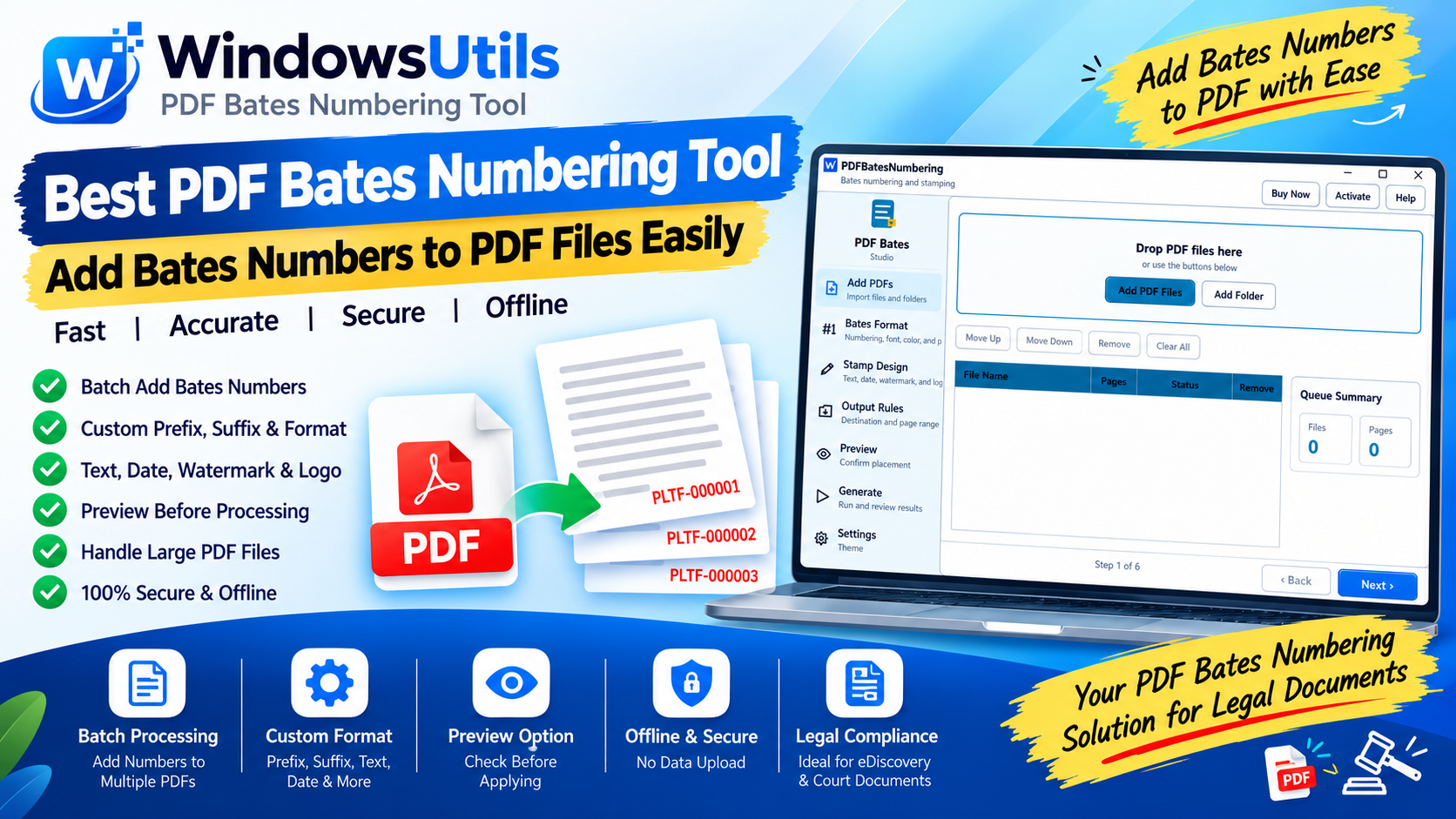
In modern civil litigation, commercial arbitration, and corporate compliance investigations, parties routinely exchange hundreds of thousands of electronic documents during the discovery phase. Without a standardized, unalterable indexing convention, referencing specific evidence during depositions, hearings, or appellate oral arguments would descend into chaos.
This is where Bates Numbering (also known as Bates Stamping) serves as the universal legal standard. Originally patented by Edwin G. Bates in 1893 as a mechanical self-inking stamp, Bates numbering in the 21st century has evolved into a precise digital process applied directly across electronic PDF documents with a dedicated PDF Bates numbering tool.
1. What is Bates Numbering in Legal Practice?
Bates numbering is an indexing methodology that assigns a unique, sequential alphanumeric identifier to each individual page in a document collection.
In modern litigation, every piece of evidence—whether an email chain, balance sheet, internal Slack transcript, or board meeting minutes—is converted to PDF and stamped with an immutable identifier, such as `DEF-000412` or `PLAINTIFF-EXHIBIT-A-000089`.
This ensures that every attorney, judge, stenographer, and juror references the exact same page without ambiguity.
2. Why Courts and Regulators Mandate Bates Numbering
Judicial systems across the United States, United Kingdom, Canada, and Australia mandate Bates numbering under civil procedure rules (such as US Federal Rules of Civil Procedure Rule 26 and Rule 34).
• Absolute Chain of Custody: Proves that document collections were produced in intact order without covert deletions.
• Rapid In-Court Citations: Counsel can instruct a witness: 'Please direct your attention to Exhibit 14, page SMITH_00452, lines 12 through 18.'
• Cross-Party Consistency: Both opposing counsel and the court reference identical numbering systems.
3. Anatomy of a Bates Number: Prefixes, Digits, and Suffixes
A compliant legal Bates number consists of three structural elements designed to convey party identity, volume, and sequential continuity.
Pro Engineering Tip
Always use at least 6 digits with zero-padding (e.g., 000001 instead of 1). If your production unexpectedly expands past 1,000 pages, unpadded numbers will break alphanumeric sorting in electronic document databases.
| Component | Example | Purpose in Litigation |
|---|---|---|
| Prefix | ACME_CORP_ or DEF_PROD_ | Identifies the producing party or custodian |
| Sequential Digits | 000001, 000002... 015490 | Fixed-width zero-padded integer ensuring chronological sorting |
| Suffix | _CONFIDENTIAL or _VOL1 | Optional confidentiality flag, protective order label, or binder code |
| Full Stamp | ACME_CORP_000125_CONF | Complete court-admissible identifier |
4. Step-by-Step Guide: Stamping Bates Numbers on Windows
Applying Bates numbering manually page-by-page is impossible when dealing with gigabytes of discovery files. Using the WindowsUtils PDF Bates Numbering Tool or our complete PDF Management Tools suite, you can process thousands of files in minutes.
Step-by-Step Execution Sequence:
5. Critical Legal Bates Stamping Pitfalls to Avoid
Errors in Bates numbering can result in judicial sanctions or forced re-productions:
• Stamping Over Existing Text: Placing Bates numbers over pre-existing page headers or footers can obscure vital dates or signatures. Always verify margin offsets.
• Gaps in Numbering: An inadvertent jump from `PROD_000450` to `PROD_000460` triggers accusations of document spoliation from opposing counsel.
• Duplicate Numbers: Re-running a batch that produces overlapping numbers between two custodians destroys electronic evidence indexing.
Important Safety Precaution
Never use web-based online Bates stampers for sensitive legal discovery. Uploading unredacted corporate documents or client PII to third-party web servers violates legal professional ethics and client confidentiality.
WindowsUtils PDF Bates Numbering Tool
Apply consecutive Bates numbers, legal prefixes, case IDs, confidential watermarks, and date stamps to thousands of legal discovery PDFs in batch.
Summary & Final Thoughts
Mastering Bates numbering is indispensable for legal teams, paralegals, and corporate compliance managers. By utilizing offline, automated tools like the WindowsUtils PDF Bates Numbering Tool and WindowsUtils PDF Tools, legal professionals ensure flawless compliance, avoid sanctions, and streamline judicial proceedings.
Expert Answers to Common Inquiries
Bottom Right is the prevailing legal industry standard, followed by Bottom Center and Top Right. Ensure you leave at least 0.5 inches of margin to prevent stamps being cut off during printing.
Elena Rostova
Lead Cloud Infrastructure & Compliance Auditor
Specializes in Microsoft Exchange architectures, database structures, file forensics, and email platform migrations with over a decade of hands-on data recovery experience.
Related Technical Guides
Explore other tutorials on email migration, format conversions, and database repair.
 PDF Management
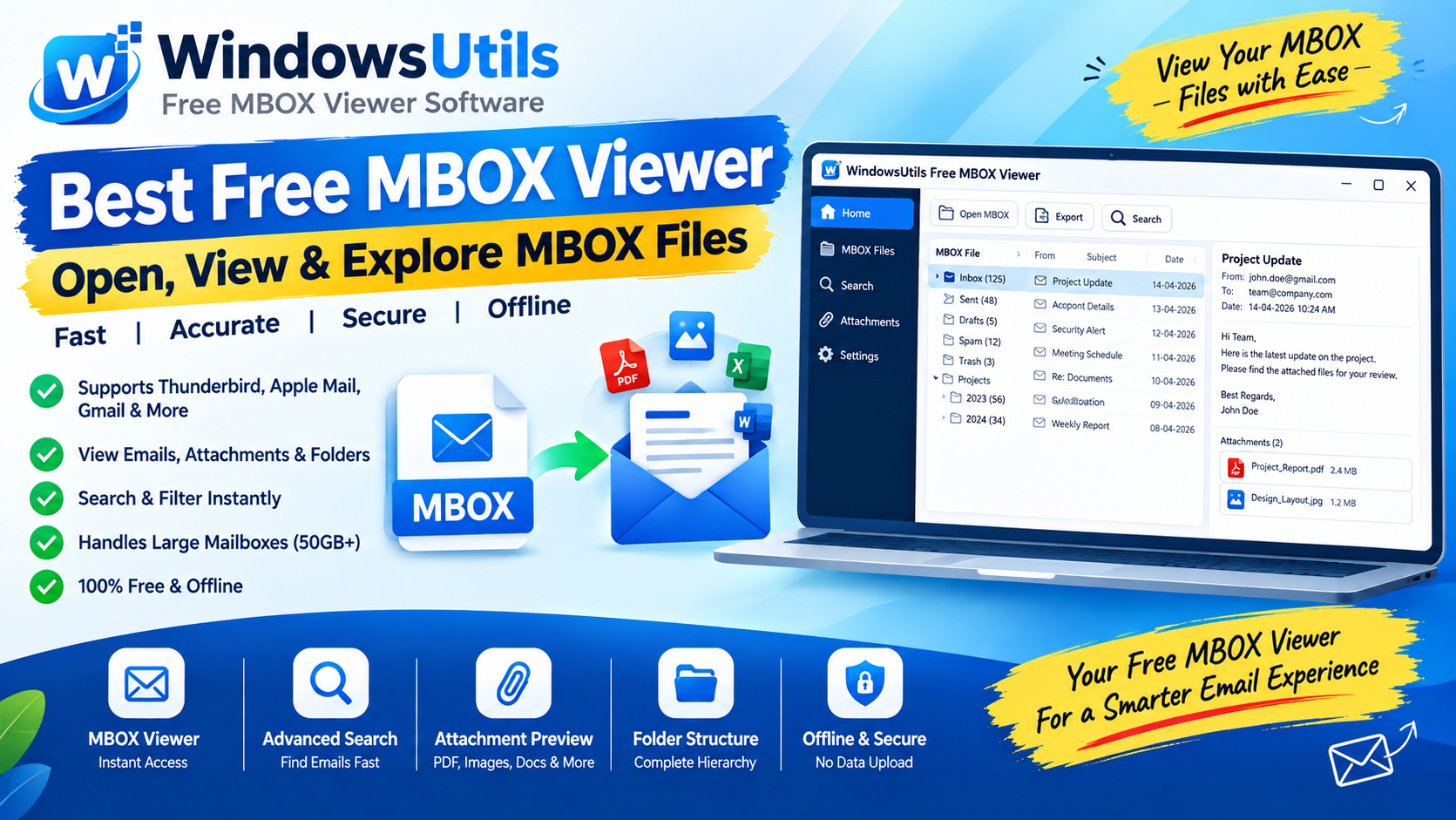
Court-Admissible Email Exports: Converting MBOX & PST Inboxes to Legally Defensible PDFs
Export emails to court-ready PDF documents that comply with legal discovery standards. Maintain critical RFC-822 headers, timestamps, and embedded attachments intact.
 PDF Management
Offline PDF Manipulation: Merging Complex Bundles and Extracting Page Ranges on Windows
Combine multiple reports, contracts, and scans into a single PDF, or extract individual pages with zero risk of cloud data leakage on Windows 11 and 10.
 PDF Management
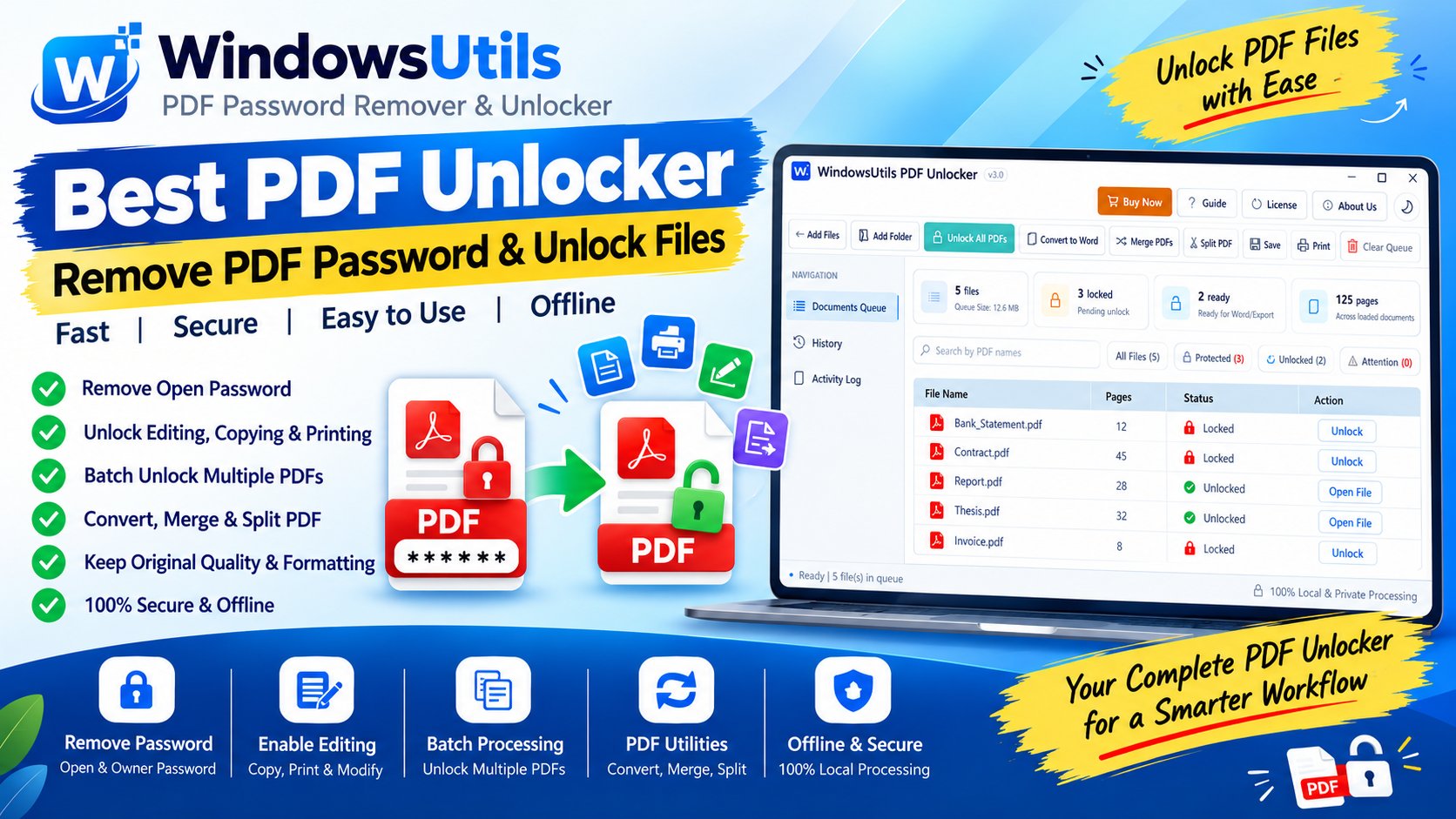
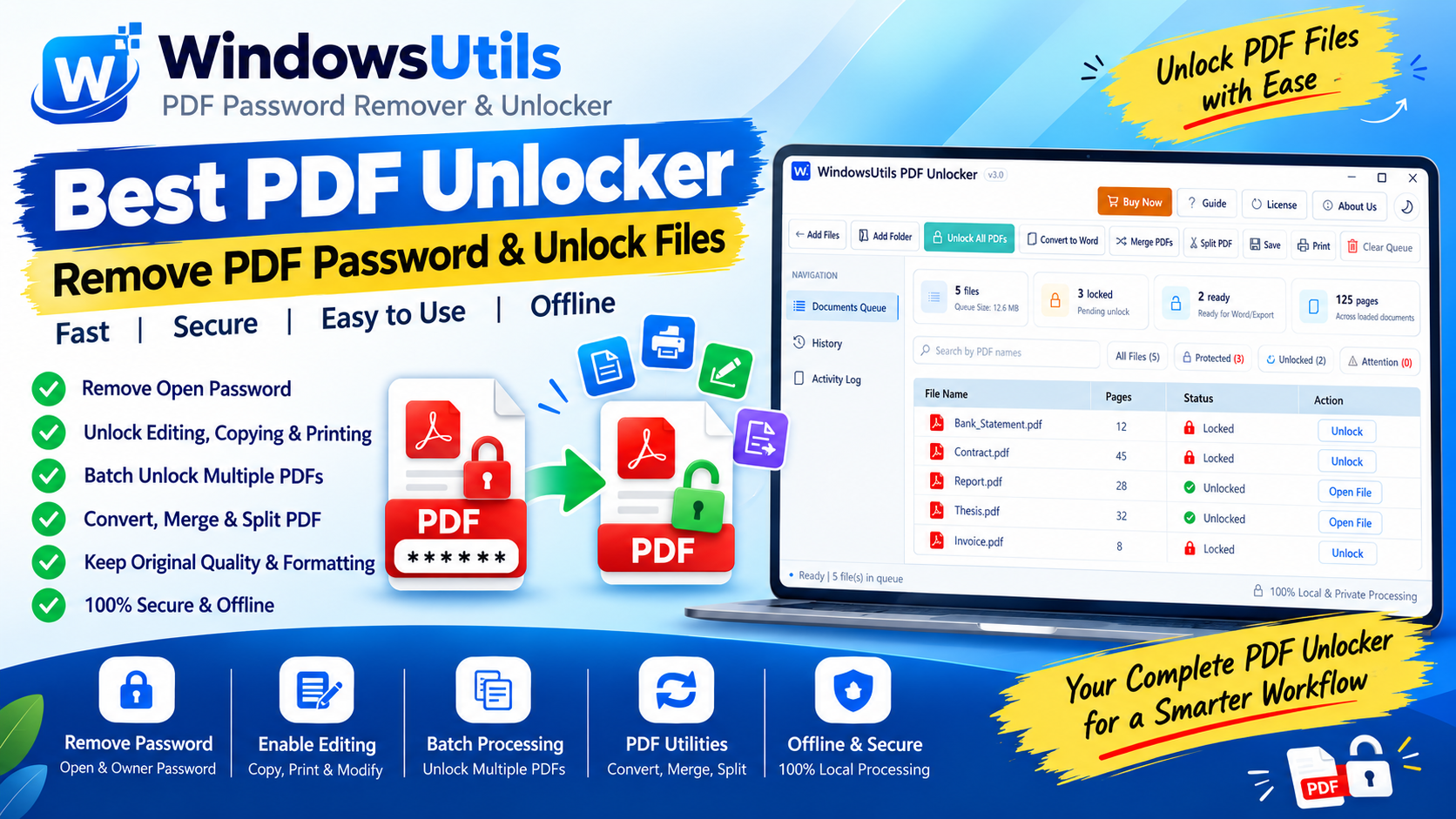
Unlocking Restricted PDFs: How to Remove Owner & Permission Passwords Safely Offline
Need to print, copy, or edit a password-protected PDF? Learn how to eliminate owner restriction passwords safely on Windows without Adobe Acrobat or shady cloud portals.