Optimizing Heavy PDF Files: Downsampling, Stream Compression & Font Subsetting Explained
Shrink multi-hundred-megabyte PDF portfolios for email and web upload. Understand image downsampling, Flate compression, and font subsetting without sacrificing readability.


You finalize a 20-page architectural proposal, medical report, or corporate presentation, only to discover the exported PDF is 68MB. When you attempt to attach it to an email in Outlook or Gmail, you are blocked by the standard 20MB or 25MB attachment ceiling.
Most people resort to random online compression tools, only to receive a blurry, unreadable document with smudged typography and pixelated diagrams. Achieving dramatic file size reduction while preserving crisp vector typography and vibrant imagery requires an understanding of how PDF compression truly works.
1. Why Are PDF Files So Huge? Diagnosing Bloat
A Remove PDF Password file rarely bloats because of plain text. The primary culprits behind massive file sizes include:
• Uncompressed High-DPI Scans: Office scanners often default to 600 or 1200 DPI uncompressed TIFF/BMP rasters for simple black-and-white forms.
• Redundant Embedded Fonts: Multiple complete TrueType or OpenType font libraries embedded into the document when only 20 unique characters were actually used.
• High-Resolution Photos: Digital camera photos embedded at 24 megapixels when the display box is only 2 inches wide.
• Inefficient Stream Storage: Uncompressed XML metadata, duplicate thumbnail caches, and unpruned revision histories.
2. Lossless vs Lossy PDF Compression Explained
Understanding the distinction between compression techniques ensures you choose the right balance for your document's intended destination:
| Metric | Lossless Compression | Lossy Compression |
|---|---|---|
| Mechanism | Flate/Deflate stream encoding, font subsetting, metadata stripping | Image downsampling (e.g. 600 DPI to 150 DPI) & JPEG DCT re-quantization |
| Visual Difference | Zero visual change; pixel-for-pixel identical | Imperceptible on screens; minor compression artifacts at 400% zoom |
| Size Reduction | 15% to 45% reduction | 60% to 90% reduction |
| Best Used For | Legal contracts, architectural CAD blueprints, financial audits | Email attachments, web downloads, corporate slide decks |
3. Recommended DPI Settings for Screen vs Print
The secret to intelligent How to Use Remove PDF Password compression lies in matching image DPI (Dots Per Inch) to the viewing medium:
• 72–96 DPI: Ideal for mobile browsing and fast web downloads. Lowest file size.
• 150 DPI: The sweet spot for email attachments and office desktop monitors. Text and charts look completely sharp on retina displays while cutting file size by 75%.
• 300 DPI: Mandatory for commercial printing and offset presses. Keeps photos gallery-sharp.
4. Step-by-Step: Compressing PDFs with WindowsUtils
WindowsUtils PDF Toolkit provides specialized offline presets to shrink files quickly without trial-and-error.
Step-by-Step Execution Sequence:
Pro Engineering Tip
WindowsUtils displays the exact percentage and megabytes saved for each processed document in real time.
5. Font Subsetting and Flate Stream Optimization
Beyond image downsampling, WindowsUtils inspects embedded typography. If your document uses a custom corporate font like Proxima Nova, the tool extracts only the specific glyphs utilized in the document (subsetting) rather than embedding the entire 4MB font family.
Additionally, all content streams are re-encoded using high-ratio Flate compression algorithms, shaving vital megabytes without touching visual presentation.
WindowsUtils PDF Management Toolkit
Compress oversized PDF documents up to 90% without degrading visual clarity, subset embedded fonts, and batch optimize catalogs.
Summary & Final Thoughts
Shrinking PDF files down to email-friendly dimensions does not require sacrificing readability or visual appeal. With WindowsUtils PDF Management Toolkit, you achieve up to 90% file size reduction safely, quickly, and completely offline.
Expert Answers to Common Inquiries
No. Vector text and outlines remain mathematically crisp at any zoom level. Compression primarily targets embedded raster images and font tables.
Sarah Jenkins
Data Recovery & Forensic Analysis Lead
Specializes in Microsoft Exchange architectures, database structures, file forensics, and email platform migrations with over a decade of hands-on data recovery experience.
Related Technical Guides
Explore other tutorials on email migration, format conversions, and database repair.
 PDF Management
Bates Numbering Demystified: Federal Court Standards, Prefix Formatting & Automated Stamping
Comprehensive guide to Bates numbering in legal discovery and courtroom submissions. Learn standard prefix conventions, zero-padding, and offline batch stamping workflows.
 PDF Management
Offline PDF Manipulation: Merging Complex Bundles and Extracting Page Ranges on Windows
Combine multiple reports, contracts, and scans into a single PDF, or extract individual pages with zero risk of cloud data leakage on Windows 11 and 10.
 PDF Management
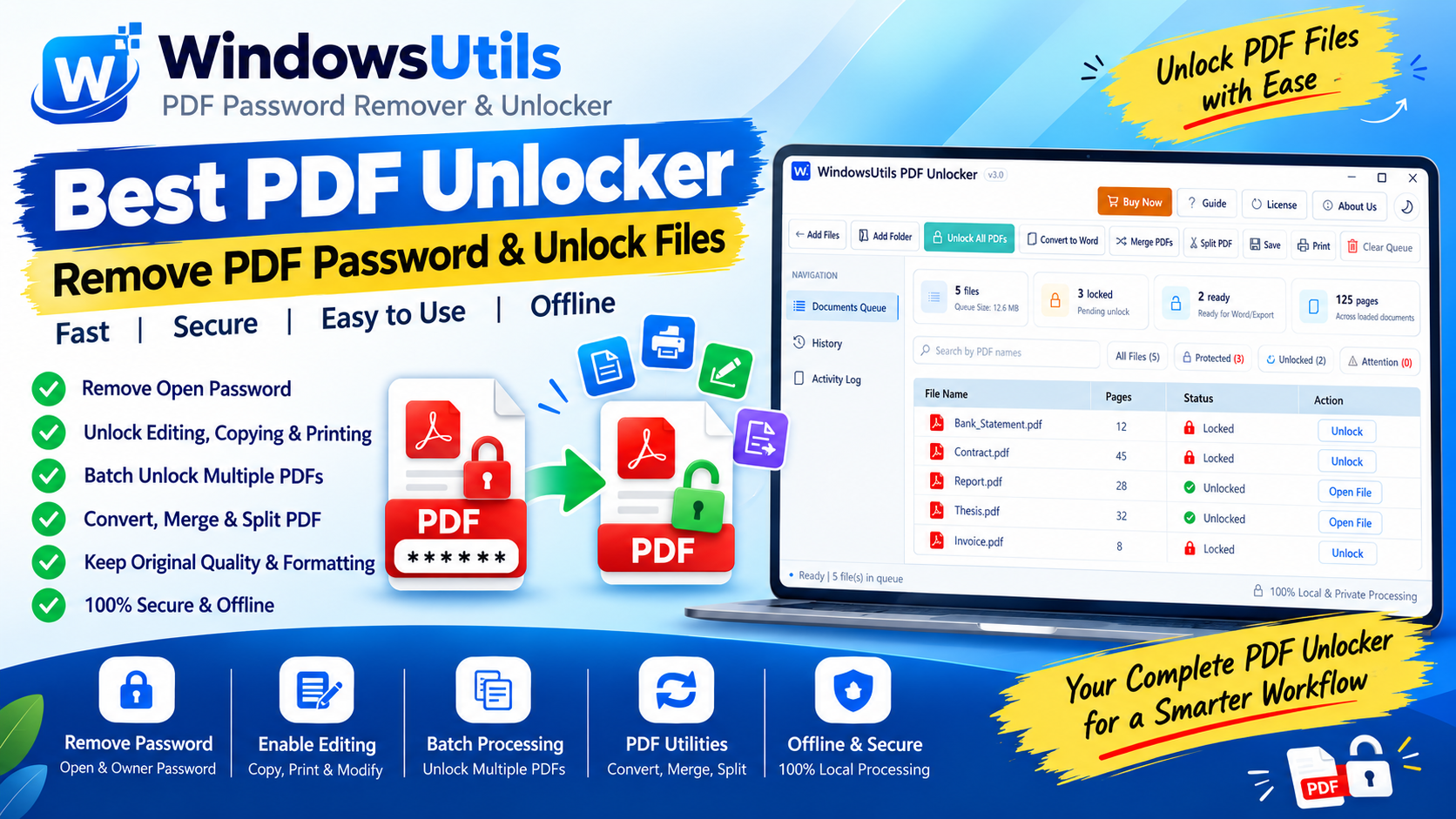
Unlocking Restricted PDFs: How to Remove Owner & Permission Passwords Safely Offline
Need to print, copy, or edit a password-protected PDF? Learn how to eliminate owner restriction passwords safely on Windows without Adobe Acrobat or shady cloud portals.