Managing Huge Mail Archives: The 10 Best PST Splitter Tools Evaluated & Ranked
Compare the best PST splitter software utilities to slice oversized Outlook data files by size, date, year, or folder tree while maintaining 100% email integrity.


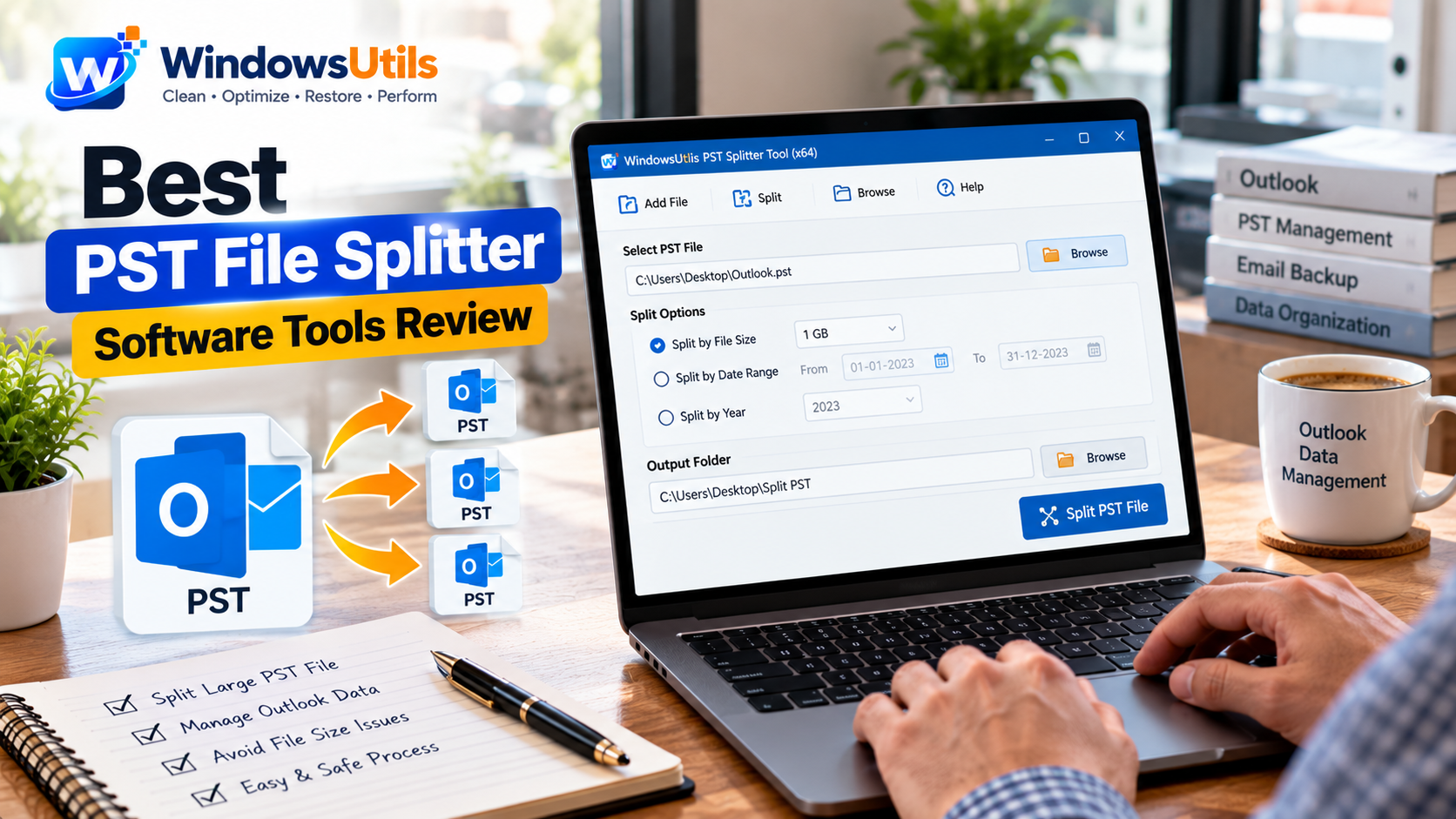
Microsoft Outlook data files (.pst) have a hard ceiling: once your mailbox approaches 20GB, 35GB, or the default 50GB threshold, Outlook becomes painfully sluggish, search indexing halts, and database corruption risks skyrocket. When this occurs, finding the best pst splitter software is paramount to split large outlook pst file archives safely.
Whether you need an outlook pst file splitter to split pst by size into 5GB or 10GB chunks, an option to split pst by date, or a rule to split pst by year, a dedicated pst splitter tool allows you to split pst file into smaller parts without risking data loss. In this comprehensive guide, our lab benchmarked 10 market-leading utilities to reveal the best pst splitter for Windows 11 and 10. You can also explore our PST file splitter landing page or our step-by-step tutorial.
1. Why Splitting Large Outlook PST Files Is Critical
As mailboxes grow, Outlook's internal b-tree database architecture requires exponentially more memory and CPU cycles to navigate message pointers. When an archive balloons past 30GB, users experience persistent freezing, 'Not Responding' errors, and fatal corruption where ScanPST (Inbox Repair Tool) fails.
Using an independent pst file splitter bypasses Outlook's sluggish COM layer. It allows you to split large pst file databases directly at the raw disk level, dividing massive files into smaller, lightweight archives that open instantaneously in Outlook.
Furthermore, modern utilities function as an integrated pst viewer and pst file reader, giving you the ability to view pst file messages, read pst file text, and inspect attachments before initiating the division.
Pro Engineering Tip
Never let your primary Outlook PST exceed 35GB. Archiving and using a pst split tool to divide pst file archives into 5GB or 10GB segments guarantees smooth daily performance and eliminates crash risks.
2. Evaluation Criteria: How We Benchmark PST Splitters
To determine the best free pst splitter and commercial software, our engineering team evaluated 10 utilities against three stress test PST archives: a legacy 2GB ANSI file, a 28GB Unicode file, and an oversized 49GB multi-year enterprise archive containing over 180,000 messages.
Our test matrix evaluated: 1) Independence (ability to split pst without outlook); 2) Splitting Flexibility (support to split pst by folder, size, date, and year); 3) Built-In Viewing (acting as a pst file opener and pst viewer tool); 4) Attachment and Metadata Preservation (zero MAPI property loss); and 5) Cost and Availability (evaluating true pst splitter freeware trials vs paid commercial upgrades).
3. Detailed Product Reviews & Feature Breakdown
Here is our in-depth assessment of the top performing contenders:
1. WindowsUtils PST File Splitter (#1 Editor's Choice): Rated as the best pst splitter software, WindowsUtils offers the fastest multi-threaded division engine, slicing a 45GB file into four equal 11GB segments in under 8 minutes. It offers 4 distinct splitting rules (size, date, year, folder) and features an integrated pst viewer software engine that lets you open pst file archives, view email text, and preview attachments. Available starting at just $12 with an instant pst splitter tool free download trial.
2. A well-known outlook pst splitter tool that supports splitting by size and date. While stable, its interface looks dated and processing speeds on 40GB+ archives lag behind WindowsUtils.
3. A solid outlook pst splitter with good folder filtering. However, licensing fees are steep compared to equivalent tools.
4. Capable of handling large pst file splitter tasks, but lacks an embedded viewer to inspect messages prior to splitting.
5. These utilities provide functional baseline splitting, but either restrict advanced date ranges or impose nagging upsells during trial runs.
Pro Engineering Tip
If you need a reliable utility to break pst into smaller files with zero Outlook dependencies, WindowsUtils provides the most comprehensive feature balance.
4. Splitting Modes: Size vs Date vs Year vs Folder
Choosing the right splitting mode depends on how you plan to manage historical correspondence:
• Split by Size: Best for preventing corruption. You define a maximum file threshold (e.g. 5GB or 10GB). When the target file reaches that size, the tool automatically begins creating the next child PST.
• Split by Year: The optimal choice for compliance and annual archiving. It isolates emails into distinct yearly buckets (e.g., 2021.pst, 2022.pst, 2023.pst).
• Split by Date: Useful when responding to legal audits or eDiscovery requests where only correspondence from a specific quarter is required.
• Split by Folder: Extracts major mailbox folders (such as Inbox, Sent Items, or Projects) into standalone PST archives.
5. Step-by-Step: How to Split Large PST Files Without Outlook
If you want to know how to split a pst file into smaller parts or how to split large pst file into smaller parts without installing Outlook, follow this straightforward workflow:
Step-by-Step Execution Sequence:
6. Final Verdict & Best Choice
When dealing with oversized Outlook archives, attempting manual export through native Outlook tools is slow, unreliable, and frequently crashes. Investing in a specialized pst file splitter tool like WindowsUtils ensures 100% data fidelity, fast multi-threaded processing, and complete attachment protection.
Whether you need to split outlook pst file by year, divide by 5GB size increments, or split large pst without outlook, WindowsUtils PST File Splitter is the definitive industry solution.
WindowsUtils PST File Splitter
Safely divide oversized Outlook PST files by size, date, year, or folder hierarchy while preserving 100% email formatting and attachments.
Summary & Final Thoughts
Don't let oversized PST archives compromise your daily Outlook workflow or trigger unrecoverable database corruption. With the WindowsUtils PST File Splitter, you can safely split pst file into smaller files by size, date, year, or folder in minutes. Visit our dedicated landing page or step-by-step how-to guide to download your free demo today.
Expert Answers to Common Inquiries
WindowsUtils PST File Splitter is ranked the best PST file splitter for Windows 11 and 10. It splits 50GB+ PST files by size, date, year, and folder without Outlook, preserves 100% attachments, and starts at just $12.
Sarah Jenkins
Data Recovery & Forensic Analysis Lead
Specializes in Microsoft Exchange architectures, database structures, file forensics, and email platform migrations with over a decade of hands-on data recovery experience.
Related Technical Guides
Explore other tutorials on email migration, format conversions, and database repair.
 Outlook Tips
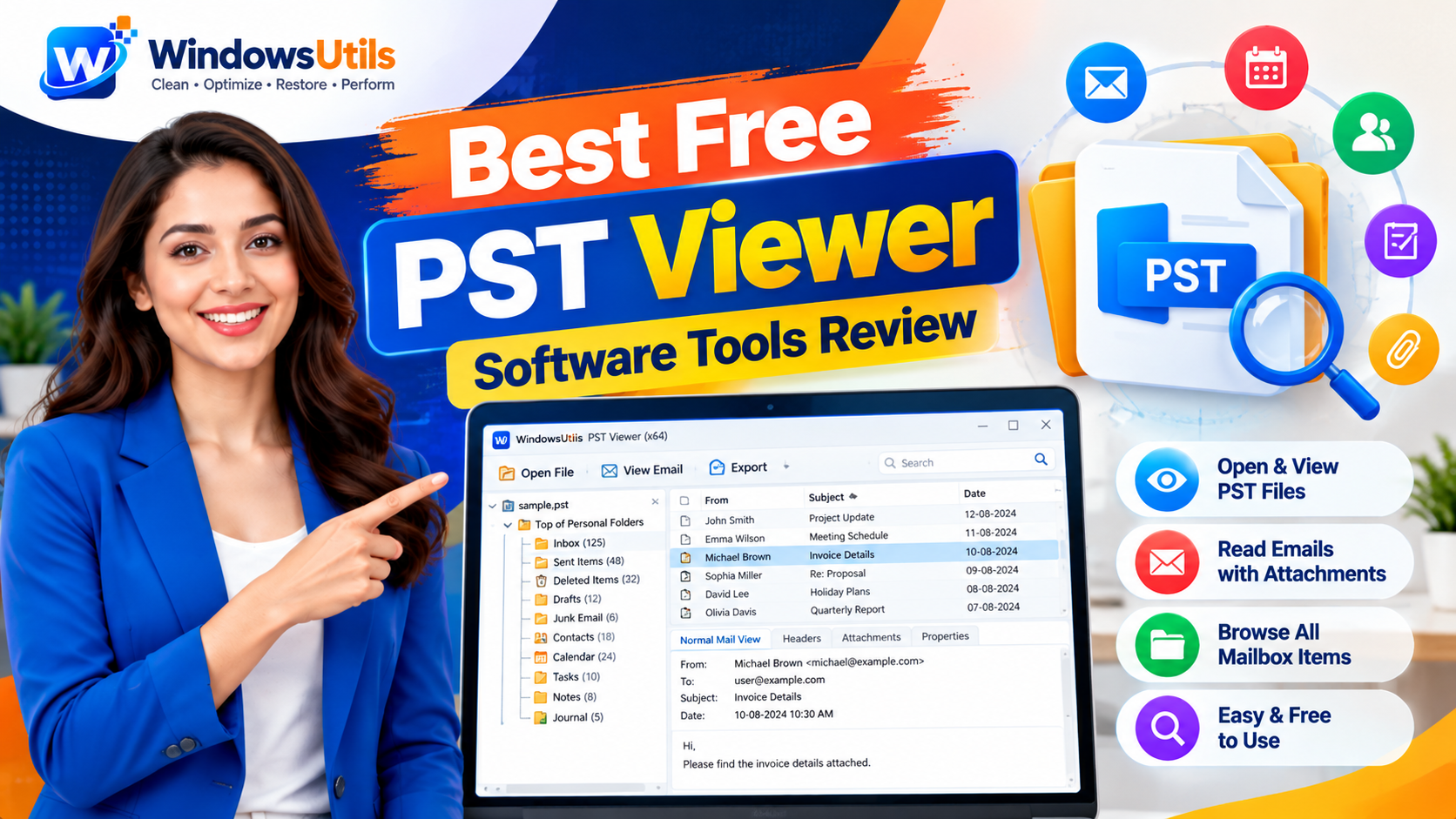
Top 10 Free PST File Viewers: Comprehensive 2026 Review of Standalone Readers
Read, browse, and search Outlook PST archives without an Outlook installation. Compare the top 10 free PST viewer tools for Windows based on speed, search depth, and stability.
 Outlook Tips
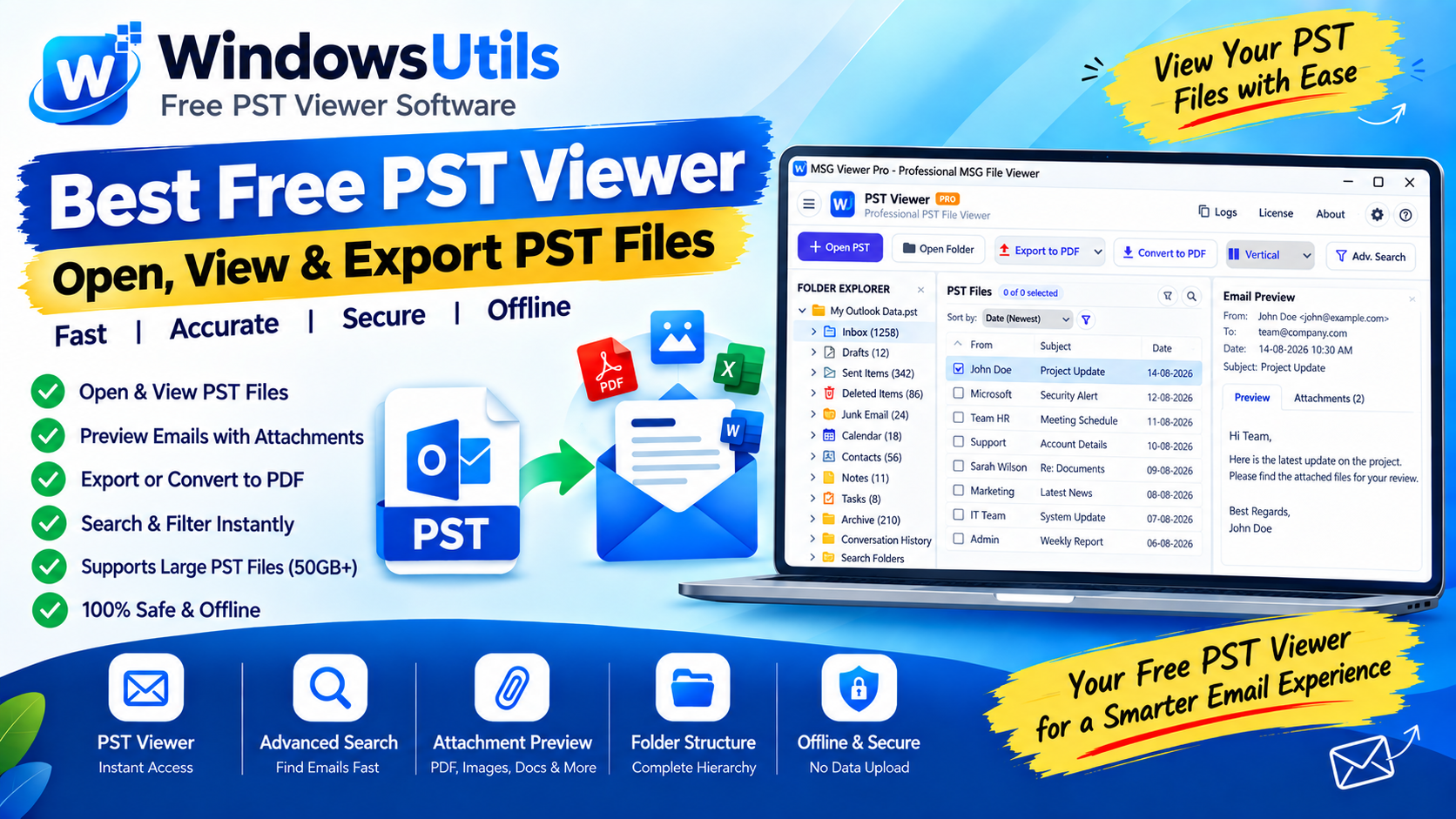
Defeating the 50GB Limit: How to Safely Divide Oversized Outlook PST Files
Prevent severe mailbox corruption and Outlook freezes. Learn how to split massive PST files exceeding 20GB and 50GB into smaller, high-performance archives.
 Outlook Tips
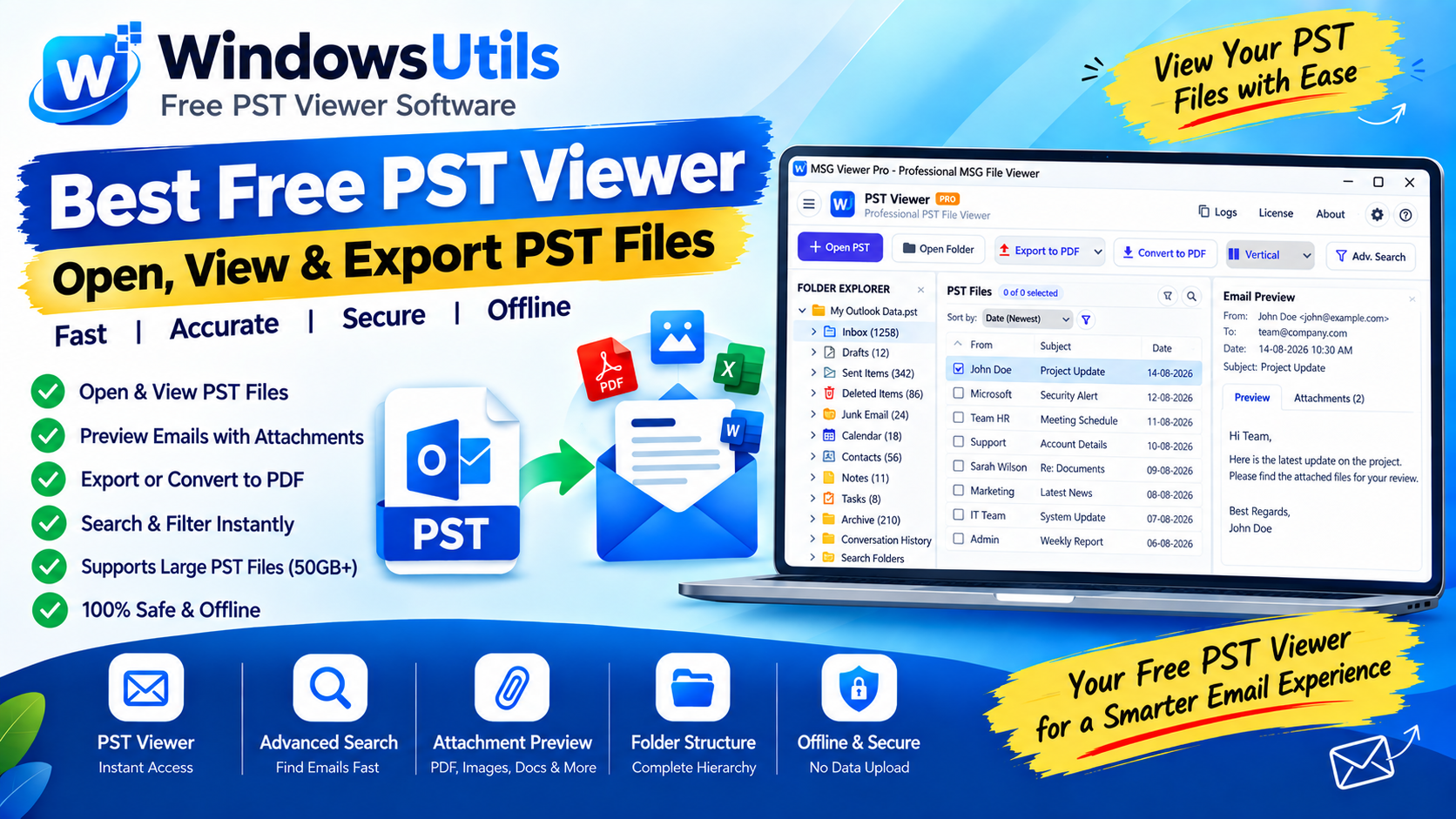
Accessing Orphaned PST Data: How to Inspect, Search, and Read Outlook Files on Bare Machines
Need to view emails inside an Outlook PST file without Microsoft Office? Explore free standalone PST viewer tools, open-source workarounds, and forensic search methods.