IMAP Migration Tool
Transfer & Sync Mailboxes Securely
Back up and migrate emails easily with WindowsUtils IMAP Migration Software. Make Simple connections with your email account, select mailbox folders Like (Inbox, Sent, Calendar, etc), and Transfer emails to PST, EML, MBOX, PDF, HTML, MSG, and OST File formats. Transfer emails between IMAP accounts with a simple workflow, secure account connectivity, flexible backup options, and easy destination selection for efficient email management.
61 downloads recorded
Digitally Signed
100% Virus-Free
High Speed Processing
Windows 11 & 10 Certified
About IMAP Migration Tool for Windows
Switching email providers is one thing. Making sure your old emails come with you is another. Customer conversations, invoices, sent replies and carefully arranged folders all matter long after the provider changes.
WindowsUtils IMAP Migration Tool moves messages directly between two IMAP accounts, so there’s no mailbox file to export first. Choose the folders you need and keep track of the transfer on your Windows PC. If you run the migration again, an optional duplicate check helps avoid copying messages twice.
The original mailbox remains available while you inspect the destination and make sure your important mail has arrived. You decide when the old account is no longer needed.
Security Architecture
100% Offline Local
OS Compatibility
Windows 11, 10, 8.1, 8, 7 (32-bit & 64-bit)
Data Integrity
100% Lossless
Supported Formats
IMAP, IMAP4, SSL/TLS, PST, EML, MSG, MBOX, Office 365 mailboxes
Engineered For Speed. Built For 100% Accuracy.
Discover why IT specialists and individual users trust IMAP Migration Tool for high-speed, secure, and lossless processing on Windows.
Direct IMAP-to-IMAP message transfer
Optional duplicate checking when the transfer is run again. The tool does not continuously synchronize the two mailboxes.
Real-Time Synchronization
Keep your old and new hosting accounts matched up on the fly so folders and read states carry over cleanly.
End-to-End Encryption & High Data Security
Ensure maximum data protection using SSL/TLS encrypted protocols during transit. Zero data is cached or stored on intermediate servers, keeping your communications completely private.
Automated User Mapping
Simplify administrative setup by automatically matching source email accounts to target destinations via CSV import, eliminating manual mapping errors for large teams.
Direct Connection Setup
Punch in your host addresses, ports, and SSL parameters manually to lock down a stable bridge between servers.
Folder Structure Retention
Maintain your exact directory tree, custom labels, and nested folders during the bulk transfer process.
Detailed Progress Monitoring
Watch the live terminal logs scroll by to track successful deliveries and spot any network drops right away.
Custom Port Configuration
Adjust incoming and outgoing ports manually if your mail provider uses non-standard configurations or strict firewalls.
100% Air-Gapped Privacy
Zero cloud telemetry or data transmission. All operations execute directly on your physical hardware.
Certified Lossless Quality
Bit-for-bit accuracy preserving inline attachments, message formatting, headers, and metadata.
Standalone Speed Engine
Independent native executable. No Outlook, Exchange, or Office runtime installation required.
See IMAP Migration Tool in Action
Click any preview thumbnail to inspect the full interface and options.
How It Works: Step-by-Step
Effortless processing in just a few clicks. Runs completely offline on your Windows system.
Configure Source Server
Type in your original IMAP host address, port number, email ID, and password to connect the source mailbox.Create your account in seconds and customize your workspace settings to match your team’s workflow and goals.
How to Backup & Migrate IMAP Step-by-Step
Follow full photographic walkthroughs showing drive selection, deep sector scanning (11,000+ MB/s), 2 MB free preview limit, and lossless verified file restoration.
Side-by-Side Comparison
Compare IMAP Migration Tool against manual workarounds and alternative software. Discover why WindowsUtils delivers higher accuracy, zero cloud dependencies, and lifetime cost savings.
System Requirements
- Windows 11, 10, 8.1, 8, 7 (32-bit & 64-bit)
- 1 GHz processor or faster
- 1 GB RAM (2 GB recommended)
- 100 MB free disk space for installation
- Active internet connection for live server-to-server IMAP migration
Supported Formats
Frequently Asked Questions
Trusted by Professionals Worldwide
"The WindowsUtils IMAP Migration Tool made transferring emails between mailboxes simple and hassle-free. The folder selection and multiple export formats are very useful. Highly recommended for email backup and migration."
Rahul Sharma
IT Professional
"A user-friendly tool for backing up IMAP emails. I like the option to save emails in formats such as PST, MBOX, EML, and PDF. The interface is straightforward, and the backup process is easy to follow."
Amit Verma
System Administrator
"This tool offers a convenient way to manage email backups and mailbox migration. Selecting specific folders and choosing a destination makes the process flexible. A useful solution for keeping important email data organized."
Priya Mehta
Business Owner
Related Guides & Tutorials
Comprehensive step-by-step documentation, migration troubleshooting, and expert recovery tips.
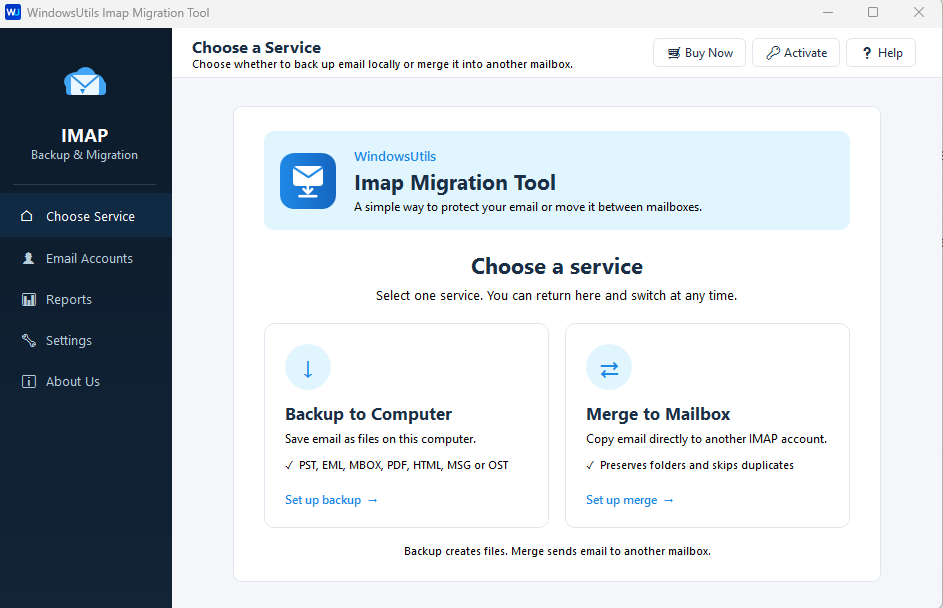
How to Backup & Migrate IMAP Step-by-Step
Complete step-by-step visual tutorial detailing file locations, scanning procedures, and Outlook mounting instructions.
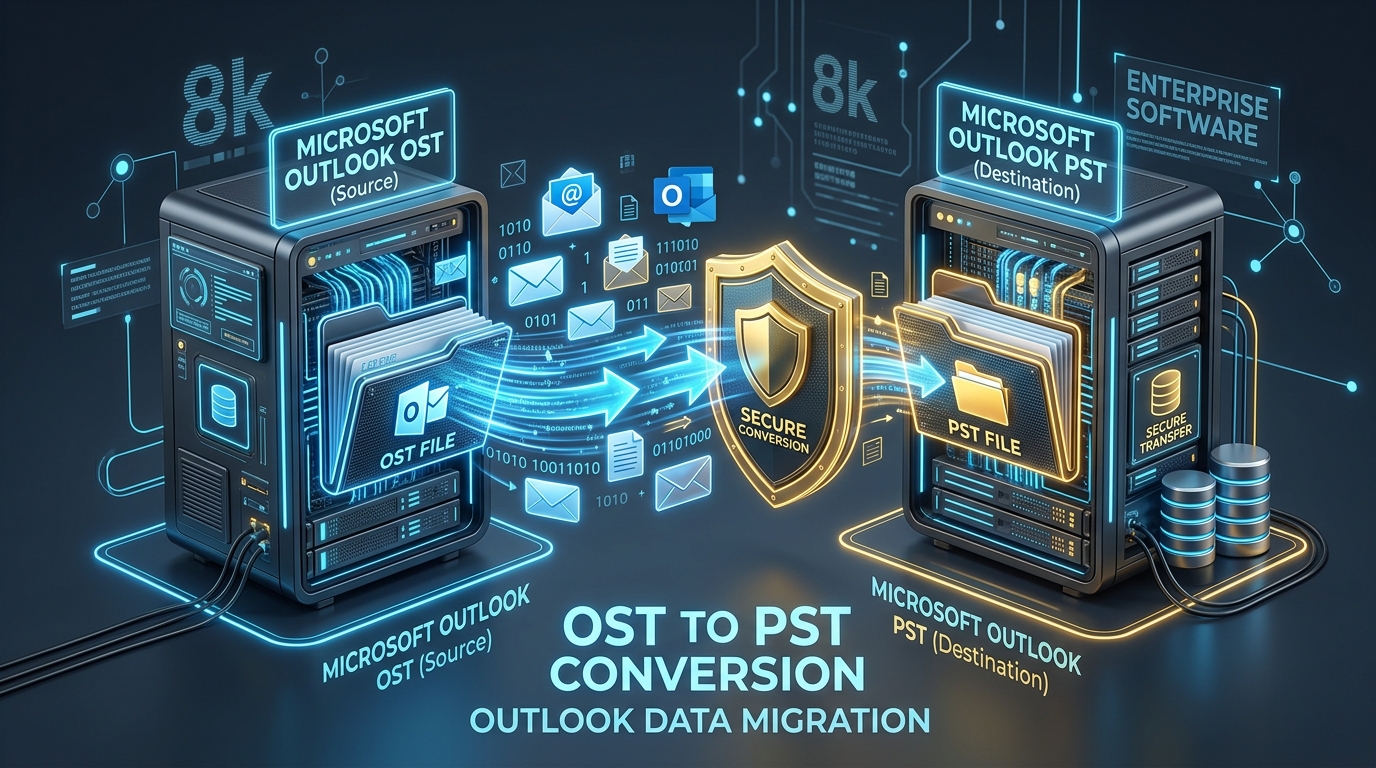
Fixing Inaccessible Outlook OST Files: The Complete Guide to Recovering Mailboxes to PST
Learn how to recover inaccessible or orphaned Outlook OST files to portable PST format without data loss. Covers native export and automated offline conversion methods.
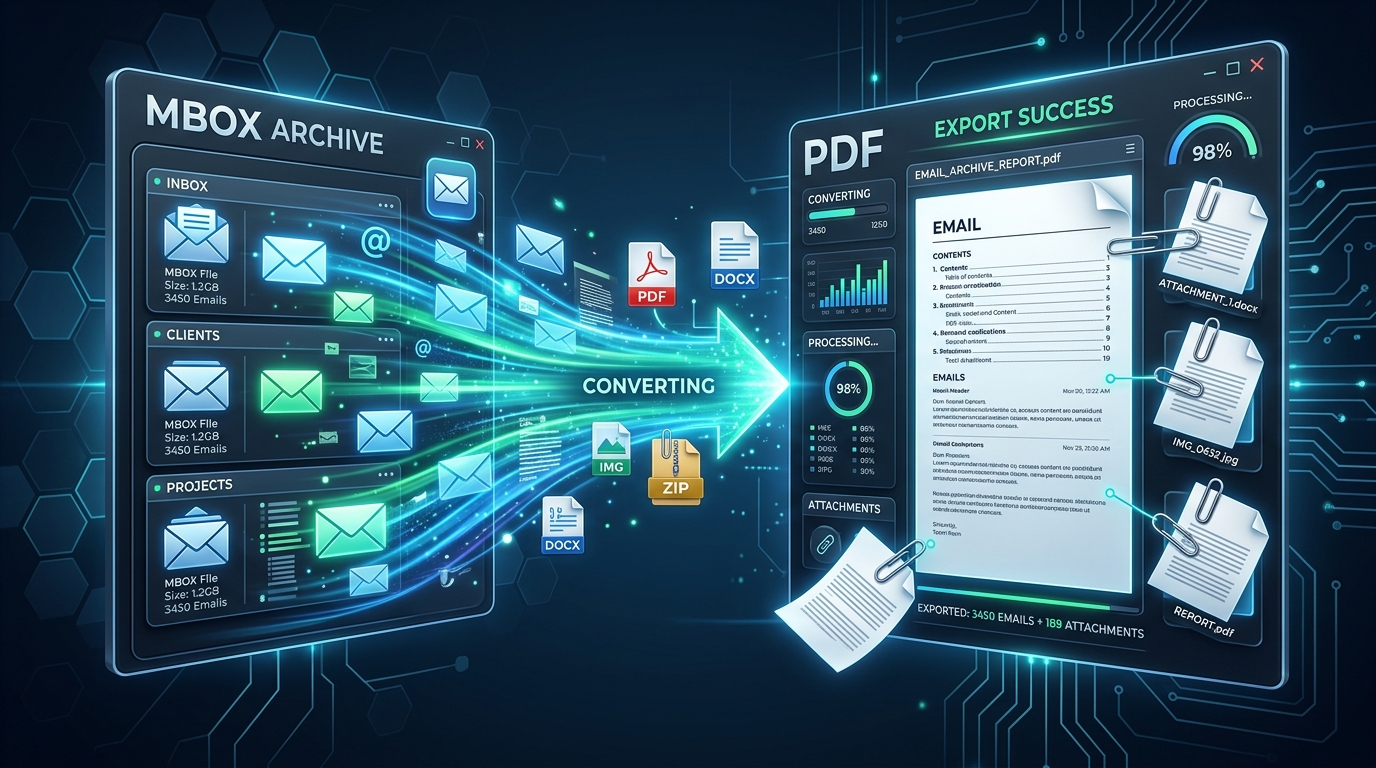
Exporting MBOX Mailboxes to Searchable PDF with Intact Attachments: 4 Tested Workflows
Step-by-step guide to converting MBOX email archives to high-fidelity PDF documents with embedded attachments. Ideal for legal, auditing, and archival workflows.
Ready to Get Started with IMAP Migration Tool?
Download the free trial now and experience professional-grade performance on your Windows PC.