PDF Toolbox
All-in-one PDF Management Software
PDF Toolbox is a powerful all-in-one solution that makes managing, editing, converting, merging, splitting, and organizing PDF files effortlessly. Make your daily document work faster and more efficient with a simple interface and essential PDF tools.
12 downloads recorded
Digitally Signed
100% Virus-Free
High Speed Processing
Windows 11 & 10 Certified
About PDF Toolbox for Windows
Security Architecture
100% Offline Local
OS Compatibility
Windows 10 or Windows 11 (64-bit recommended)
Data Integrity
100% Lossless
Supported Formats
PDF (.pdf)
Related Search Topics & Capabilities:
Engineered For Speed. Built For 100% Accuracy.
Discover why IT specialists and individual users trust PDF Toolbox for high-speed, secure, and lossless processing on Windows.
Convert PDF to Word
Transform complex PDFs into fully editable Word documents instantly. Keep your original formatting, fonts, and layouts completely intact without any tedious manual copying or frustrating formatting errors.
Convert PDF to Excel
Extract tables and financial data from static PDFs directly into editable spreadsheets. Maintain precise row and column alignment instantly, eliminating tedious manual data entry and formatting errors.
Convert PDF to PowerPoint.
Turn static PDF presentations into fully editable slide decks instantly. Keep your original images, text, and layout designs completely intact, saving hours of manual recreating and formatting.
Convert PDF pages into images.
Transform dense PDF pages into crisp, high-resolution image formats like JPG and PNG. Extract visuals or share individual pages effortlessly while maintaining crystal-clear quality and detail.
100% Air-Gapped Privacy
Zero cloud telemetry or data transmission. All operations execute directly on your physical hardware.
Certified Lossless Quality
Bit-for-bit accuracy preserving inline attachments, message formatting, headers, and metadata.
Standalone Speed Engine
Independent native executable. No Outlook, Exchange, or Office runtime installation required.
How It Works: Step-by-Step
Effortless processing in just a few clicks. Runs completely offline on your Windows system.
Import Your File
Drag and drop your PDF, Word, Excel, PowerPoint, or image files directly into the clean, lightweight interface.
How to Work PDF Toolbox Software
Follow full photographic walkthroughs showing drive selection, deep sector scanning (11,000+ MB/s), 2 MB free preview limit, and lossless verified file restoration.
Side-by-Side Comparison
Compare PDF Toolbox against manual workarounds and alternative software. Discover why WindowsUtils delivers higher accuracy, zero cloud dependencies, and lifetime cost savings.
Watch PDF Toolbox Demo
See how PDF Toolbox processes files quickly and safely in under two minutes.
System Requirements
- Windows 10 or Windows 11 (64-bit recommended)
- 1 GHz or faster processor (Intel or AMD)
- Minimum 2 GB of RAM (4 GB recommended for large files)
- 200 MB of available hard disk space for installation
- Screen resolution of 1280 x 768 or higher
Supported Formats
Frequently Asked Questions
Related Guides & Tutorials
Comprehensive step-by-step documentation, migration troubleshooting, and expert recovery tips.

How to Work PDF Toolbox Software
Complete step-by-step visual tutorial detailing file locations, scanning procedures, and Outlook mounting instructions.
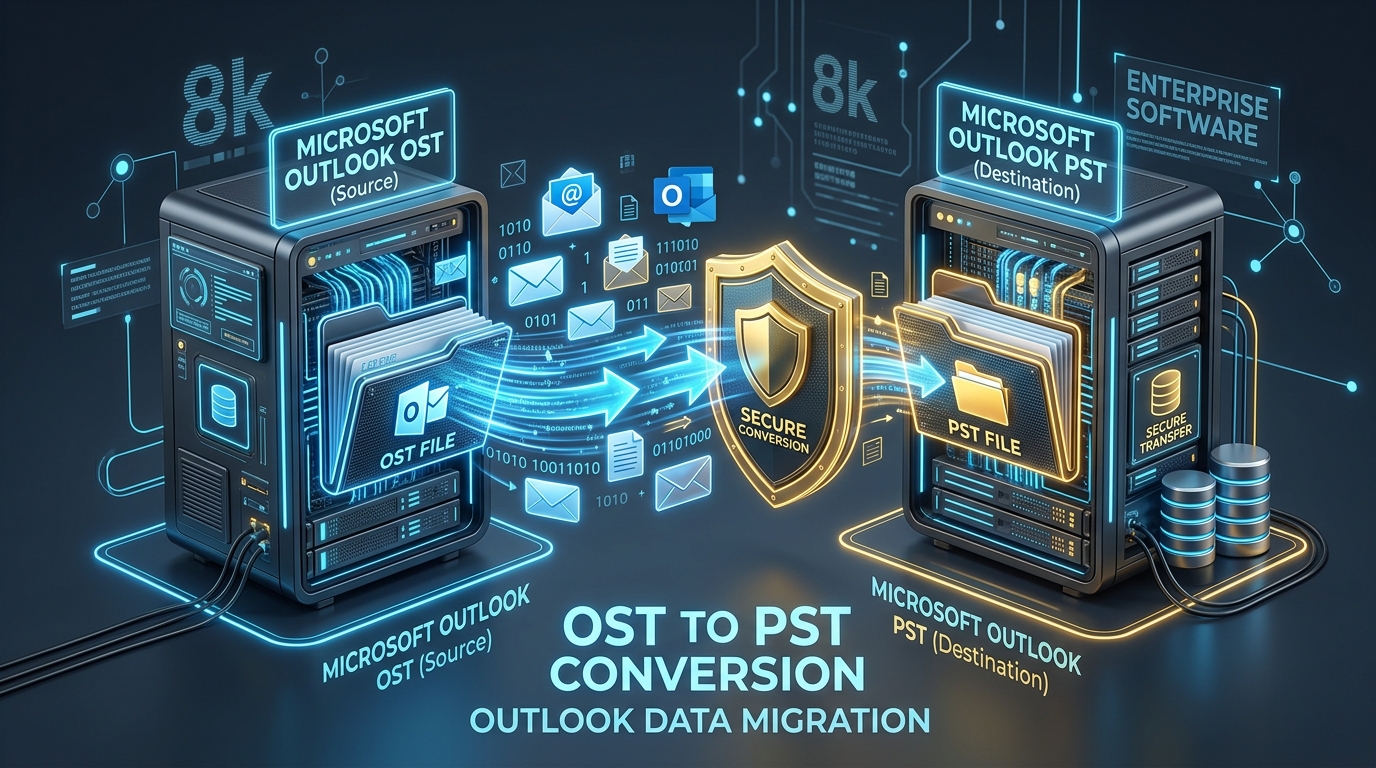
Fixing Inaccessible Outlook OST Files: The Complete Guide to Recovering Mailboxes to PST
Learn how to recover inaccessible or orphaned Outlook OST files to portable PST format without data loss. Covers native export and automated offline conversion methods.
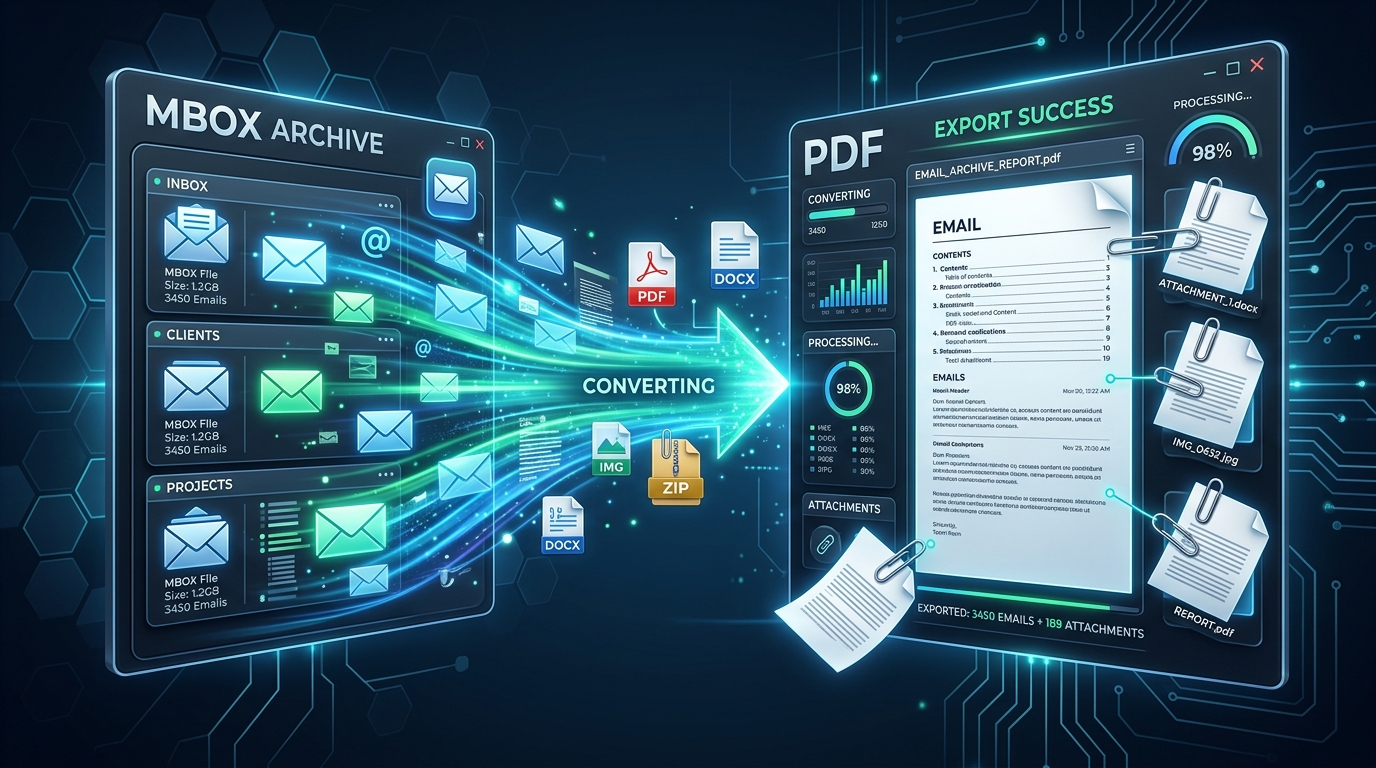
Exporting MBOX Mailboxes to Searchable PDF with Intact Attachments: 4 Tested Workflows
Step-by-step guide to converting MBOX email archives to high-fidelity PDF documents with embedded attachments. Ideal for legal, auditing, and archival workflows.
Ready to Get Started with PDF Toolbox?
Download the free trial now and experience professional-grade performance on your Windows PC.