Mac to PC Mailbox Migration: Transferring Apple Mail (.EMLX) to Windows Outlook Intact
Complete guide for moving from Mac Apple Mail to Windows Outlook. Preserve subfolder nesting, original timestamps, and multipart attachments during cross-platform migration.


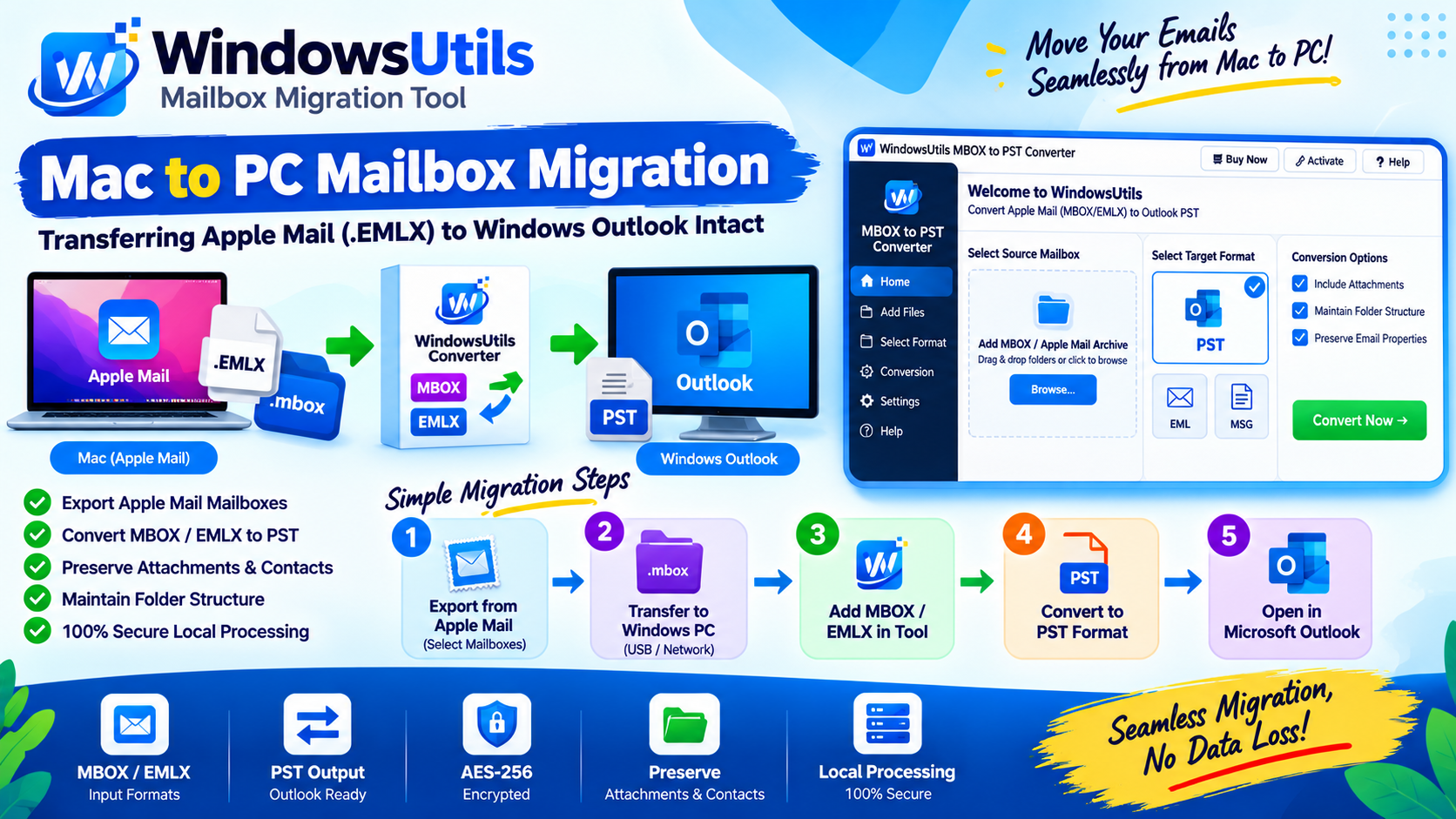
Switching from a Mac to a Windows PC or provisioning Windows workstations for staff previously on macOS often stalls when attempting to transfer local email archives.
Apple Mail stores its local message database in proprietary `.emlx` files or exports folders as `.mbox` packages. Microsoft Outlook on Windows cannot read `.mbox` packages or import `.emlx` files directly. This guide details the cleanest, lossless path to execute this cross-platform migration.
1. The Mac-to-Windows Email Incompatibility Hurdle
Why doesn't Outlook simply open Apple Mail exports?
• Apple Mail utilizes standard UNIX mbox format wrapped in a macOS package bundle (`.mbox` folder with an internal `mbox` binary stream).
• Windows Outlook exclusively utilizes Microsoft's proprietary Personal Storage Table (.PST) format.
• Direct copy-paste fails because Windows File Explorer treats macOS package folders as standard directories and cannot parse the inner database stream.
2. Exporting Mailboxes from Apple Mail
To begin migration, export your desired mailboxes from your Mac:
Step-by-Step Execution Sequence:
3. Transferring the MBOX Archive to Windows
Copy the exported `.mbox` folders onto an exFAT-formatted USB drive or transfer them via an internal enterprise SMB share to your Windows PC.
Ensure that file permissions on Windows allow full Read/Write access to the copied files.
4. Converting MBOX to Native Outlook PST
On your Windows workstation, convert the Apple Mail export into an Outlook PST container:
Step-by-Step Execution Sequence:
Pro Engineering Tip
WindowsUtils preserves all Apple Mail inline attachments, contact vCards, calendar invites, and high-resolution graphic signatures.
WindowsUtils Mail Migration Suite
Cross-platform mailbox converter designed to migrate Apple Mail MBOX and EMLX trees into clean Windows Outlook PST files.
Summary & Final Thoughts
Crossing the macOS to Windows divide does not require losing years of historical correspondence. By exporting from Apple Mail and utilizing WindowsUtils to generate a verified PST file, you achieve a flawless transition in minutes.
Expert Answers to Common Inquiries
Yes, but only if your total mail volume is small enough to fit within your IMAP quota and bandwidth limits. For archives exceeding 5 GB, direct file conversion avoids cloud timeouts.
Sarah Jenkins
Data Recovery & Forensic Analysis Lead
Specializes in Microsoft Exchange architectures, database structures, file forensics, and email platform migrations with over a decade of hands-on data recovery experience.
Related Technical Guides
Explore other tutorials on email migration, format conversions, and database repair.
 Email Migration
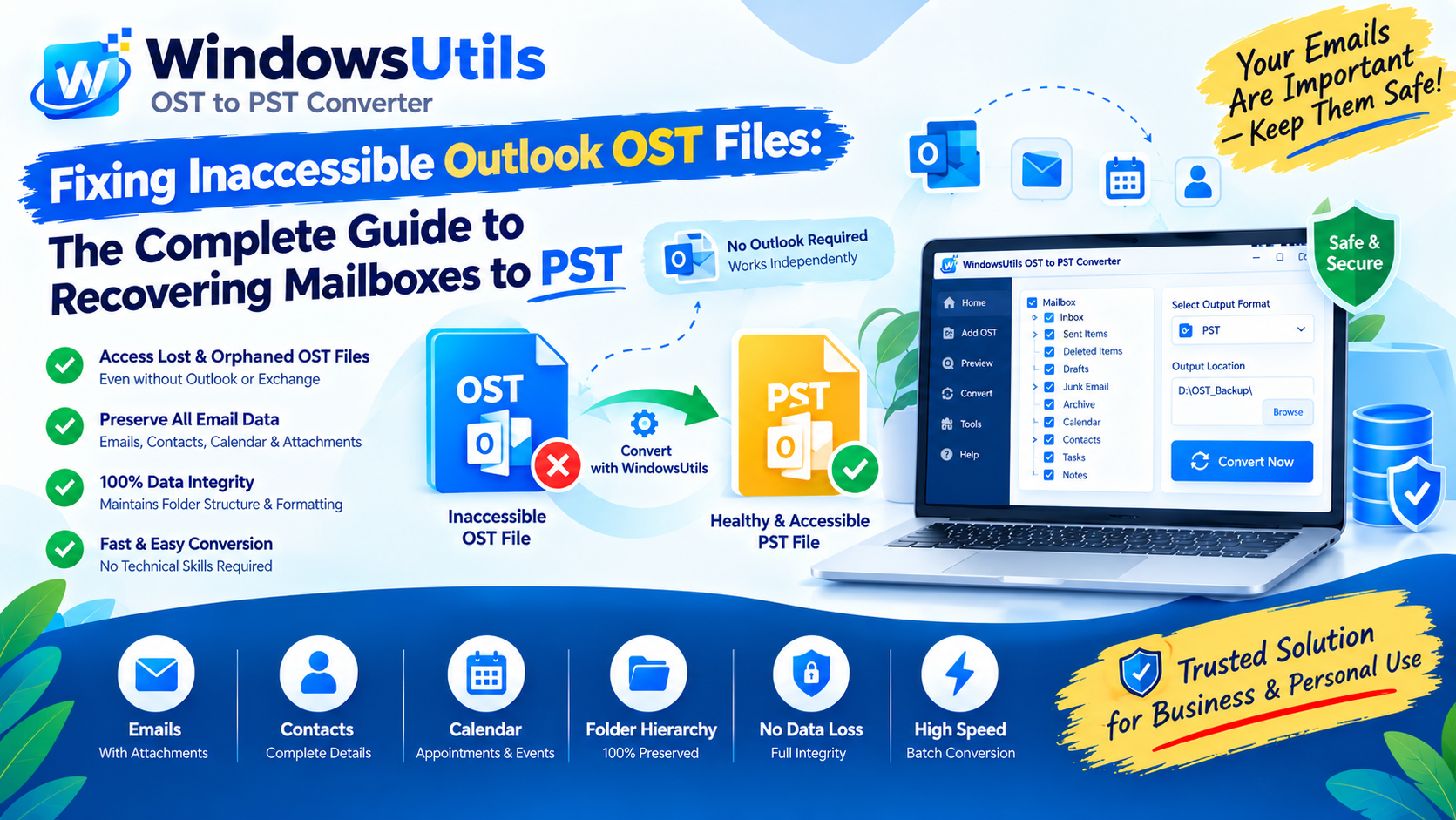
Fixing Inaccessible Outlook OST Files: The Complete Guide to Recovering Mailboxes to PST
Learn how to recover inaccessible or orphaned Outlook OST files to portable PST format without data loss. Covers native export and automated offline conversion methods.
 Email Migration
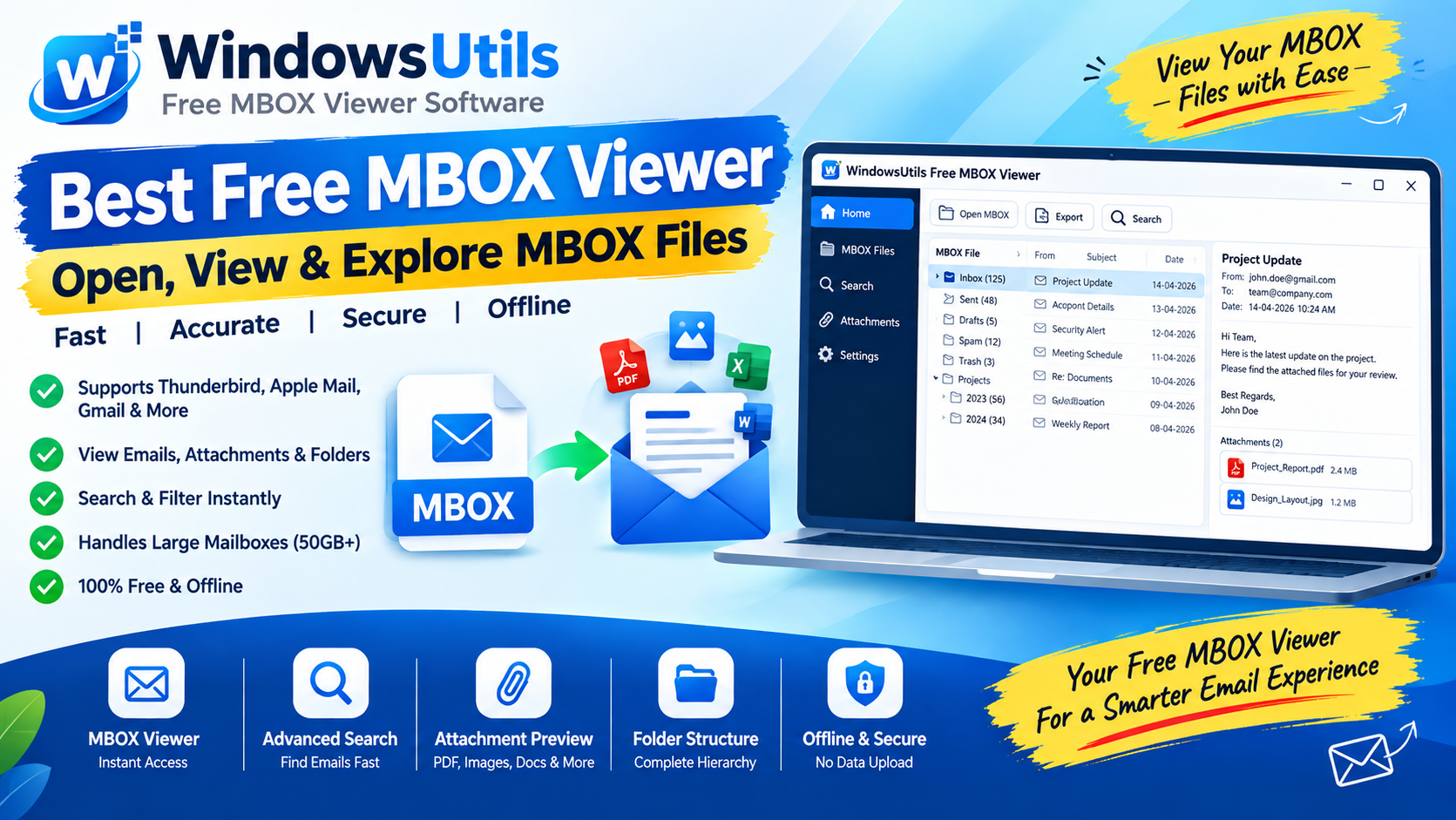
Exporting MBOX Mailboxes to Searchable PDF with Intact Attachments: 4 Tested Workflows
Step-by-step guide to converting MBOX email archives to high-fidelity PDF documents with embedded attachments. Ideal for legal, auditing, and archival workflows.
 Email Migration
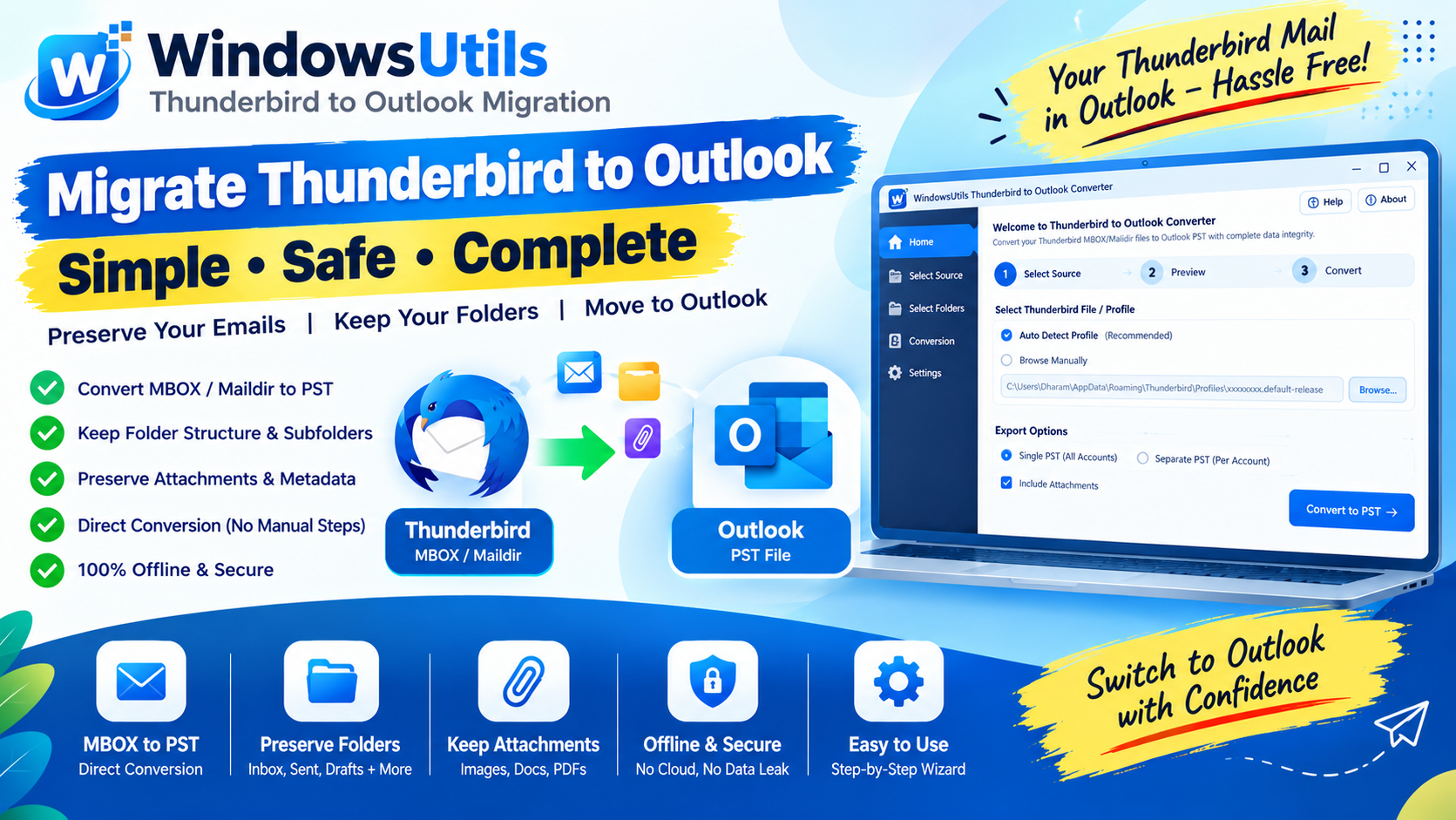
Migrating Mozilla Thunderbird to Outlook & Microsoft 365: Step-by-Step Folder & Mail Transfer
Detailed walkthrough for moving emails, contact address books, and complete folder trees from Mozilla Thunderbird to Microsoft Outlook on Windows.