Migrating Mozilla Thunderbird to Outlook & Microsoft 365: Step-by-Step Folder & Mail Transfer
Detailed walkthrough for moving emails, contact address books, and complete folder trees from Mozilla Thunderbird to Microsoft Outlook on Windows.


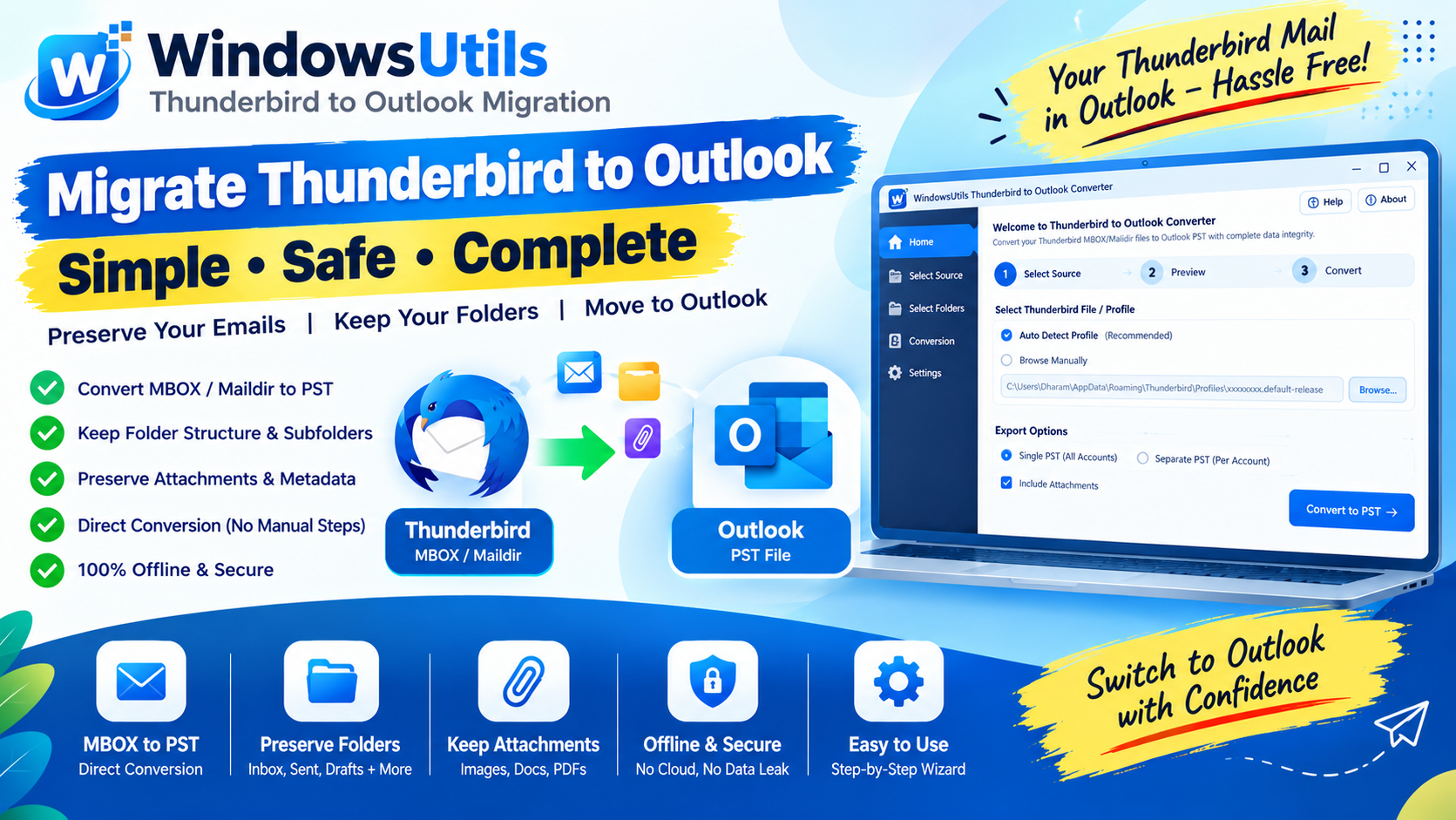
Mozilla Thunderbird remains one of the most respected open-source email clients. However, as organizations scale, the need for deep Microsoft 365 integration, enterprise Teams scheduling, and centralized Active Directory administration inevitably pushes teams toward Microsoft Outlook.
The fundamental hurdle is format incompatibility: Thunderbird stores mail in raw MBOX or Maildir trees without extensions, while Microsoft Outlook exclusively ingests Personal Storage Table (.PST) files. In this guide, we detail both manual and automated pathways to transition smoothly.
1. Why Businesses Migrate from Thunderbird to Outlook
While Thunderbird is free and highly customizable, enterprise IT departments typically standardize on Outlook for distinct operational reasons:
• Unified Calendar & Meeting Collaboration: Direct integration with Exchange Server, Microsoft Teams, and SharePoint.
• Centralized Compliance & Security: Enterprise DLP policies, Purview information barriers, and single sign-on (SSO).
• Cross-Device Mobility: Seamless sync across Outlook Web Access (OWA), Outlook iOS/Android apps, and Windows desktop.
2. Finding Your Thunderbird Mailbox Files
Before converting data, you must locate where Thunderbird stores your mail on the Windows filesystem:
Step-by-Step Execution Sequence:
Pro Engineering Tip
Ignore `.msf` files. Those are Mail Summary Files (indices) and do not contain the actual email body or attachment content.
3. Method 1: The IMAP Sync / Drag-and-Drop Method
If your mailbox is relatively small (under 2 GB) and you have access to a secondary IMAP account (such as Gmail or Outlook.com):
Step-by-Step Execution Sequence:
Important Safety Precaution
This method requires uploading and downloading your entire correspondence twice over the internet. ISPs and free email providers enforce daily bandwidth and upload throttling limits (e.g. Gmail 500MB/day cap).
4. Method 2: Intermediate EML Export Method
Thunderbird allows exporting individual messages into .EML format, which Outlook can read:
Step-by-Step Execution Sequence:
Pro Engineering Tip
This method is useful for a dozen emails. If you have thousands of messages, dragging and dropping will freeze Outlook and strip subfolder categorization.
5. Method 3: Direct Automated Conversion OST to PST
For full-scale organizational transitions, WindowsUtils converts entire Thunderbird profile directories directly into standalone Outlook PST files:
Step-by-Step Execution Sequence:
WindowsUtils OST & Mail Converter
Migrate open-source Thunderbird mailboxes directly into native Outlook PST archives with zero loss of folder hierarchy or headers.
Summary & Final Thoughts
Migrating from Thunderbird to Microsoft Outlook is simple when you avoid slow intermediate uploads. For complete preservation of folder trees, read/unread states, and embedded attachments, direct binary PST conversion is the recommended enterprise standard.
Expert Answers to Common Inquiries
Yes. When using automated conversion tools like WindowsUtils, all nested folders, subfolders, and category names are preserved exactly as they appeared in Thunderbird.
Elena Rostova
Lead Cloud Infrastructure & Compliance Auditor
Specializes in Microsoft Exchange architectures, database structures, file forensics, and email platform migrations with over a decade of hands-on data recovery experience.
Related Technical Guides
Explore other tutorials on email migration, format conversions, and database repair.
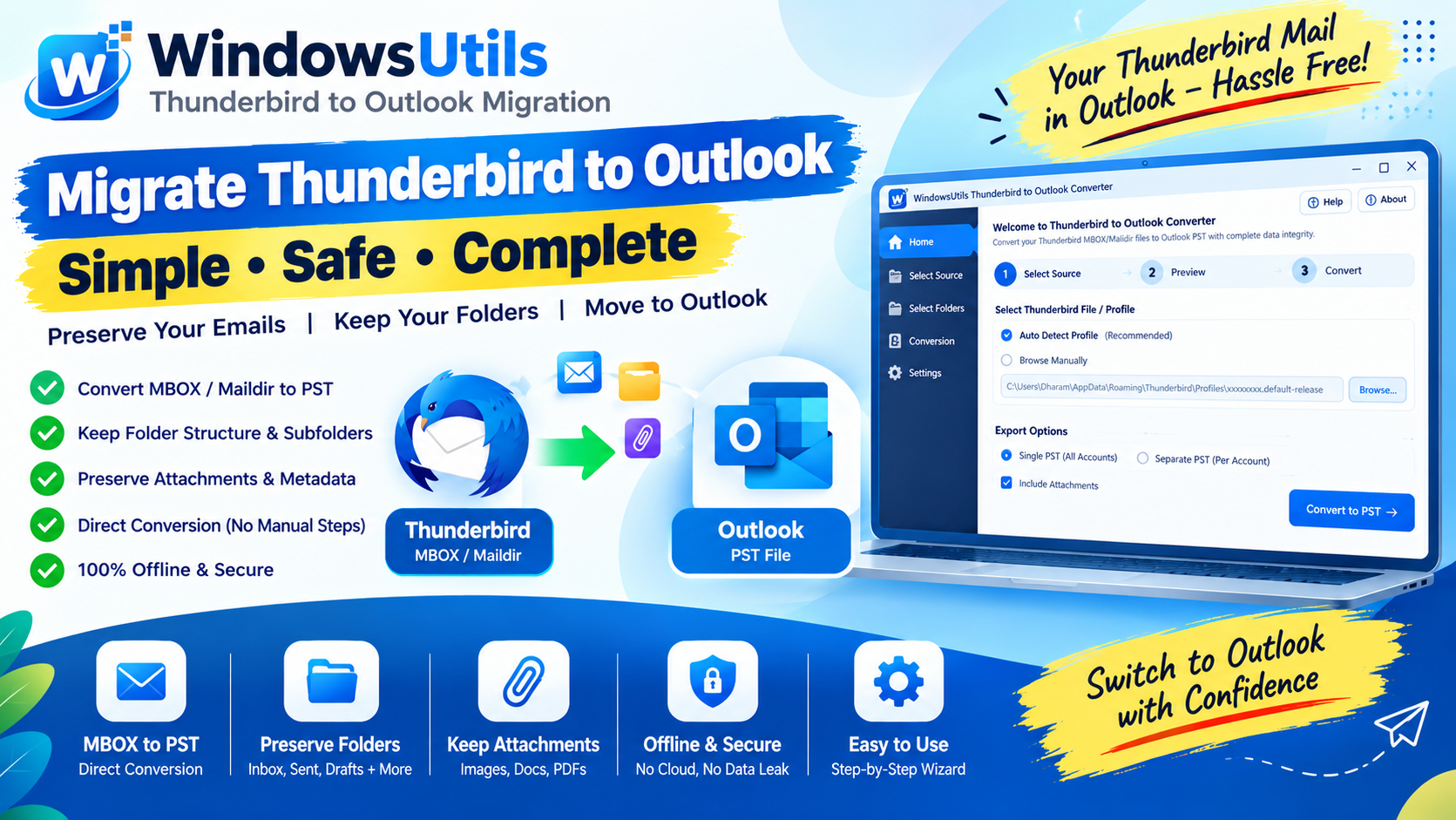 Email Migration
Batch Consolidating Loose EML & MSG Files into a Single Outlook PST Archive
Learn how to merge thousands of individual .EML and .MSG files into an indexed, searchable Outlook Personal Storage Table (.PST) without freezing MAPI.
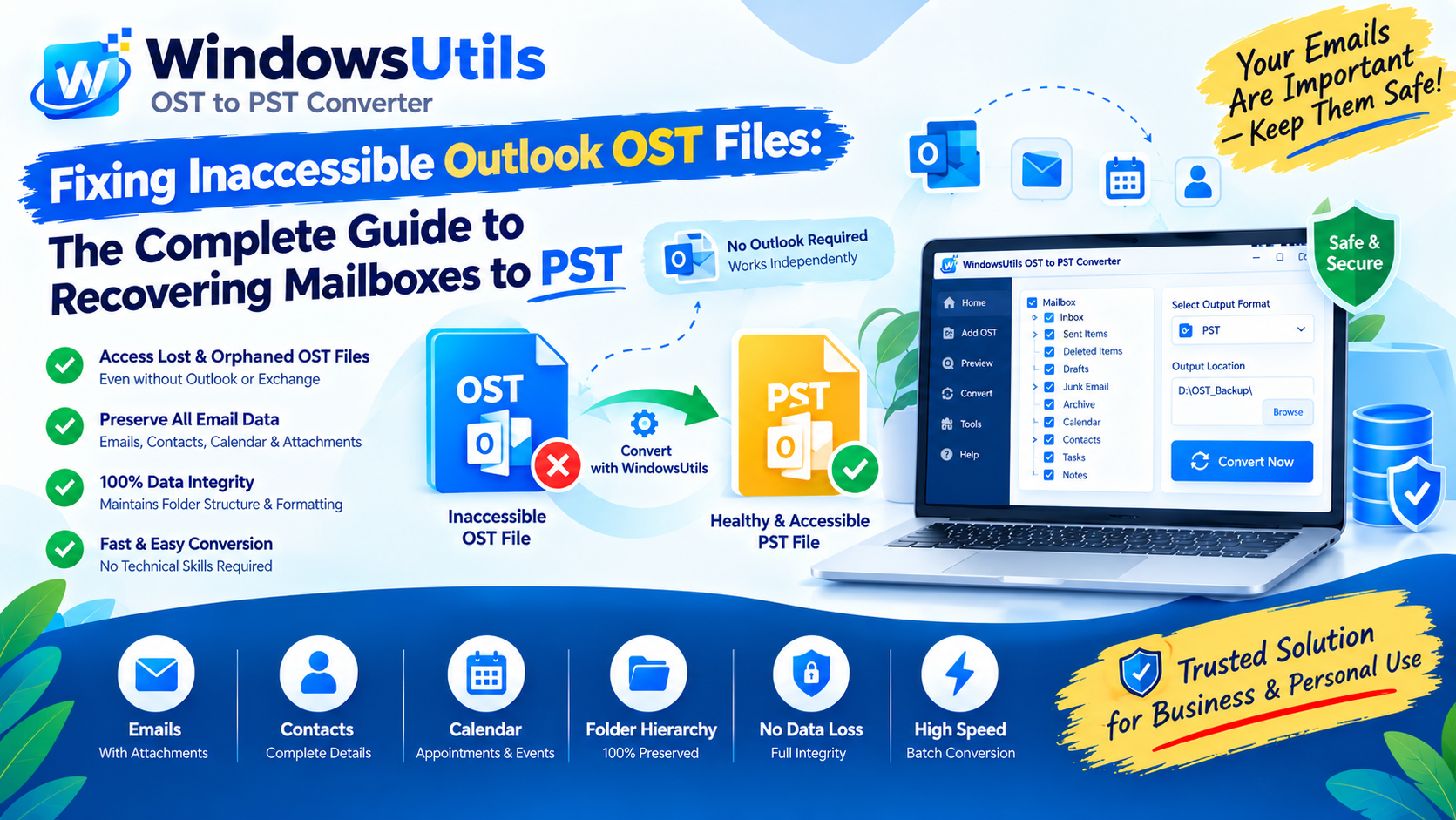 Email Migration
Fixing Inaccessible Outlook OST Files: The Complete Guide to Recovering Mailboxes to PST
Learn how to recover inaccessible or orphaned Outlook OST files to portable PST format without data loss. Covers native export and automated offline conversion methods.
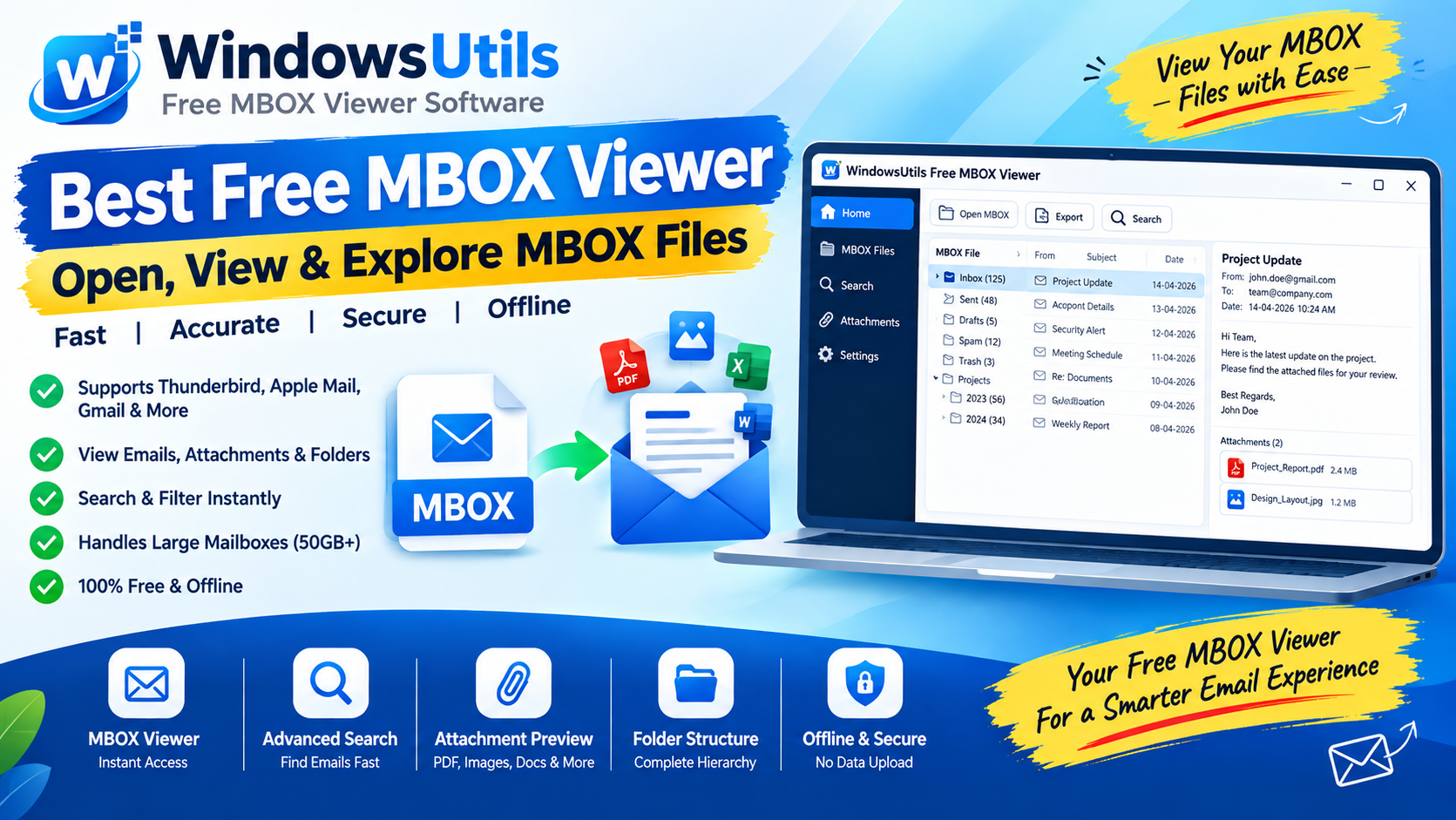 Email Migration
Exporting MBOX Mailboxes to Searchable PDF with Intact Attachments: 4 Tested Workflows
Step-by-step guide to converting MBOX email archives to high-fidelity PDF documents with embedded attachments. Ideal for legal, auditing, and archival workflows.