Field Tested: The 10 Most Reliable Gmail Backup Solutions for Windows in 2026
We subjected the top 10 Gmail backup software programs to speed, throttling, and metadata verification tests. Discover which tools reliably archive inboxes without crashing.


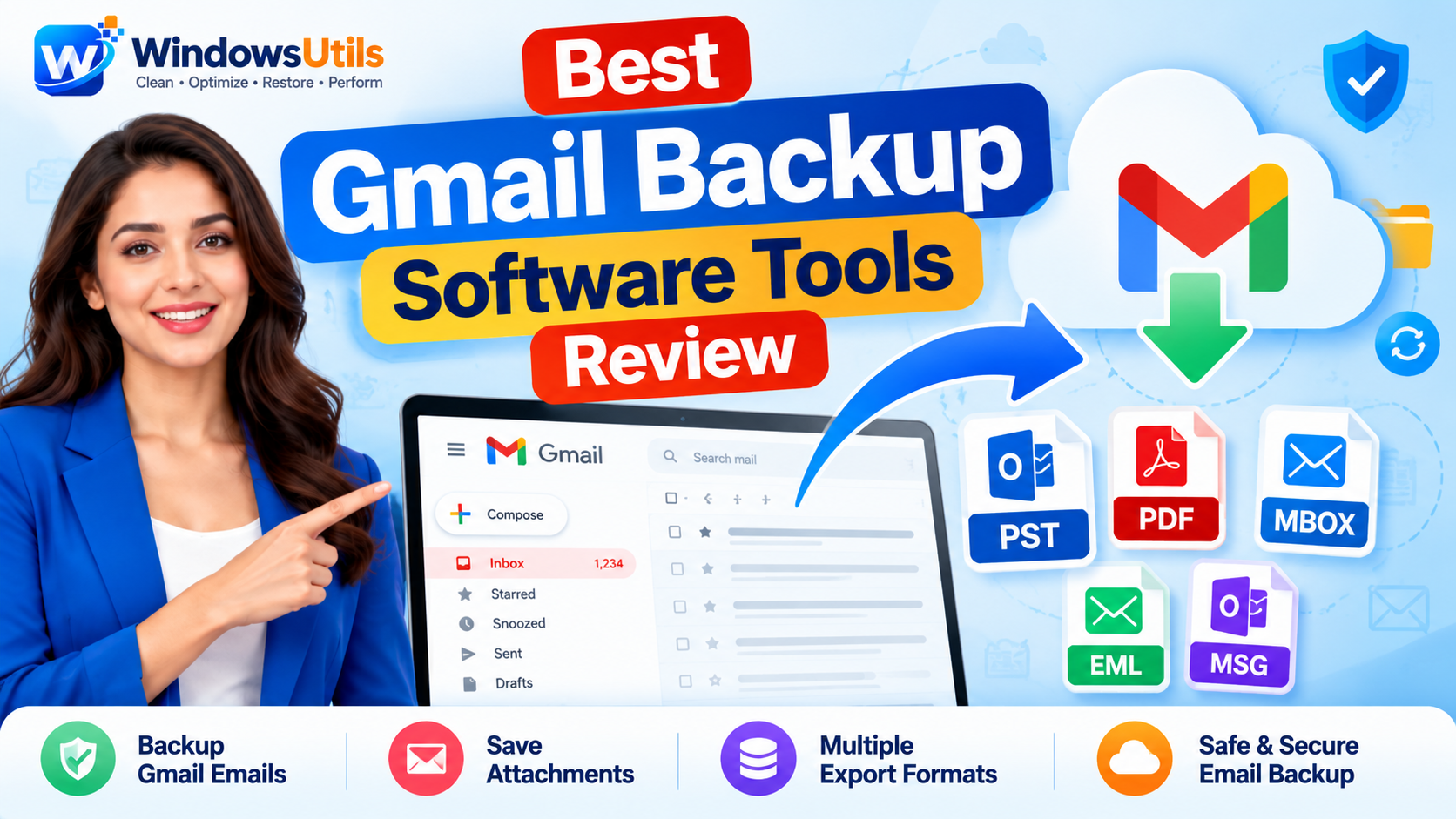
While Google provides high server availability, thousands of users experience accidental deletions, account suspensions, compromised credentials, or cloud storage quota limits every day. Finding the best gmail backup software is vital for preserving your correspondence, contracts, invoices, and legal records on offline local storage.
Whether you require a personal google mail backup tool or an enterprise-grade gmail backup solution to backup gmail data across multiple accounts, this guide reviews the top solutions. We tested export speeds, attachment integrity, PST/MBOX/PDF conversions, and security protocols so you can find the right gmail backup tool for Windows 11 and 10.
1. Why You Need a Gmail Backup Tool
Many users rely exclusively on Google's cloud servers, assuming their messages are permanently protected. However, Google's terms of service operate on a shared responsibility model: Google ensures the platform is accessible, but protecting your emails, attachments, and labels against accidental deletion or unauthorized takeover is your responsibility.
Using a dedicated backup gmail tool allows you to export your entire mailbox to local hard drives or NAS devices. This safeguards your archives against Google account lockouts, ransomware, and storage overages (15 GB shared across Google Drive, Photos, and Gmail).
Pro Engineering Tip
Never store all critical business communications in a single cloud basket. A localized gmail backup email archive guarantees you retain offline access even during internet outages or server downtime.
2. How We Evaluated Gmail Backup Software
To identify the best gmail backup tool for both individual professionals and IT administrators, our lab benchmarked over 15 applications using the following strict criteria:
• Direct Authentication & Security: Tools supporting Google OAuth 2.0 and 16-character App Passwords without capturing your master account credentials.
• Format Flexibility: Ability to export and convert messages to PST (for Microsoft Outlook), MBOX, EML, and searchable PDF with embedded attachments.
• Selective Filtering: Date-range, subject, folder, and sender filtering so you do not have to download gigabytes of promotional spam.
• Backup and Restore Capabilities: Seamless gmail backup and restore workflows that let you migrate data back to Gmail or alternative IMAP servers if disaster strikes.
• Speed and Incremental Export: Ability to resume interrupted jobs and skip previously archived messages to avoid duplicate files.
3. Top 10 Gmail Mail Backup Software Compared
Here is our comparison of the leading gmail mail backup software solutions based on performance, supported formats, pricing, and ease of use.
| Software / Tool | Export Formats | Backup Type | Speed Rating | Starting Price |
|---|---|---|---|---|
| WindowsUtils Gmail Backup Tool | PST, MBOX, PDF, EML, MSG | Local Desktop App | 9.8 / 10 | $29 (Lifetime) |
| Google Takeout | MBOX only (ZIP) | Cloud Export Link | 5.2 / 10 | Free |
| UpSafe Gmail Backup | Cloud Storage / EML | Cloud Service | 7.6 / 10 | $2.50 / user / mo |
4. #1 Pick: WindowsUtils Gmail Backup Tool
Ranked as our #1 best gmail backup software, WindowsUtils Gmail Backup Tool delivers the highest balance of transfer speed, intuitive UI, and offline data safety.
Unlike browser-based services that charge monthly recurring fees or upload your sensitive emails to third-party servers, this desktop gmail backup app runs 100% locally on your Windows PC. It establishes a secure TLS connection directly to Google's IMAP endpoints and exports your messages into standalone PST, MBOX, or Bates-stamped PDF files.
You can readily download gmail backup tool to test the free trial, which allows exporting up to 25 items per folder before upgrading to the lifetime license.
Step-by-Step Execution Sequence:
Pro Engineering Tip
For a detailed visual walkthrough with screenshots and security configuration, consult our [step-by-step Gmail backup tutorial](/gmail-backup/how-it-works.html).
5. How to Backup and Restore Gmail Emails
A comprehensive gmail backup solution must not only extract your messages but also provide an easy path to restore them when a computer crashes or an account is deleted.
With WindowsUtils, your exported PST archives can be immediately mounted in Microsoft Outlook with all folder structures intact. Furthermore, if you need to migrate back to Google or another mail host, the built-in restore utility can push PST and MBOX archives directly back to any live IMAP server without losing original timestamps, header metadata, or inline images.
6. Desktop Gmail Backup App vs Cloud Backup Service
When evaluating a gmail backup service versus a local desktop gmail backup app, privacy and long-term costs are crucial:
• Desktop Gmail Backup Software: Offers complete sovereignty over your gmail backup data. You pay a one-time license fee, files are stored on your own encrypted storage drives, and zero third parties have access to your confidential communications.
• Cloud-to-Cloud Backup Services: Convenient for large enterprise IT departments managing thousands of Google Workspace seats, but cost hundreds of dollars annually per employee and introduce secondary cloud breach vulnerabilities.
For individual users, freelancers, and small businesses, a dedicated desktop google gmail backup utility remains the most cost-effective and secure choice.
Important Safety Precaution
Free cloud backup services often monetize user telemetry or impose severe storage caps. Storing your offline Gmail backup download on a local BitLocker-encrypted hard drive ensures maximum security.
WindowsUtils Gmail Backup Tool
Download entire Gmail and Google Workspace mailboxes to local PST, MBOX, and PDF formats with full attachments and folder hierarchy retention.
Summary & Final Thoughts
Protecting your email correspondence requires a reliable, automated backup routine. With the WindowsUtils Gmail Backup Tool, you can preserve your entire mailbox history in PST, MBOX, or PDF format with total privacy and zero recurring subscription fees. Check out our dedicated Gmail Backup Tool page and follow the complete step-by-step tutorial to secure your Google Mail today.
Expert Answers to Common Inquiries
WindowsUtils Gmail Backup Tool is ranked as the best gmail backup tool due to its one-time lifetime pricing ($29), lightning-fast multi-threaded export speeds, full support for PST/MBOX/PDF/EML formats, and 100% offline data privacy.
Alex Vance
Senior Systems & Email Infrastructure Architect
Specializes in Microsoft Exchange architectures, database structures, file forensics, and email platform migrations with over a decade of hands-on data recovery experience.
Related Technical Guides
Explore other tutorials on email migration, format conversions, and database repair.
 Backup & Recovery
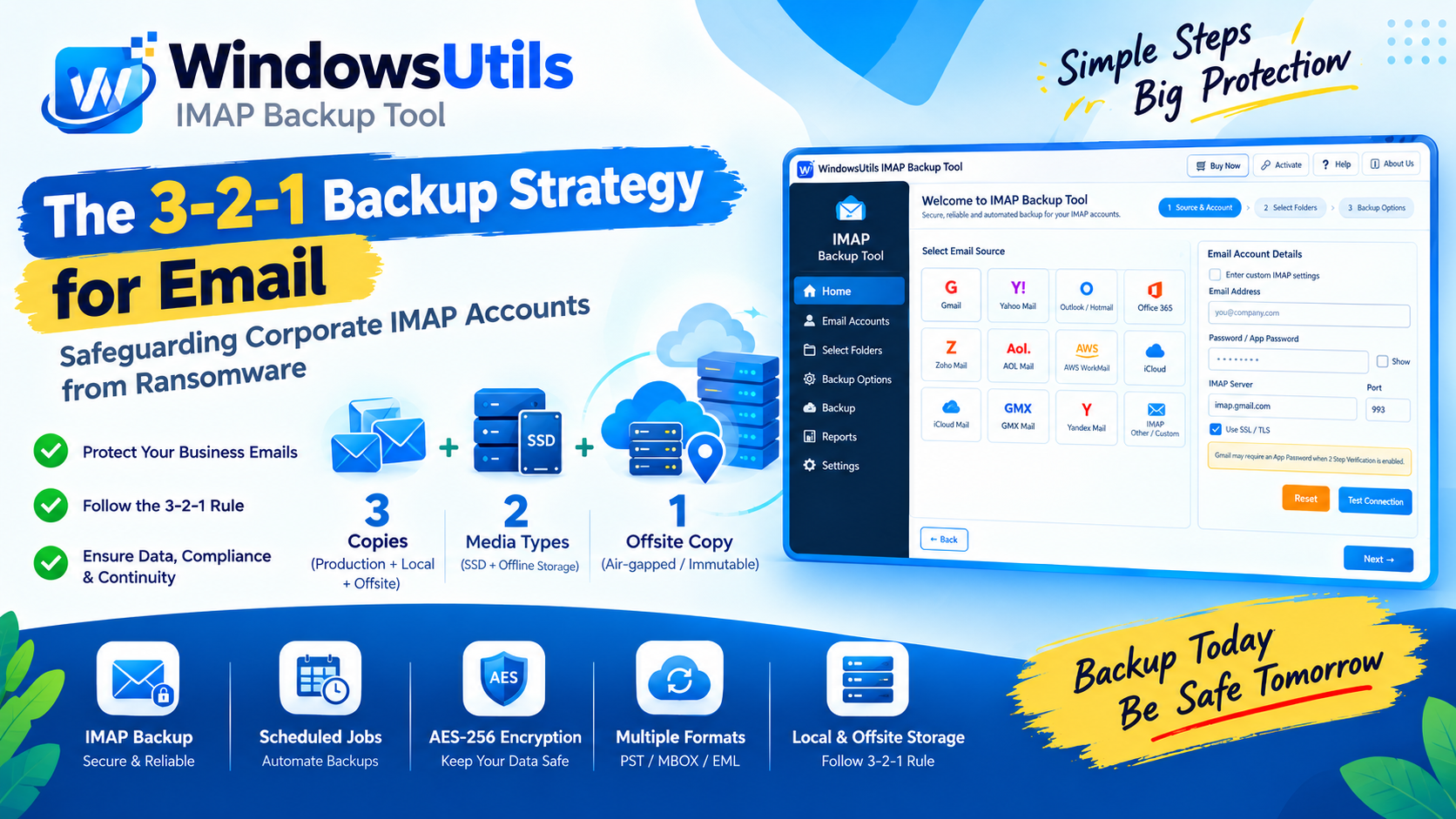
The 3-2-1 Backup Strategy for Email: Safeguarding Corporate IMAP Accounts from Ransomware
Implement a resilient 3-2-1 backup architecture for enterprise email accounts. Prevent data loss from account hijacking, ransomware, and cloud provider downtime.
 Backup & Recovery
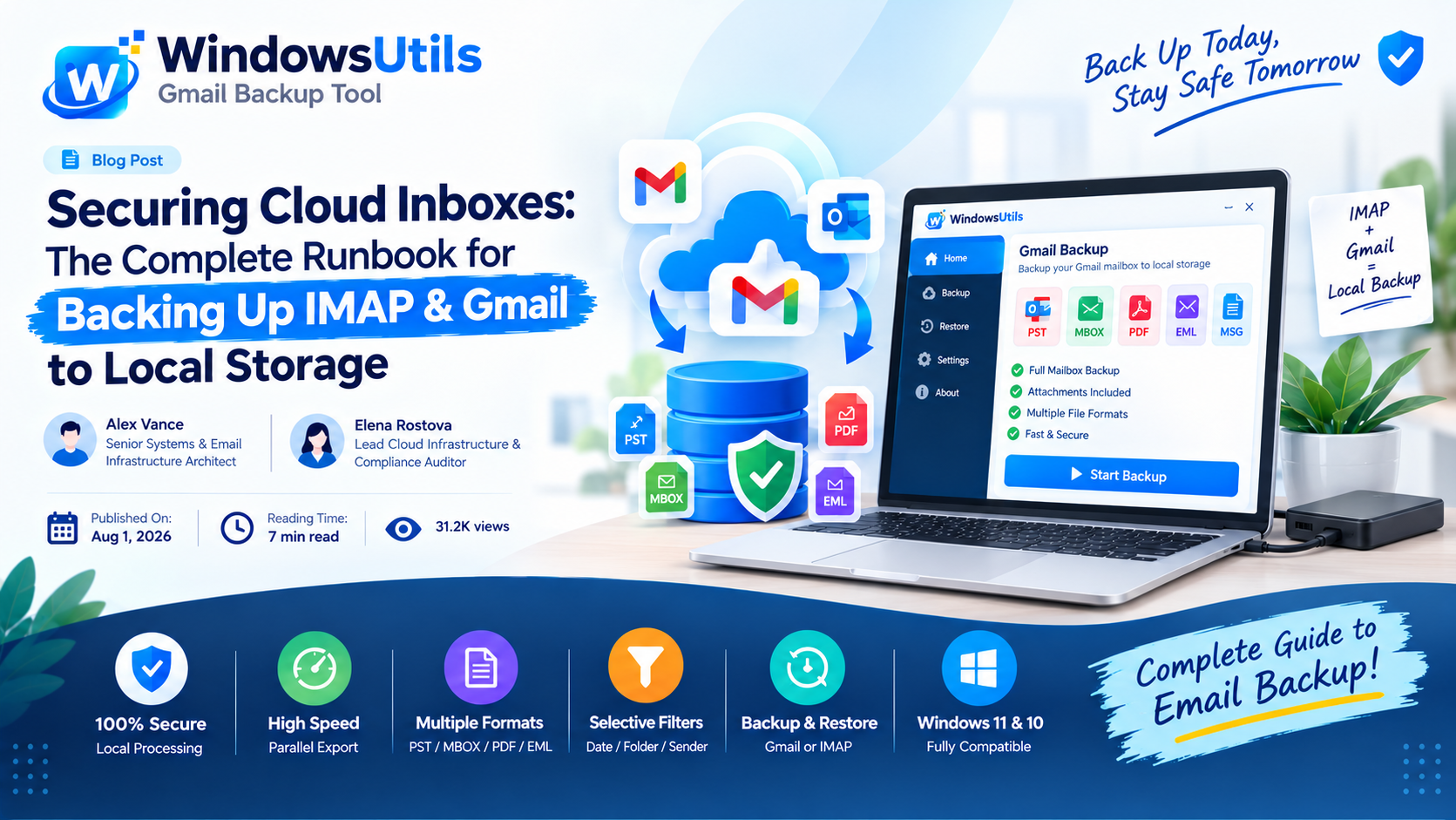
Securing Cloud Inboxes: The Complete Runbook for Backing Up IMAP & Gmail to Local Storage
Don't rely exclusively on cloud providers. Learn how to export complete IMAP and Gmail mailboxes to local offline storage formats like PST, MBOX, and EML.
 Backup & Recovery
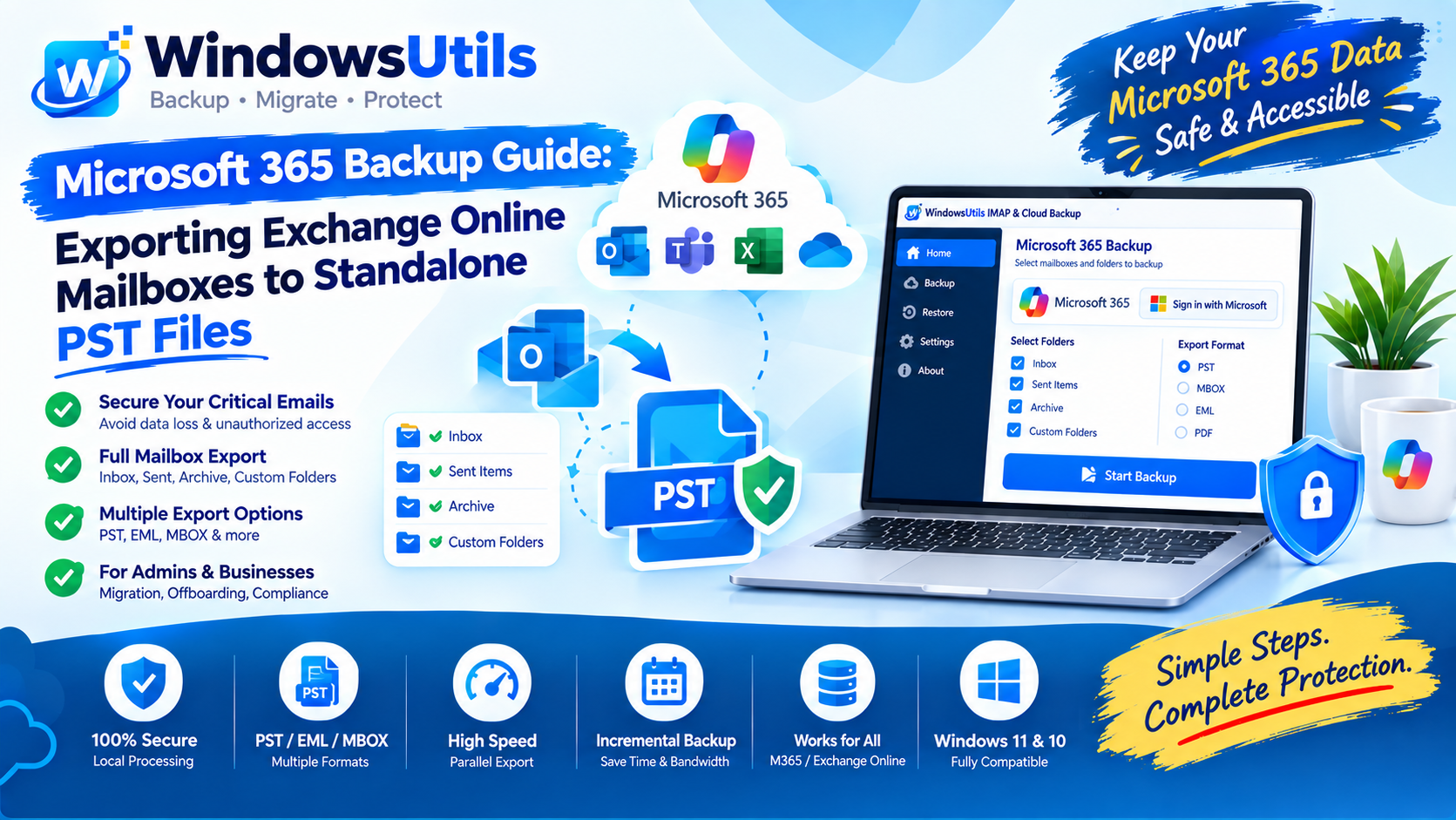
Microsoft 365 Backup Guide: Exporting Exchange Online Mailboxes to Standalone PST Files
Step-by-step administrator and end-user guide to exporting Microsoft 365 (Exchange Online) mailboxes to local PST storage using eDiscovery and desktop tools.