The 3-2-1 Backup Strategy for Email: Safeguarding Corporate IMAP Accounts from Ransomware
Implement a resilient 3-2-1 backup architecture for enterprise email accounts. Prevent data loss from account hijacking, ransomware, and cloud provider downtime.


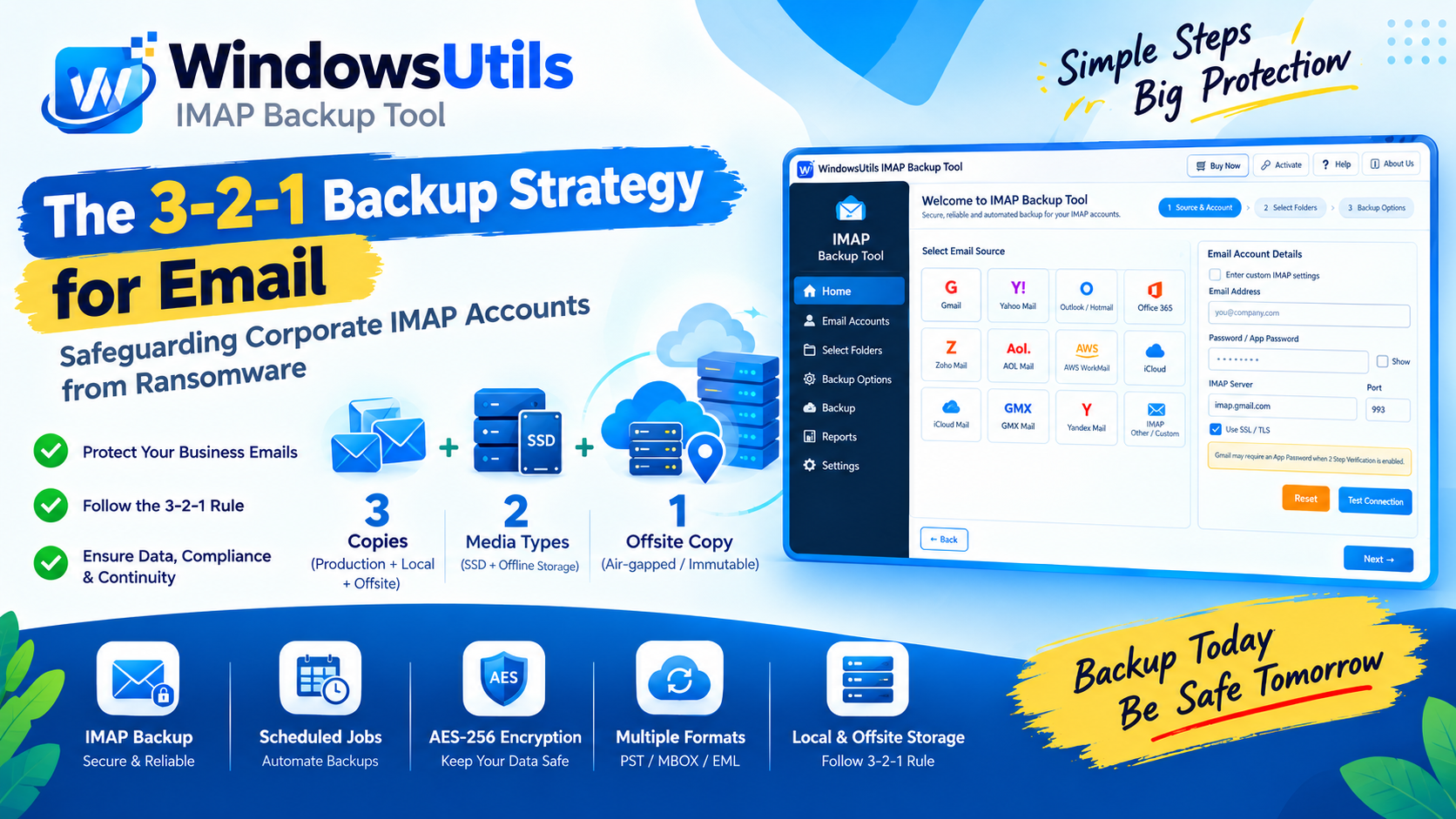
Email remains the central legal, operational, and intellectual repository of any business. Yet, while enterprise IT teams spend substantial resources protecting database servers and code repositories, email is often left solely in the hands of third-party cloud hosts migrations IMAP to IMAP software.
A proper enterprise disaster recovery plan treats email as a primary tier-1 asset. This architectural guide explains how to apply the gold-standard 3-2-1 backup framework to IMAP-based corporate mail environments.
1. The 3-2-1 Backup Methodology for Email
The 3-2-1 rule is the foundation of data resilience:
• 3 Copies of Data: One production copy on the active mail server, one primary local backup, and one secondary offsite backup.
• 2 Different Media Types: Store your backups on different media (e.g. enterprise NVMe SSD arrays and offline optical or cold NAS storage).
• 1 Copy Kept Offsite: Keep at least one copy in an air-gapped physical location or immutable secondary vault to withstand site disasters and ransomware.
2. The IMAP Protocol: Sync vs Backup
IMAP is designed as an access protocol, not a backup mechanism. When client workstations connect via IMAP, changes are synchronized bi-directionally. A rogue script or accidental inbox purge will propagate deletion commands to the server immediately.
A true backup system operates read-only, capturing immutable snapshots that cannot be overwritten by downstream client synchronization.
3. Compliance & Encryption Requirements
Exporting corporate communication requires adherence to strict privacy standards:
• At-Rest Encryption: Backup files stored on disks must utilize AES-256 encryption.
• In-Transit Security: All IMAP server handshakes must enforce TLS 1.3 encryption across port 993.
• Chain of Custody: Ensuring email headers, server hops, and SPF/DKIM verification signatures remain mathematically unedited.
4. Implementing Automated Scheduled Backups
Using WindowsUtils Enterprise Backup, IT administrators can establish recurring scheduled jobs:
Step-by-Step Execution Sequence:
WindowsUtils Enterprise Backup Suite
Enterprise-grade automated email backup engine supporting SSL/TLS, scheduled jobs, and AES-256 local archive encryption.
Summary & Final Thoughts
Building resilience into your email operations is not a luxury—it is fundamental risk management. By combining the 3-2-1 rule with automated, non-destructive IMAP tools, your organization ensures business continuity in any crisis.
Expert Answers to Common Inquiries
Yes. WindowsUtils includes a command-line and scheduled task interface that integrates directly with Windows Task Scheduler for headless automated runs.
Dr. Marcus Vance
Principal Security & QA Editorial Director
Specializes in Microsoft Exchange architectures, database structures, file forensics, and email platform migrations with over a decade of hands-on data recovery experience.
Related Technical Guides
Explore other tutorials on email migration, format conversions, and database repair.
 Backup & Recovery
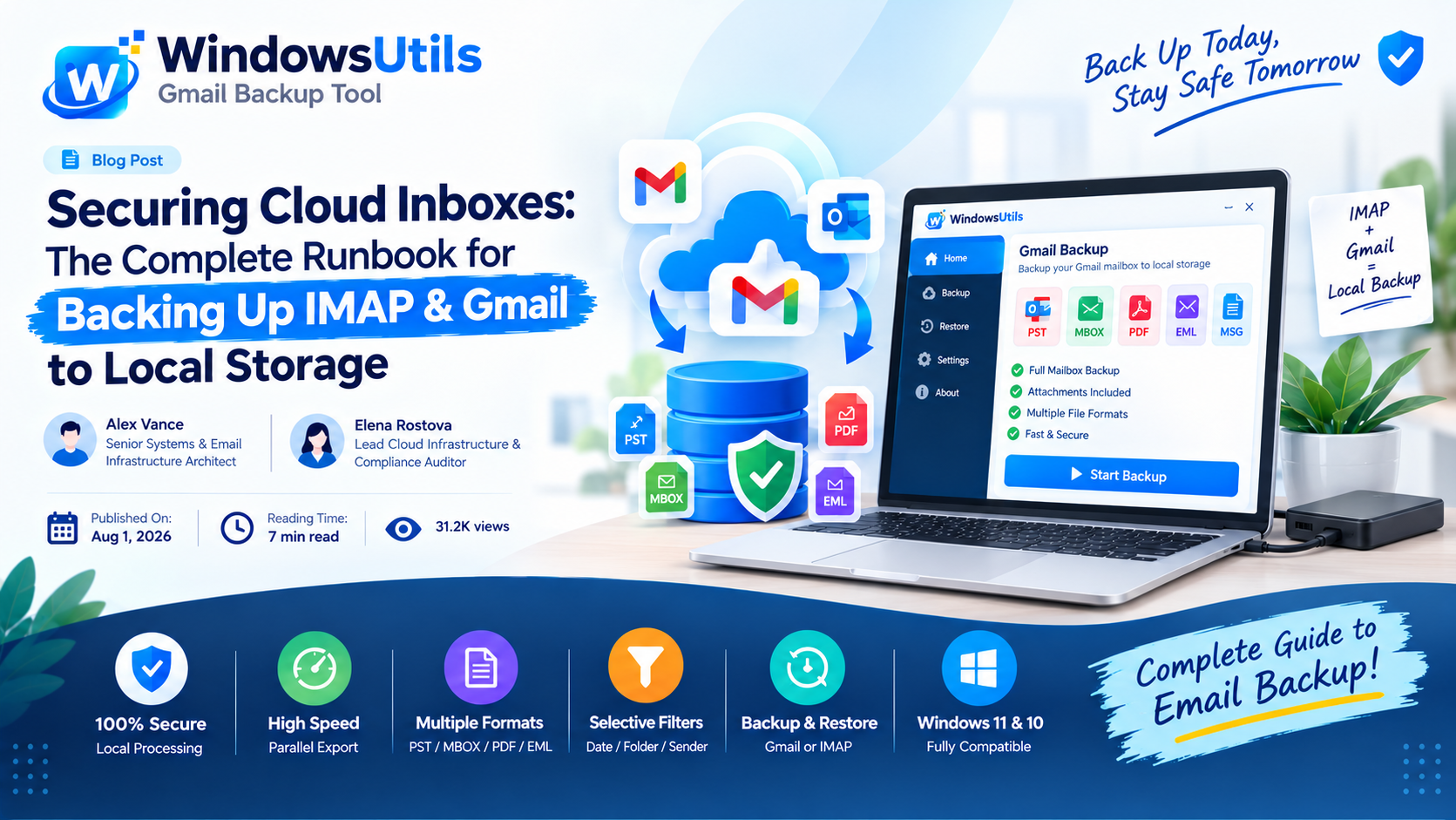
Securing Cloud Inboxes: The Complete Runbook for Backing Up IMAP & Gmail to Local Storage
Don't rely exclusively on cloud providers. Learn how to export complete IMAP and Gmail mailboxes to local offline storage formats like PST, MBOX, and EML.
 Backup & Recovery
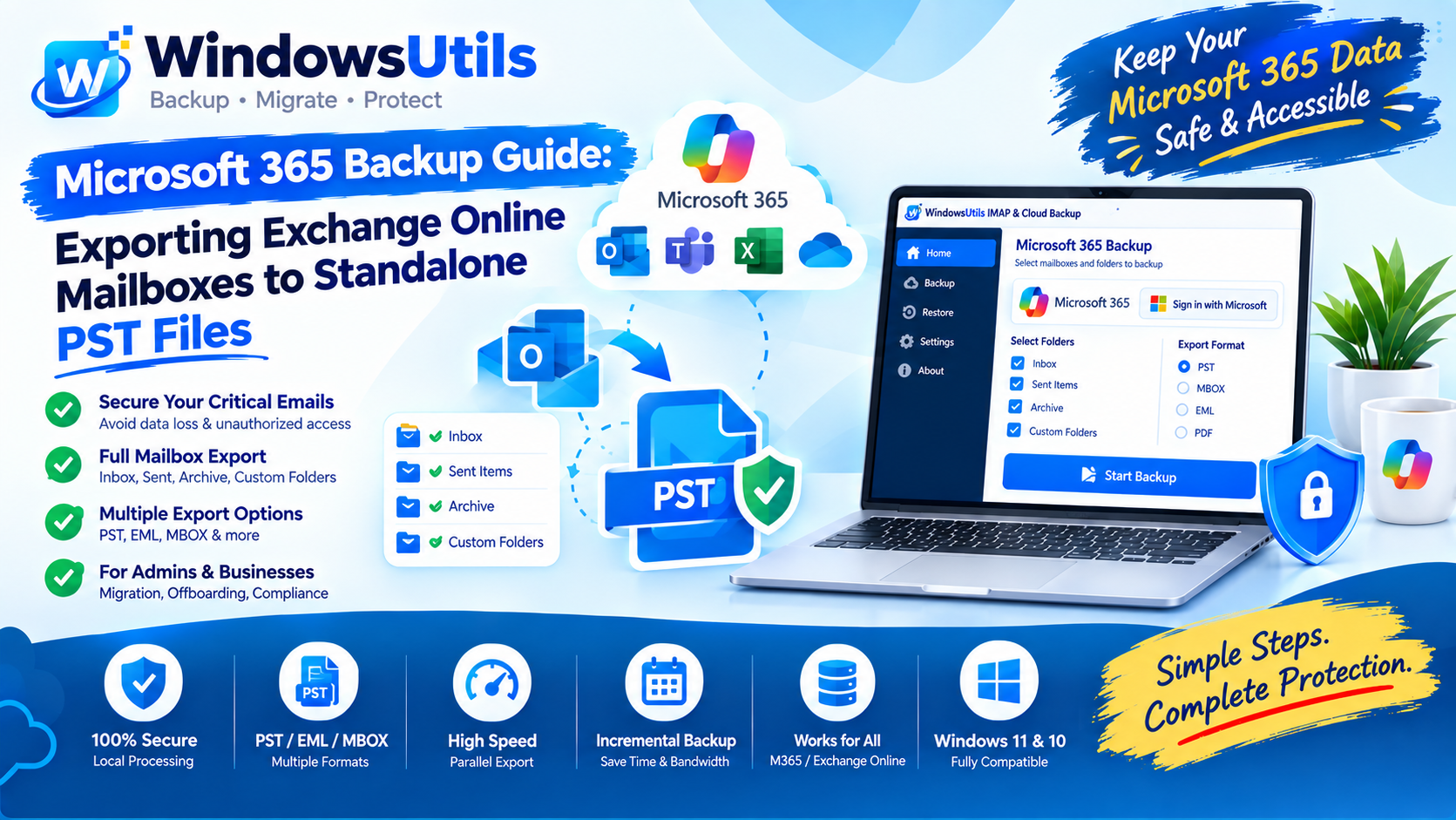
Microsoft 365 Backup Guide: Exporting Exchange Online Mailboxes to Standalone PST Files
Step-by-step administrator and end-user guide to exporting Microsoft 365 (Exchange Online) mailboxes to local PST storage using eDiscovery and desktop tools.
 Backup & Recovery
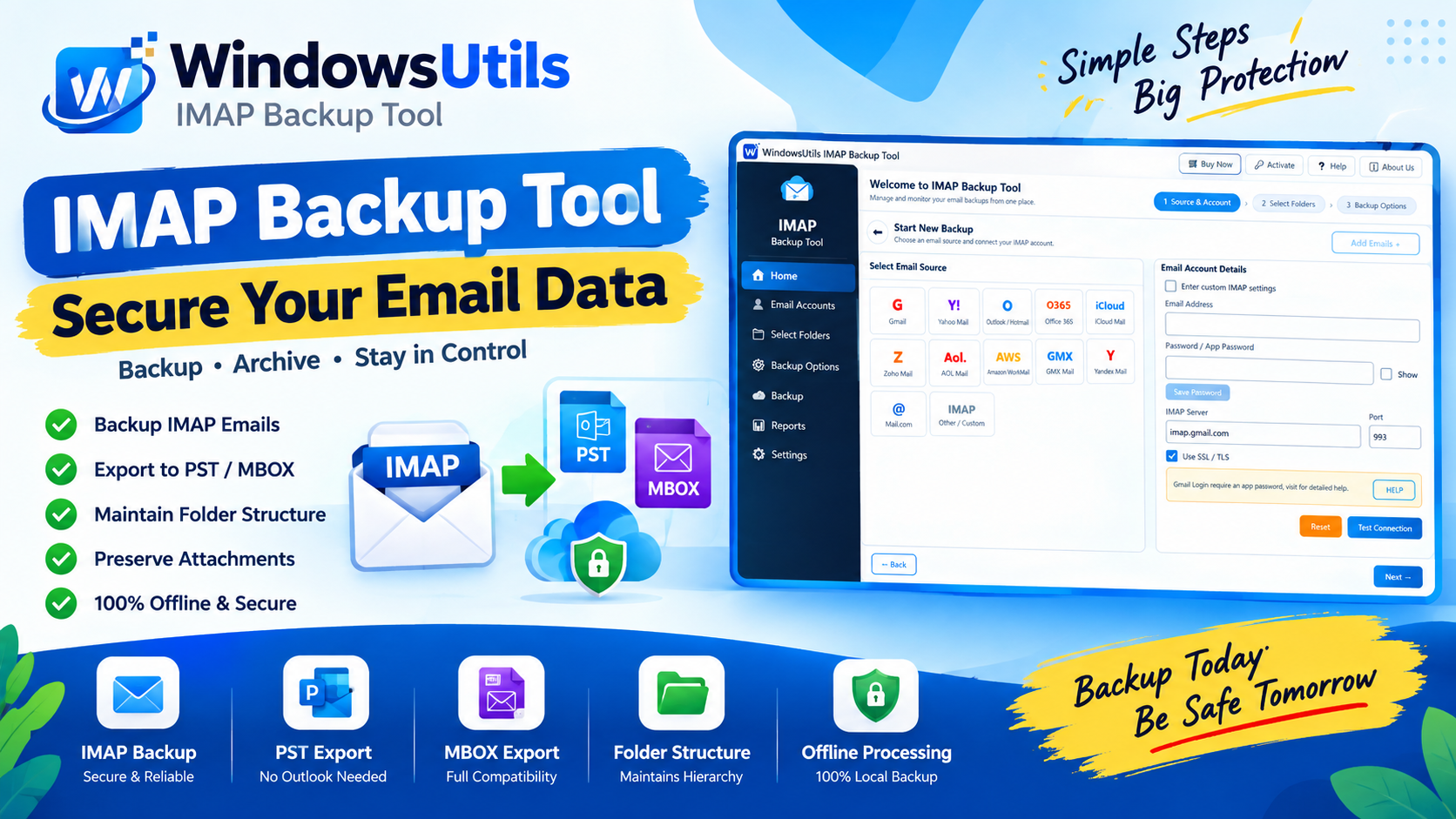
Downloading Your Yahoo Mailbox to External Storage: Step-by-Step Archiving Walkthrough
Safeguard your Yahoo Mail account from lockouts and server outages. Export emails, attachments, and folders to external hard drives in PST, MBOX, and EML formats.