The Essential PDF Toolkit: Reviewing the 10 Best All-in-One Desktop Utilities for Windows
Manage, convert, merge, split, compress, and secure PDF files without relying on Adobe subscriptions or internet access. Compare the 10 leading desktop PDF utility suites.


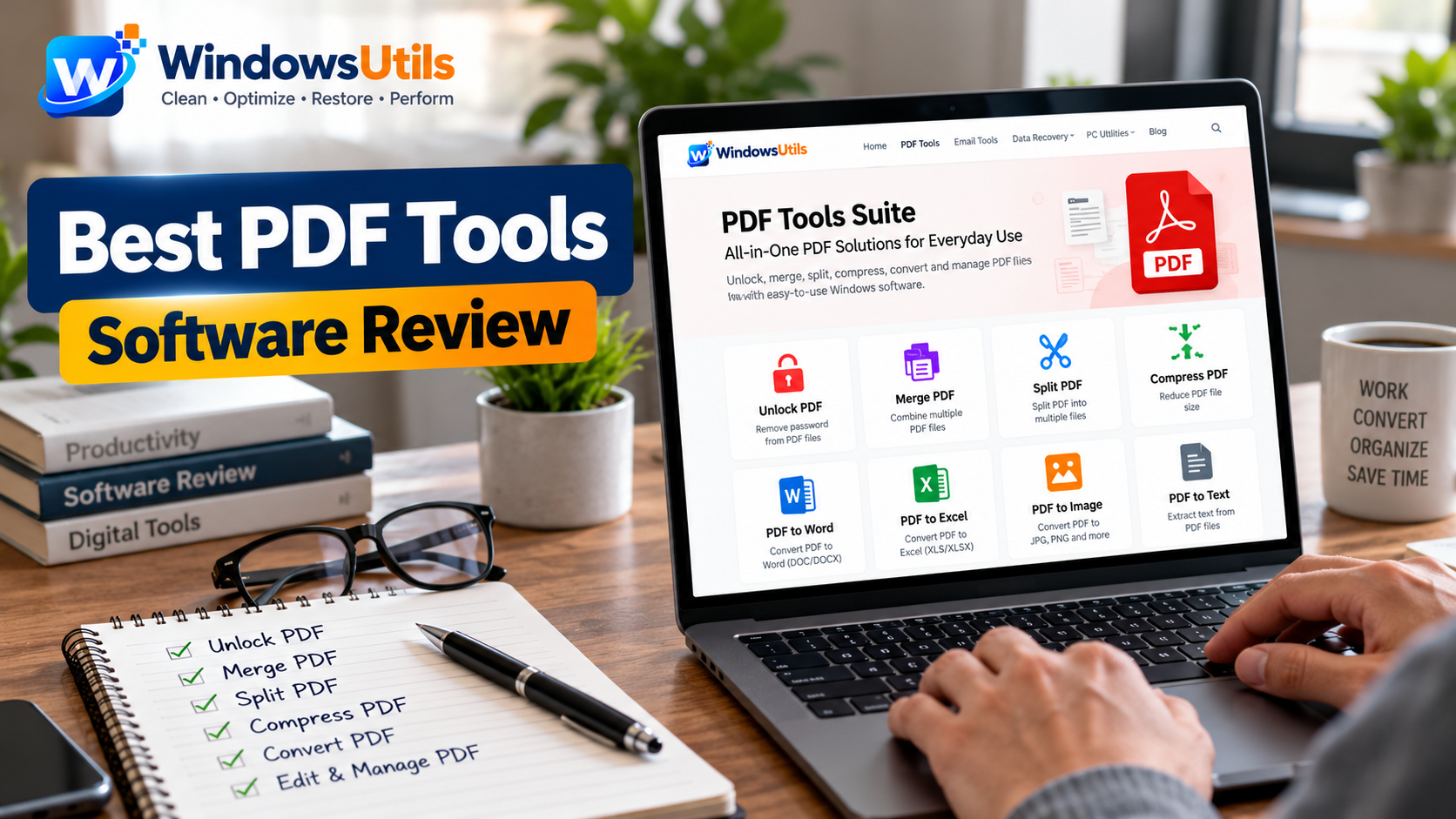
In modern office and corporate operations, PDF is the universal standard for business proposals, financial balance sheets, court filings, and marketing presentations. However, managing PDF collections often requires juggling half a dozen different websites or paying hundreds of dollars every year for enterprise PDF editor suites.
Whether you need to merge pdf files, compress pdf size for email attachments, extract pages from pdf binders, or unlock pdf permissions, having an all-in-one pdf tool is indispensable. In this comprehensive review, we benchmark the 10 best PDF tools and pdf utility applications for Windows, comparing offline privacy, conversion quality, batch performance, and pricing.
1. Why Offline Desktop PDF Tools Beat Web-Based Online Portals
A quick Google search for pdf tools online or free pdf tools returns hundreds of browser-based web portals. While convenient for quick personal tasks, utilizing online pdf tools for sensitive business documents poses serious security and legal risks.
When you upload tax records, medical charts, or corporate contracts to an online document editor or web portal to create pdf online, your unencrypted data resides on remote web servers beyond your control. Under GDPR, HIPAA, and attorney-client privilege rules, uploading confidential records can trigger compliance violations.
In contrast, desktop pdf software processes documents entirely using your local CPU and RAM. With offline tools, files never touch the internet, batch conversions have zero file size limitations, and processing completes at native solid-state drive speeds.
2. 10 Best PDF Tools & Utility Software Solutions Compared
We rigorously tested the leading commercial and free pdf editor applications on Windows 11 and 10:
1. WindowsUtils PDF Tools Suite (Best Overall): Complete all-in-one offline desktop utility combining merge pdf, split pdf, pdf compressor, multi-format pdf converter, and pdf unlocker. Perpetual lifetime license ($29), multi-threaded batch operations, and 100% data security. Download the free pdf tools demo directly from our dedicated PDF Tools landing page or follow the step-by-step PDF Tools tutorial.
2. The longstanding industry standard with rich pdf document editor capabilities, OCR pdf, and form design. However, its recurring subscription ($19.99/month or $239.88/year) makes it excessively expensive for small businesses.
3. Feature-packed commercial pdf editor app with quick rendering, text reflow, and robust annotation tools. Excellent alternative to Adobe with lower subscription fees.
4. Lightweight desktop pdf file editor featuring fast OCR pdf text extraction and customizable toolbars, though user interface has a steeper learning curve.
5. Polished MS Office-style ribbon interface with strong pdf to word, pdf to excel, and digital signature workflows.
6. Popular free pdf editor windows freeware toolkit with basic merge, split, and compression modules, though lacking advanced OCR and automated batch workflows.
7. User-friendly pdf pro desktop program with a clean layout, offering free pdf editor limits (3 tasks per day on documents under 50MB).
8. Desktop edition of the popular web converter, requiring an active internet connection for several cloud-assisted conversion features.
9. Modular pdf management software suite with flexible tool packages, but occasionally burdened by aggressive upgrade prompts.
10. Modern, consumer-friendly pdf editor download with AI-assisted text summarization, form recognition, and template libraries.
3. Core Capabilities: Merge, Split, Compress & Convert PDF
A professional pdf management software suite should effortlessly handle high-volume routine document manipulations:
• Merge & Combine: Easily merge pdf files from diverse sources, keeping high-resolution image fidelity and bookmark hierarchies intact.
• Split & Extract: Efficiently split pdf file collections by page number, extract pages from pdf, or delete pdf pages you do not need in production.
• Optimize & Compress: Use the integrated pdf compressor to compress pdf file sizes by up to 90% without degrading legible text or vector diagrams.
• Universal Conversions: Robust two-way file conversions including pdf to word, pdf to excel, pdf to jpg, pdf to png, and reverse transformations like word to pdf, jpg to pdf, and convert file to pdf with pristine typographic layout retention.
• Document Layout Tools: Apply rotate pdf to correct orientation errors, insert automated pdf page numbers, or add watermark to pdf files for copyright protection.
4. Removing Restrictions & Securing Sensitive PDF Files
Document security is an essential pillar of any comprehensive pdf utility suite:
• Protect Confidential Data: Use protect pdf to apply 128-bit or 256-bit AES encryption, requiring an open password to view sensitive filings.
• Remove PDF Restrictions: When receiving owner-locked files with disabled printing or text copying, our dedicated pdf unlocker module enables you to remove pdf password limits instantly, allowing you to edit pdf files freely.
• Evidentiary Watermarks: Stamp custom text or image watermarks (such as 'DRAFT' or 'CONFIDENTIAL') across multiple pages in batch.
5. PDF Utility Software Frequently Asked Questions
Answers to frequent questions about desktop vs online tools and free pdf editor options:
Q: Can I use WindowsUtils as a free pdf editor on Windows?
A: Yes, you can download our free evaluation demo. It allows you to test merge, split, compression, and conversion features before deciding on a perpetual license.
Q: Why avoid pdf editor online free web converters?
A: Free online converters finance their servers by collecting user analytics, showing intrusive ads, or processing files on shared cloud servers. Offline desktop tools ensure complete confidentiality.
Q: Does the suite include a built-in pdf reader?
A: Yes, WindowsUtils includes a built-in viewer that allows you to inspect page layouts, verify text rendering, and preview documents before executing batch operations.
WindowsUtils PDF Tools Suite
Comprehensive desktop PDF software to merge, split, compress, convert, and unlock PDF files offline with zero cloud risk.
Summary & Final Thoughts
Investing in a reliable, offline desktop PDF tools suite like WindowsUtils eliminates the privacy risks of online web converters and the excessive recurring costs of Adobe subscriptions. With multi-threaded performance, complete conversion fidelity, and powerful PDF unlocker utilities, WindowsUtils delivers unmatched value for Windows workstations.
Expert Answers to Common Inquiries
The suite includes modules to merge PDF files, split PDF by page or range, compress PDF, convert PDF to Word/Excel/JPG/PNG, convert file to PDF, rotate PDF, delete PDF pages, extract pages from PDF, add watermark to PDF, and unlock PDF by removing password restrictions.
Elena Rostova
Lead Cloud Infrastructure & Compliance Auditor
Specializes in Microsoft Exchange architectures, database structures, file forensics, and email platform migrations with over a decade of hands-on data recovery experience.
Related Technical Guides
Explore other tutorials on email migration, format conversions, and database repair.
 PDF Management
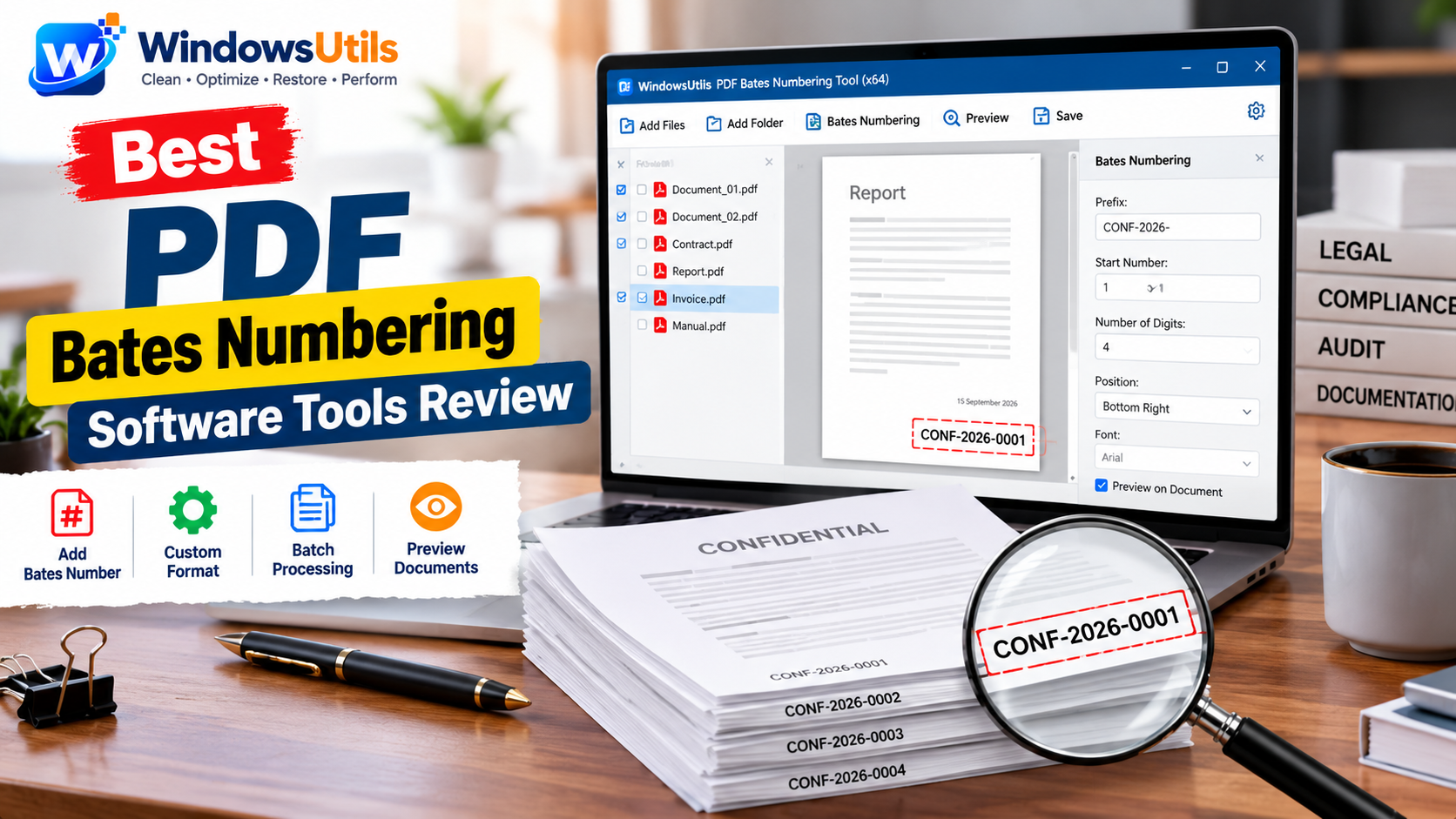
The 10 Best PDF Bates Numbering Solutions for Litigation & eDiscovery: 2026 Guide
Compare the 10 best PDF Bates numbering software tools for legal teams and law firms. Add Bates stamps offline with custom prefixes, suffixes, and confidential watermarks.
 PDF Management
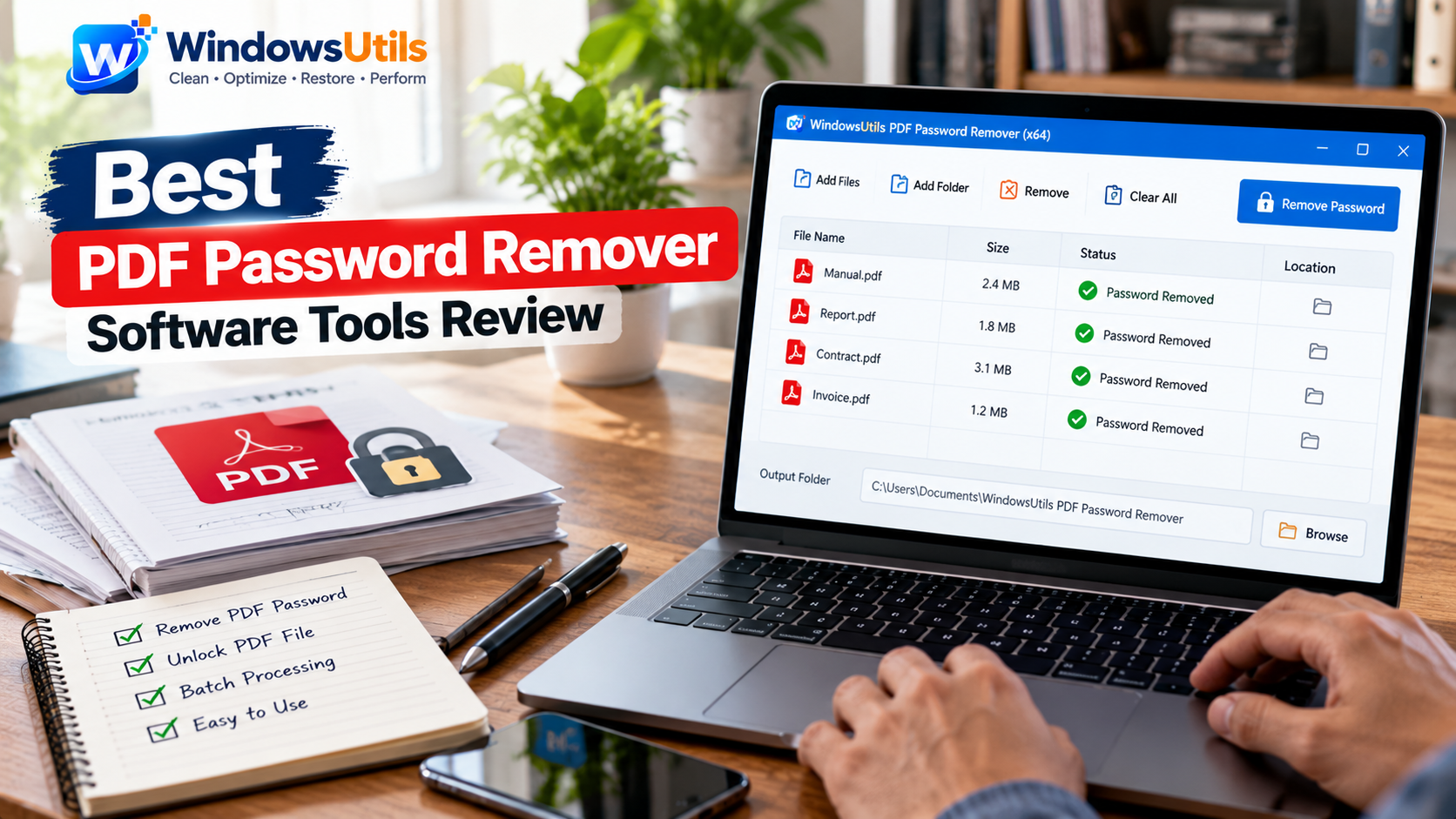
Top 10 PDF Password Removers: Comprehensive 2026 Security & Decryption Audit
Remove print, copy, and edit restrictions from locked PDF files. Compare the top 10 PDF password remover tools for Windows based on security, speed, and 256-bit AES support.
 PDF Management
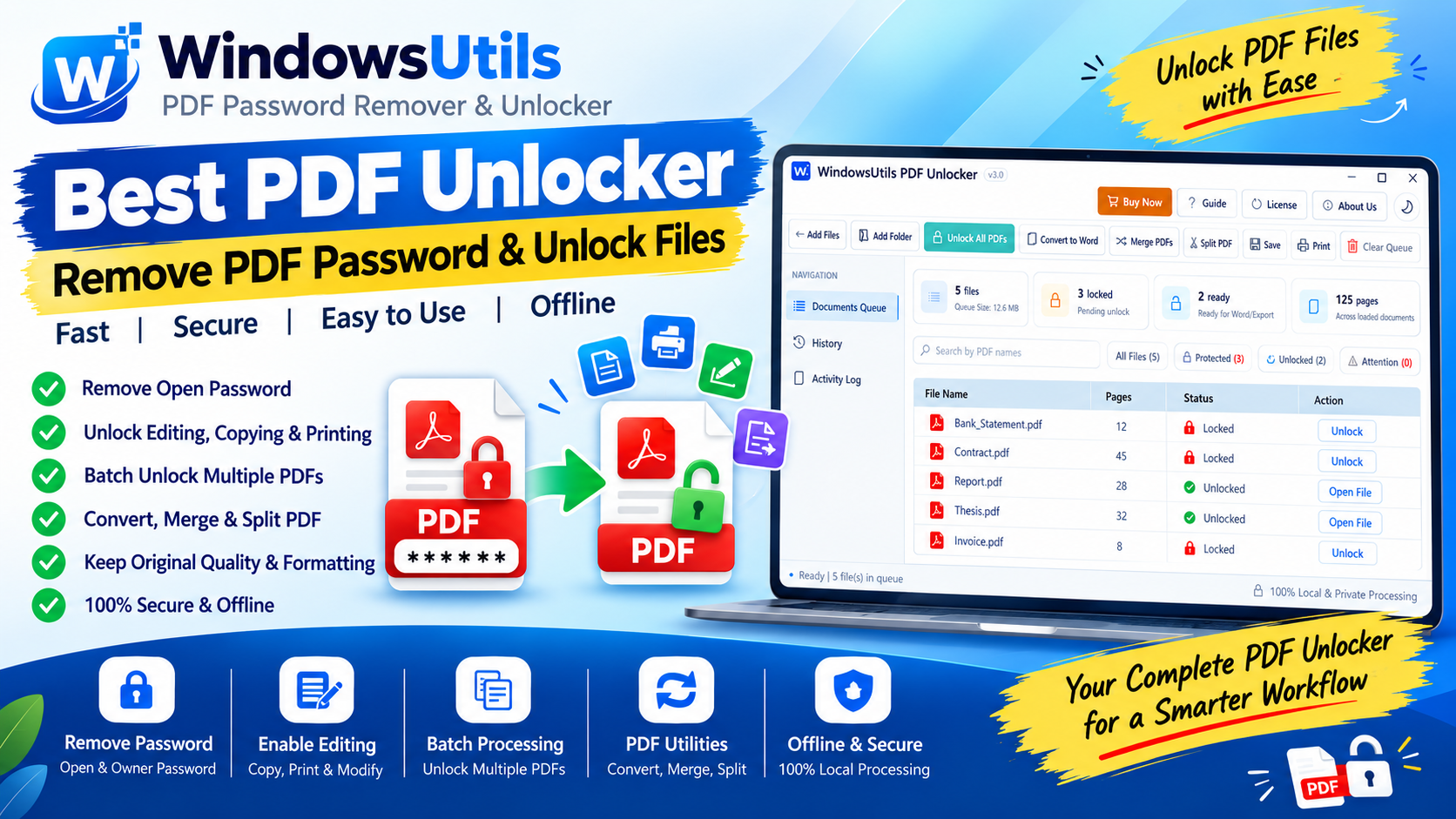
Optimizing Heavy PDF Files: Downsampling, Stream Compression & Font Subsetting Explained
Shrink multi-hundred-megabyte PDF portfolios for email and web upload. Understand image downsampling, Flate compression, and font subsetting without sacrificing readability.