The 10 Best PDF Bates Numbering Solutions for Litigation & eDiscovery: 2026 Guide
Compare the 10 best PDF Bates numbering software tools for legal teams and law firms. Add Bates stamps offline with custom prefixes, suffixes, and confidential watermarks.


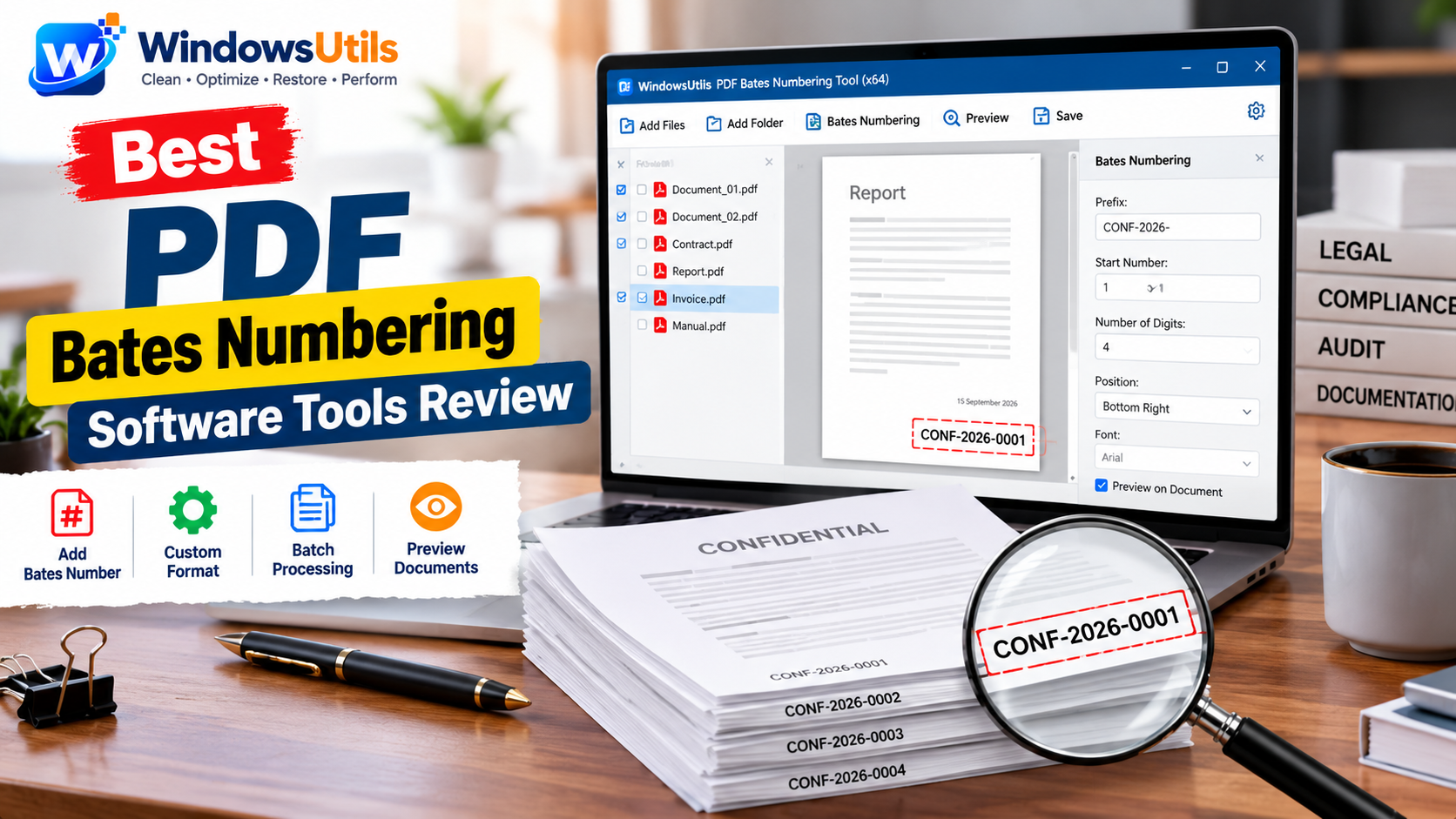
In contemporary civil litigation, antitrust proceedings, and corporate arbitrations, legal teams routinely exchange millions of pages of documentary evidence. Under Federal Rules of Civil Procedure (FRCP Rule 26 and Rule 34), maintaining an indisputable chain of custody requires consecutive, unalterable indexing. This is achieved through Bates numbering (also known as Bates stamping).
Whether you need to add bates numbers to pdf files for court trial exhibits or establish an enterprise bates document numbering system for eDiscovery, choosing the right bates numbering software is essential. We thoroughly benchmarked the top 10 legal document numbering software solutions for Windows, assessing batch processing speed, offline confidentiality, formatting customization, and total cost of ownership.
1. Why Bates Numbering & Stamping is Crucial for Legal Discovery
Originally invented by Edwin G. Bates in 1893 as a mechanical self-inking device, modern legal bates numbering has evolved into a sophisticated digital process called electronic bates stamping. In legal practice, every document produced during discovery—from corporate contracts and financial spreadsheets to converted email transcripts—must bear a unique alphanumeric stamp.
Applying a standardized bates numbering system serves several indispensable legal purposes:
• Absolute Evidentiary Continuity: Assigning consecutive identifiers prevents undetected page substitutions or omissions during depositions and appellate proceedings.
• Precise In-Court Referencing: Counsel, expert witnesses, and judges can instantly refer to 'Exhibit 44, Page PLTF-PROD-00452' without confusion.
• Confidentiality Protective Orders: Advanced pdf numbering software allows paralegals to simultaneously stamp protective markings (such as 'CONFIDENTIAL - ATTORNEYS EYES ONLY') alongside the sequential Bates digits.
• Court-Mandated Production Formats: State and federal district courts establish strict local rules governing bates number format, font sizes, margins, and placement locations.
2. 10 Best PDF Bates Numbering Software Tools Compared
We evaluated the leading desktop applications and commercial tools to help you choose the best pdf bates numbering tool for your law practice:
1. WindowsUtils PDF Bates Numbering Tool (Best Overall for Law Firms): Outstanding offline performance, multi-threaded batch processing, 100% data security with zero cloud uploads, flexible bates number format, and a one-time perpetual license ($29). You can download the free bates stamping demo directly from our dedicated PDF Bates Numbering landing page or follow our how to add bates numbers step-by-step guide.
2. Adobe Acrobat Pro DC: The traditional enterprise standard for bates numbering adobe Acrobat workflows. Comprehensive formatting and bates stamp adobe options, but burdened by expensive recurring monthly subscriptions ($19.99/mo) and heavy memory overhead on large discovery batches.
3. PDF-XChange Pro: Robust desktop pdf bates numberer with extensive page layout settings and legal bates numbering presets. Good mid-tier performance with perpetual desktop licensing.
4. Foxit PDF Editor: Versatile commercial bates stamp software with multi-page batch stamping, search integration, and customizable legal document numbering software tools.
5. Nitro Pro: Clean ribbon interface for bates numbering legal documents and trial exhibit preparation, though slower on archives exceeding 50,000 pages.
6. Kofax Power PDF: Enterprise-oriented legal document numbering software with redaction integration and automated Bates production logs.
7. Sejda PDF Desktop: Easy-to-use cross-platform bates stamp program with free bates stamping limits (up to 3 tasks per day on files under 50MB).
8. PDF24 Creator: Generous pdf bates numbering tool free freeware with basic sequential numbering, though lacking advanced case prefix/suffix combinations and audit logging.
9. BatesExpress: Dedicated standalone bates numbering tool for pdf designed specifically for legal paralegals, though limited in general PDF editing features.
10. CaseAnywhere Discovery Stamping: Specialized litigation platform tool for bates stamped documents, though requires complex cloud database infrastructure.
3. How to Bates Label Documents with Custom Prefixes & Digits
To correctly bates label a pdf or bates label documents for production, legal assistants follow these four standard steps:
Step 1: Organize Discovery Source Files. Gather all discovery filings into designated folders. Never overwrite original forensically acquired PDFs; always output bates documents into an isolated production directory.
Step 2: Define Case Prefix & Sequential Number Format. Configure your bates numbering stamp parameters. Standard legal syntax includes Party Designation (e.g. `PLTF_`), Exhibit Category, and zero-padded sequential digits (e.g. `PLTF_EXHIBIT_000001`).
Step 3: Position Stamping Margins. Position the stamp in the Bottom-Right or Top-Right corner. Utilizing an automated page content shrink feature ensures the stamp does not overlap signatures or financial tables.
Step 4: Execute Batch Processing & Verify Audit Manifest. Run the bates numbering software for pdf to process the files. Verify the generated production log against your discovery index before transmitting evidence to opposing counsel.
4. Offline Stamping Software vs. Online Bates Web Portals
Many online websites advertise bates stamp pdf online or bates numbering pdf online services for free. While convenient for casual personal documents, using web-based bates stamp pdf free services presents severe legal and ethical hazards for attorneys:
• Breach of Attorney-Client Privilege: Uploading non-public discovery documents to third-party web servers can waive work product protections and violate ABA Model Rule 1.6 confidentiality mandates.
• File Size & Batch Caps: Most online converters fail when uploading batches larger than 50MB or collections containing thousands of pages.
• Chain of Custody Invalidation: Online web utilities rarely produce verifiable evidentiary audit manifests or RFC-compliant metadata records.
By choosing a dedicated offline desktop bates stamp program like WindowsUtils PDF Bates Numbering Tool, all electronic bates stamping occurs entirely on your local workstation's CPU and RAM. No files ever leave your PC, ensuring 100% compliance with corporate and judicial confidentiality guidelines.
5. Legal Bates Stamping Frequently Asked Questions
Find answers to common legal indexing questions regarding batestamp and batestamping procedures:
Q: What is the recommended bates number format for federal trials?
A: Federal litigation standards recommend a 3 to 6-character party prefix followed by a hyphen or underscore and 6 to 8 zero-padded numeric digits (e.g., `DEF_000001` or `USA_PROD_00000001`).
Q: Can I add bates numbering to pdf free of charge?
A: Yes. You can test WindowsUtils with our bates numbering pdf free evaluation download to preview layout placements, prefix customization, and multi-file processing before acquiring a lifetime license.
Q: How does WindowsUtils compare to traditional bates stamp adobe Acrobat?
A: WindowsUtils provides focused, lightning-fast batch performance without requiring costly Creative Cloud subscriptions. A single one-time license delivers lifetime legal Bates stamping capabilities.
WindowsUtils PDF Bates Numbering Tool
Enterprise offline software to batch add sequential Bates numbers, case prefixes, suffixes, and confidential watermarks to legal discovery PDF documents.
Summary & Final Thoughts
Selecting the ideal bates numbering software is essential for legal teams handling trial discovery and compliance archives. By choosing WindowsUtils PDF Bates Numbering Tool, litigation support specialists ensure 100% offline data security, court-adherent formatting, and rapid multi-threaded batch stamping without recurring subscription overhead.
Expert Answers to Common Inquiries
Bates numbering pdf is a legal indexing standard that places sequential alphanumeric codes on each page of discovery bundles. It proves document continuity, prevents unauthorized page deletions, and allows immediate referencing in judicial proceedings.
Elena Rostova
Lead Cloud Infrastructure & Compliance Auditor
Specializes in Microsoft Exchange architectures, database structures, file forensics, and email platform migrations with over a decade of hands-on data recovery experience.
Related Technical Guides
Explore other tutorials on email migration, format conversions, and database repair.
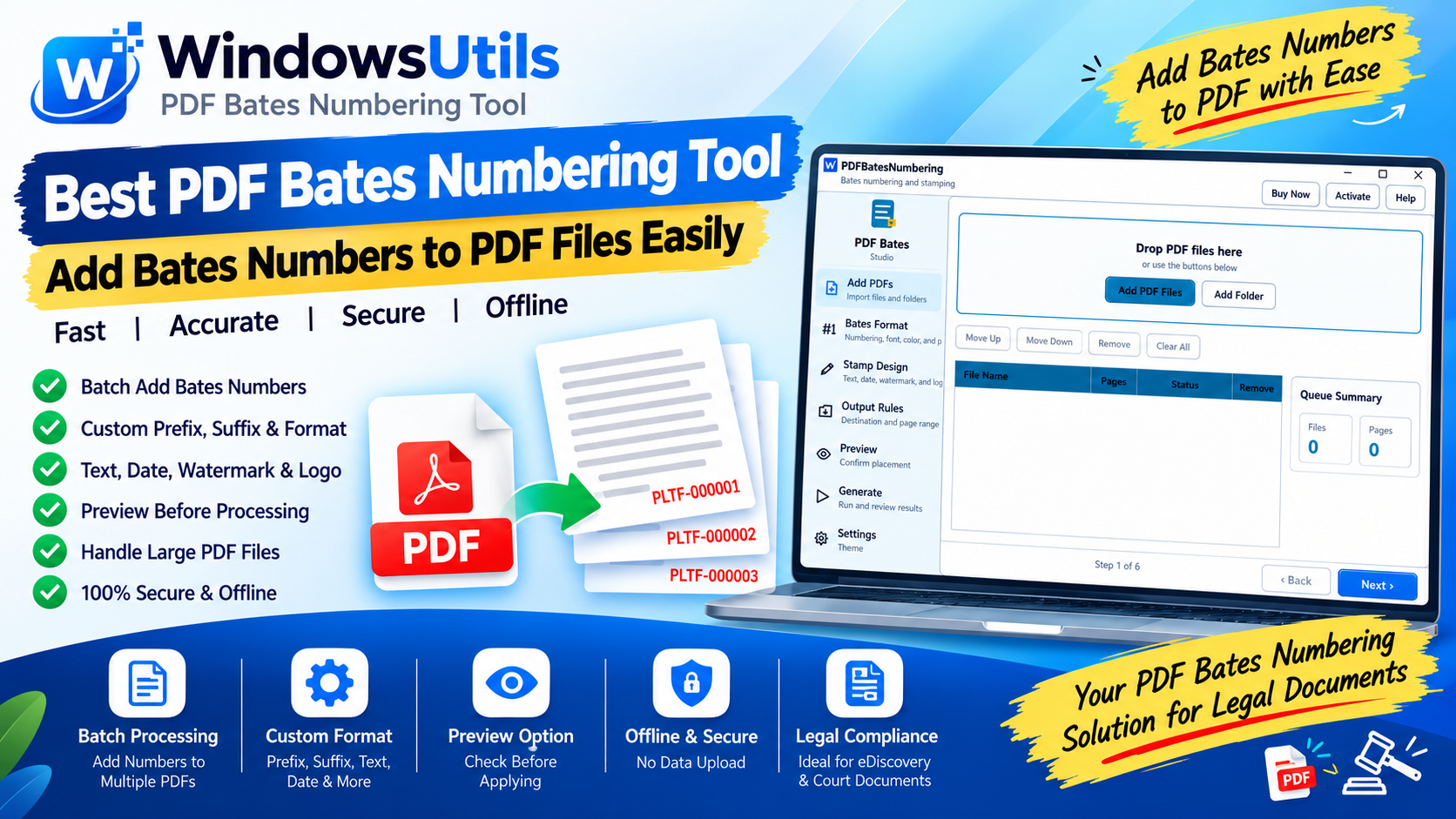 PDF Management
Bates Numbering Demystified: Federal Court Standards, Prefix Formatting & Automated Stamping
Comprehensive guide to Bates numbering in legal discovery and courtroom submissions. Learn standard prefix conventions, zero-padding, and offline batch stamping workflows.
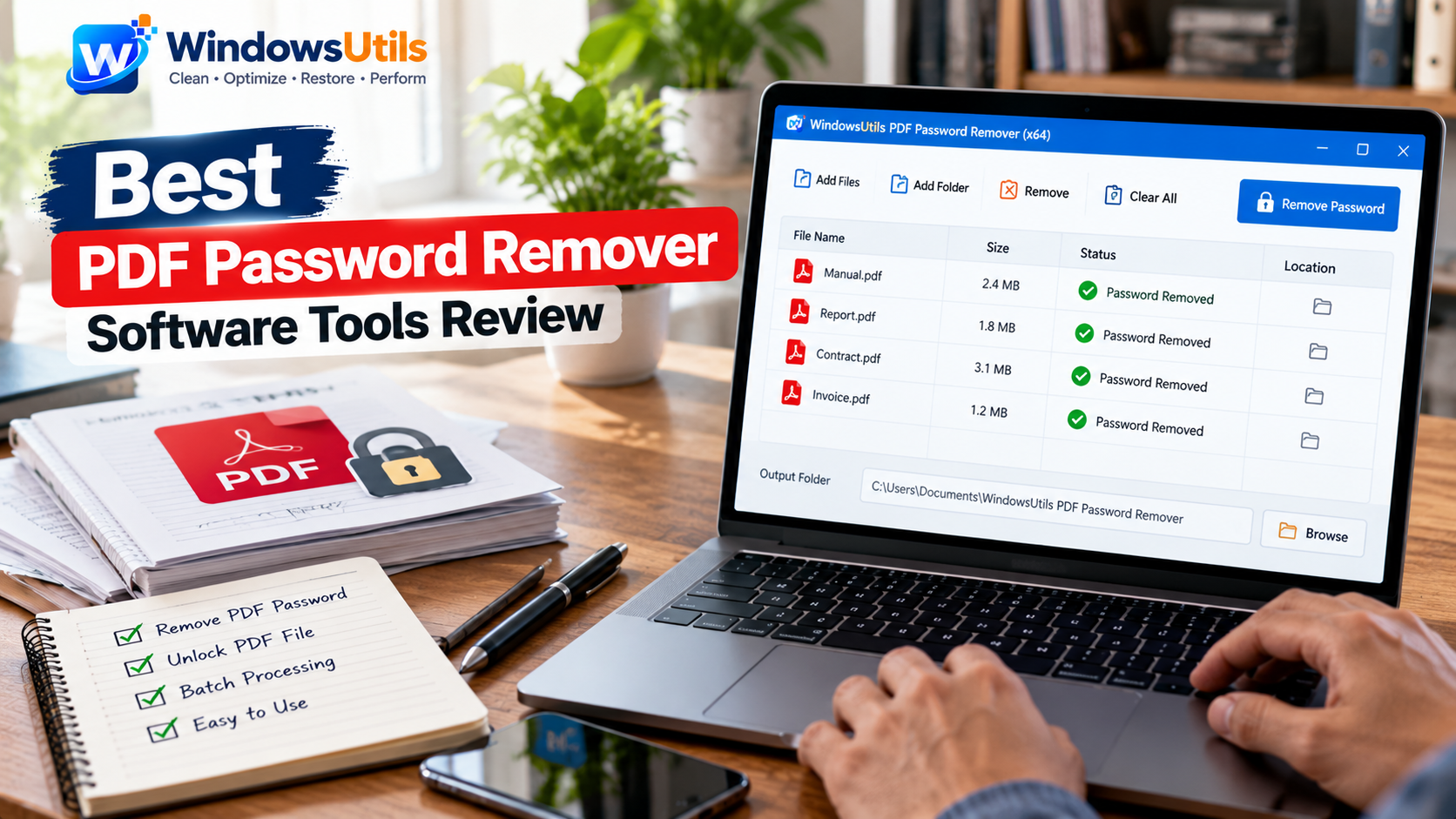 PDF Management
Top 10 PDF Password Removers: Comprehensive 2026 Security & Decryption Audit
Remove print, copy, and edit restrictions from locked PDF files. Compare the top 10 PDF password remover tools for Windows based on security, speed, and 256-bit AES support.
 PDF Management
Optimizing Heavy PDF Files: Downsampling, Stream Compression & Font Subsetting Explained
Shrink multi-hundred-megabyte PDF portfolios for email and web upload. Understand image downsampling, Flate compression, and font subsetting without sacrificing readability.