Bypassing the Google One Paywall: How to Archive Gigabytes of Old Emails to Your PC Safely
Hit Google's 15GB limit? Discover how to isolate heavy emails, archive years of correspondence to your local PC, and reclaim critical inbox storage without paying monthly subscriptions.


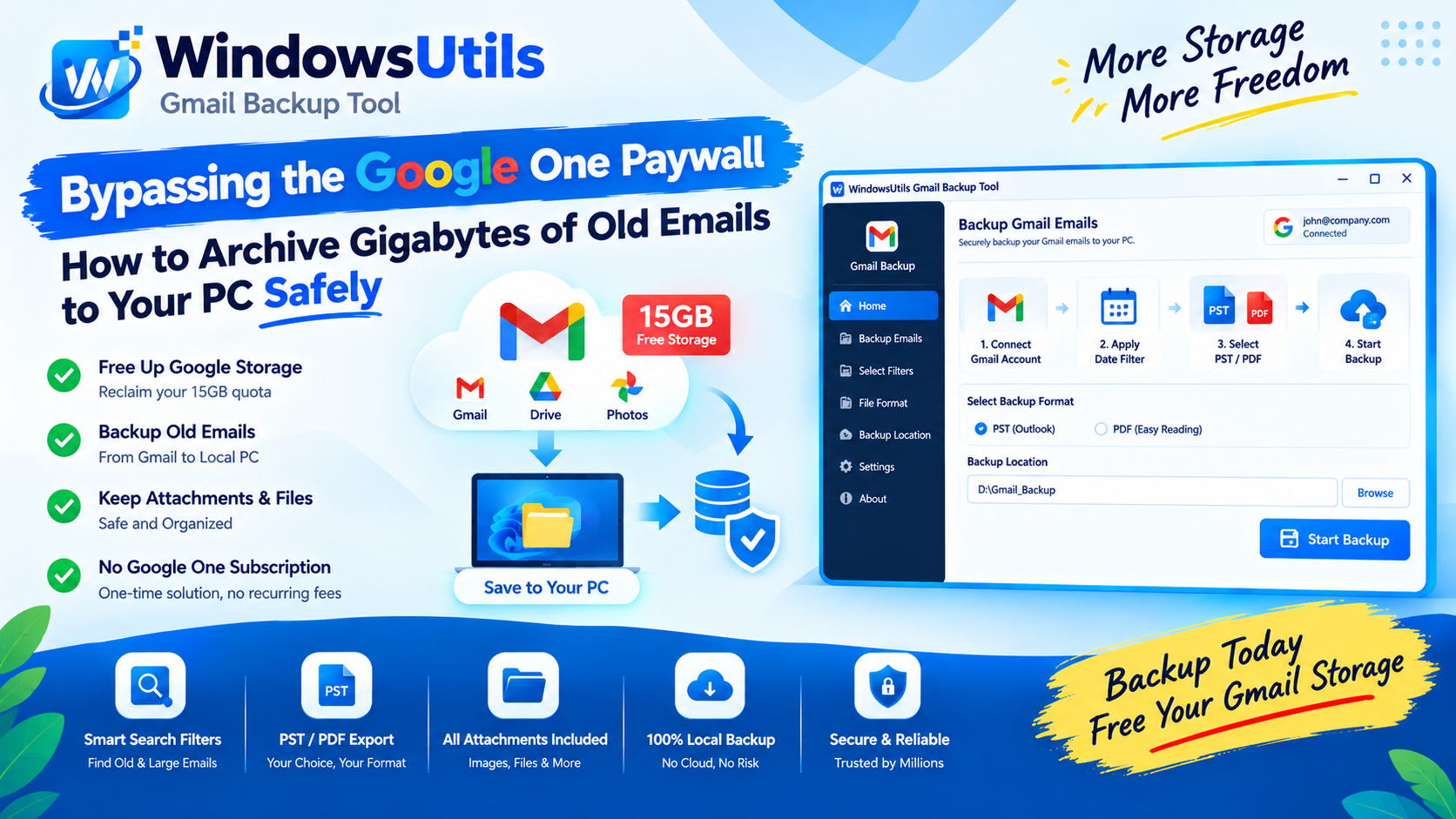
Receiving the dreaded 'Account storage is full — You can’t send or receive emails' banner in Gmail can halt your communication instantly. Because Google shares the free 15 GB allocation across Gmail, Google Drive, and Google Photos, inboxes fill up fast.
Google pushes users toward monthly Google One subscriptions. However, paying recurring monthly fees forever just to hoard old newsletters and 10-year-old attachments is unnecessary. In this tutorial, we show you how to archive old correspondence to your local computer and reclaim gigabytes of free cloud storage.
1. The Google 15GB Free Storage Limit Trap
Understanding what consumes your Google quota:
• Gmail: High-resolution PDF attachments, images, and unemptied Trash and Spam folders.
• Google Drive: Shared folders, video files, and uncompressed PDF uploads.
• Google Photos: Automatic phone photo and video syncs at original quality.
2. Identifying Space-Hogging Emails in Gmail
Use Gmail search operators to pinpoint massive emails:
• `has:attachment larger:10M` — Finds all messages with attachments larger than 10 Megabytes.
• `older_than:3y` — Locates correspondence received over three years ago.
• `has:attachment larger:5M older_than:2y` — Combines size and age filters for maximum cleanup efficiency.
3. Step 1: Backup and Archive Old Mail to Your PC
Never mass delete emails without creating a local, searchable copy on your workstation first:
Step-by-Step Execution Sequence:
4. Step 2: Delete Old Mail from Cloud and Empty Trash
Once your local backup is secured on your PC, you can safely clean your cloud inbox:
Step-by-Step Execution Sequence:
Pro Engineering Tip
Until you click 'Empty Trash now', deleted emails still count toward your 15 GB storage quota.
WindowsUtils Gmail Storage Archiver
Download older emails to local PST or PDF storage and safely delete them from the cloud to free up valuable storage quota.
Summary & Final Thoughts
You do not need to pay Google monthly subscription fees indefinitely. Archiving historic correspondence to your local hard drive with WindowsUtils gives you the best of both worlds: zero monthly fees and 100% offline access to your complete email history.
Expert Answers to Common Inquiries
Google's storage meters usually update within 15 to 30 minutes, though in rare cases it can take up to 24 hours to reflect across all services.
Alex Vance
Senior Systems & Email Infrastructure Architect
Specializes in Microsoft Exchange architectures, database structures, file forensics, and email platform migrations with over a decade of hands-on data recovery experience.
Related Technical Guides
Explore other tutorials on email migration, format conversions, and database repair.
 Backup & Recovery
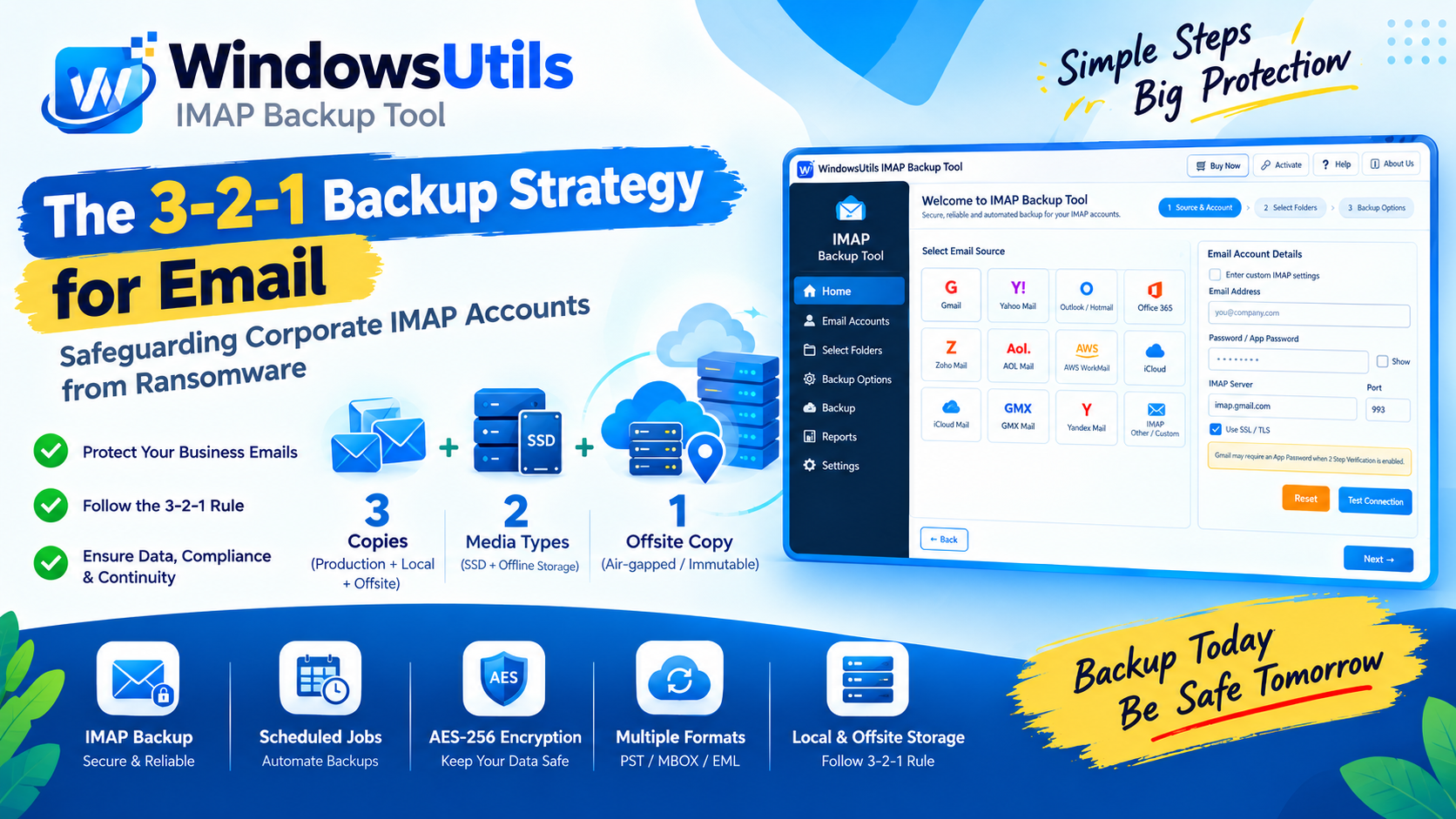
The 3-2-1 Backup Strategy for Email: Safeguarding Corporate IMAP Accounts from Ransomware
Implement a resilient 3-2-1 backup architecture for enterprise email accounts. Prevent data loss from account hijacking, ransomware, and cloud provider downtime.
 Backup & Recovery
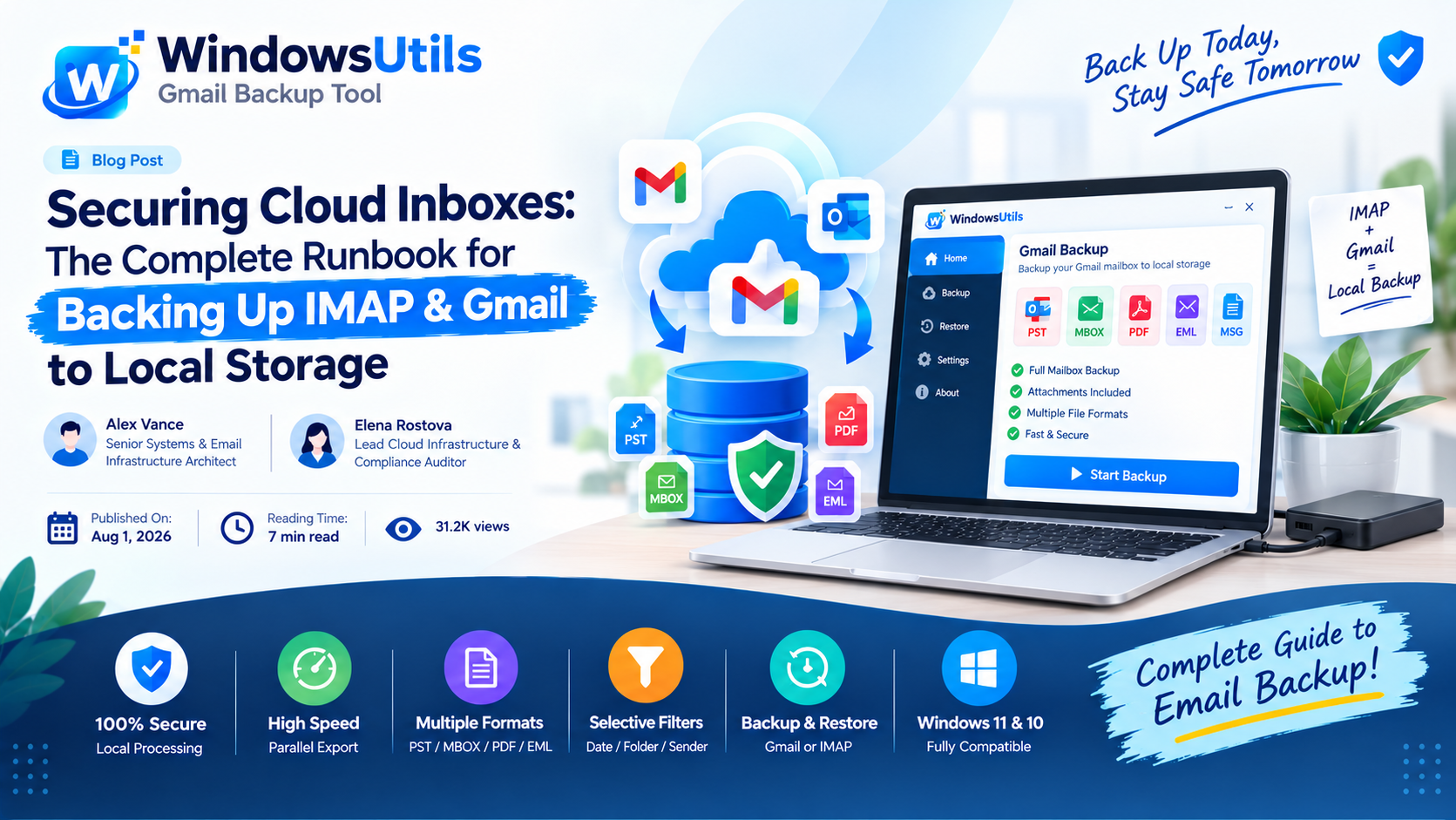
Securing Cloud Inboxes: The Complete Runbook for Backing Up IMAP & Gmail to Local Storage
Don't rely exclusively on cloud providers. Learn how to export complete IMAP and Gmail mailboxes to local offline storage formats like PST, MBOX, and EML.
 Backup & Recovery
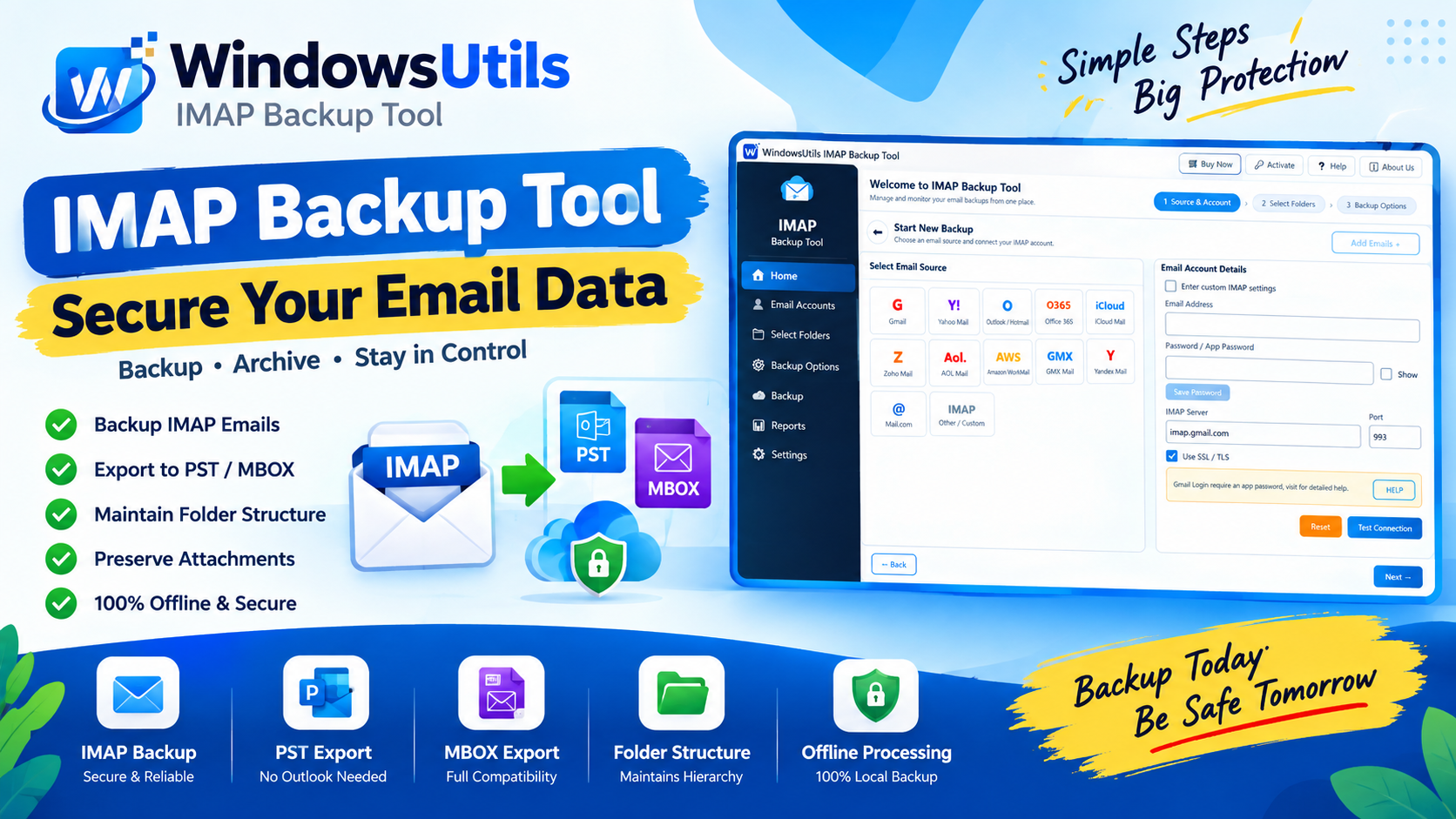
Downloading Your Yahoo Mailbox to External Storage: Step-by-Step Archiving Walkthrough
Safeguard your Yahoo Mail account from lockouts and server outages. Export emails, attachments, and folders to external hard drives in PST, MBOX, and EML formats.