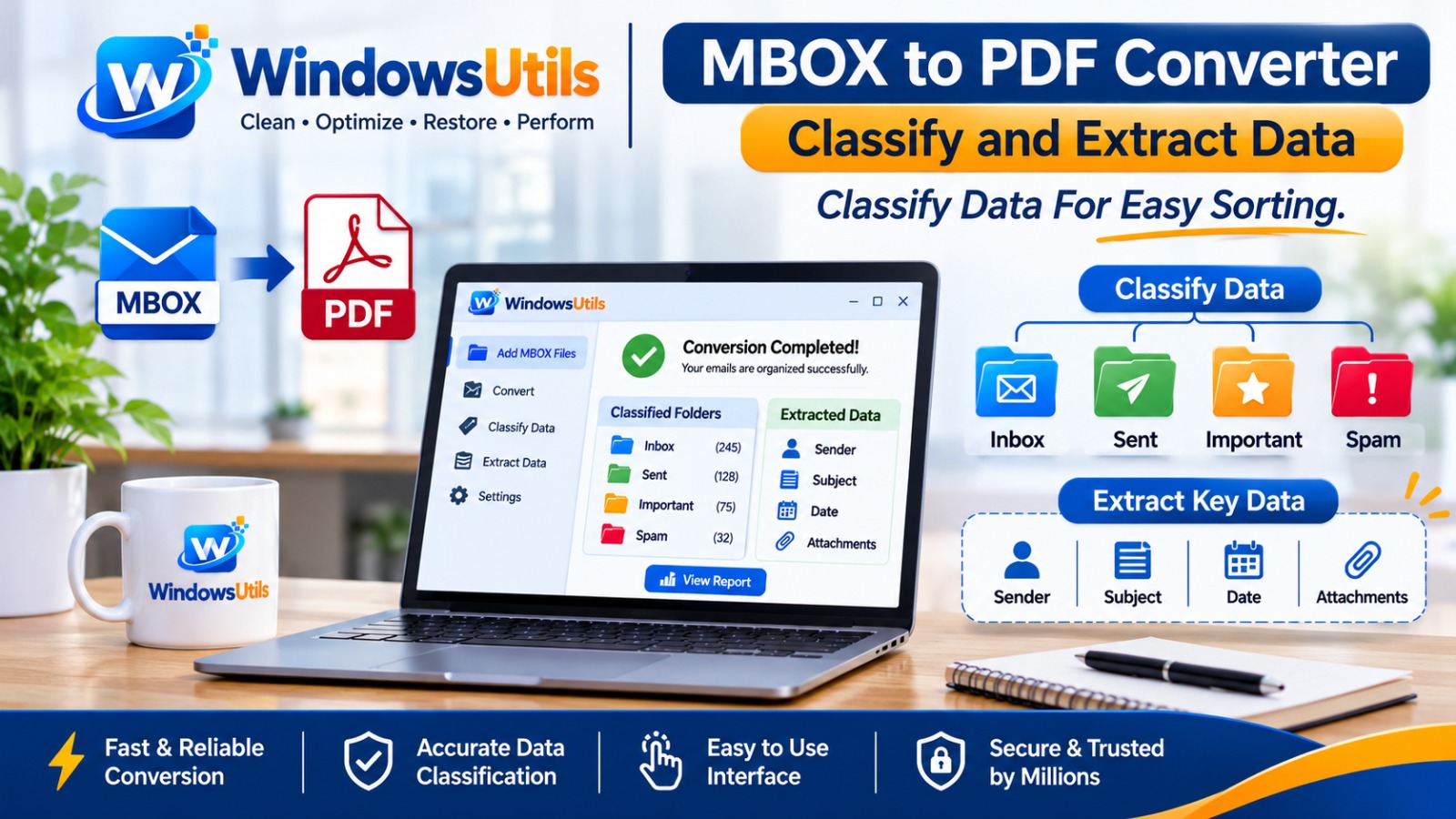
MBOX to PDF Converter Classify and Extract Data. Classify Data For Easy Sorting
how to convert MBOX to PDF using 2 easy methods. Explore step-by-step instructions, batch conversion, attachment support, and secure email archiving.


Ever get
tired of digging through hundreds of old emails just to find one important
message? Could be a business transaction, a payment confirmation, a customer
email, or even a key message you saw months ago. Is that a headache, or what?
In the digital age, email remains the primary channel of correspondence,
especially at the office. However, dealing with older email data isn't the
simple task it once was. If your emails are in MBOX format, then viewing,
exporting and accessing it on your various devices may be cumbersome.
That is why you need an MBOX to PDF Converter.
Using an effective conversion method you can convert MBOX mailboxes to PDF and
retain your mailboxes content as readily available PDF documents that can be
viewed, searched, sorted, printed and shared easily. In this post, we are going
to take a look at all the conversion methods in detail and the factors we need
to keep in mind while choosing them.
What Exactly Is an MBOX File?
Let's
understand the basics first.
An MBOX file is a way to store email that keeps multiple messages in one file.
Within the MBOX file, there is a bundle of emails.
MBOX files are supported by several email applications including Mozilla
Thunderbird, Apple Mail.
You can choose this format when you want to save the email data to a backup or
transfer the email data elsewhere. The thing is, there might be problems if you
want to get those emails and there is no supported email application.
Suppose you got your hands on an MBOX file from an old computer and want to
access any email but have nothing set up on your new device. That’s exactly the
kind of situation where converting MBOX to PDF would be an easy solution.
Why Are People Converting MBOX Emails to PDF in 2026?
We live in a
world where everything is quick, portable, and easy to share. No one wants to
be installing anything extra just to read an email they received a while back.
PDF is an easy method to get your mail text on other devices.
Let us look at some of the practical reasons the How to Convert MBOX to PDF
can be a useful solution.
1. Read
Your Emails Without Using an Email Client
PDF is the
accessibility of your converted emails in standard PDF readers. Most PDF
readers should be able to open your converted emails.
You don’t have to go to your original email program if you want to find a older
conversation.
2.
Simplify Email Sharing
You don't
always want to send the complete MBOX archive. The other person may lack the
tools to get it open.
PDF is much easier to share. Maybe you want to send a familiar written document
to a customer, co-worker, or another team member in an email instead of asking
them to import an email archive.
3. Keep
Important Business Conversations Organized
Companies
exchange millions of emails every year. They also contain project details,
conversations with customers, invoices and key decisions.
"Converting some of your emails to PDF might make it easier to get some
nicely formatted records to review down the line."
4. Print
Important Email Conversations
You could
simply want a print of an email for a meeting, just to leave a hard copy in the
office or filing cabinet, or for your own personal purposes.
PDF documents make it easy to print files because, with most printer settings,
you can use PDF documents without trouble.
5. Save
Critical Email Details
A compatible
converter may preserve crucial email information including:
- Sender and
recipient details
- Email subject
- Date and time
- Message body
- Email formatting
- Attachments, according to tools and export preferences
Make sure you check the file you convert just in case, what you need is there.
How to Convert MBOX to PDF?
Two
Practical Methods
Here it is,
the best part the master of them all.
There are various ways in which you can transform MBOX file into PDF document.
It will be selected by you based on your number of emails and level of
customization that you need.
Method 1:
Convert MBOX Emails Using an Email Application
If you just
want to save one or two emails, an email app might be the best option for you.
Steps to be
followed:
1. Download
or launch an email application program that is compatible with MBOX files like
Mozilla Thunderbird.
2. Import the MBOX archive. Use one of the following supported import methods
to import your archive.
3. Click into the email you wish to store.
4. Select the Print option.
5. Select either Microsoft Print to PDF or Save as PDF (may vary based on
operating system).
6. Select a destination folder.
7. Save your PDF document.
When should you use this method?
This will be
the easiest option if you only have a handful of emails to convert.
But, if you have hundreds and thousands of messages saving them one-by-one
could be a pain in the neck.
Method 2:
Employ a Specialized MBOX to PDF Conversion Tool
A paid
conversion app may be a more user friendly option if you have a sizable email
archive.
Rather than open each individual message manually, there is a software
application that is specifically built for MBOX conversion.
Depending on the product, the
process may look like this:
1. Download
and install any trusted MBOX to PDF Converter.
2. Launch the software on your computer.
3. Upload or browse for your MBOX file.
4. Preview the email messages that are available (if supported).
5. Choose the emails you wish to turn into PDF.
6. Choose PDF as the output format.
7. Select your preferred destination folder.
8. Start the conversion process.
9. Open the PDF file that is generated and check the result.
The biggest benefit of dedicated software is convenience, especially with
multiple email files.
Note: The specific steps and features may
vary based on the converter you select.
Typical
Issues Encountered During MBOX to PDF Conversion
Not all
conversions are perfect. Occasionally, users face issues that may impact the
final results.
Let's look at a few common issues.
1.
Enormous MBOX Files
Your archive
file could be large, given the fact that you have years’ worth of emails in
your mailbox. The process can consume more time and resources.
2. Missing
Attachments
Only a few
conversion utilities export the message and write the attachments to disk,
check the attachments support before you start.
3.
Formatting Issues
Email
formats may have tables, images, signatures and different fonts. Bad conversion
process could not be able to re-create all those elements correctly.
4.
Incomplete Email Information
Verify
attributes such as sender names, timestamp, and subject after conversion.
5.
Difficulty Converting Multiple Files
Bulk
conversion feature can help you minimize the efforts if the software you
selected contains this feature.
What Are the important features of a MBOX to PDF Converter?
When selecting conversion software, you don't just want a solution that
converts one format to another. Accuracy, usability and security are also
important considerations.
Some
features you should consider:
Feature Why This Is Important
Simple
Interface Makes conversion easier for beginners
Batch Conversion Reduces the time required to bulk convert many MBOX files
Email Preview Helps select the right messages
Attachment Support Assist with attachments included in an email
Metadata Preservation Retains important email information
Output control in PDF Formats Gives you greater control of the finished
document
Data Privacy Helps protect sensitive email information
Review any
software you plan to buy or install for supported file formats, restrictions,
privacy policy, trial options, and anything else you should know before you
buy.
How to Know if You Have a Good
MBOX to PDF Converter?
When it
comes to a conversion software, it’s not just about choosing a software that
will actually convert one type of file into another. As for the conversion
software, it is not just about locating a program that will actually be able to
convert a file of one type to another.
Who Needs an MBOX to PDF
Converter?
- · You may be surprised at how many
people this could help.
- · Preserve valuable client discussions
and business chats.
- · Office Professionals: Keep project
emails organized, along with easy-to-refer documents.
- · IT Administrators: Handle archive
mailbox data and produce legible email data.
- · Students and Researchers: Save
important email conversations and study notes.
- · Personal Users: Retain e-mails for
later access by individual users.
|
Feature |
Why It Matters |
|
Simple Interface |
Makes conversion easier for beginners |
|
Bulk Conversion |
Saves time when handling multiple MBOX files |
|
Email Preview |
Helps select the right messages |
|
Attachment Support |
Helps manage files included with emails |
|
Metadata Preservation |
Retains important email information |
|
PDF Output Options |
Provides better control over the final document |
|
Data Privacy |
Helps protect sensitive email information |
If a person
is looking to convert EML to PDF email format then the request is to be made
easier for it.
MBOX files into a PDF: is it
Safe?
Yes,
converting is safe as long as you use a reliable method and keep your email
data protected.
But MBOX
archives might also include confidential conversations, passwords sent to you
by mistake, company information, and personal files.
Note the following:
· Use software from a trusted source.
· Never upload important MBOX files to
any random online converter.
· Check the application's privacy and
data-handling policies.
· Keep an original backup before
starting conversion.
· Save exported PDF files in a safe
place.
· Take the final PDFs to check that any
details needed are included.
· With just a little extra effort, you
can keep your email data secure every step of the way.
Final
Thoughts: Simplify Your Email Archive
You have
years of important information buried inside your old emails. Finding it
shouldn't be so hard.
An MBOX to
PDF converter offers a good way to make stored emails easier to use, easier to
read, and easier to share.
No matter
whether you are handling office communication, personal emails or saving a few
essential files, MBOX to PDF conversion helps you make your life easier.
All you need
is a new system for getting information you know is out there. You don't always
need a solution that is complex and technical.
Organize
your emails, access your history, and reduce the time required to find the
important discussions.
Expert Answers to Common Inquiries
An MBOX to PDF Converter is a program or a conversion technique that allows users to convert MBOX Email Messages into PDF documents.
Alex Vance
Senior Systems & Email Infrastructure Architect
Specializes in Microsoft Exchange architectures, database structures, file forensics, and email platform migrations with over a decade of hands-on data recovery experience.
Related Technical Guides
Explore other tutorials on email migration, format conversions, and database repair.
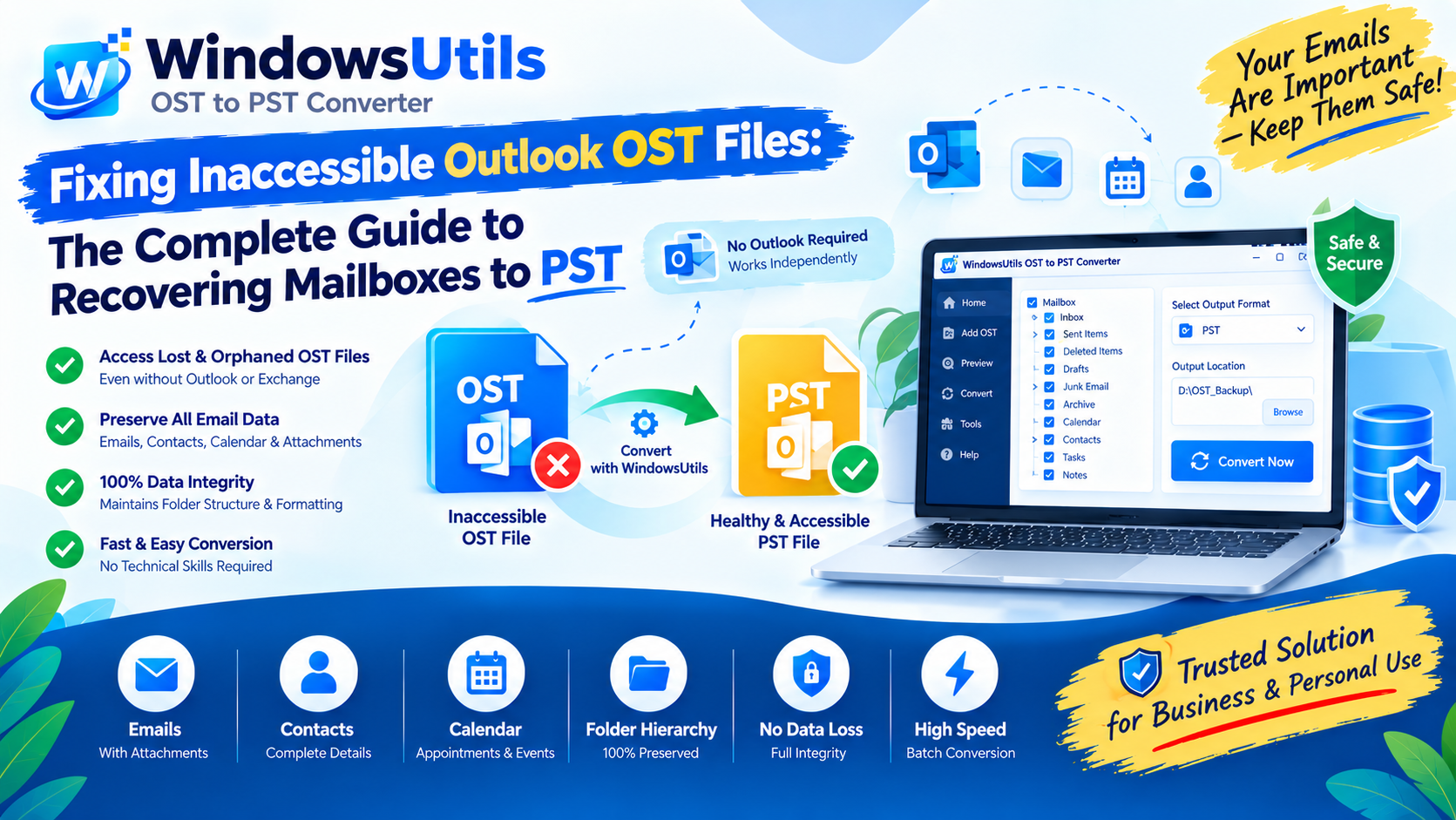 Email Migration
Fixing Inaccessible Outlook OST Files: The Complete Guide to Recovering Mailboxes to PST
Learn how to convert OST to PST using 3 methods. Export Outlook emails, contacts, calendars, attachments and folder structure with Windows Utils OST to PST Converter.
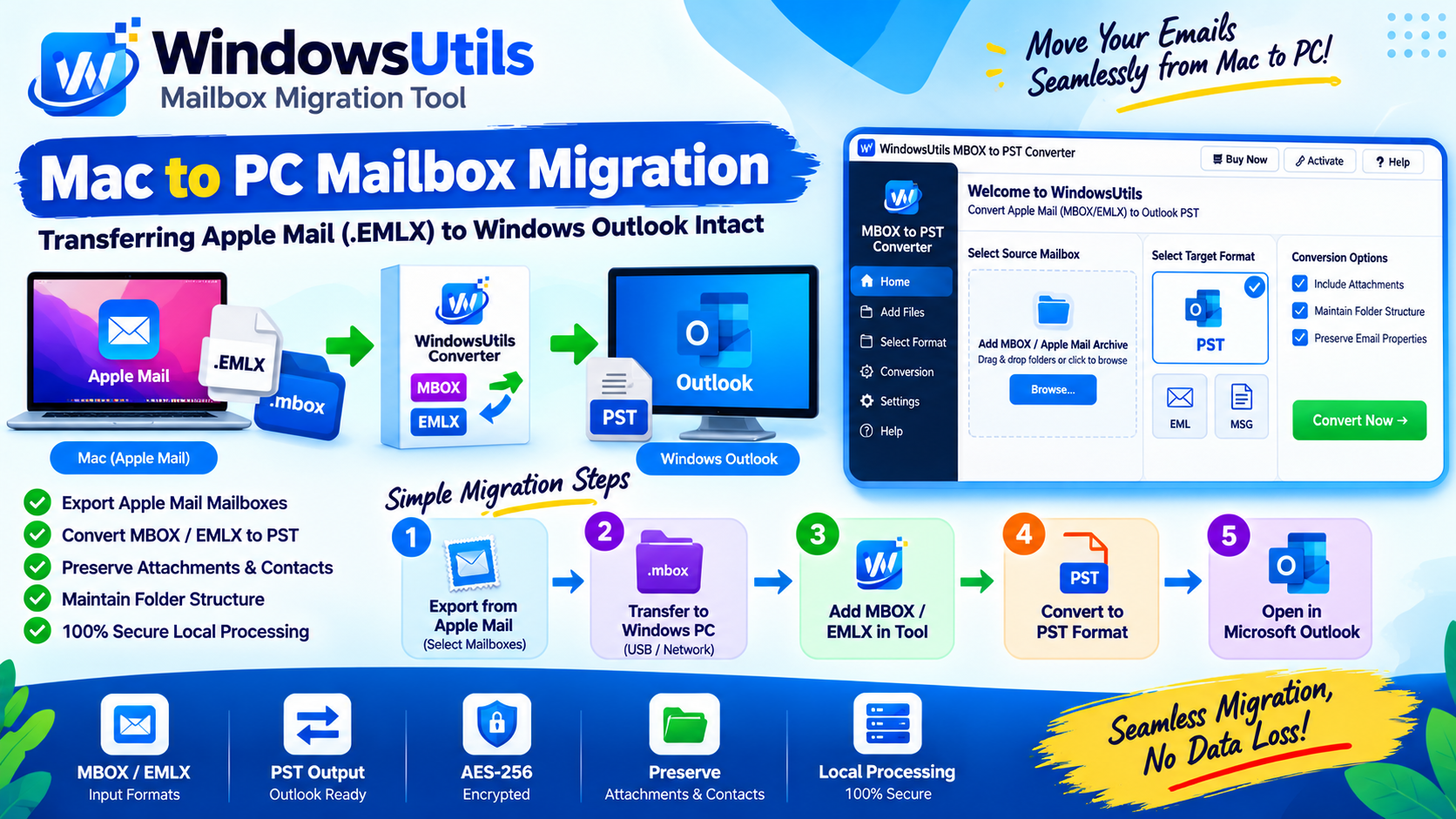 Email Migration
Mac to PC Mailbox Migration: Transferring Apple Mail (.EMLX) to Windows Outlook Intact
Complete guide for moving from Mac Apple Mail to Windows Outlook. Preserve subfolder nesting, original timestamps, and multipart attachments during cross-platform migration.
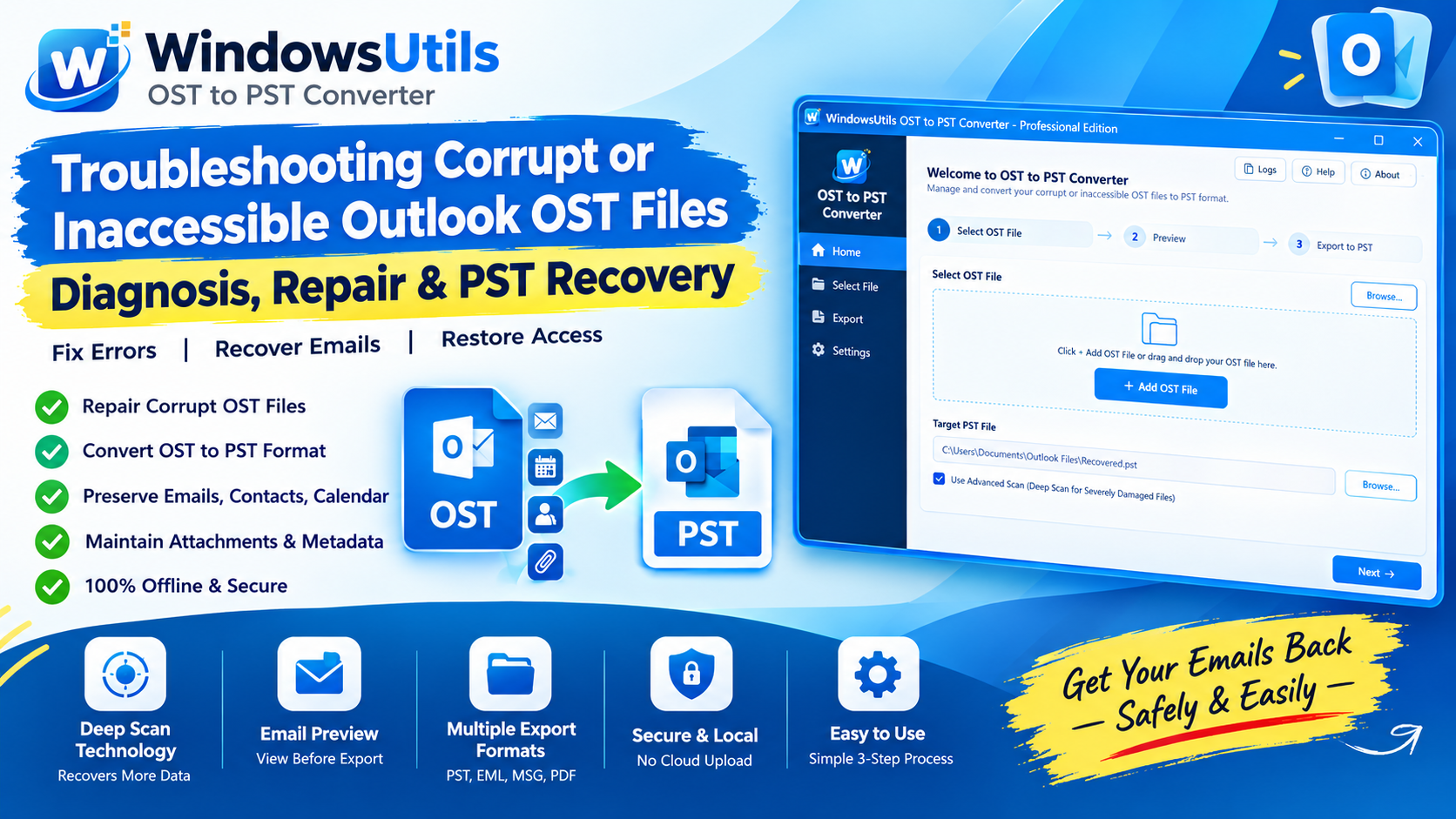 Email Migration
Troubleshooting Corrupt or Inaccessible Outlook OST Files: Diagnosis, Repair & PST Recovery
Diagnose why Outlook displays 'The file xxx.ost cannot be opened' and learn safe, non-destructive workflows to extract inaccessible emails into healthy PST files.