Troubleshooting Corrupt or Inaccessible Outlook OST Files: Diagnosis, Repair & PST Recovery
Diagnose why Outlook displays 'The file xxx.ost cannot be opened' and learn safe, non-destructive workflows to extract inaccessible emails into healthy PST files.


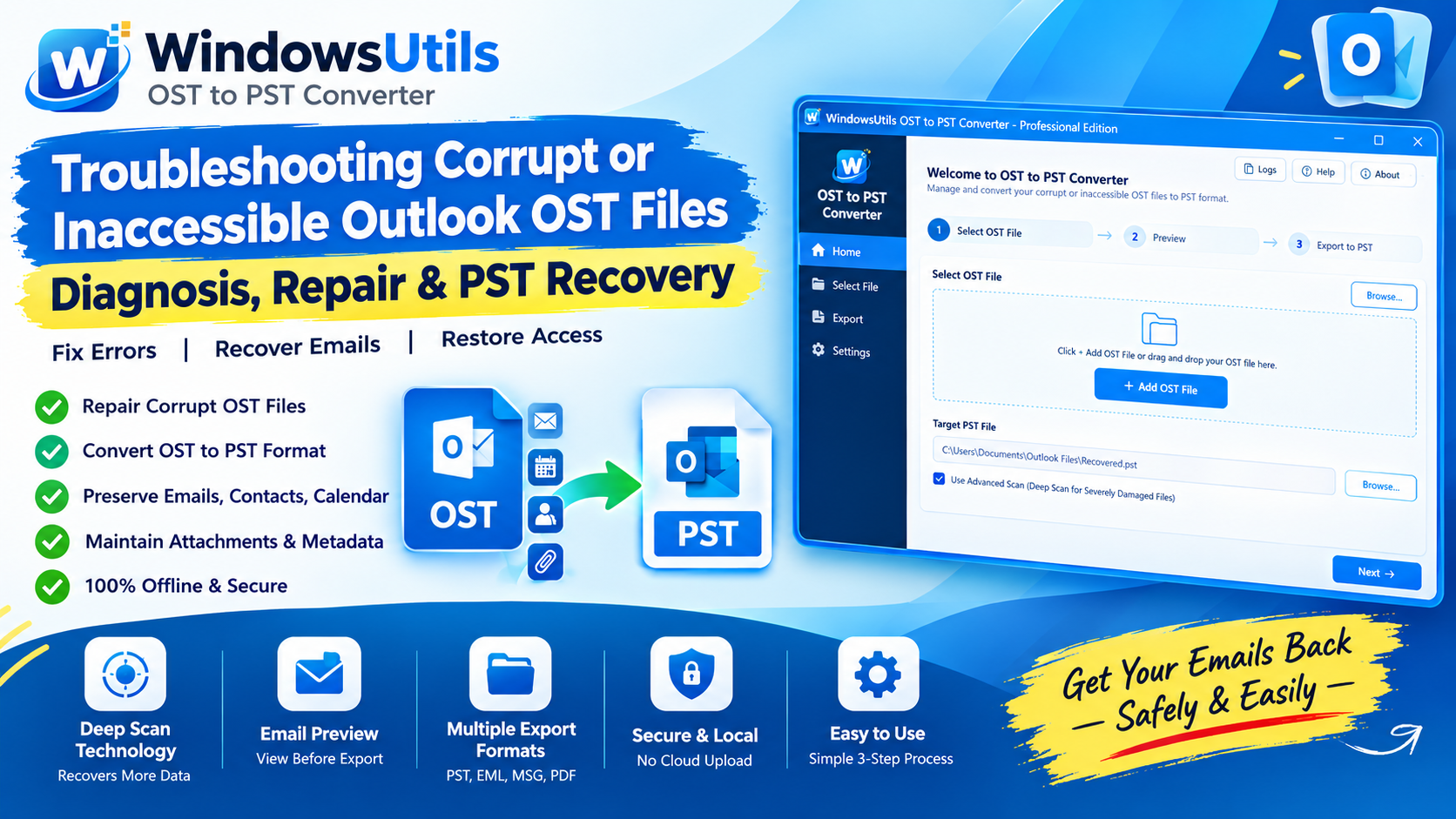
Encountering the dreaded 'Cannot start Microsoft Outlook. Cannot open the Outlook window. The set of folders cannot be opened' error usually means your local Offline Storage Table (.OST) file has become inaccessible.
Because Outlook binds each OST file to a specific Exchange Server GUID and Windows user security identifier (SID), any server-side mailbox migration, account deactivation, or profile corruption cuts the connection. In this engineering tutorial, we explain how to extract your critical emails and convert the inaccessible OST into an openable OST to PST converter tool output file.
1. Why Outlook OST Files Become Inaccessible
OST files are designed as local caching buffers rather than permanent standalone archives. When the synchronization handshake between Microsoft Outlook and Exchange (or Microsoft 365) breaks, Outlook locks the file into an orphaned state.
Common root causes include sudden server migrations, active directory credential resets, abnormal Outlook terminations during synchronization, and reaching the hard 50GB file size limit. In many cases, oversized OST files require a specialized PST file splitter tool after conversion to remain agile.
Pro Engineering Tip
Never delete your .ost file until you have verified whether the remote server holds all recent emails, drafts, and local calendar appointments.
2. Why Microsoft SCANPST Cannot Repair Disconnected OSTs
Many administrators attempt to run Microsoft's built-in Inbox Repair Tool (SCANPST.EXE) on damaged OST files. While SCANPST can validate minor header corruption, it cannot decrypt or rebind an orphaned OST to a new profile.
When the underlying Exchange mailbox no longer exists or the M365 authentication token is invalid, native Microsoft tools will report that the file is not an Outlook data file or fail to mount it.
Important Safety Precaution
Running SCANPST repeatedly on an unstable OST file can truncate unreadable sectors, causing permanent loss of email attachments and message bodies.
3. Step-by-Step: Converting Inaccessible OST to PST
To recover all mailbox items without an active Exchange server, use the specialized WindowsUtils OST to PST Converter. This software reads raw MAPI structures directly from the disk.
Step-by-Step Execution Sequence:
Pro Engineering Tip
You can also batch export selected folders directly into MSG, EML, or searchable PDF formats for legal discovery.
4. Best Practices to Prevent Outlook OST Corruption
To safeguard against future profile lockouts, ensure your Outlook cache slider is set to 12 or 24 months rather than 'All' if your mailbox exceeds 30 GB.
Regularly archive completed project mailboxes using reliable IMAP backup software to keep your primary Outlook cache clean and responsive.
WindowsUtils OST to PST Converter
Safely convert orphaned, inaccessible, or encrypted Outlook OST files into clean portable PST format with all folders, metadata, and attachments preserved.
Summary & Final Thoughts
An inaccessible Outlook OST file does not mean your valuable business correspondence is lost forever. By converting the orphaned file to a standard PST container, you can bypass Exchange server requirements and regain full access to all your emails, calendar items, and attachments.
Expert Answers to Common Inquiries
No. Microsoft Outlook does not support opening or importing standalone OST files directly. The file must first be converted into a PST file.
Alex Vance
Senior Systems & Email Infrastructure Architect
Specializes in Microsoft Exchange architectures, database structures, file forensics, and email platform migrations with over a decade of hands-on data recovery experience.
Related Technical Guides
Explore other tutorials on email migration, format conversions, and database repair.
 Email Migration
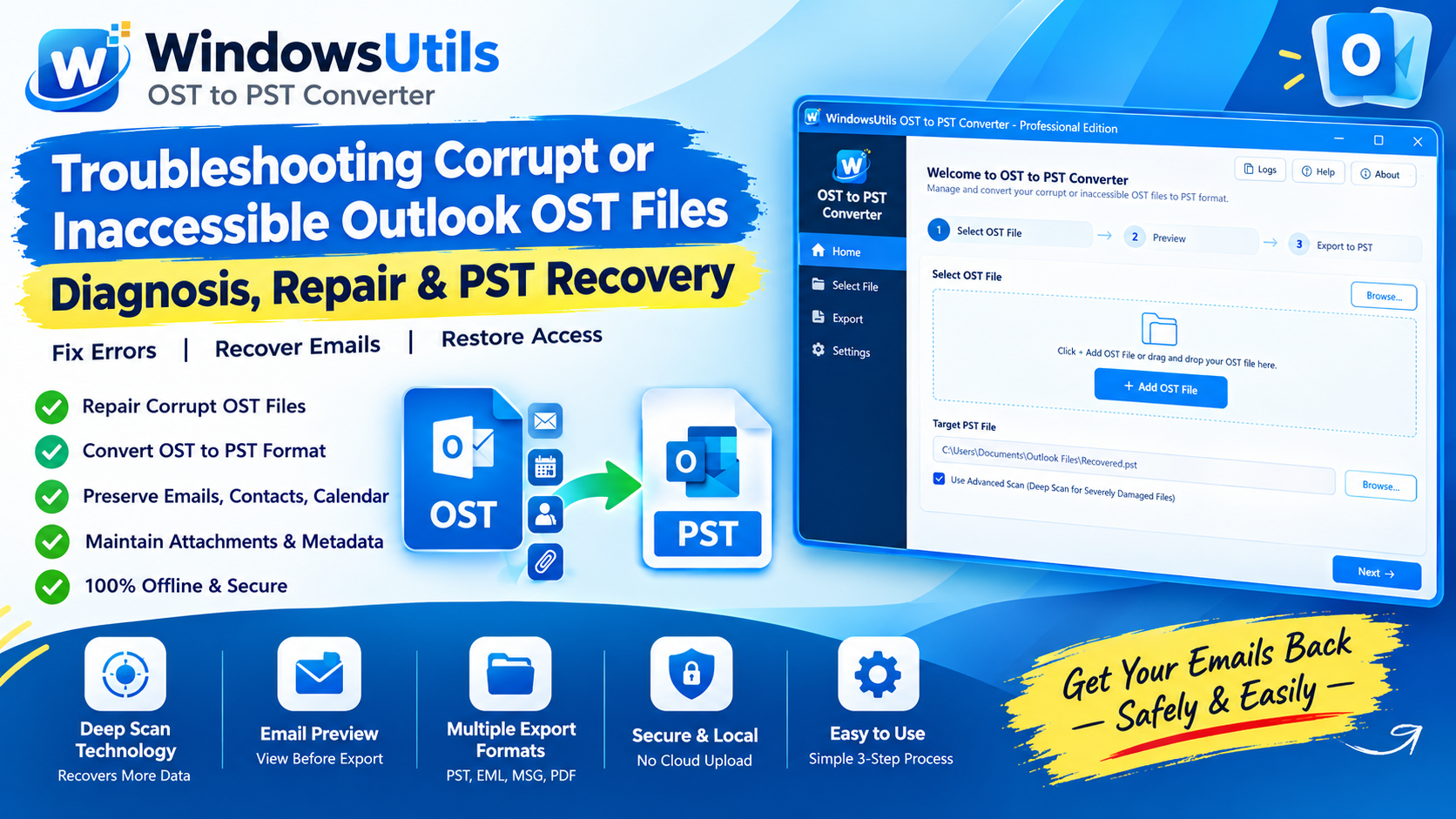
Top OST to PST Conversion Software Compared: 2026 Independent Performance Benchmark
We benchmarked leading OST to PST converter utilities across 50GB corrupt files, orphaned Exchange profiles, and non-English character sets. See the verified rankings.
 Email Migration
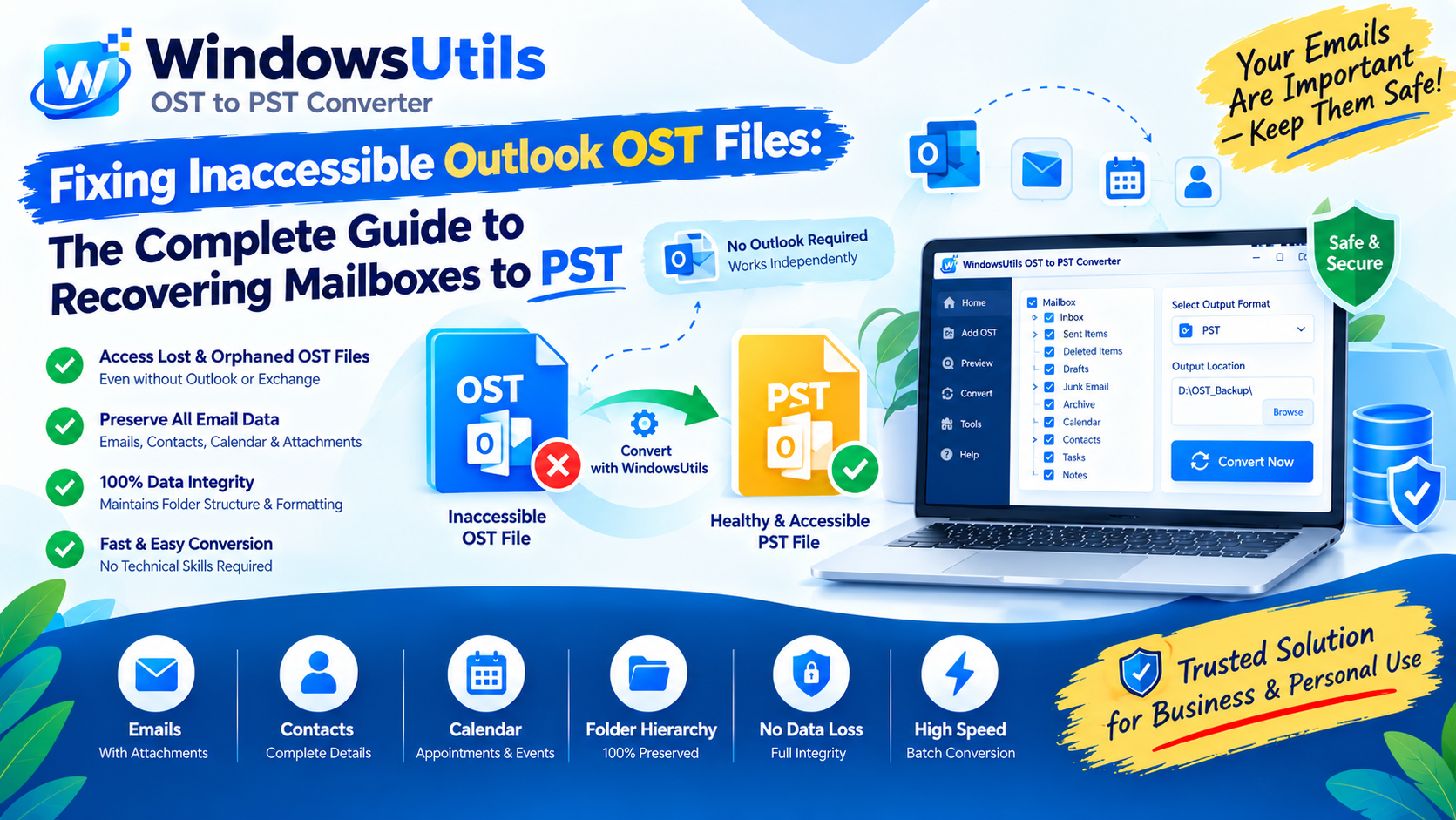
Fixing Inaccessible Outlook OST Files: The Complete Guide to Recovering Mailboxes to PST
Learn how to recover inaccessible or orphaned Outlook OST files to portable PST format without data loss. Covers native export and automated offline conversion methods.
 Outlook Tips
Defeating the 50GB Limit: How to Safely Divide Oversized Outlook PST Files
Prevent severe mailbox corruption and Outlook freezes. Learn how to split massive PST files exceeding 20GB and 50GB into smaller, high-performance archives.