Batch Consolidating Loose EML & MSG Files into a Single Outlook PST Archive
Learn how to merge thousands of individual .EML and .MSG files into an indexed, searchable Outlook Personal Storage Table (.PST) without freezing MAPI.


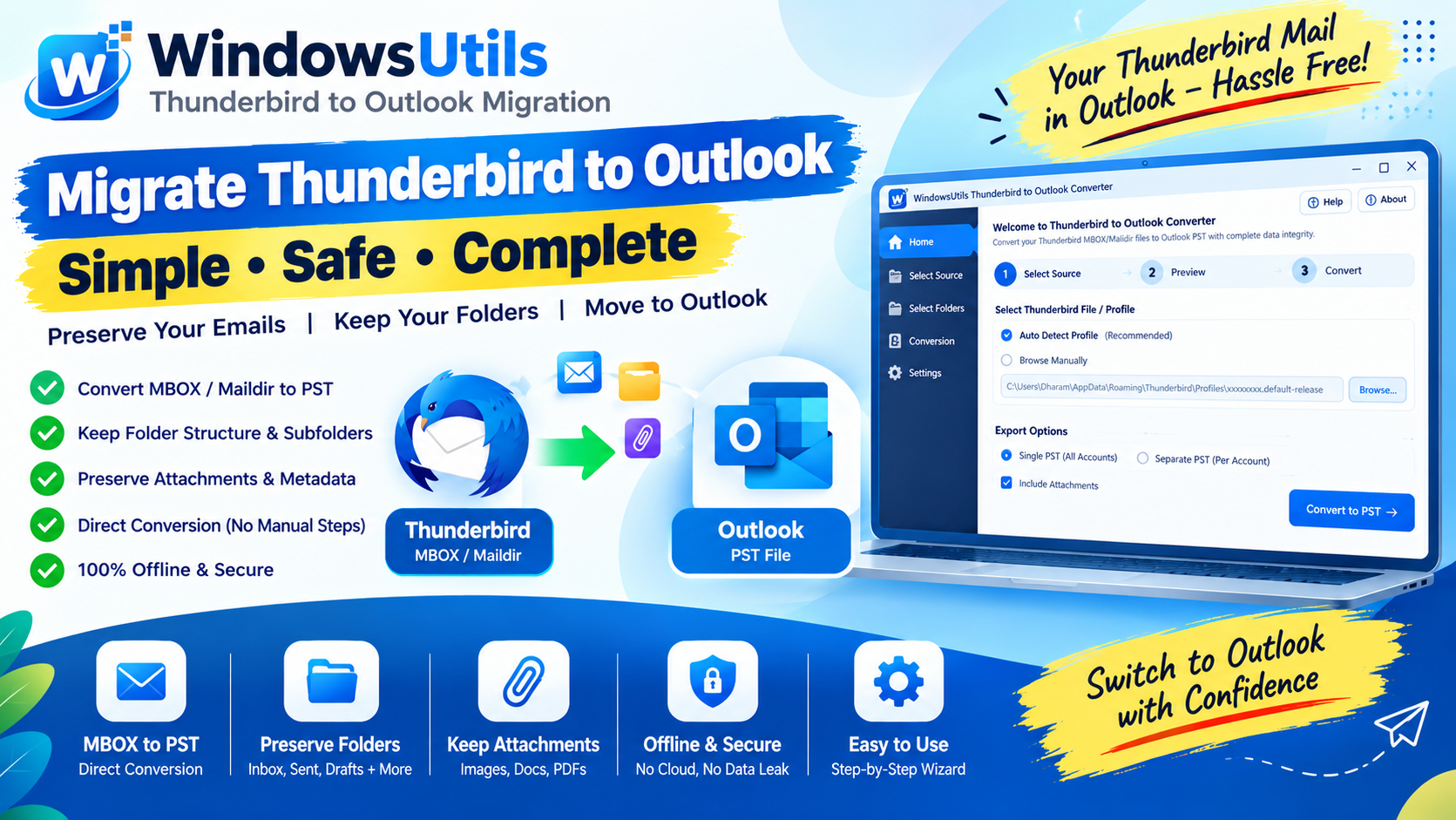
In legal discovery, corporate archiving, and system migrations, IT administrators frequently inherit loose directories containing tens of thousands of individual `.eml` and `.msg` files.
Managing individual message files on a hard drive is inefficient: Windows Explorer search is sluggish, metadata is easily lost, and Outlook struggles when opening thousands of files individually. This guide explains how to consolidate them into a clean, searchable PST container.
1. Understanding EML vs MSG Architectures
Before converting, it is helpful to recognize how both formats store correspondence:
• .EML (RFC 822 / MIME): Standard plain-text email format utilized by Thunderbird, Apple Mail, Windows Live Mail, and webmail exporters.
• .MSG (Compound File Binary Format): Proprietary Microsoft format storing MSG Viewer Pro properties, message flags, categories, and embedded attachments directly in an OLE structured storage hierarchy.
2. The Operational Need to Consolidate into PST
Consolidating individual message files into a PST container solves major IT challenges:
• Eliminates File System Overhead: 50,000 individual files create heavy disk fragmentation and slow down backup snapshots.
• Full-Text Search in Outlook: PST files allow instant indexing, folder categorization, and boolean query searches.
• Effortless Distribution: Transferring one 10 GB PST file is exponentially faster than copying 50,000 tiny files over a network.
3. Method 1: Outlook Drag-and-Drop Limitations
You can manually drag EML/MSG files directly into an open Outlook folder:
Step-by-Step Execution Sequence:
Important Safety Precaution
Dragging more than 100 files at once frequently results in Outlook crashes, skipped items, and altered 'Date Received' timestamps (Outlook often overwrites the original send date with the drag-and-drop timestamp).
4. Method 2: Automated Batch Conversion with WindowsUtils
WindowsUtils processes recursive folders containing nested EML, EMLX, and MSG files, assembling them into a single clean PST file with zero timestamp alteration:
Step-by-Step Execution Sequence:
WindowsUtils Mail & Archive Converter
Consolidate thousands of loose EML, EMLX, and MSG files into clean, mountable PST archives with duplicate filtering.
Summary & Final Thoughts
Transforming scattered EML and MSG files into a structured PST archive restores order to your email data. Using dedicated batch tools protects original RFC timestamps and ensures complete attachment preservation.
Expert Answers to Common Inquiries
Manual drag-and-drop often updates the date to the current import time. WindowsUtils reads the internal RFC 'Date:' header inside the EML file and preserves the genuine timestamp in the PST.
Alex Vance
Senior Systems & Email Infrastructure Architect
Specializes in Microsoft Exchange architectures, database structures, file forensics, and email platform migrations with over a decade of hands-on data recovery experience.
Related Technical Guides
Explore other tutorials on email migration, format conversions, and database repair.
 Email Migration
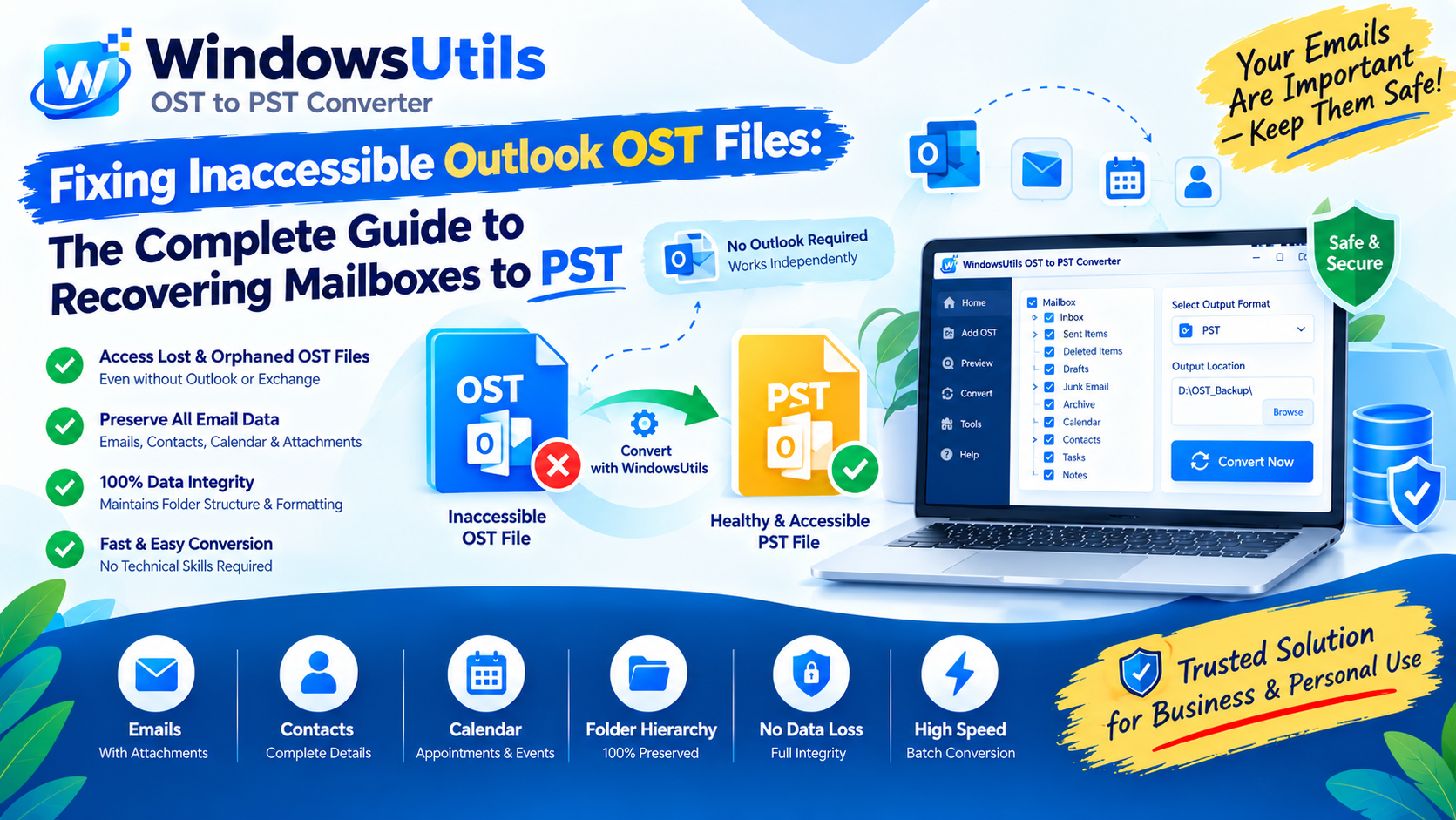
Fixing Inaccessible Outlook OST Files: The Complete Guide to Recovering Mailboxes to PST
Learn how to recover inaccessible or orphaned Outlook OST files to portable PST format without data loss. Covers native export and automated offline conversion methods.
 Email Migration
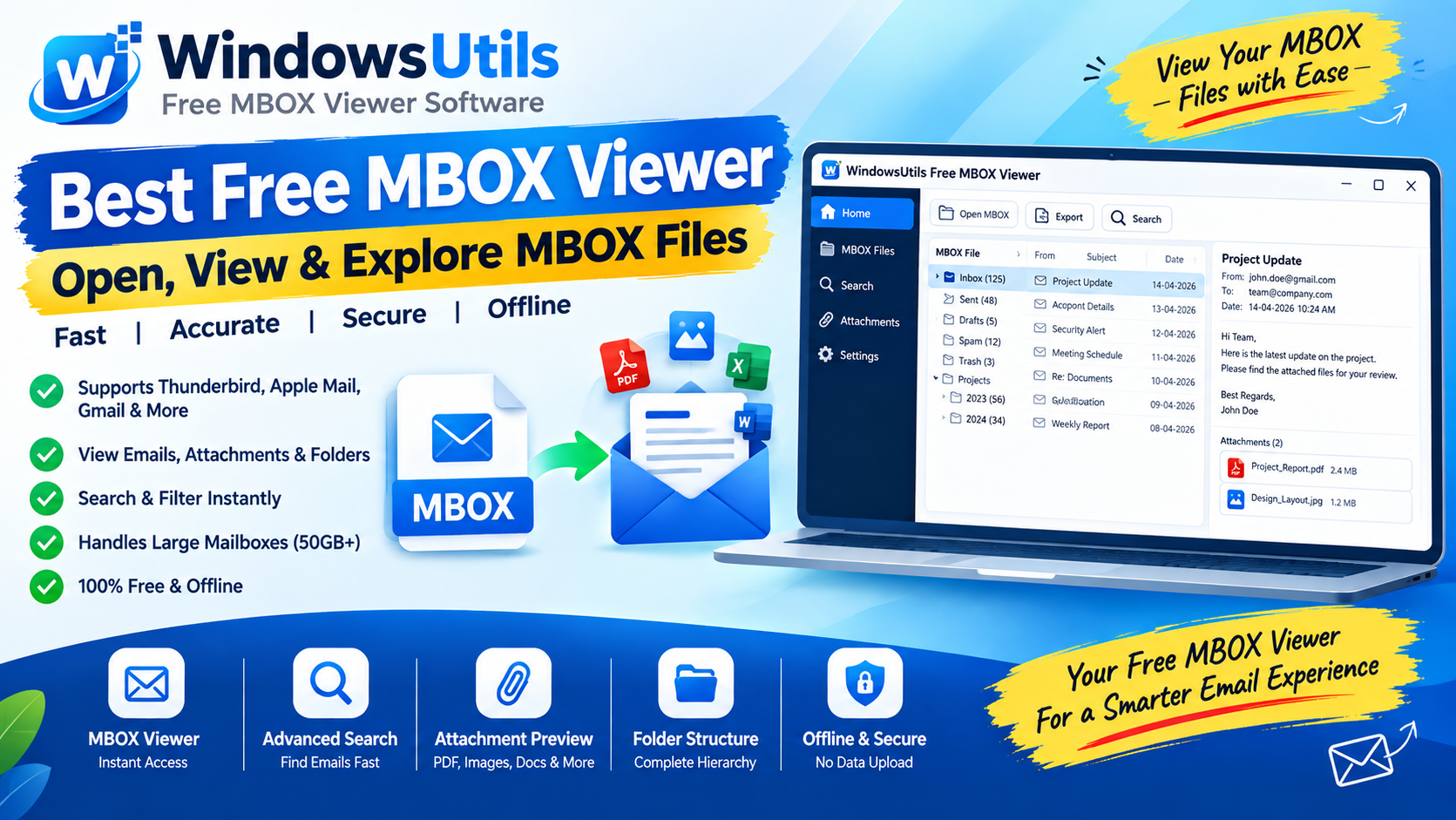
Exporting MBOX Mailboxes to Searchable PDF with Intact Attachments: 4 Tested Workflows
Step-by-step guide to converting MBOX email archives to high-fidelity PDF documents with embedded attachments. Ideal for legal, auditing, and archival workflows.
 Outlook Tips
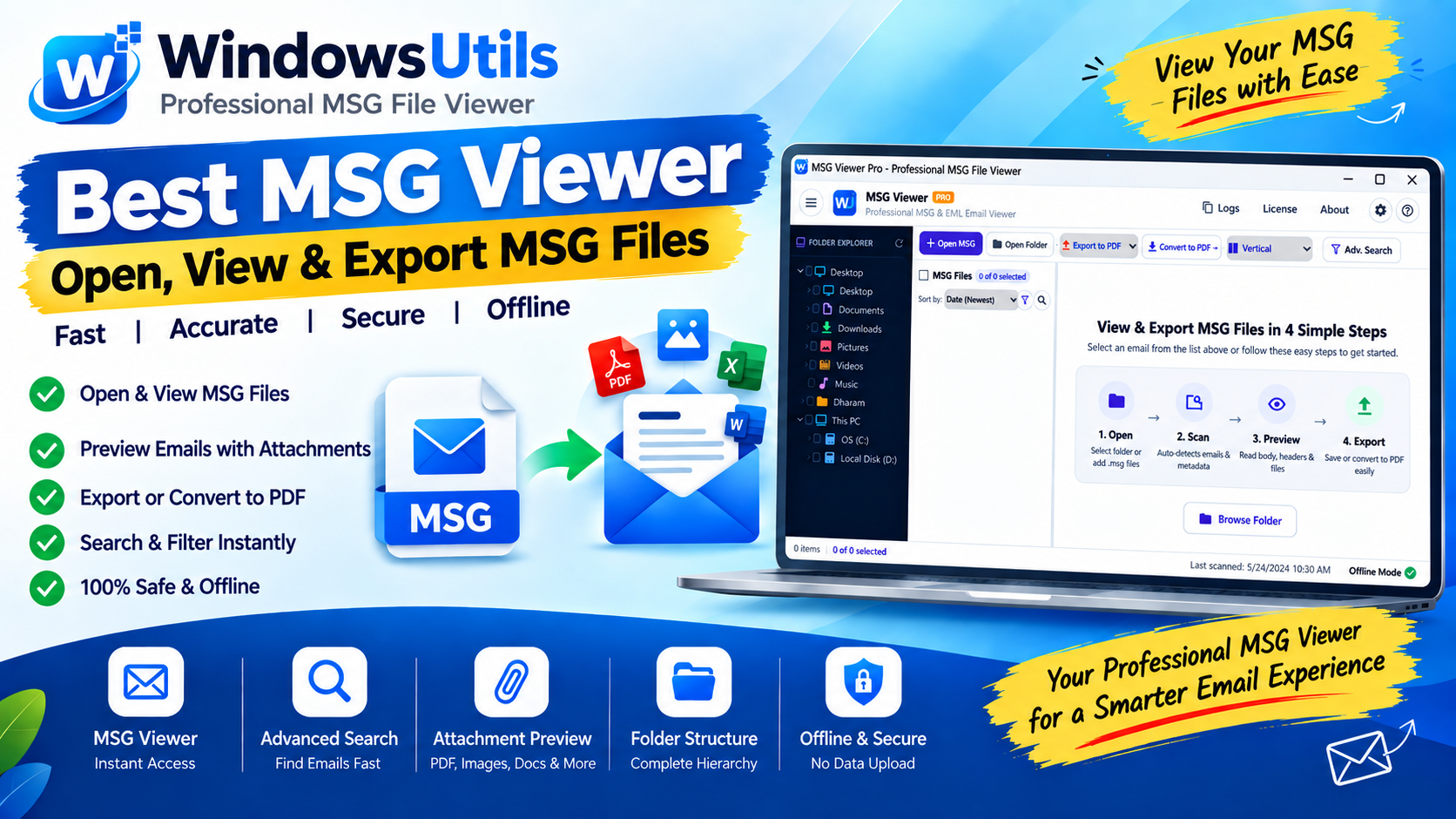
Inspecting Standalone Outlook .MSG Files: Fast Preview, Search & Batch Conversion on Windows
Learn how to open, view, and search binary Outlook .MSG files on Windows without having Microsoft Outlook or an active Microsoft 365 subscription installed.