PST Viewer Pro Max – View Outlook PST Files Without Outlook
Download PST Viewer Pro Max to open, view, and read Outlook PST files without Outlook. Explore PST viewer software for easy and quick email access.



PST Viewer Pro Max – All-in-One Tool to View Outlook PST Files without Outlook
Microsoft Outlook is one of the leading applications used by
users, organizations, and experts that assist you to organize your mail,
appointments, contacts, and a lot more. You are required to keep PST (Personal
Storage Table) files to keep backup and move your information from one platform
to another.
At the same time, you may have difficulties with PST file
access, when MS Outlook is not installed on your PC or when you need to view an
earlier mailbox without adding the Outlook account.
So, PST Viewer Pro Max tool can be a perfect alternative for
you. It is a tool specifically intended for those who want to access and
explore Outlook PST files without an installed Outlook application. If you have
a PST viewer on hand, you will be able to view all supported mailbox
information via a specialized interface.
This blog post will cover topics including why becouse of it provide How to use PST viewer software is essential, issues faced while accessing PST files, advantages of PST Viewer Pro Max, and how we can view Outlook PST files without Outlook.
What is the PST File in Microsoft Outlook?
PST (also known as Personal Storage Table) is a file format
used by Microsoft Outlook applications to access the user's mailbox
information.
- E-mail messages and folder
- Sent and received emails
- Email attachments
- Contacts and address book information
- Calendar appointments and events
- Tasks and notes
- Archived mailbox information
Outlook users for backing up email, archiving old emails,
migrating data between mailboxes, and saving important emails locally.
It is essential to make a way to open PST Files as PST file may also save our personal and professional informations.
Why Do Outlook Users Need PST Viewer Software?
1. Microsoft Outlook Is Not Installed
While they are all part of the Windows environment, not every Windows computer has Microsoft Outlook. And, if you get a PST from another person or institution, you might need a different application.
2. Old Archived Email Access
Most of the Outlook users store PST format files of their
old mailbox data in order to keep the primary mailbox clean. At a later stage,
they require to access the old mail, attachments, business conversation, etc.
This can be even more easily done with a specialized PST viewer.
3. Open PST Files on Another Computer
When switching to a new computer users have old PST backup files they would like to view without setting up the entire Outlook environment.
4. Outlook Account or Profile Issues
Occasionally, an Outlook account or profile may become corrupted. A standalone PST viewer can serve as another tool to open readable data in an existing PST file.
5. Verify PST Backups Before Moving
IT administrators and business users may want to preview PST files before importing or exporting mailbox data. Use a viewer to browse the available information before you make the next move.
What Is PST Viewer Pro Max?
PST Viewer Pro Max is a professional PST file viewer
software designed to provide you a complete access to Outlook data files
without installing Microsoft Outlook.
All you need to do is select the PST file using a PST viewer
that is supported in the software instead of adding an Outlook account to view
the PST file.
Ideal for end users, desk‐top support, IT professionals and
companies with archived Outlook mailbox data files.
The goal of a PST viewer is to provide PST file access and to make it easier to locate and view critical mailbox details.
Top Advantages of PST Viewer Pro Max for Outlook Users
Having the right PST viewer can ease the task of managing archived Outlook data. Here are some key advantages.
1. Open PST Files Without Opening Outlook
PST file without installing and opening Outlook: The most
common reason for users to search for PST Viewer Software is to view a PST file
without opening Outlook.
PST Viewer Pro Max is designed to offer a separate platform
for viewing the supported PST files.
This can be handy for only the user needing to check up an existing mailbox backup.
2. Access Outlook Email Messages
Business Related Discussions/Communication Customer
Data/Credentials Invoices/Project Updates/Personal Communication.email messages
contain emails like the business conversations, email address, invoice, project
status, personal mail, message about the business.
How to view a PST file PST reader can be used to explore the supported e-mail messages that have been stored within the PST file, and to find the required information.
3. Explore Email Attachments
Attachments are a core aspect of Outlook communication.
These can be any type of document, from PDFs, Word Documents, Excel sheets,
images, and the like.
In the Attachment Viewing / Extraction enabled scenario, users are allowed to view files attached to their stored email messages.
4. Browse Mailbox Folder Structure
Outlook has the ability to separate your emails into various
Outlook folders including; Inbox, Sent Items, Drafts, Deleted Items and Custom
Folders.
PST viewer should be simple to browse through the mailbox hierarchy and find messages in it.
5. Browse Archived Outlook Data
Users with more than one file of PST backup files may want
to check some older info about mailboxes.
A dedicated viewer offers another practical avenue for viewing supported archived data without the overhead of importing all of the files into an Outlook profile.
6. Easier for IT Admins
IT experts often manage PST files during email migrations,
troubleshooting mailboxes, and other data management tasks.
A viewer of its own may be used by them to see what mailboxes are there before they do other things an administrator might need.
7. Make PST File Handling Easier
An suitable PST viewing app helps in handling the data kept
in Outlook and makes it simple to access for people who rarely ever use their
Outlook desktop applications.
The computer ability to view, search, and export will vary
depending on the version of the software.
How to Open and Read PST Files Without Outlook- With PST Viewer Pro Max
To open a PST file in a viewer typically means:
Step 1: Install PST Viewer Pro Max
Download the software from its official website and install on the Windows PC. Before running the software ensure that the software is supported by the version of PST files as well as the system requirements.
Step 2: Launch the Application
Open PST Viewer Pro Max after successful installation. Choose the various options to select and load the PST files.
Step 3: Select the PST File
Browse your computer and select the PST file that you want to explore. Ensure that the file is available and you have permission to read it.
Step 4: Scan or Load the File
Initiate the loading or scanning operation that is offered by the application. Your loading or scanning time will be related to the size of the PST file and the nature of the data.
Step 5: Preview Mailbox Information
Post-processing, browse through supported mailbox foldersto see the available mail items.
Step 6: Examine Required Information
Open relevant messages and browse through the items. If available, utilize the options of attachment preview, search and export to handle the needed items.
PST Viewer Pro Max vs. Microsoft Outlook: Recognize the Discrepancy
PST viewer applications like Outlook PST Viewer and Microsoft Outlook are available for the users to view their Outlook data.
Comparison PST Viewer Software - Microsoft Outlook
Key feature(s) Send and receive e-mail View PST files Primary benefit Full email administration
Requires Outlook installation Generally no Yes
Email viewing Supported by compatible viewers Yes
Mailbox management Depends on software Yes
Sending and receiving emails Usually not the primary
function Yes
Calendar and contacts Depending on viewer features Yes
Configuring your email account May not be necessary for
account based email services
PST export Requires software feature Available in Outlook features
Which one should you choose?
Use Microsoft Outlook. You should choose Microsoft Outlook
if you need to send or receive email; view and manage an email account; or
organize your entire mailbox.
But if what you actually need is simply to view an existing
PST file without the need to set up Outlook, then a PST viewer is likely to be
a better choice.
Features You Must Know Before Buying PST Viewer
Before any user opting to choose PST Viewer Pro Max or any
other PST viewer application, let them consider the features that are required
for their purposes.
PST File Compatibility: See if the program works for the
file type or size of PST you need to open.
Email Preview: Choose an email program that shows email in a
clear, easy to read format.
Previewing Attachments: Do you want to enable viewers to
preview or extract supported attachments?
Open folders:Verify the display of the original folders
hierarchy of the mailbox.
A search option will enable users to find specific emails
and information about mailbox quicker.
Contacts & Calendar: verify if the data type is
supported if you want to see contacts or calendar entries.
Security and Privacy: Use software with clear data management policies and source from a reputable location.
Who Can Benefit from PST Viewer Pro Max?
PST Viewer Pro Max can prove useful to varying Outlook users.
Business Professionals
Business users are able to open the PST viewerts application to look into customer communication, business documents, and previous email exchanges.
IT Administrators
IT teams during activities such as mail migration, email troubleshooting and data management.
Students and Individual Consumers
People who have PST backup files may want to check their contents, without configuring Microsoft Outlook.
Organizations
Organizations with archived Outlook mailbox files can also use such a tool to review the stored email data.
How to Preview PST Files Safely
PST files could be a wealth of confidential emails, personal
information, and business documents. Here are a few things to remember when
opening them:
1. Always keep a copy of the PST.
2. Get viewing software from a reliable official source.
3. Verify software compatibility prior to opening large PST
files.
4. Avoid modifying original backup files unnecessarily.
5. Secure mailbox information with all protected access
controls.
6. Verify the privacy and security policies for the
software.
7. Save significant PST backups to a protected storage area.
Conclusion
If you don't want to set up a full MS Outlook environment to
view the archive data of MS Outlook, then consider a dedicated PST viewer for
the same.
PST Viewer Pro Max PST Viewer Pro Max focuses on the ease of
access of PST files for the Outlook user, business person and system
administrator.
With PST viewing utility, you can explore supported
information of mailbox, read your stores email messages and then you can open
archived outlook file.
If you constantly deal with Outlook PST backup files, then picking the top PST viewer with appropriate support, email preview, attachment support and security support can free your life while managing the mailbox.
Expert Answers to Common Inquiries
PST Viewer Pro Max is an exclusive, professional viewing tool specifically designed to allow users to view supported Outlook PST files without the need of installing Microsoft Outlook.
Alex Vance
Senior Systems & Email Infrastructure Architect
Specializes in Microsoft Exchange architectures, database structures, file forensics, and email platform migrations with over a decade of hands-on data recovery experience.
Related Technical Guides
Explore other tutorials on email migration, format conversions, and database repair.
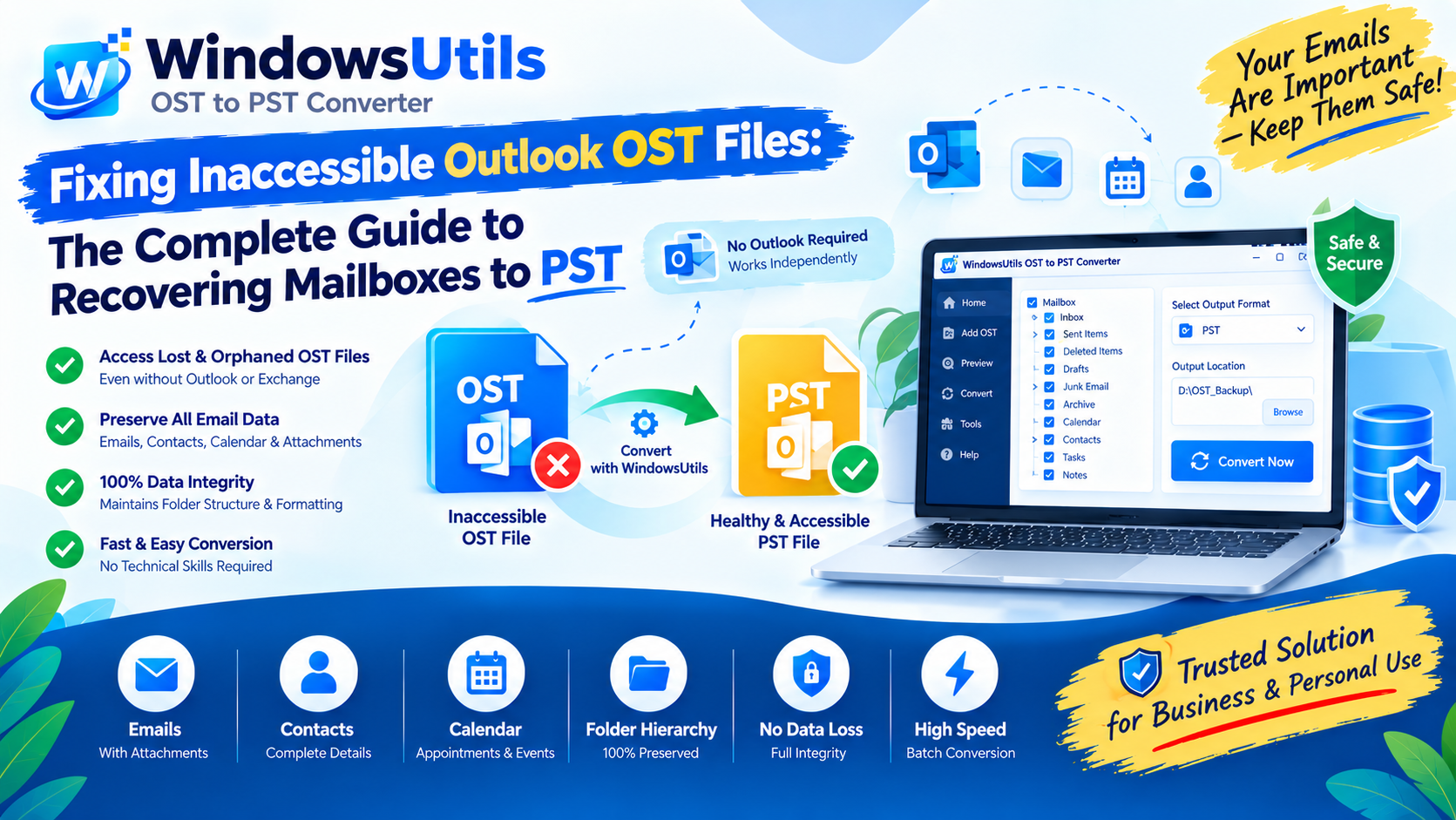 Email Migration
Fixing Inaccessible Outlook OST Files: The Complete Guide to Recovering Mailboxes to PST
Learn how to convert OST to PST using 3 methods. Export Outlook emails, contacts, calendars, attachments and folder structure with Windows Utils OST to PST Converter.
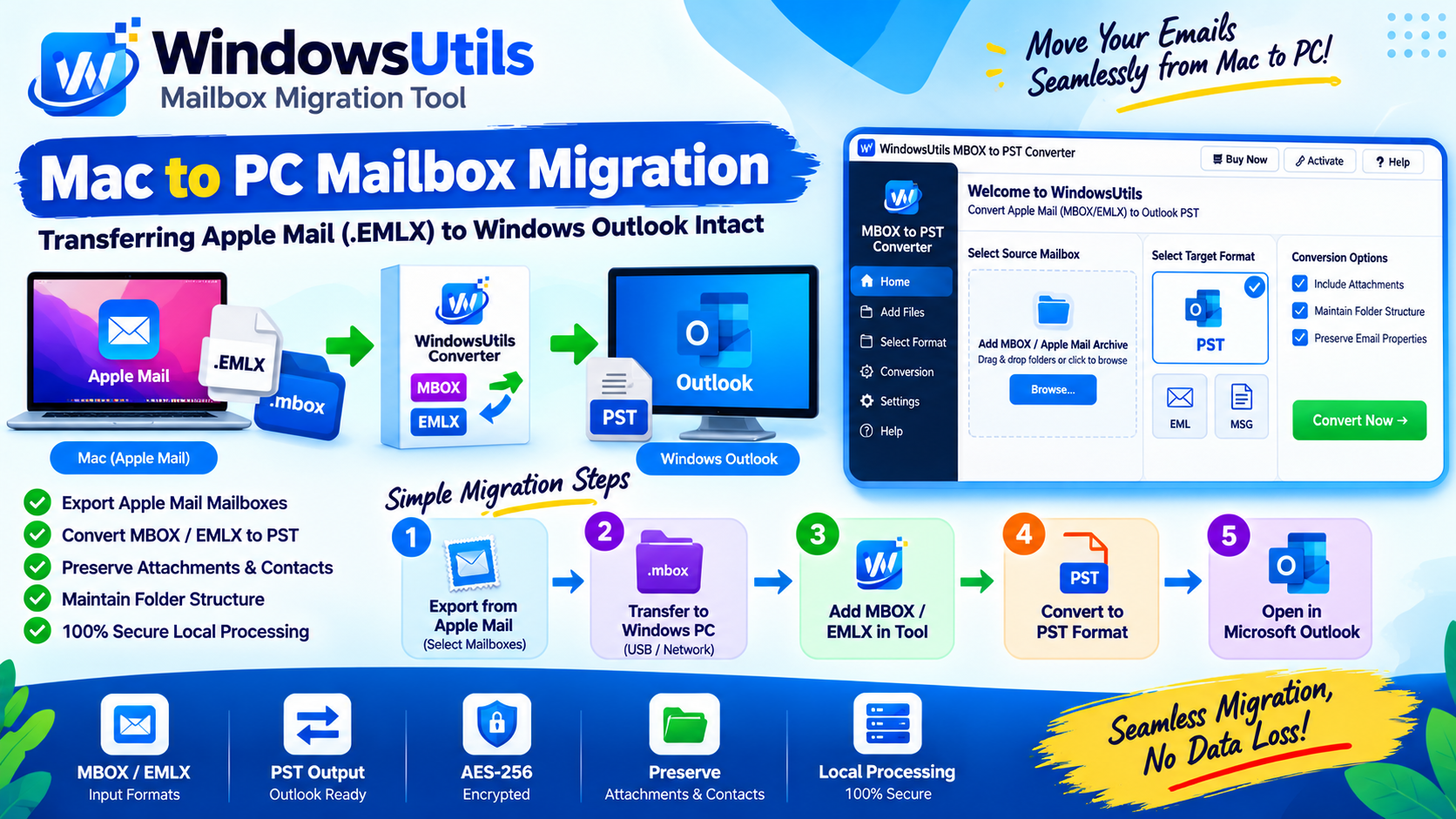 Email Migration
Mac to PC Mailbox Migration: Transferring Apple Mail (.EMLX) to Windows Outlook Intact
Complete guide for moving from Mac Apple Mail to Windows Outlook. Preserve subfolder nesting, original timestamps, and multipart attachments during cross-platform migration.
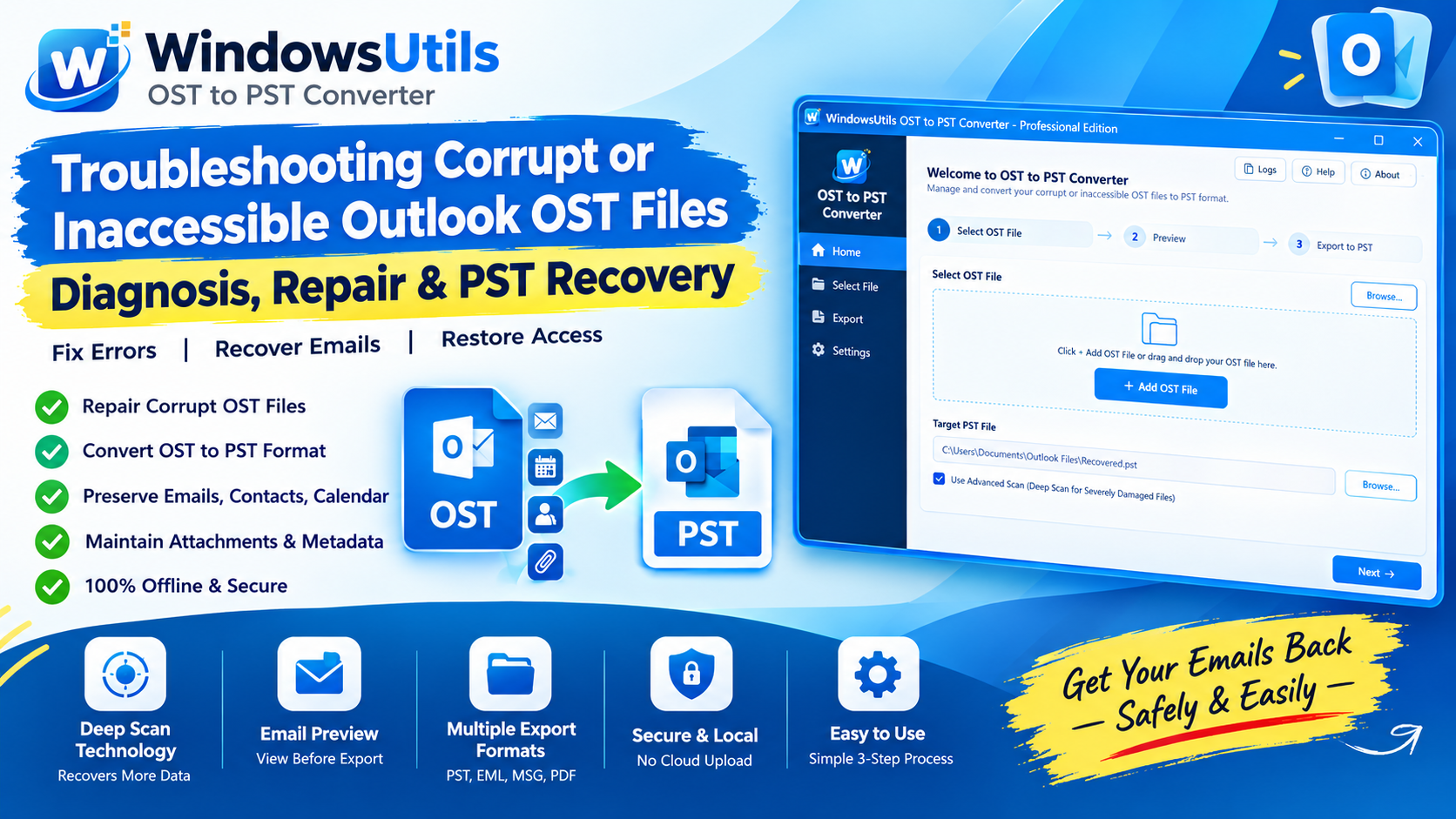 Email Migration
Troubleshooting Corrupt or Inaccessible Outlook OST Files: Diagnosis, Repair & PST Recovery
Diagnose why Outlook displays 'The file xxx.ost cannot be opened' and learn safe, non-destructive workflows to extract inaccessible emails into healthy PST files.