Unlocking Restricted PDFs: How to Remove Owner & Permission Passwords Safely Offline
Need to print, copy, or edit a password-protected PDF? Learn how to eliminate owner restriction passwords safely on Windows without Adobe Acrobat or shady cloud portals.


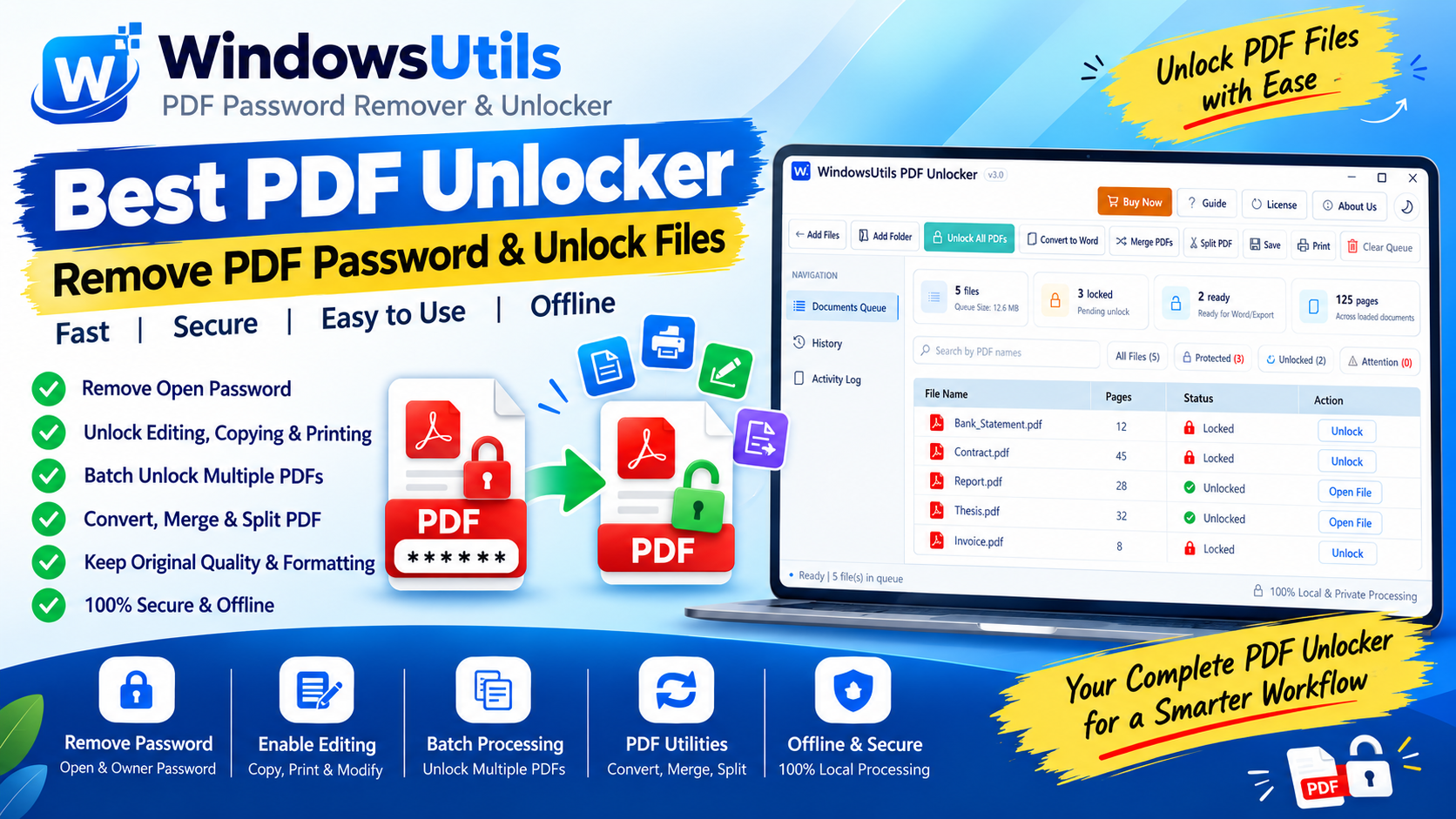
Whether it is an encrypted bank e-statement, a credit card billing summary, a digitally protected contract, or an academic research thesis, typing an 8-character password every single time you need to view or print a document quickly becomes tedious.
Adobe Acrobat Pro charges an exorbitant monthly subscription just to modify security permissions on your own documents. Here is how to safely remove PDF passwords and unlock editing, copying, and printing permissions using an offline PDF password remover or versatile PDF utility toolkit without exposing financial records to online web tools.
1. Understanding PDF Passwords: User vs Owner Restrictions
Before attempting to unlock a PDF, it is vital to know which encryption layer is applied to the document. The PDF standard supports two distinct security modes:
| Password Type | Technical Name | What It Restricts | What is Needed to Unlock |
|---|---|---|---|
| User Password | Document Open Password | Prevents viewing or opening the document without the decryption key | Requires typing the valid password once to unlock permanently |
| Owner Password | Permissions Password | Allows viewing, but blocks printing, text copying, form filling, or editing | Can be stripped directly by specialized decryption tools |
2. Method 1: The Browser 'Print to PDF' Trick (And Its Limits)
If you already know the open password and the file permits printing, modern web browsers (Chrome, Edge, Brave, or Firefox) provide a quick workaround.
Step-by-Step Execution Sequence:
Important Safety Precaution
This browser trick fails in two common situations: 1) If the PDF owner has disabled printing permissions, the browser will grey out the print command. 2) Printing flattens interactive form fields, digital signatures, bookmarks, and hyperlinked tables of contents into static raster pages.
3. Method 2: Offline Unlocking with WindowsUtils (Complete Solution)
The WindowsUtils PDF Password Remover provides comprehensive decryption without converting pages into flattened images or losing interactive metadata:
Step-by-Step Execution Sequence:
Pro Engineering Tip
Batch mode enables you to unlock an entire year of monthly bank statements in under 15 seconds.
4. Why You Should Never Use Free Cloud PDF Unlockers
Searching online yields numerous free websites promising to 'Unlock PDF Online'. However, using web converters for sensitive documents creates catastrophic privacy risks:
• Data Leakage: Bank statements, tax forms, and contracts contain Social Security numbers, bank account figures, and home addresses.
• Server Retention: Many free web utilities store copies of uploaded documents indefinitely for data harvesting or AI model training.
• Man-in-the-Middle Vulnerabilities: Transmitting financial records over public networks invites packet interception.
5. Ethical and Legal Best Practices
Removing PDF security is entirely legal when you are the rightful owner or have received authorized access to the document (e.g., personal financial records, company documentation you manage, or work files provided by clients).
Never attempt to bypass security on copyrighted commercial publications, software licensing documents, or proprietary intellectual property without explicit permission.
WindowsUtils PDF Password Remover
Safely strip owner security restrictions, enable editing/copying/printing, and remove open passwords from PDF documents with zero data loss.
Summary & Final Thoughts
You do not need to endure endless password prompts or spend hundreds of dollars on Adobe Acrobat subscriptions. By using WindowsUtils PDF Password Remover alongside our complete PDF Tools suite, you gain fast, secure, offline freedom over your documents.
Expert Answers to Common Inquiries
Modern 128-bit and 256-bit AES encryption cannot be cracked without brute-force computation. You must know the open password to permanently remove it; however, Owner restrictions (copying, printing, modifying) can be eliminated instantly without passwords.
Alex Vance
Senior Systems & Email Infrastructure Architect
Specializes in Microsoft Exchange architectures, database structures, file forensics, and email platform migrations with over a decade of hands-on data recovery experience.
Related Technical Guides
Explore other tutorials on email migration, format conversions, and database repair.
 PDF Management
Bates Numbering Demystified: Federal Court Standards, Prefix Formatting & Automated Stamping
Comprehensive guide to Bates numbering in legal discovery and courtroom submissions. Learn standard prefix conventions, zero-padding, and offline batch stamping workflows.
 PDF Management
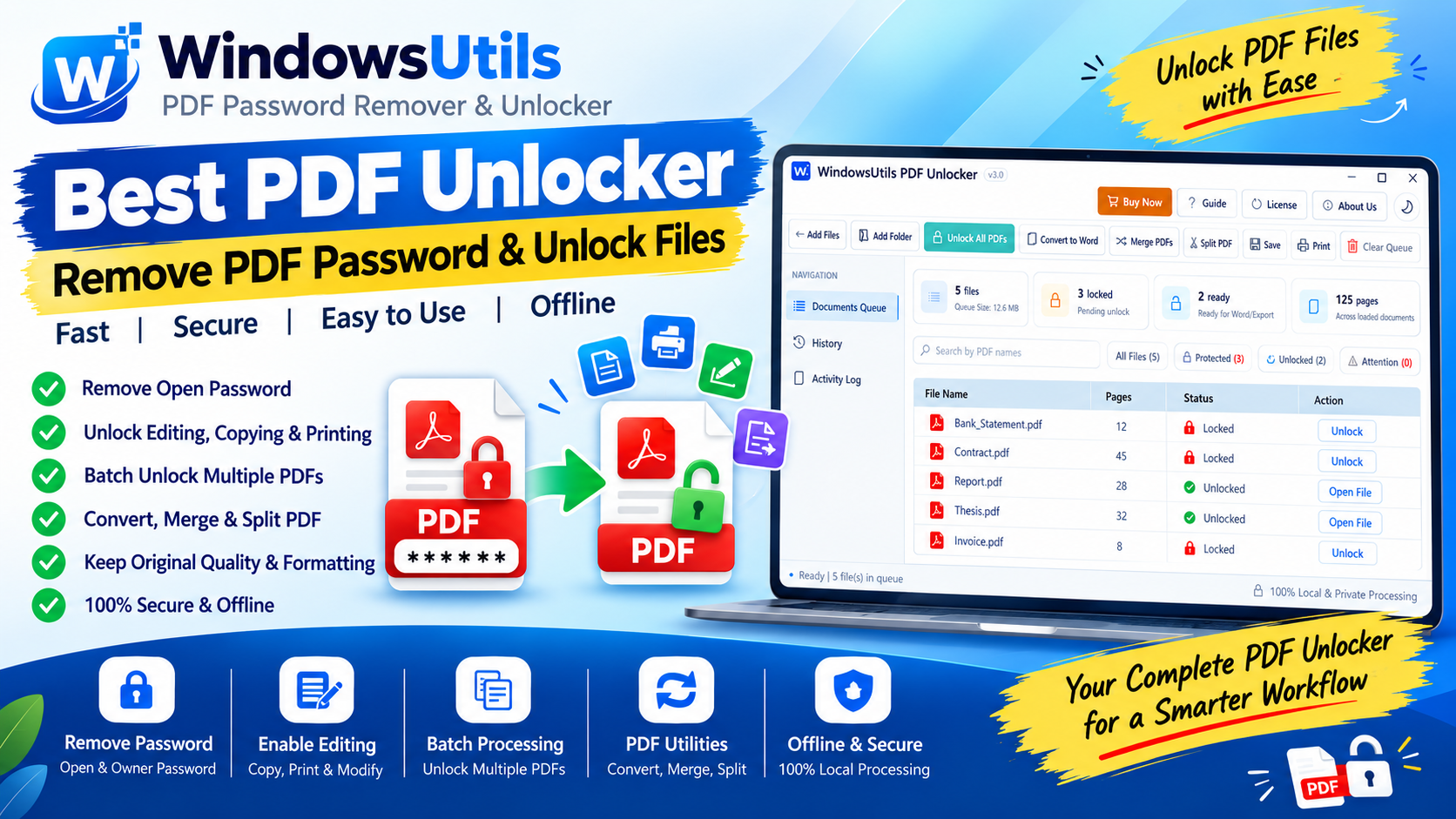
Optimizing Heavy PDF Files: Downsampling, Stream Compression & Font Subsetting Explained
Shrink multi-hundred-megabyte PDF portfolios for email and web upload. Understand image downsampling, Flate compression, and font subsetting without sacrificing readability.
 PDF Management
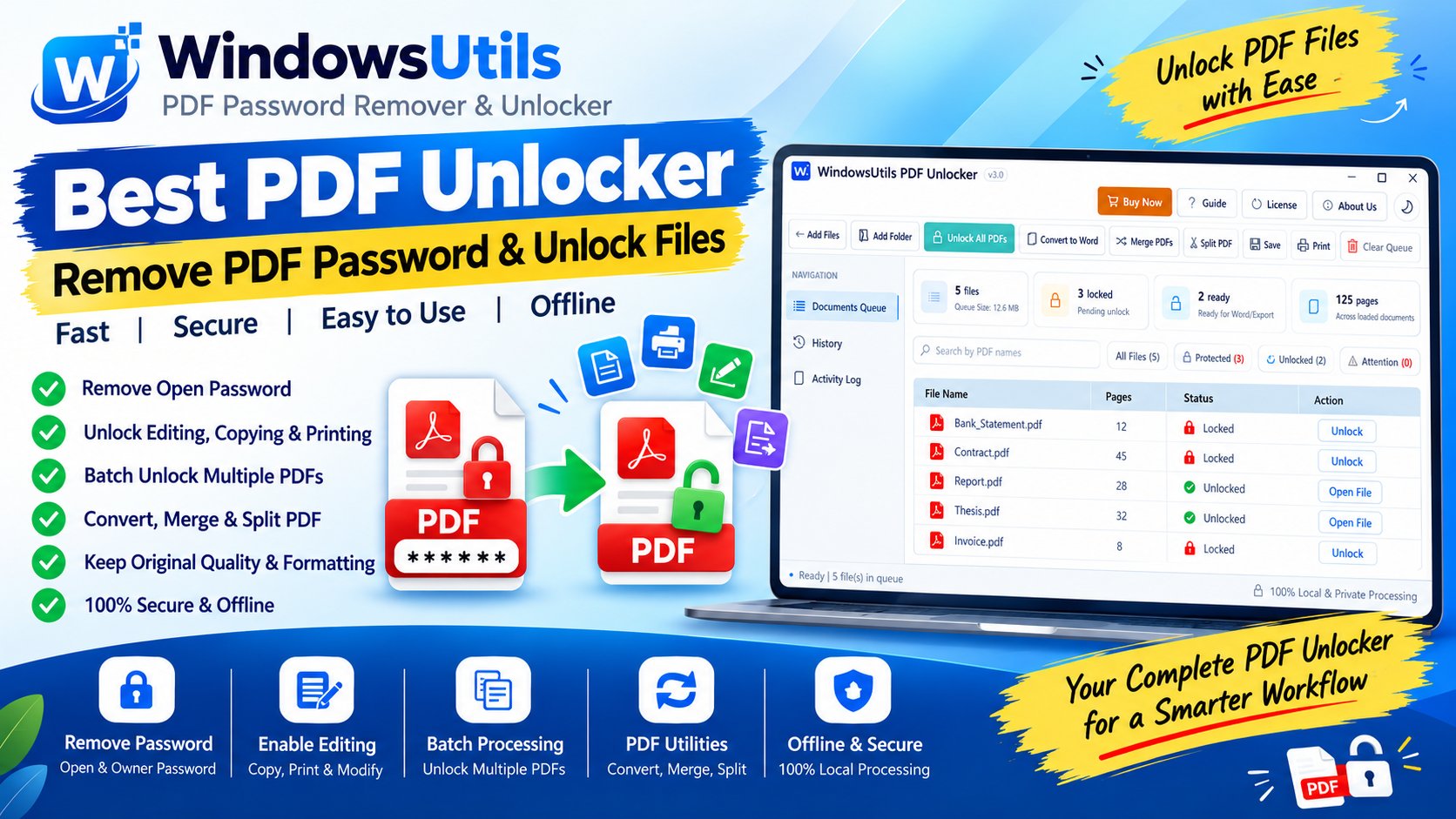
Offline PDF Manipulation: Merging Complex Bundles and Extracting Page Ranges on Windows
Combine multiple reports, contracts, and scans into a single PDF, or extract individual pages with zero risk of cloud data leakage on Windows 11 and 10.