Corrupt OST to PST Converter
ecover and convert corrupt Outlook OST files to PST with ease.
The WindowsUtils OST to PST Converter recovers all mailbox items from all OST files (orphaned, inaccessible or encrypted) and saves them as fully complete PST files. All elements such as emails, folders and attachments as well as all metadata are preserved 100%. Backed up mailboxes can be immediately opened with any Outlook version after recovery from a crashed Exchange profile, a disabled account or from corrupt OST files.
31 downloads recorded
Digitally Signed
100% Virus-Free
High Speed Processing
Windows 11 & 10 Certified
About Corrupt OST to PST Converter for Windows
This article explains what to do if your Offline Storage Table (.ost) files have become corrupted or are no longer synchronizing with your Outlook profiles.
When synchronization fails or even an Outlook profile gets damaged, you will need to repair your OST file and convert it to a healthy Personal Storage Table (PST) file.
This guide looks at all of the methods that have been proven to work to recover a mailbox or even to re-build an Outlook profile, and use the recovered data to create a new PST. All of the methods can be used to recover all of the data in your mailbox very quickly with no loss of data.
Security Architecture
100% Offline Local
OS Compatibility
Windows 11, Windows 10, Windows 8.1, Windows 8, Windows 7, Windows Server 2012 or later
Data Integrity
100% Lossless
Supported Formats
Input Format: OST (Outlook Offline Storage Table), Primary Export Format: PST (Personal Storage Table), Email Export: EML, EMLX, MSG, Document Export: PDF, Mailbox Export: MBOX, Contact Export: vCard (VCF), Data Export: CSV, Cloud Migration: Microsoft Office 365 / Exchange Server, Supported Mailbox Data Includes mail, contact, attachment, folder, journal, subfolder, notes, task, and calendar.
Engineered For Speed. Built For 100% Accuracy.
Discover why IT specialists and individual users trust Corrupt OST to PST Converter for high-speed, secure, and lossless processing on Windows.
Convert OST to PST
The software enables users to convert OST files created by Outlook when connected to an Exchange Server into PST files. All mailbox data and the folder structure is preserved. Outlook emails and other items are recovered from the OST files and then exported to PST files. The recovered data can then be easily accessed using Outlook without having to go back to the original Exchange Server profile.
Advanced OST Recovery
Recover inaccessible, damaged, corrupted, or orphaned OST mailbox data using the software’s advanced scanning technology. The Deep Scan option performs a detailed analysis of the OST file to locate recoverable mailbox items and helps retrieve data when standard scanning is unable to recover complete mailbox information.
Recover Deleted Outlook Items
The tool can recover deleted emails and all other deleted mailbox items from an OST file including data which has been deleted from the ‘Deleted Items’ folder as well as recovered folders. All the recovered items are displayed in a hierarchical tree structure of folders and the user can select any folder or even individual items and export them.
Export OST Data to Multiple Formats
Multiple Formats to Export OST Mailbox Files Export OST mailboxes into PST, PDF, MBOX, MSG, EML, EMLX, vCard, CSV formats. The software provides the possibility to export OST data in the format of choice from the choice of 8+ formats for the process of migration, backup, sharing, analyzing, and anytime accessing mailbox information outside the Outlook platform.
Direct Migration to Office 365
Copy recovered OST folder and message to MS Office 365 cloud mailbox. The Direct Cloud Migration option offers mailbox login details and testing tools, and lets you easily migrate the contents of recovered mailbox into Office 365 without the need to export to PST files.
Export to Live Exchange Server
Migrate OST Mailboxes to Live Exchange Server Export data from recovered OST mailbox to on-premises live Exchange server by choosing the Exchange option. Adminstrator can mention the server name as well as provide username and password to transfer OST mailbox data to another Live Exchange Server.
Split Large PST Files
Manage the Size of Exported PST Files via Advanced Export Settings The PST Split feature enables you to turn on auto splitting after the PST file attains a predefined size you select, for example, 5 GB. It will then create several PSTs and make it easier for you to store as well as to work with mailbox management.
Selective Folder Export
Select specific folders from the OST mailbox to be exported rather than performing the complete exporting of entire OST mailbox. Folder List provides you the complete mailbox hierarchy of OST mailbox with checkboxes to select and export only specific folders, so that less data gets processed and more focused PST or other files are created.
Maintain Folder Hierarchy
Save Outlook mailbox folder structure Maintain folders Hierarchy Preserve your folder's and subfolder's structures in the recovered data with the Maintain folder Hierarchy feature. Keep the imported data in its original styles and layouts, making it easier for you to navigate and maintaining the typical structure of your mailbox in PST or other supported export formats.
Advanced Date Filtering
Use Date Filter on Advanced Export Settings Set the range of mailbox data to be exported using Date Filter. Date filtering allows you to filter message scope by date, to reduce the total number of mail items to be exported.
Custom Naming and Export Settings
Name & Other This section is where you can select rules and options when exporting an entire mail folder and there are more features to it than you might expect. Output name may be defined by Time created, Mailstore Location and Default name.
Search, Preview and Verify Recovered Data
Preview mailbox contents prior to migration or export Another thing we do is include a recovered message list of sender, subject, recipients, date, size, recovery status, and full message preview with headers, HTML, RTF, MIME, properties, and attachments for selecting so you know what is on the way before export or migration.
100% Air-Gapped Privacy
Zero cloud telemetry or data transmission. All operations execute directly on your physical hardware.
Certified Lossless Quality
Bit-for-bit accuracy preserving inline attachments, message formatting, headers, and metadata.
Standalone Speed Engine
Independent native executable. No Outlook, Exchange, or Office runtime installation required.
See Corrupt OST to PST Converter in Action
Click any preview thumbnail to inspect the full interface and options.
How It Works: Step-by-Step
Effortless processing in just a few clicks. Runs completely offline on your Windows system.
Add & Scan OST File
Run the OST to PST Converter and click Add File to add the desired Outlook OST file. Select the Quick Scan option to recover normal files or Advanced Scan option (Deep Salvage Mode) to recover a damaged/corrupted OST file to recover the mailbox data.
Side-by-Side Comparison
Compare Corrupt OST to PST Converter against manual workarounds and alternative software. Discover why WindowsUtils delivers higher accuracy, zero cloud dependencies, and lifetime cost savings.
Watch Corrupt OST to PST Converter Demo
See how Corrupt OST to PST Converter processes files quickly and safely in under two minutes.
System Requirements
- Operating System: Windows 11, Windows 10, Windows 8.1, Windows 8, Windows 7, Windows Server 2012 or later
- Processor: 1 GHz or faster processor
- RAM: 4 GB minimum, 8 GB recommended
- Hard Disk: 200 MB free space for installation, plus additional space for recovered/exported mailbox data
- Microsoft Outlook: Microsoft Outlook 2010 or later recommended for opening exported PST files
- File System: NTFS recommended
- Internet Connection: Required for Office 365/Exchange migration and license activation; not required for offline OST recovery and conversion
- Administrator Rights: Required for software installation
- Supported Files: Outlook OST files created by supported Microsoft Outlook/Exchange environments
- - Architecture: 32-bit and 64-bit Windows systems, with 64-bit recommended for large OST files
Supported Formats
Frequently Asked Questions
Trusted by Professionals Worldwide
"It was so simple to repair mailbox items from corrupt OST file with Windows Utils OST to PST Converter. The enhanced scanning option easily allowed my to retrieve all the mailbox items and folder structure and view the data before exporting it to PST format. The recovery and exporting process was very easy."
Rahul Sharma
IT Administrator
"I wanted to migrate Outlook data to Microsoft 365 in recovered folder and this software offers a direct migration from recovery option. The folder structure was kept intact and the option to preview recovered emails before the migration process help me ensure that mailbox data is recovered."
Michael Anderson
System Administrator
"The software has some handy export options to meet various recovery needs. I successfully exported mailbox items from an OST file to PST and EML. The ability to selectively export specific folders and split PST files was of particular use when working with larger mailbox data."
Priya Mehta
Data Recovery Specialist
Related Guides & Tutorials
Comprehensive step-by-step documentation, migration troubleshooting, and expert recovery tips.
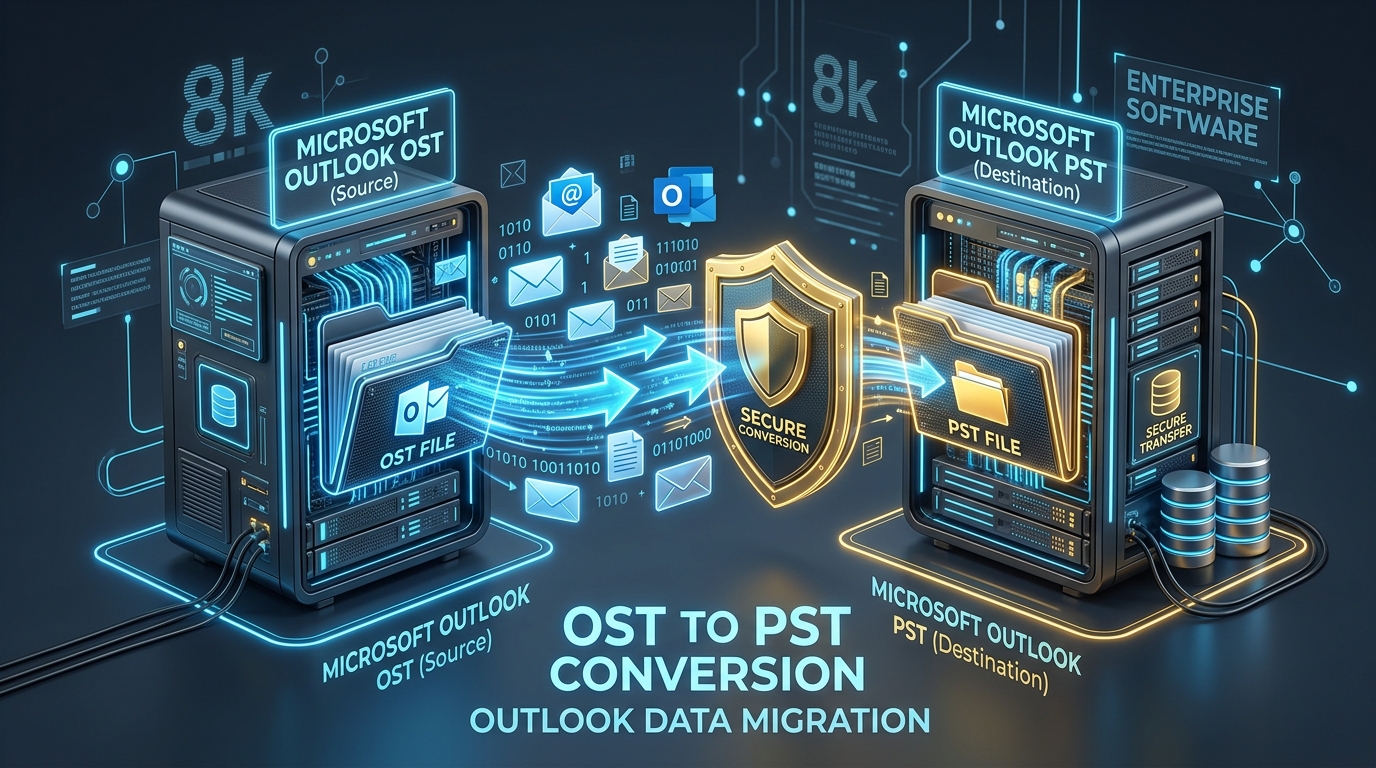
Fixing Inaccessible Outlook OST Files: The Complete Guide to Recovering Mailboxes to PST
Learn how to recover inaccessible or orphaned Outlook OST files to portable PST format without data loss. Covers native export and automated offline conversion methods.
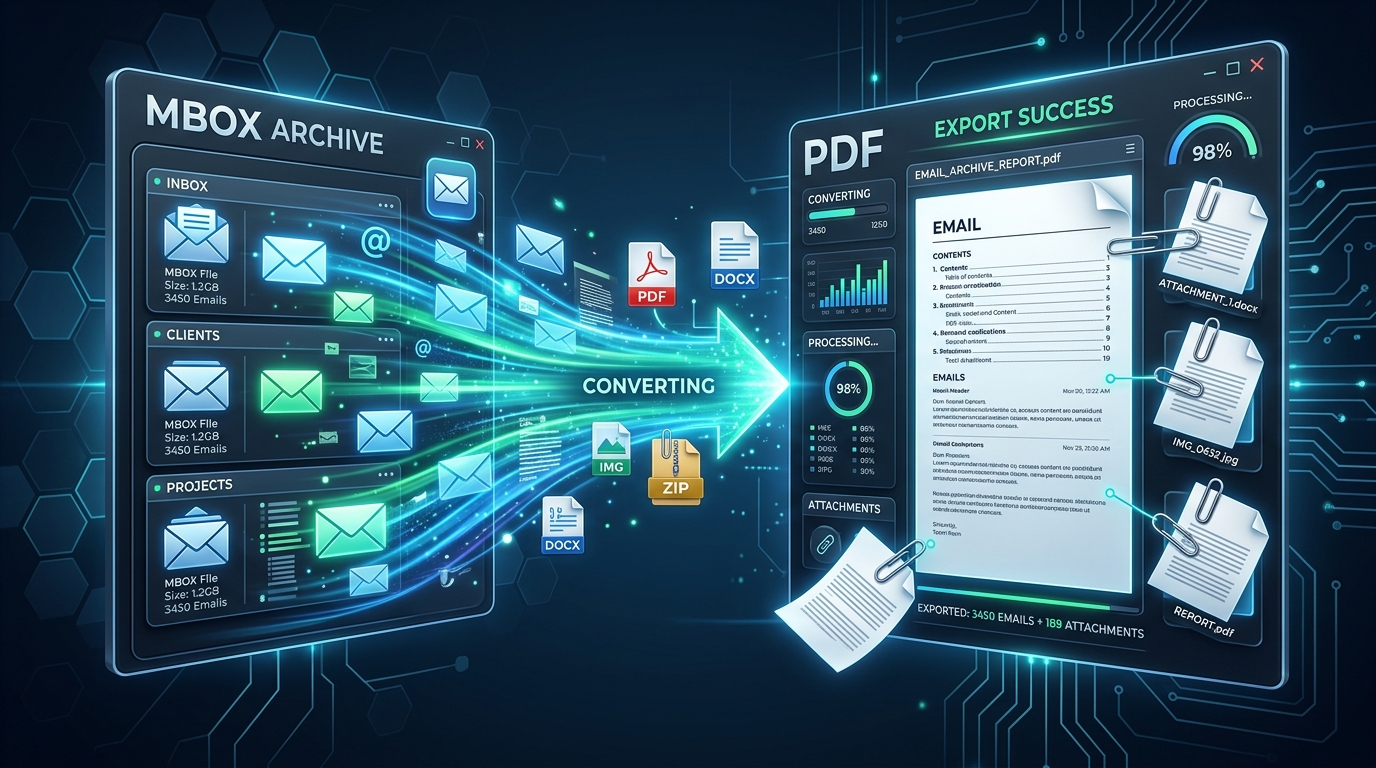
Exporting MBOX Mailboxes to Searchable PDF with Intact Attachments: 4 Tested Workflows
Step-by-step guide to converting MBOX email archives to high-fidelity PDF documents with embedded attachments. Ideal for legal, auditing, and archival workflows.
Migrating Mozilla Thunderbird to Outlook & Microsoft 365: Step-by-Step Folder & Mail Transfer
Detailed walkthrough for moving emails, contact address books, and complete folder trees from Mozilla Thunderbird to Microsoft Outlook on Windows.
Ready to Get Started with Corrupt OST to PST Converter?
Download the free trial now and experience professional-grade performance on your Windows PC.