Outlook PST File Repair Tool
Fix Corrupt PST Files
Recover Outlook emails, contacts, calendars, and other mailbox items with an Outlook PST Recovery Tool. Repair corrupted PST files and restore inaccessible Outlook data.
4 downloads recorded
Digitally Signed
100% Virus-Free
High Speed Processing
Windows 11 & 10 Certified
About Outlook PST File Repair Tool for Windows
Security Architecture
100% Offline Local
OS Compatibility
Windows 11, 10, 8.1, 7 (32-bit & 64-bit)
Data Integrity
100% Lossless
Supported Formats
Standard Archives
Engineered For Speed. Built For 100% Accuracy.
Discover why IT specialists and individual users trust Outlook PST File Repair Tool for high-speed, secure, and lossless processing on Windows.
100% Offline & Private
Runs entirely on your local Windows workstation with zero cloud telemetry or external network transmissions. All email archives, sensitive attachments, and personal files remain strictly within your physical system, ensuring complete data sovereignty, zero confidential leaks, and full compliance with strict privacy and enterprise data protection standards.
Preserves Data Integrity & Hierarchy
Maintains your complete mailbox structure exactly as organized, seamlessly replicating nested folders, sub-directories, inbox layouts, and custom archival trees. Every message retains its original unread status, importance flags, category labels, and calendar appointments so you can resume work immediately after migration without restructuring complex folder hierarchies.
High Speed Multi-Threaded Engine
Built upon an optimized multi-threaded processing architecture that leverages modern multi-core processors and hardware acceleration to parse large datasets. Easily convert multi-gigabyte mailbox archives and thousands of documents in minutes without experiencing system freezes, memory overflow errors, or performance degradation during extensive continuous conversion tasks on your computer.
Standalone Desktop Software
Operates as a completely self-sufficient standalone desktop application that requires no installation of Microsoft Outlook, Exchange connectivity, or third-party runtime frameworks. Simply install the lightweight utility and begin processing files immediately, avoiding software licensing conflicts, complex environment configurations, or dependencies on outdated legacy office applications across your organizational infrastructure.
All Attachments & Metadata Preserved
Extracts and preserves every embedded attachment, high-resolution graphic, electronic signature, and inline document exactly as authored. Internet headers, sender and recipient details, CC/BCC information, precise delivery timestamps, and MIME formatting remain fully intact, producing legally defensible and authentic digital documentation suitable for legal, corporate, and regulatory compliance audits.
Universal Windows Compatibility
Engineered for native compatibility across modern and legacy Microsoft Windows environments, supporting Windows 11, Windows 10, Windows 8.1, Windows 7, and Windows Server editions. Features both 32-bit and 64-bit architecture optimizations, ensuring flawless execution across diverse hardware setups, virtualized desktop instances, and enterprise workstations without requiring administrative workarounds.
100% Air-Gapped Privacy
Zero cloud telemetry or data transmission. All operations execute directly on your physical hardware.
Certified Lossless Quality
Bit-for-bit accuracy preserving inline attachments, message formatting, headers, and metadata.
Standalone Speed Engine
Independent native executable. No Outlook, Exchange, or Office runtime installation required.
How It Works: Step-by-Step
Effortless processing in just a few clicks. Runs completely offline on your Windows system.
Select Source Files
Add your files or folders using the simple drag-and-drop interface.
Side-by-Side Comparison
Compare Outlook PST File Repair Tool against manual workarounds and alternative software. Discover why WindowsUtils delivers higher accuracy, zero cloud dependencies, and lifetime cost savings.
System Requirements
- Operating System: Windows 11, 10, 8.1, 7 (32-bit & 64-bit)
- Processor: 1 GHz Intel/AMD processor or higher
- RAM: 2 GB minimum (4 GB recommended)
- Hard Disk Space: 100 MB free space for installation
Frequently Asked Questions
Related Guides & Tutorials
Comprehensive step-by-step documentation, migration troubleshooting, and expert recovery tips.
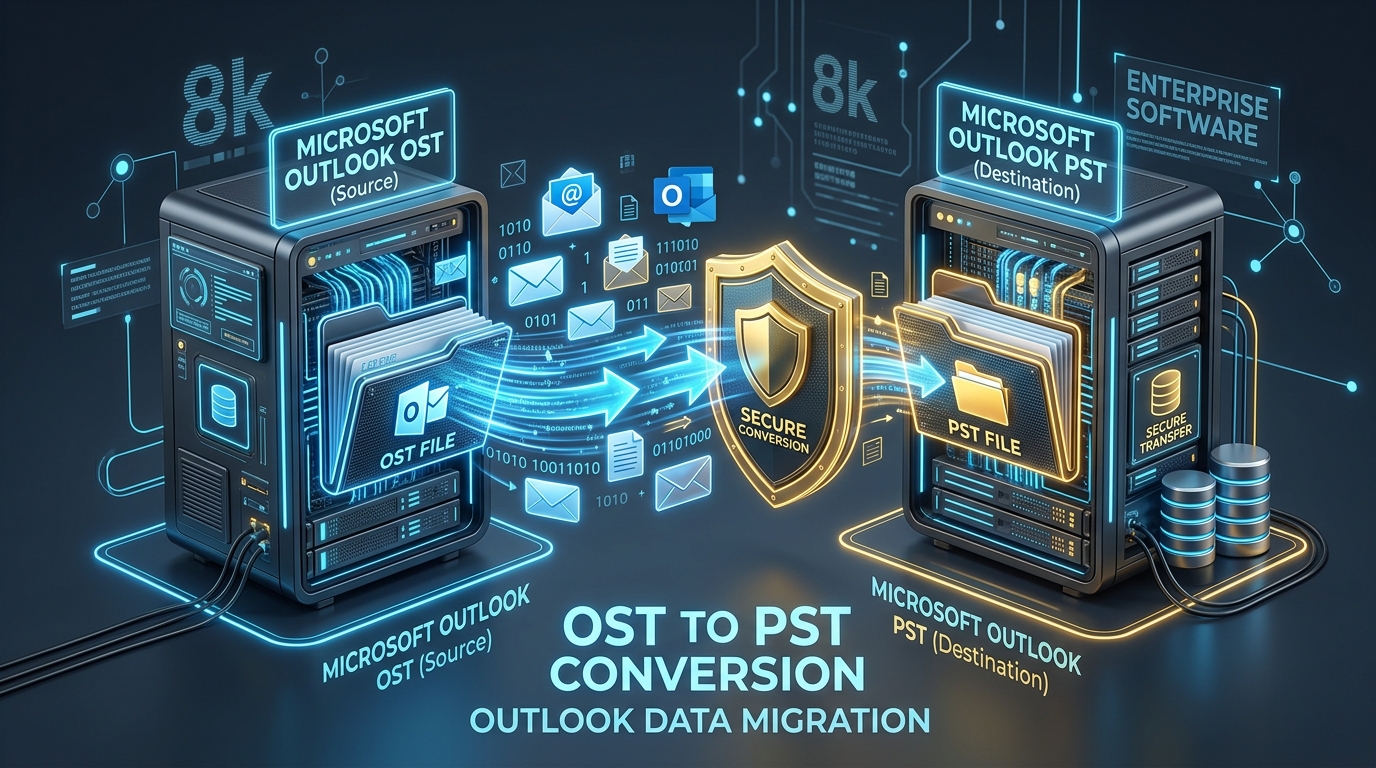
Fixing Inaccessible Outlook OST Files: The Complete Guide to Recovering Mailboxes to PST
Learn how to recover inaccessible or orphaned Outlook OST files to portable PST format without data loss. Covers native export and automated offline conversion methods.
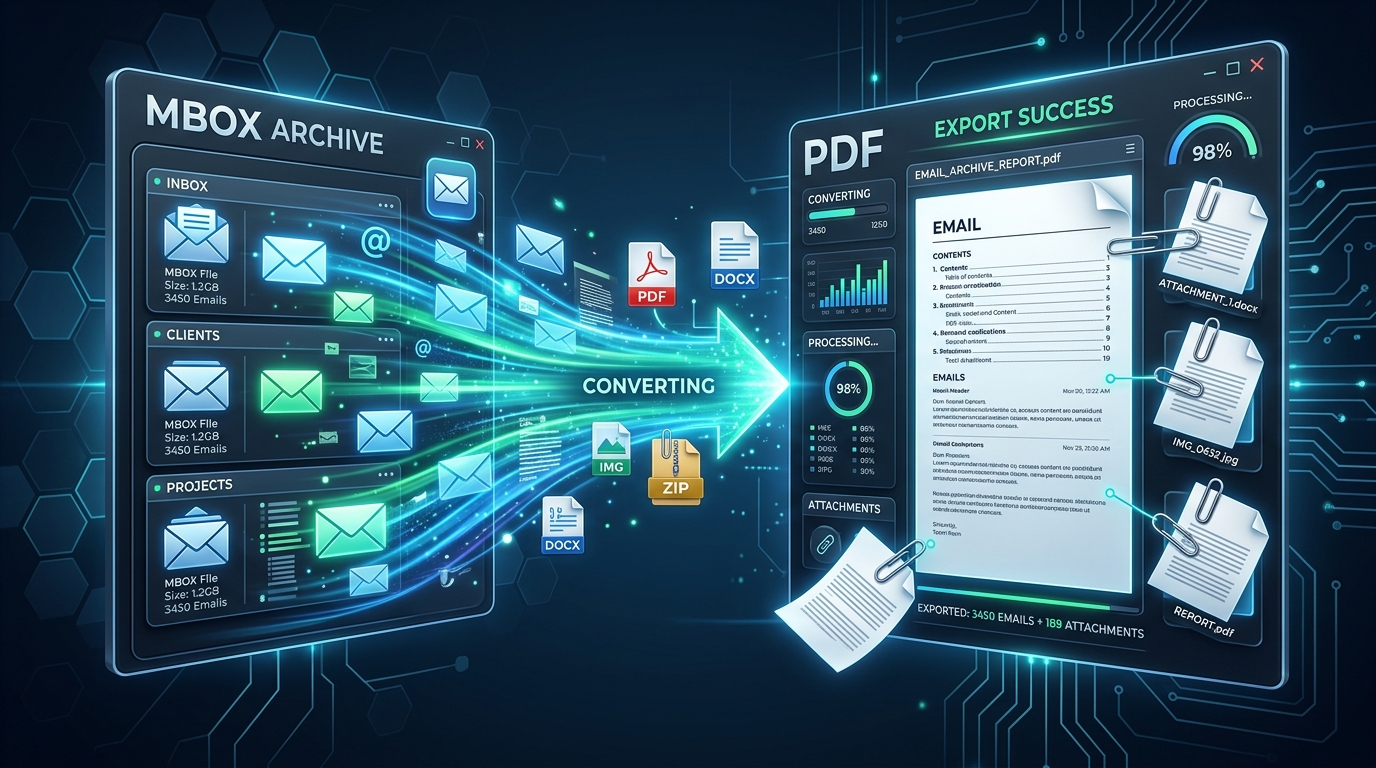
Exporting MBOX Mailboxes to Searchable PDF with Intact Attachments: 4 Tested Workflows
Step-by-step guide to converting MBOX email archives to high-fidelity PDF documents with embedded attachments. Ideal for legal, auditing, and archival workflows.
Migrating Mozilla Thunderbird to Outlook & Microsoft 365: Step-by-Step Folder & Mail Transfer
Detailed walkthrough for moving emails, contact address books, and complete folder trees from Mozilla Thunderbird to Microsoft Outlook on Windows.
Ready to Get Started with Outlook PST File Repair Tool?
Download the free trial now and experience professional-grade performance on your Windows PC.