MBOX Converter Software
MBOX Files to Outlook PST, PDF, EML, and HTML Without Data Loss.
Transform complex mailbox archives effortlessly with the ultimate MBOX converter software. Quickly export files from Thunderbird and Apple Mail into Outlook PST, PDF, EML, or HTML without risking data loss. Enjoy batch processing, advanced live previews, exact folder hierarchy retention, and absolute privacy with our 100% offline Windows utility.
8 downloads recorded
Digitally Signed
100% Virus-Free
High Speed Processing
Windows 11 & 10 Certified
About MBOX Converter Software for Windows
At WindowsUtils, we develop high-performance software designed to address complex email archiving challenges. Our flagship MBOX converter tool includes advanced features such as a live preview panel, detailed date-range filters, and adaptable naming conventions to ensure precision.
Our offline utility ensures complete data integrity, whether managing batch processing or maintaining precise folder hierarchies.
We enable IT professionals and individuals to convert mailbox files into Outlook PST, PDF, EML, and HTML formats safely and efficiently on Windows without needing to install external email clients.
Security Architecture
100% Offline Local
OS Compatibility
Windows 11, 10, 8.1, 7 (32-bit & 64-bit)
Data Integrity
100% Lossless
Supported Formats
Standard Archives
Engineered For Speed. Built For 100% Accuracy.
Discover why IT specialists and individual users trust MBOX Converter Software for high-speed, secure, and lossless processing on Windows.
Multiple Export Formats (PST, PDF, EML, HTML, etc.)
Directly convert MBOX files into a wide variety of industry-standard formats including Outlook PST, MSG, PDF, EML, EMLX, HTML, CSV, Excel (.xlsx), Plain Text, and vCard.
Advanced Live Email Preview Panel
Inspect loaded mailbox items before running any conversion. View full email bodies, examine raw headers, check file hashes, and view embedded attachments right inside the interface.
Flexible Batch Processing Modes
Choose how your converted data is structured using options like "One file per email" (saving individual items separately) or "Single merged file" (combining selected outputs into a unified archive).
Granular Date-Range Quick Filtering
Easily narrow down large mailboxes by specifying precise "From" and "To" date filters, ensuring you only export relevant emails within your desired timeframe.
Custom File Naming Conventions
Organize your output documents effortlessly by applying custom naming rules such as Subject + Date (dd-mm-yyyy) for clean, searchable file management.
Attachment Integrity Options
Choose how you want to manage attached files with dedicated options to save attachments locally or keep them securely embedded within your converted emails.
Original Folder Hierarchy Retention
Preserves the exact nested folder structure, category layout, and unread states of your original mailboxes throughout the entire conversion process.
Standalone Windows Utility
Operates entirely native to Windows without requiring external email client installations like Mozilla Thunderbird, Apple Mail, or Microsoft Outlook on your machine.
Real-Time Logs & Automated Post-Processing
Monitor conversion progress dynamically via built-in activity logs and utilize automated options like "Open folder after conversion" for immediate access to your results.
100% Air-Gapped Privacy
Zero cloud telemetry or data transmission. All operations execute directly on your physical hardware.
Certified Lossless Quality
Bit-for-bit accuracy preserving inline attachments, message formatting, headers, and metadata.
Standalone Speed Engine
Independent native executable. No Outlook, Exchange, or Office runtime installation required.
How It Works: Step-by-Step
Effortless processing in just a few clicks. Runs completely offline on your Windows system.
Add MBOX File
Click the "+ Add MBOX File" button to load your mailbox file (whether from Thunderbird, Apple Mail, or Google Takeout) into your mbox converter software.
Side-by-Side Comparison
Compare MBOX Converter Software against manual workarounds and alternative software. Discover why WindowsUtils delivers higher accuracy, zero cloud dependencies, and lifetime cost savings.
System Requirements
- Operating System: Windows 11, 10, 8.1, 7 (32-bit & 64-bit)
- Processor: 1 GHz Intel/AMD processor or higher
- RAM: 2 GB minimum (4 GB recommended)
- Hard Disk Space: 100 MB free space for installation
Frequently Asked Questions
Trusted by Professionals Worldwide
"We needed a reliable tool to migrate legacy archives from Thunderbird to Outlook PST for a client. WindowsUtils handled multi-gigabyte MBOX files seamlessly without losing folder structures or message metadata."
Mark R.
IT Administrator
"Being able to batch convert MBOX files directly into searchable PDF documents with intact attachments saved our team days of manual formatting. The preview feature is extremely accurate."
Sarah L.
Legal Consultant
"Clean interface, blazing-fast processing speed, and no cloud upload risks since it runs entirely offline on Windows. Highly recommended for anyone dealing with Google Takeout mail archives."
David K.
Freelance Developer
Related Guides & Tutorials
Comprehensive step-by-step documentation, migration troubleshooting, and expert recovery tips.
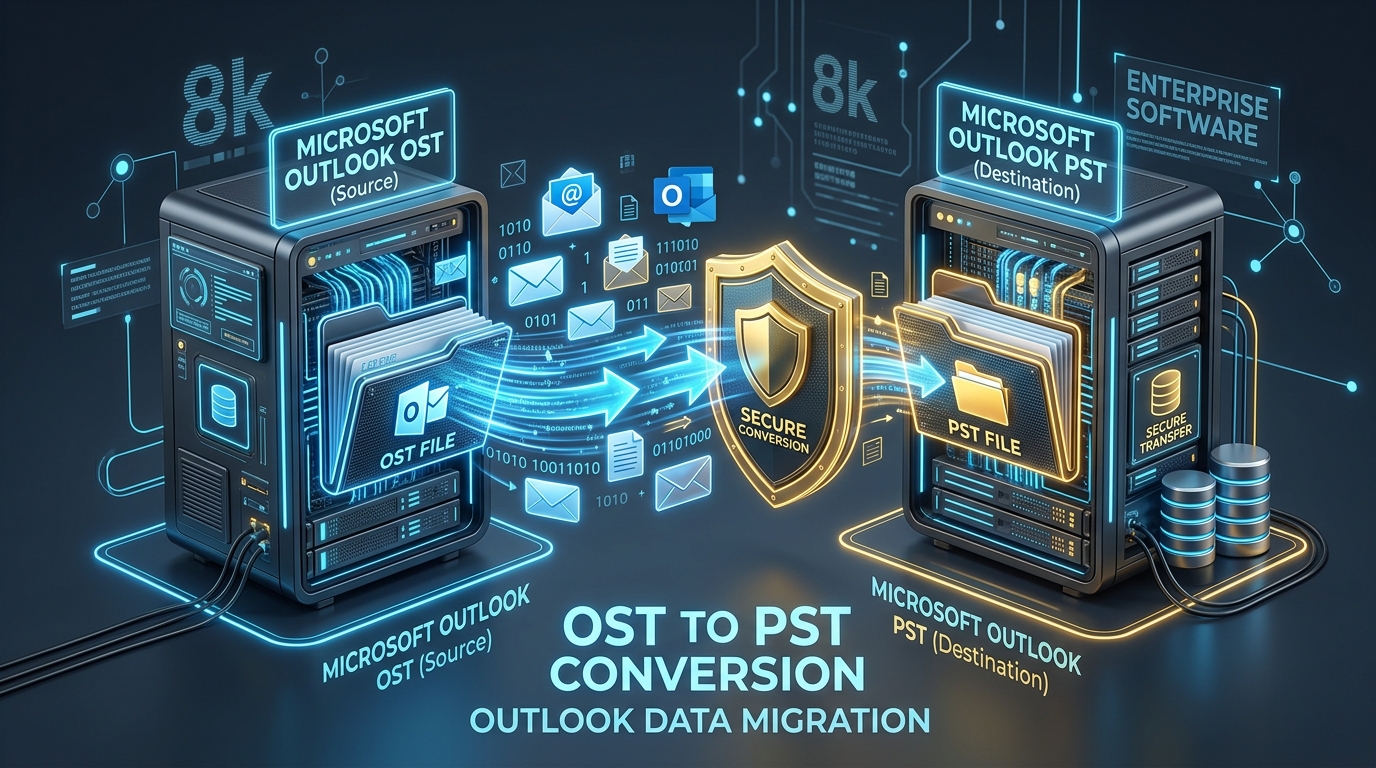
Fixing Inaccessible Outlook OST Files: The Complete Guide to Recovering Mailboxes to PST
Learn how to recover inaccessible or orphaned Outlook OST files to portable PST format without data loss. Covers native export and automated offline conversion methods.
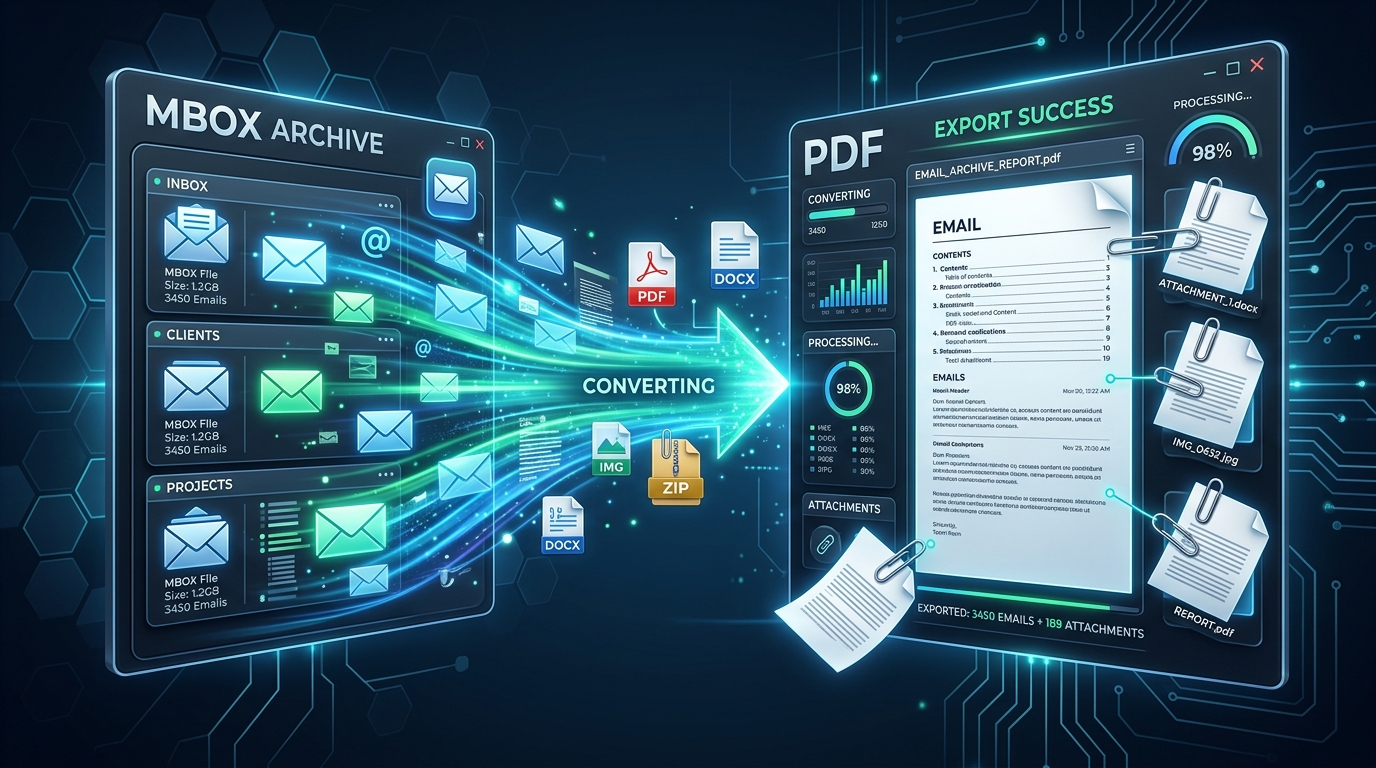
Exporting MBOX Mailboxes to Searchable PDF with Intact Attachments: 4 Tested Workflows
Step-by-step guide to converting MBOX email archives to high-fidelity PDF documents with embedded attachments. Ideal for legal, auditing, and archival workflows.
Migrating Mozilla Thunderbird to Outlook & Microsoft 365: Step-by-Step Folder & Mail Transfer
Detailed walkthrough for moving emails, contact address books, and complete folder trees from Mozilla Thunderbird to Microsoft Outlook on Windows.
Ready to Get Started with MBOX Converter Software?
Download the free trial now and experience professional-grade performance on your Windows PC.