vCard Viewer
Open and View VCF Contact Files
VCF Viewer is a desktop application that provides customers the ability to view, open, and manage VCF contact files. This app is able to read in three different formats of the vCard file which are vCard 2.1, 3.0 and 4.0. The user of the program is able to see the contact information including a name, phone number, email address, physical address and the name of a company to name a few.
17 downloads recorded
Digitally Signed
100% Virus-Free
High Speed Processing
Windows 11 & 10 Certified
Choose Your vCard Viewer Edition
Select the edition tailored for your workflow — from personal single-mailbox conversions to advanced legal forensics and enterprise command-line automation.
vCard Viewer Standard Edition
Essential features for individuals and small jobs
1 PC • Lifetime License & Free Updates
Included in Standard:
- Batch processing up to 500 files per run
- High-speed accurate conversion engine
- Standard attachments & metadata preservation
- Email customer support (24–48h response)
- 1 Year free software updates
30-Day Money-Back Guarantee • Instant Email Delivery
vCard Viewer Professional Edition
Most popular for power users, specialists, and professionals
2 PCs • Lifetime License & Free Updates
Everything in Standard, plus:
- Unlimited batch processing without caps
- Advanced attachment extraction & embedded file handling
- Deep metadata, header preservation & custom naming
- Priority fast-lane processing engine
- Priority 24/7 technical customer support
- Lifetime minor updates included
30-Day Money-Back Guarantee • Instant Email Delivery
vCard Viewer Enterprise & Site Edition
Complete multi-seat deployment for organizations, law firms & teams
5–10 PCs / Site • Lifetime License & Free Updates
Everything in Pro, plus:
- Multi-seat & department-wide installation
- Command-line (CLI) / batch scripting automation
- Volume batch conversion without limits
- Dedicated account specialist & SLA support
- Custom invoice & procurement assistance
30-Day Money-Back Guarantee • Instant Email Delivery
100% Risk-Free Guarantee
30-day money-back refund policy
Instant Digital Delivery
Receive activation license key immediately
256-Bit SSL Checkout
Verified & encrypted transaction
About vCard Viewer for Windows
Windows VCF Viewer VCF viewer is a desktop application that opens, views, and manages VCF (Virtual Contact File) files easily. You can see at a glance all stored data for every contact within the VCF file, such as phone number, name, email address, company details, address and so on.
It supports vCard 2.1, 3.0 and 4.0 and enables viewing contacts from various apps and devices. The user can add VCF files, explore records, find the contacts and view raw vCard data at any moment.
As for VCF file viewer, it provides people with simple and easy-to- operate interface to make contact management a piece of cake. The features like contact preview, supported-format export, offline access enable you to organize your address books with little effort and keep your contacts private on Windows PC.
Security Architecture
100% Offline Local
OS Compatibility
Windows 11, 10, 8.1, 7 (32-bit & 64-bit)
Data Integrity
100% Lossless
Supported Formats
Standard Archives
Engineered For Speed. Built For 100% Accuracy.
Discover why IT specialists and individual users trust vCard Viewer for high-speed, secure, and lossless processing on Windows.
Simple and User-Friendly Interface
The layout is designed to make it simple and easy to use the app and to find contact details.
Load VCF Files
Load VCF contact files into this software to view stored contact records.
Detailed Contact Information
Find names, phone numbers, email addresses, and any other fields that are available.
Multiple vCard Format Support
Open Contact file saved in vCard 2.1, 3.0 & 4.0 format.
Raw Data View
see the original vCard file data that is used to populate contact files.
Light and Dark Themes
toggle between light and dark interface themes for a comfortable viewing experience.
100% Air-Gapped Privacy
Zero cloud telemetry or data transmission. All operations execute directly on your physical hardware.
Certified Lossless Quality
Bit-for-bit accuracy preserving inline attachments, message formatting, headers, and metadata.
Standalone Speed Engine
Independent native executable. No Outlook, Exchange, or Office runtime installation required.
How It Works: Step-by-Step
Effortless processing in just a few clicks. Runs completely offline on your Windows system.
Launch VCF Viewer
Download and start the VCF Viewer software on the Windows PC.
Side-by-Side Comparison
Compare vCard Viewer against manual workarounds and alternative software. Discover why WindowsUtils delivers higher accuracy, zero cloud dependencies, and lifetime cost savings.
System Requirements
- Operating System: Windows 11, 10, 8.1, 7 (32-bit & 64-bit)
- Processor: 1 GHz Intel/AMD processor or higher
- RAM: 2 GB minimum (4 GB recommended)
- Hard Disk Space: 100 MB free space for installation
Frequently Asked Questions
Related Guides & Tutorials
Comprehensive step-by-step documentation, migration troubleshooting, and expert recovery tips.
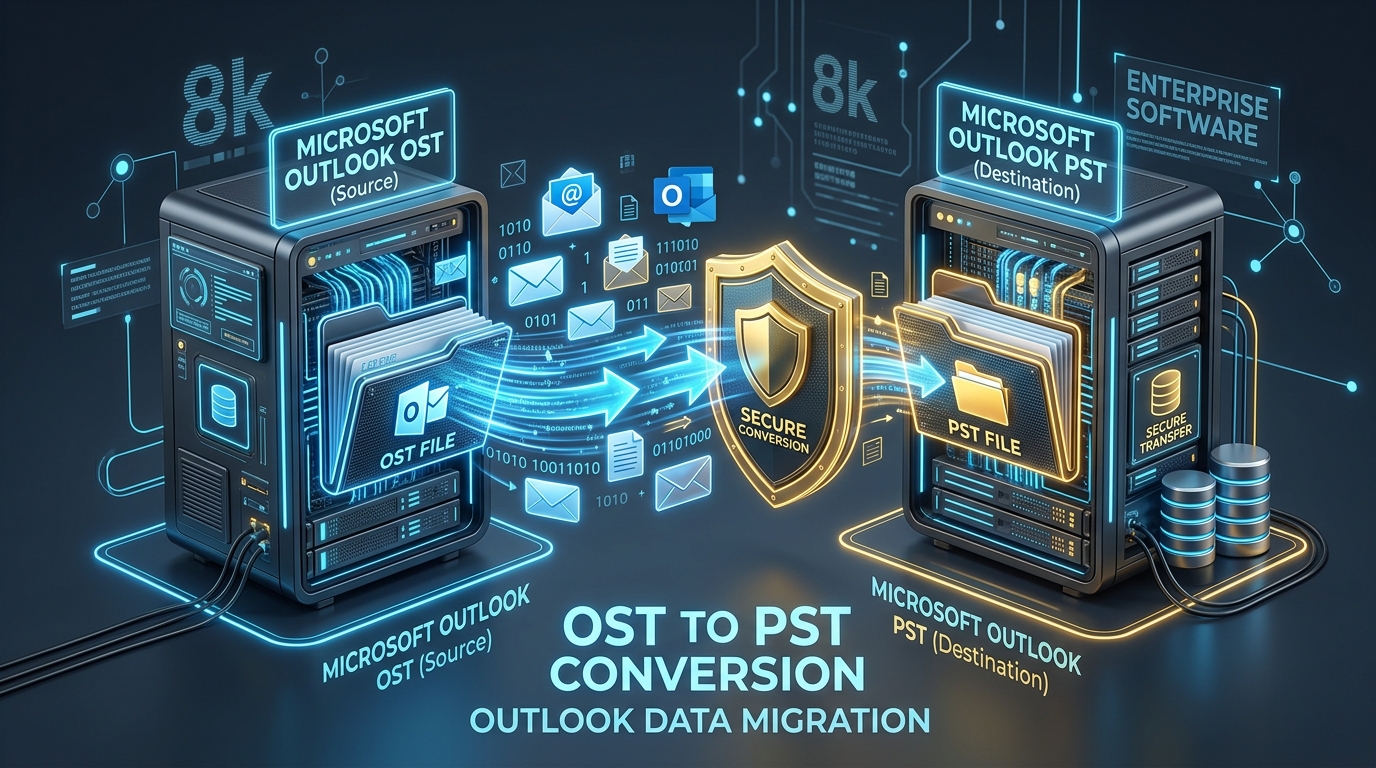
Fixing Inaccessible Outlook OST Files: The Complete Guide to Recovering Mailboxes to PST
Learn how to recover inaccessible or orphaned Outlook OST files to portable PST format without data loss. Covers native export and automated offline conversion methods.
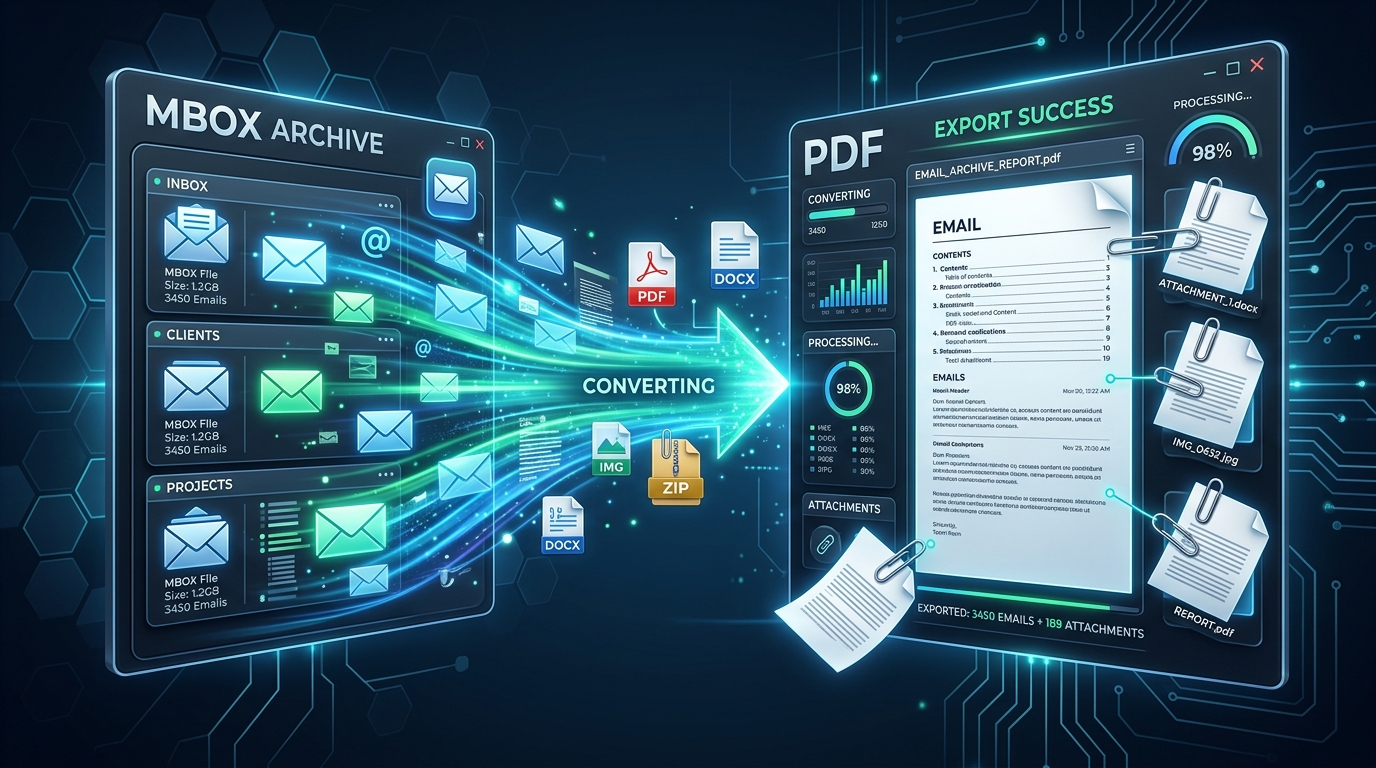
Exporting MBOX Mailboxes to Searchable PDF with Intact Attachments: 4 Tested Workflows
Step-by-step guide to converting MBOX email archives to high-fidelity PDF documents with embedded attachments. Ideal for legal, auditing, and archival workflows.
Migrating Mozilla Thunderbird to Outlook & Microsoft 365: Step-by-Step Folder & Mail Transfer
Detailed walkthrough for moving emails, contact address books, and complete folder trees from Mozilla Thunderbird to Microsoft Outlook on Windows.
Ready to Get Started with vCard Viewer?
Download the free trial now and experience professional-grade performance on your Windows PC.