Court-Admissible Email Exports: Converting MBOX & PST Inboxes to Legally Defensible PDFs
Export emails to court-ready PDF documents that comply with legal discovery standards. Maintain critical RFC-822 headers, timestamps, and embedded attachments intact.


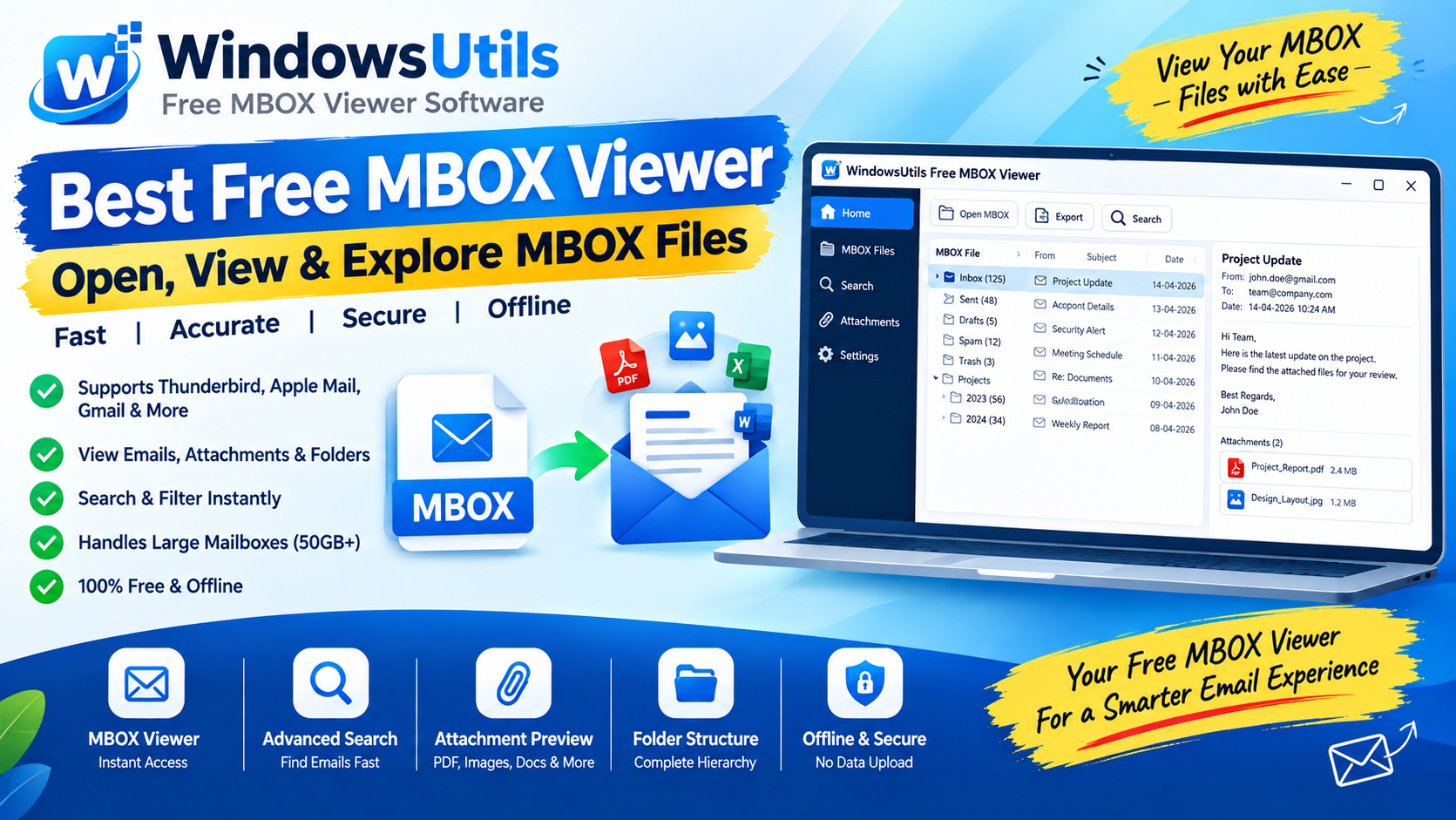
In legal disputes, commercial litigation, employment tribunals, and divorce proceedings, email communications frequently represent the single most decisive category of evidence. An admission in a late-night email or a forwarded spreadsheet can determine the outcome of a multi-million-dollar lawsuit.
However, handing a judge or opposing counsel a USB drive filled with raw `.mbox` files or taking smartphone photos of your computer monitor will get your evidence challenged or excluded under Federal Rules of Evidence (FRE) Rule 901. Here is how to convert email archives into verifiable, court-ready PDF bundles that withstand rigorous scrutiny.
1. Legal Standards for Court-Admissible Email Evidence
For digital evidence to be admitted in court, the offering party must satisfy three legal hurdles:
• Authenticity (FRE 901): Proving that the email is genuinely what the proponent claims it to be, originating from the stated sender without alteration.
• Best Evidence Rule (FRE 1002): Producing an accurate, readable counterpart of the original electronic record.
• Hearsay Exceptions (FRE 803(6)): Demonstrating that business communications were maintained in the regular course of business activity.
2. Why Screenshots and Simple Prints Are Thrown Out of Court
Attorneys frequently see clients present screenshots of email clients. Opposing counsel can easily dismantle screenshot evidence:
• No Metadata: Screenshots capture only visible pixels. They omit cryptographic signatures (DKIM), originating server IPs, and unique Message-IDs.
• Susceptible to Fabrication: With basic browser 'Inspect Element' tools, any user can edit the display text and timestamp of an email in 10 seconds.
• Missing Attachments: A screenshot cannot prove what attachment version was delivered with the message.
3. Critical RFC-822 Headers Required for Evidentiary Integrity
When converting an MBOX or PST archive to PDF for court submission, the conversion engine must render the technical internet header block at the top of every page:
| Header Field | Technical Role | Significance in Court |
|---|---|---|
| Message-ID | Unique globally generated UUID | Proves distinct transmission record across mail servers |
| Received: from | Relay server IP and hostname | Traces physical origin and network path of the communication |
| DKIM-Signature | Cryptographic public-key signature | Mathematically proves the message body was not altered in transit |
| Date & Timezone | RFC-2822 UTC timestamp | Establishes exact sequence of events across time zones |
| X-Mailer / User-Agent | Client software identifier | Confirms client device consistency during forensic deposition |
4. Step-by-Step: Converting MBOX to Evidence-Ready PDF
WindowsUtils MBOX to PDF Converter is engineered specifically for legal professionals, compliance auditors, and digital investigators.
Step-by-Step Execution Sequence:
5. Managing Email Attachments for Legal Review
Email evidence rarely exists in isolation—contracts, invoices, and schematics are attached to the message. Modern courts require attachments to remain inseparable from the parent email.
WindowsUtils provides dual-mode attachment handling: native file embedding (allowing legal reviewers to click paperclip icons to open original Excel/CAD files) or automated conversion of Word and image attachments directly into subsequent numbered PDF pages.
WindowsUtils MBOX to PDF Converter
Batch convert MBOX and PST email archives into court-admissible, searchable PDF documents with embedded attachments and RFC-822 header preservation.
Summary & Final Thoughts
Converting email archives into court-admissible PDF evidence requires precision, transparency, and complete metadata fidelity. With WindowsUtils MBOX to PDF Converter, legal teams can produce airtight, authentic digital exhibits in compliance with modern discovery standards.
Expert Answers to Common Inquiries
Yes. Searchable PDF/A format with complete RFC-822 internet headers and sequential Bates numbering conforms fully with federal eDiscovery and CM/ECF electronic filing rules.
Dr. Marcus Vance
Principal Security & QA Editorial Director
Specializes in Microsoft Exchange architectures, database structures, file forensics, and email platform migrations with over a decade of hands-on data recovery experience.
Related Technical Guides
Explore other tutorials on email migration, format conversions, and database repair.
 PDF Management
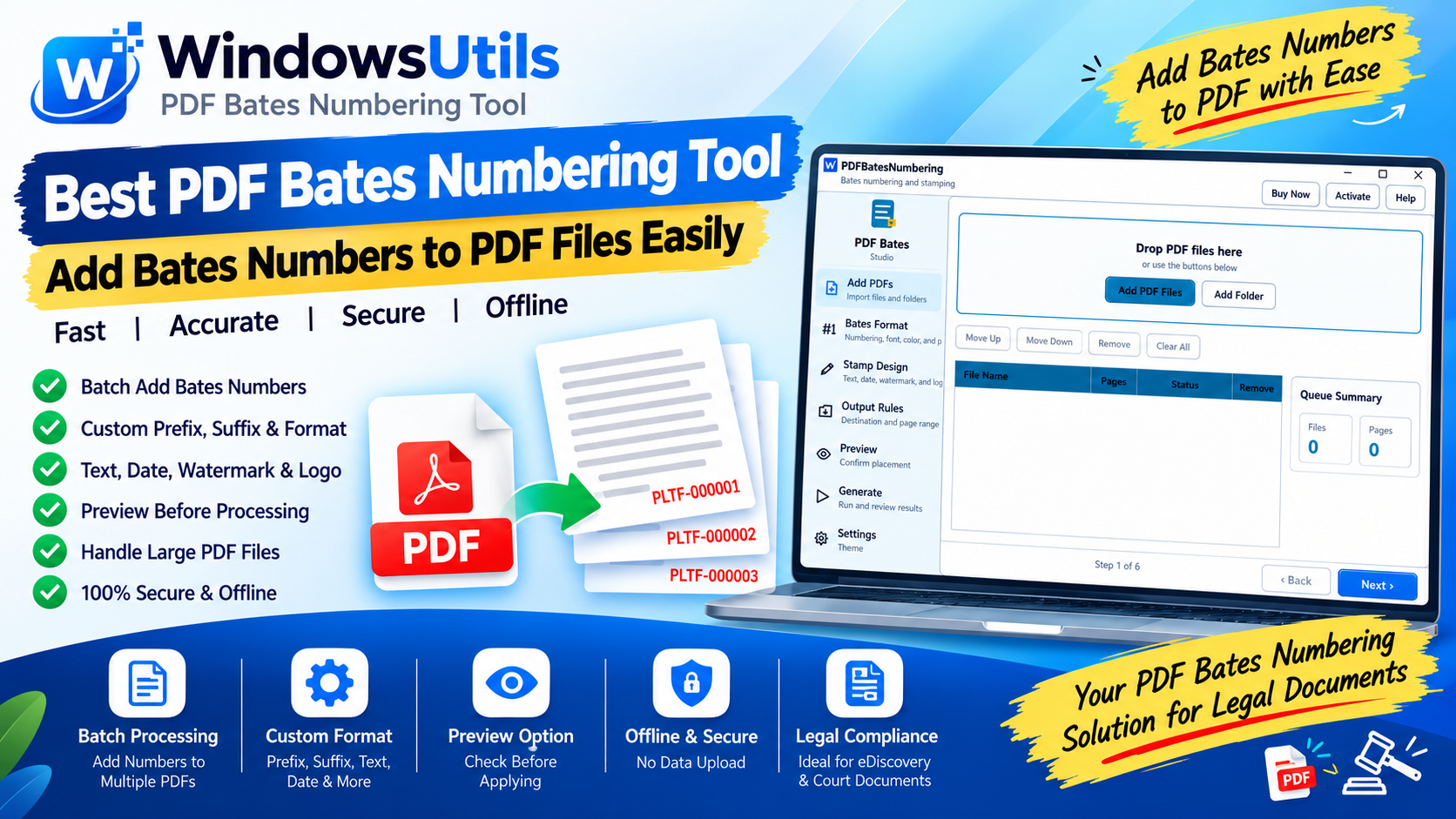
Bates Numbering Demystified: Federal Court Standards, Prefix Formatting & Automated Stamping
Comprehensive guide to Bates numbering in legal discovery and courtroom submissions. Learn standard prefix conventions, zero-padding, and offline batch stamping workflows.
 Email Migration
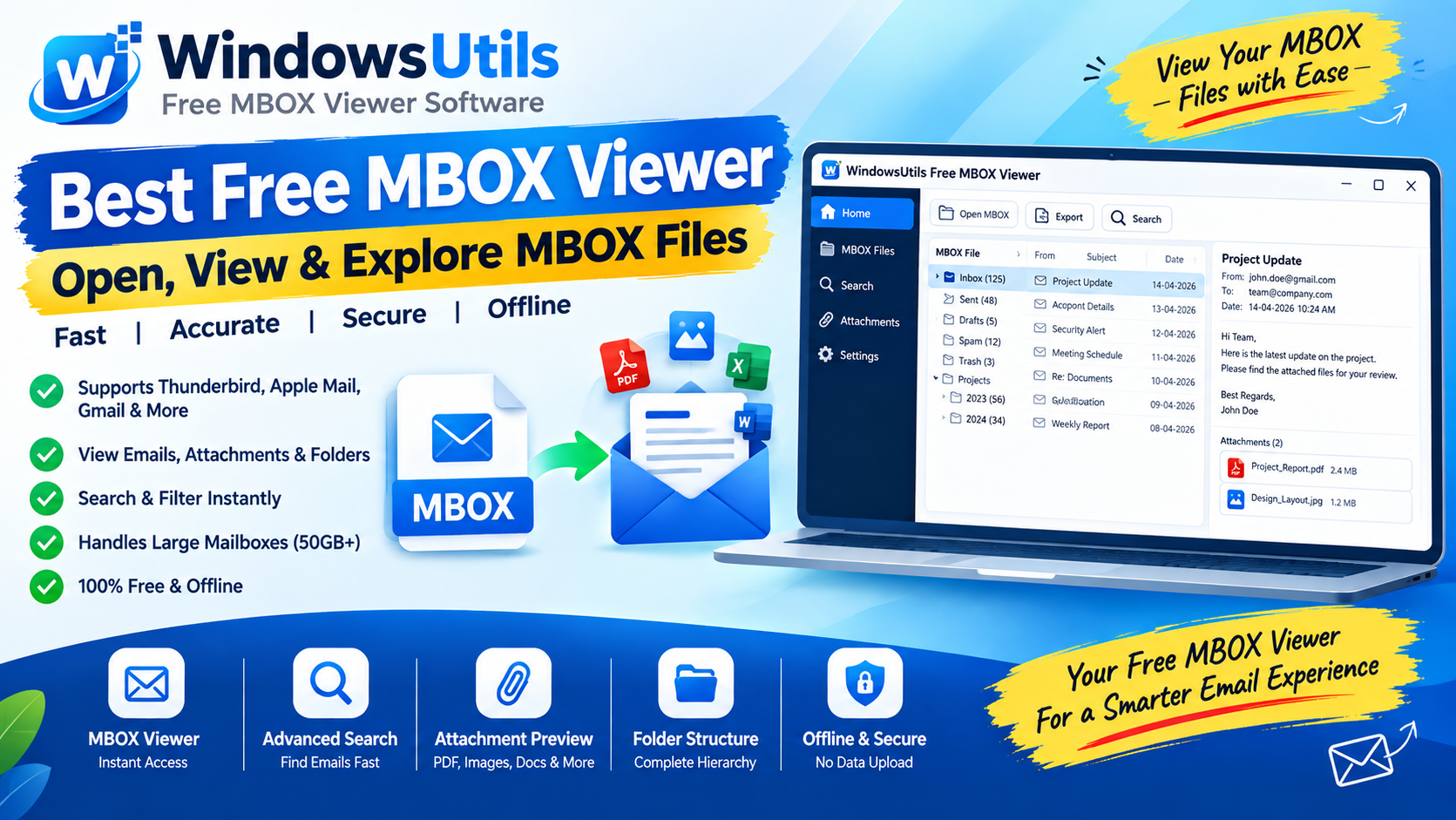
Exporting MBOX Mailboxes to Searchable PDF with Intact Attachments: 4 Tested Workflows
Step-by-step guide to converting MBOX email archives to high-fidelity PDF documents with embedded attachments. Ideal for legal, auditing, and archival workflows.
 PDF Management
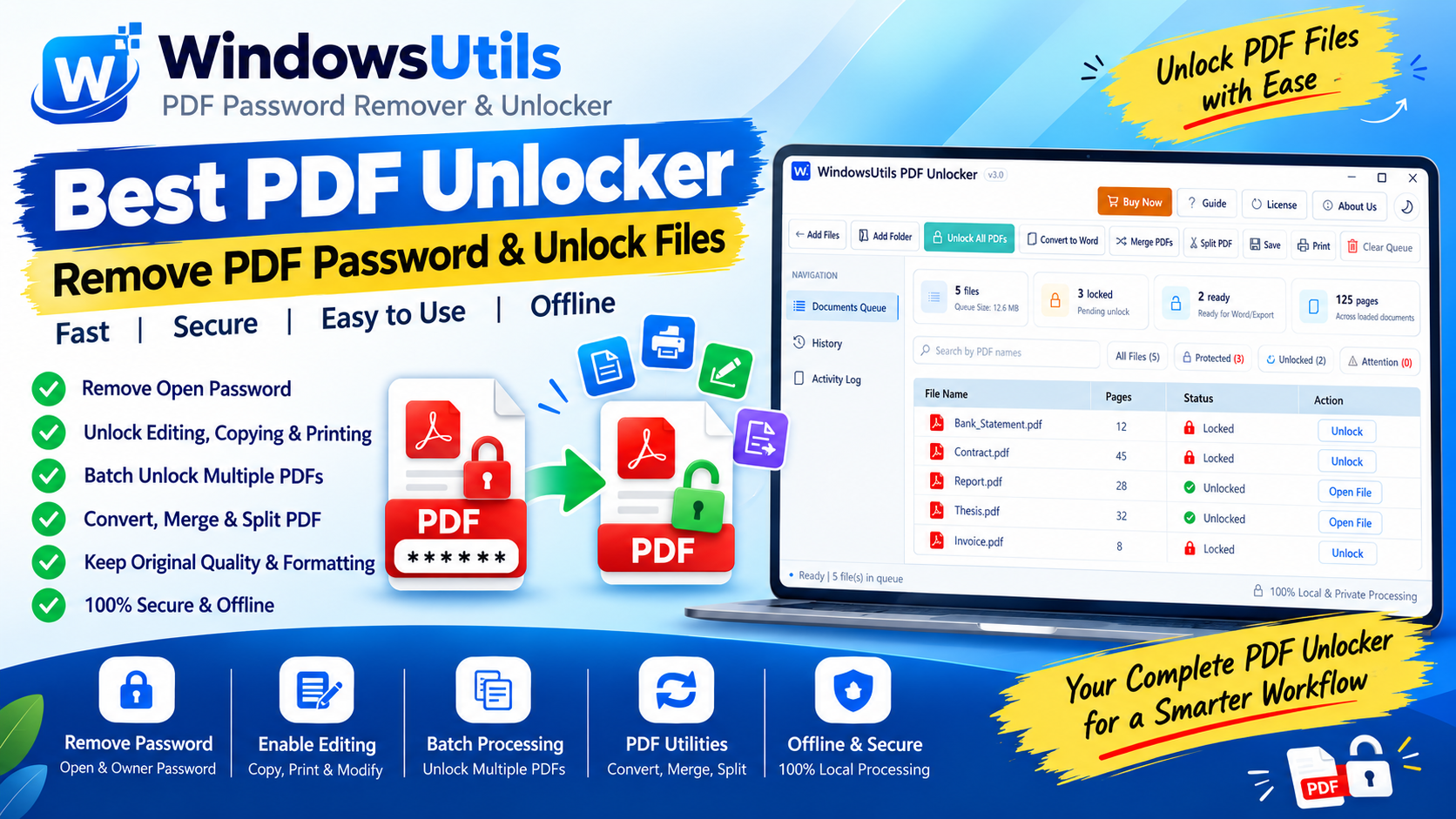
Unlocking Restricted PDFs: How to Remove Owner & Permission Passwords Safely Offline
Need to print, copy, or edit a password-protected PDF? Learn how to eliminate owner restriction passwords safely on Windows without Adobe Acrobat or shady cloud portals.